TAGGED: installation
-
-
June 12, 2018 at 11:59 am
raimund.blankenburg
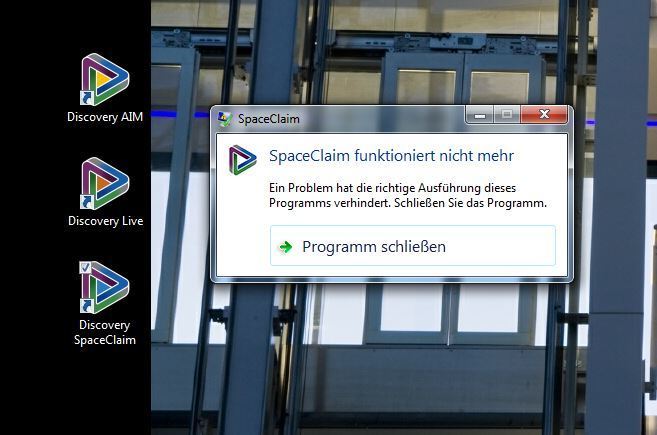
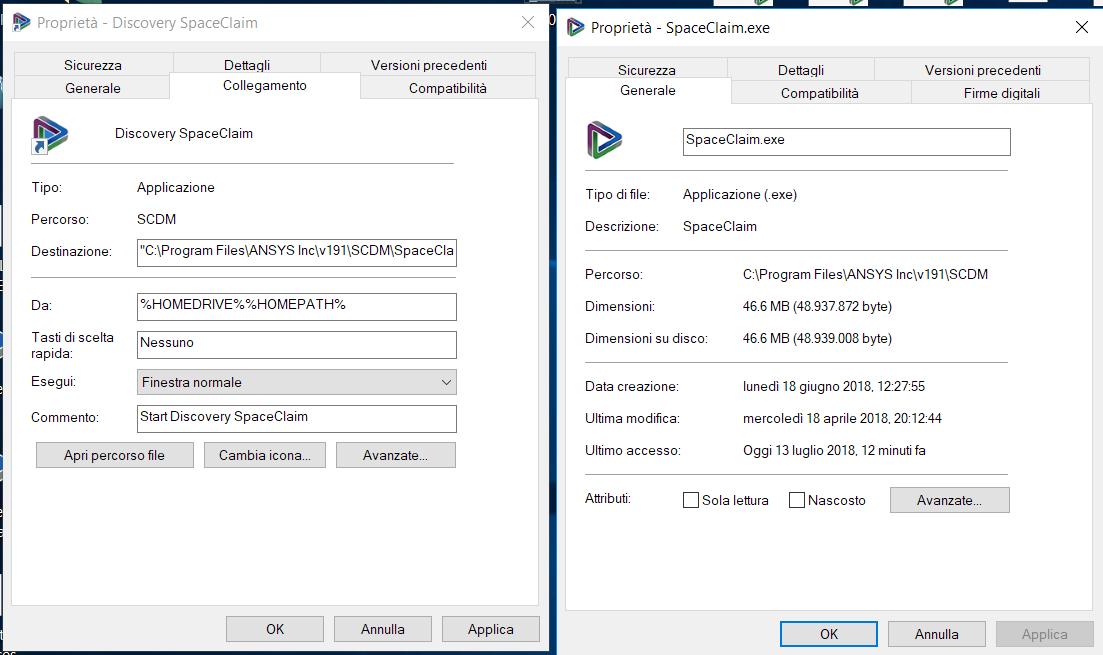
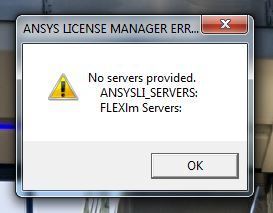
SubscriberHello moderator, I have just downloaded the ANSYS Discovery Ultimate package (version 19.1, released 14 May 2018) and installed it on a computer where ANSYS has never been installed before. Unfortunately I don't get the software to run but I only get the attached error messages. What do I do wrong or what do I have to do to get the software to work?
-
June 12, 2018 at 1:24 pm
Naresh Patre
Ansys EmployeeRaimund Blankenburg Are you getting this error while launching Discovery SpaceClaim as well as Discovery Live? Did you run this graphics card compatibility tool to ensure that your graphics card is compatible with Discovery Live? Secondly, can you send following files to Discovery Support Team: 1. Type %temp% in Windows Search and go inside .ansys folder. Locate .log file starting with ansysls_client* and send it 2. Send following log files located at ~/Ansys Inc Install.log Install_licconfig.log Install.err (if it exists) Lastly, did you try launching Discovery AIM it to make sure that the activation is successful and there are no firewall/proxy issues that are blocking the connection to the server for activation? Please check out this forum post on Firewall and proxy settings required to unblock ANSYS Discovery Products -
June 13, 2018 at 6:44 am
raimund.blankenburg
SubscriberNaresh Patre
Thank you for the quick answer.
Yes, I always get the same error message.
I have executed the “graphics Card compability tool”. Screenshots are attached to the e-mail to the support team.
I also attached the requested files to the e-mail.
I have executed AIM several times – there is also a message that an initialization is performed – but this always ends in an error message. (One or more errors occured.)I have the following suspicion: The registration on the homepage works, the download and the installation also. The necessary hardware requirements are met. However, there seem to be problems with the activation of the license.
The solutions can be found at Discovery License Activation Troubleshooting
were processed by my system administrator – but the ping still shows 100% loss.We now run out of ideas what is not set correctly here…
I would be very pleased to receive feedback at short notice – we would like to start testing as soon as possible.
-
June 13, 2018 at 6:51 am
raimund.blankenburg
SubscriberNever or Forever
That's exactly what I did - the software still won't start.
-
August 28, 2018 at 8:35 am
Naresh Patre
Ansys EmployeeEnterprise license was provided in this case.
-
- The topic ‘Don’t get the software to run’ is closed to new replies.
-
6450
-
1906
-
1457
-
1308
-
1022
© 2026 Copyright ANSYS, Inc. All rights reserved.