

TAGGED: discovery-live, graphics-card, nvidia
-
-
August 10, 2021 at 2:50 pm
ataraxia2021
SubscriberI just installed ANSYS 2021, I am getting the following error when I run Discovery,
August 10, 2021 at 2:51 pmGeorge Karnos
Ansys EmployeeYou can try setting this variable on the Windows machine. QT_OPENGL=desktop
August 10, 2021 at 2:59 pmSubscriberThanks for the response.
That did not work out
August 10, 2021 at 3:48 pmAnsys EmployeeMake sure the Graphics driver for the Nvidia card is up to date.
Also, I would change it to use the Nvidia Card as the default Graphics processor for all
August 11, 2021 at 1:54 amSubscriberThe graphics driver for the Nvidia card has been updated. The graphics processor has also been set as default for all the ANSYS tools.
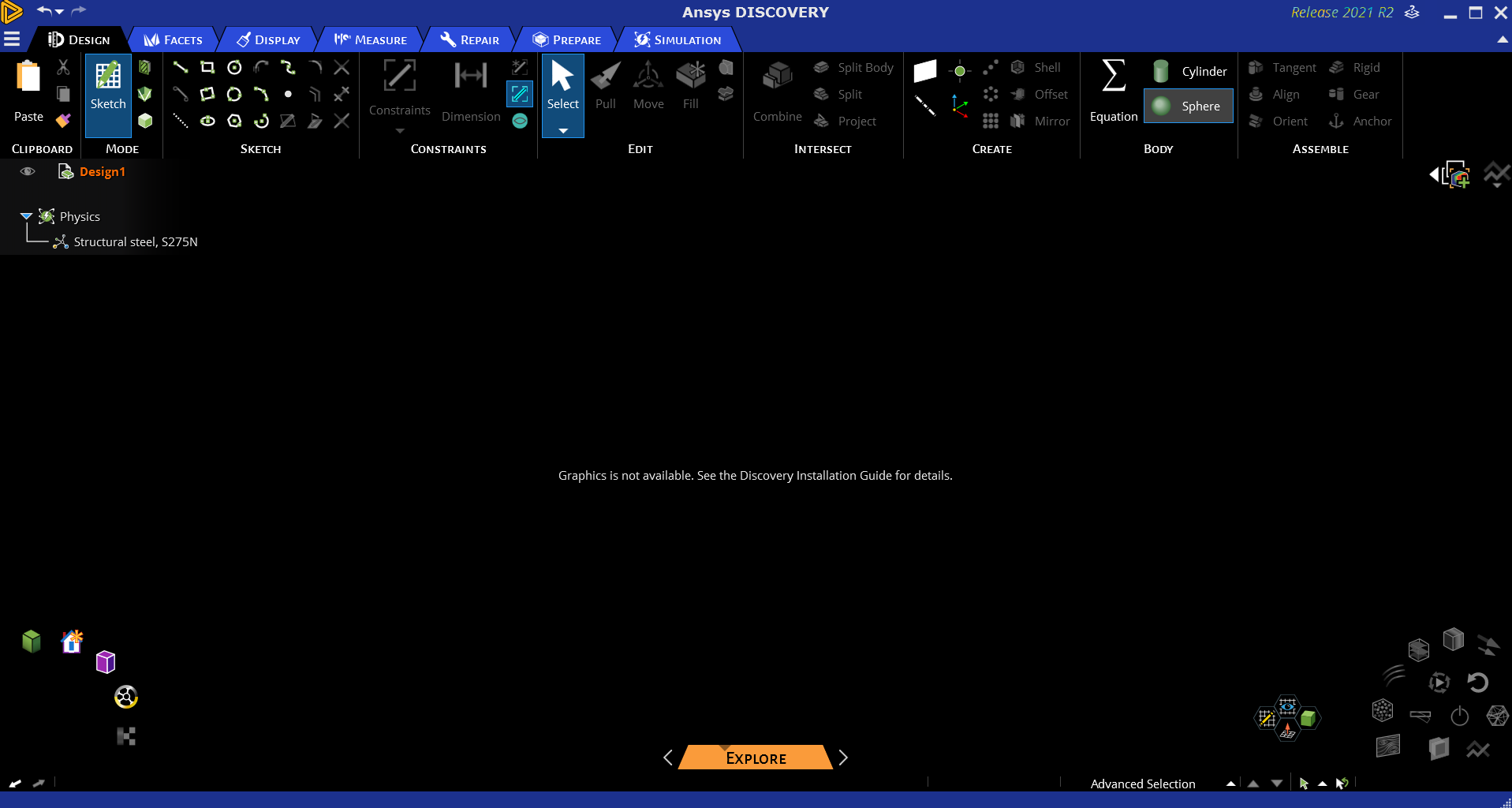
The same error shows up,
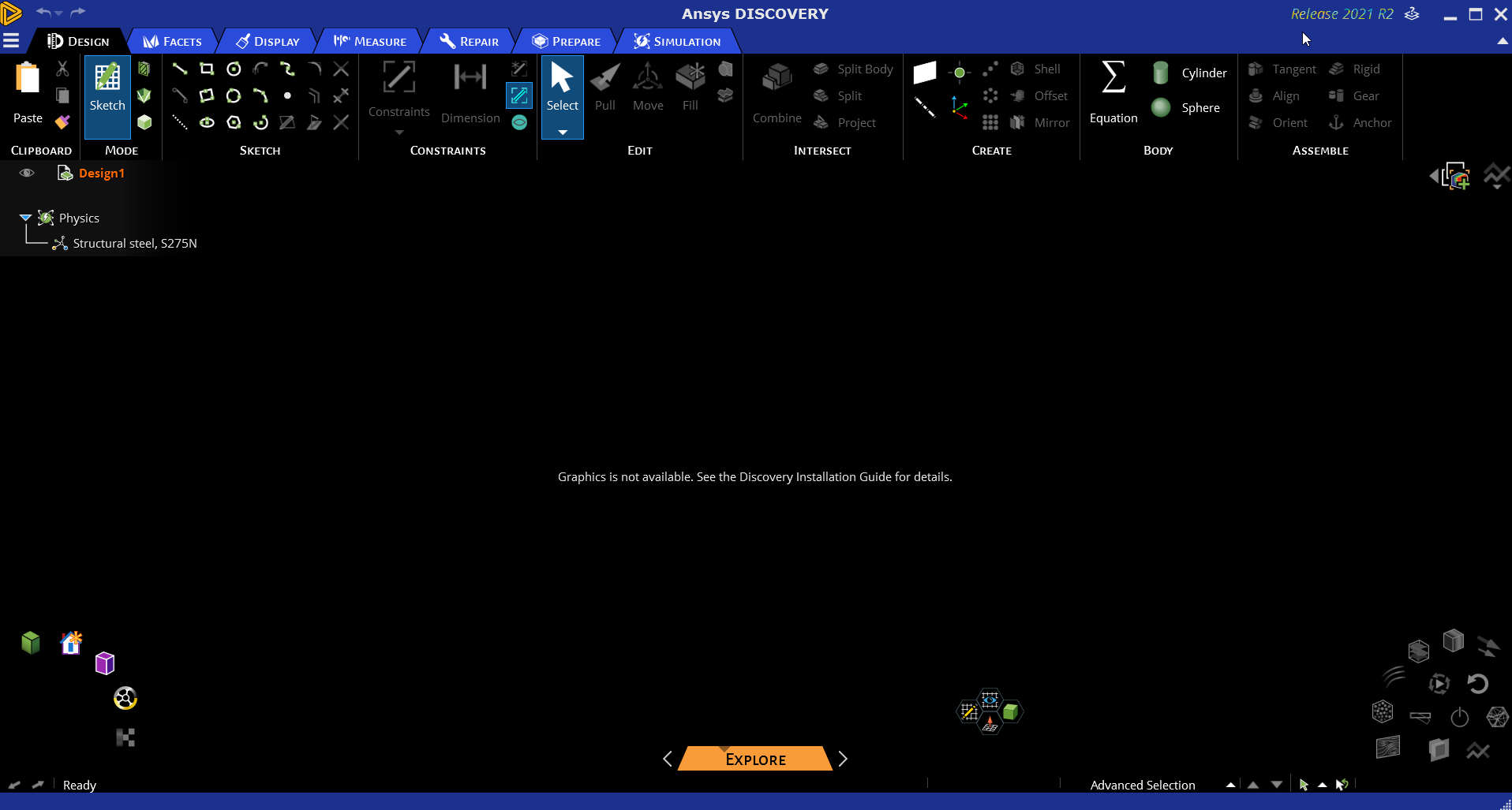
Graphics not available. See Discovery installation guide for details.
August 11, 2021 at 2:09 amSubscriberI just downloaded the drivers from the manufacturer's website, now Discovery R21 is working out.
The driver update from the device manager and windows update was not enough.
Thank you for your help!
March 24, 2023 at 5:52 amriyadi darminto
Subscriberwhere can I download the drivers manufacture to solve same problem ?
March 30, 2023 at 3:25 pmpavan kumar
SubscriberYes please share the link to download the Drivers and detailed information; i too face the same Issue. Please help!!
Viewing 7 reply threads- The topic ‘DIscovery ANSYS 2021 black screen after install’ is closed to new replies.
Innovation Space Trending discussions
 Top Contributors
-
peteroznewman
 5849
5849 -
scabo
 1906
1906 -
Dennis Chen
 1420
1420 -
javat33489
 1305
1305 -
Shyam Prasad V Atri
1021
Top Rated Tags
© 2026 Copyright ANSYS, Inc. All rights reserved.
Ansys does not support the usage of unauthorized Ansys software. Please visit www.ansys.com to obtain an official distribution.
-


The Ansys Learning Forum is a public forum. You are prohibited from providing (i) information that is confidential to You, your employer, or any third party, (ii) Personal Data or individually identifiable health information, (iii) any information that is U.S. Government Classified, Controlled Unclassified Information, International Traffic in Arms Regulators (ITAR) or Export Administration Regulators (EAR) controlled or otherwise have been determined by the United States Government or by a foreign government to require protection against unauthorized disclosure for reasons of national security, or (iv) topics or information restricted by the People's Republic of China data protection and privacy laws.

 You are navigating away from the AIS Discovery experience