I have this fluent simulation of a lubricated gap, one of the walls is moving. The simulation is running fine and now i am stuck at evaluating the results.
One of the results i need to verify is the velocity distribution on the outflow. I do get this nice rainbow surface, which is what i expected, but i am very bad at determining colors, so i want to extract some values along a line so i can determine whether or not the velocity distribution is correct.
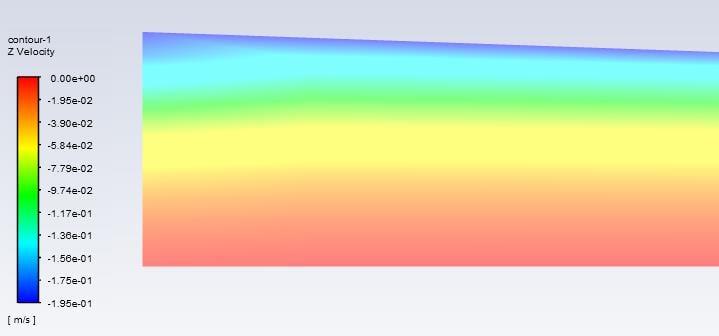
Is there a way to prepare a line in Modelling or Meshing that i can use to get values for a velocity plot? If not, what are my other options to get the results I need? I am sure that i am missing something fairly obvious in workbench 19 R2, but I cannot get it to work.
Thank you!


















 You are navigating away from the AIS Discovery experience