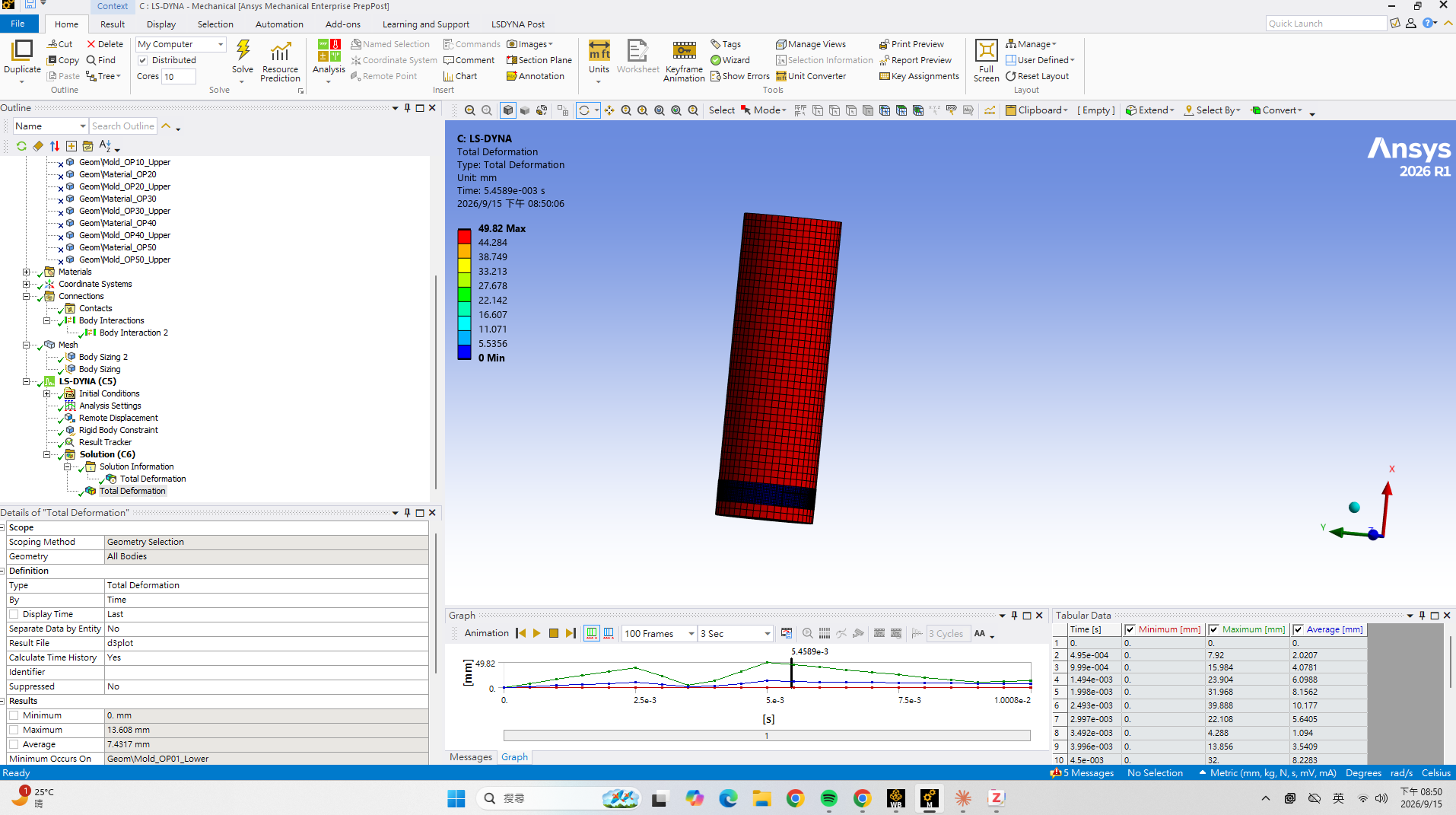
I strongly suggest that you don't just use workbench by itself and just inserting objects to set up a dyna model. Before you click solve, go to solution and export the input file and take a look at what's in there.
body interaction usually translates into a single surface contact (0,0,5) that's not always the best. a contact object often translates into a tied_offset or a automatic contact (depending on bonded vs frictional).
A lot of the contact detection problems can be solved by changing the soft option or use other contact methods like contact_automatic_general. FOr edge to surface, surface to surface, edge to edge contact, different contact keyword affects the response.
It really bothers me when I see people use workbench like it's Ansys Mechanical for DYna, Dyna doesn't work like Ansys Mech at all, it has a lot more feature hidden that can be invoked inside workbench if you are not restricted to workbench's current design limits.



















 You are navigating away from the AIS Discovery experience