Hi,
I want to have different " Cell Zones " in the Cell Zones Conditions dialog box of Fluent like the exemple below. There are a Cell Zone for each typ of the mesh.
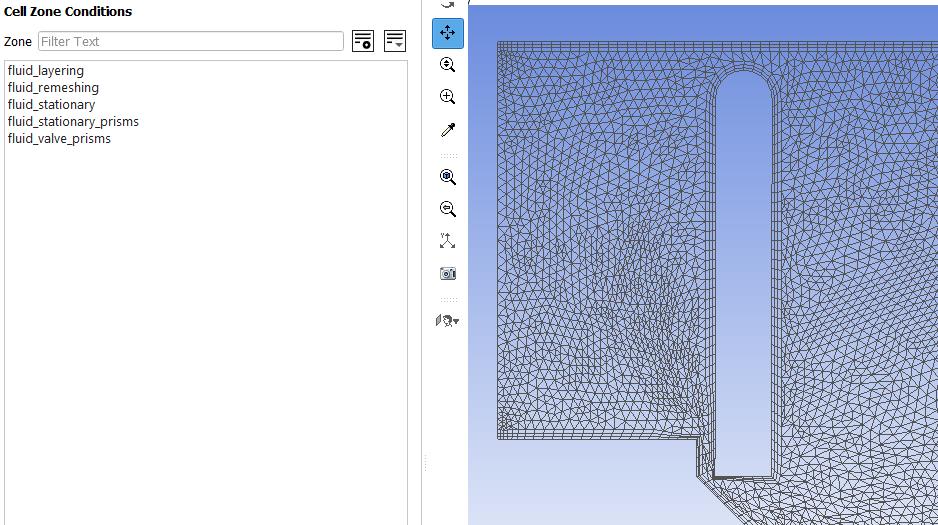
And we can display all the celle zones, below the fluid_stationary-prisms for exemple.
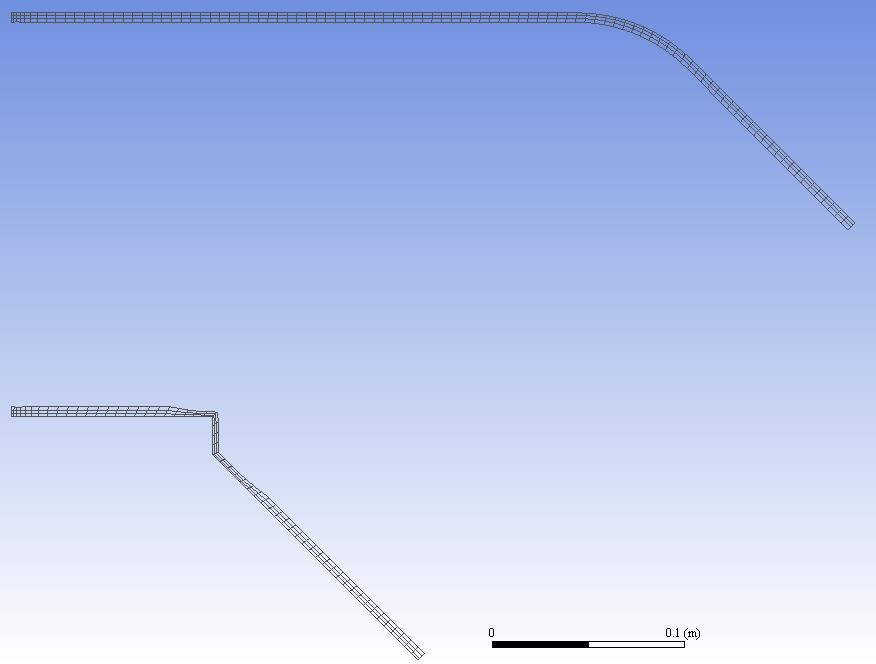
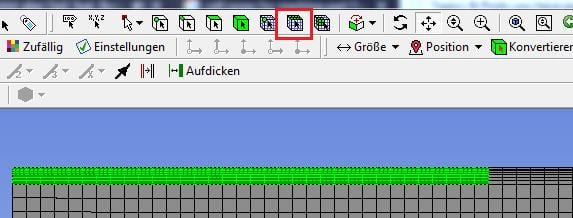
In my case, I want to differenciate two zones: first zone is the zone with the inflation, and the second is the rest of the mesh. I have seen that we can use the surface element of the mesh (red frame), but it is very boring to chose all the elements.
Is there any other solution to do that ? For exemple, is it possible to create two different sketches in DesignModeler and mesh them independently ?
Regards,
Maxime


















 You are navigating away from the AIS Discovery experience