Hello,
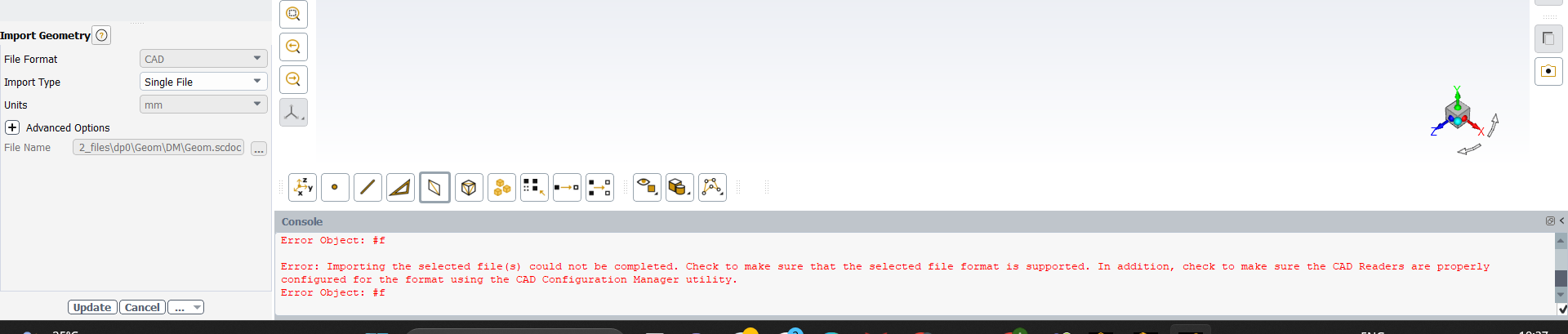
couple of things could be causing this error:
1) Make sure there are no special characters, e.g. " " or "&" in the path to the CAD.
2) Make sure you have a local copy of the file on your machine, i.e. it is not stored on a cloud drive.
3) Make sure that the versions of the CAD and Fluent are compatible, e.g. a 23R2 .scdoc file may not be compatible with 22R2.
4) Proceed with the CAD configuration using Ansys CAD Configuration Manager to ensure that they are set correctly.


















 You are navigating away from the AIS Discovery experience