Ansys Assistant will be unavailable on the Learning Forum starting January 30. An upgraded version is coming soon. We apologize for any inconvenience and appreciate your patience. Stay tuned for updates.
Fluids

Fluids

Topics related to Fluent, CFX, Turbogrid and more.

Bladegen Data import wizard (Creation the existing turbine blades in bladegen)

    • Mustafa Babagiray
      Subscriber

      Hey everyone,

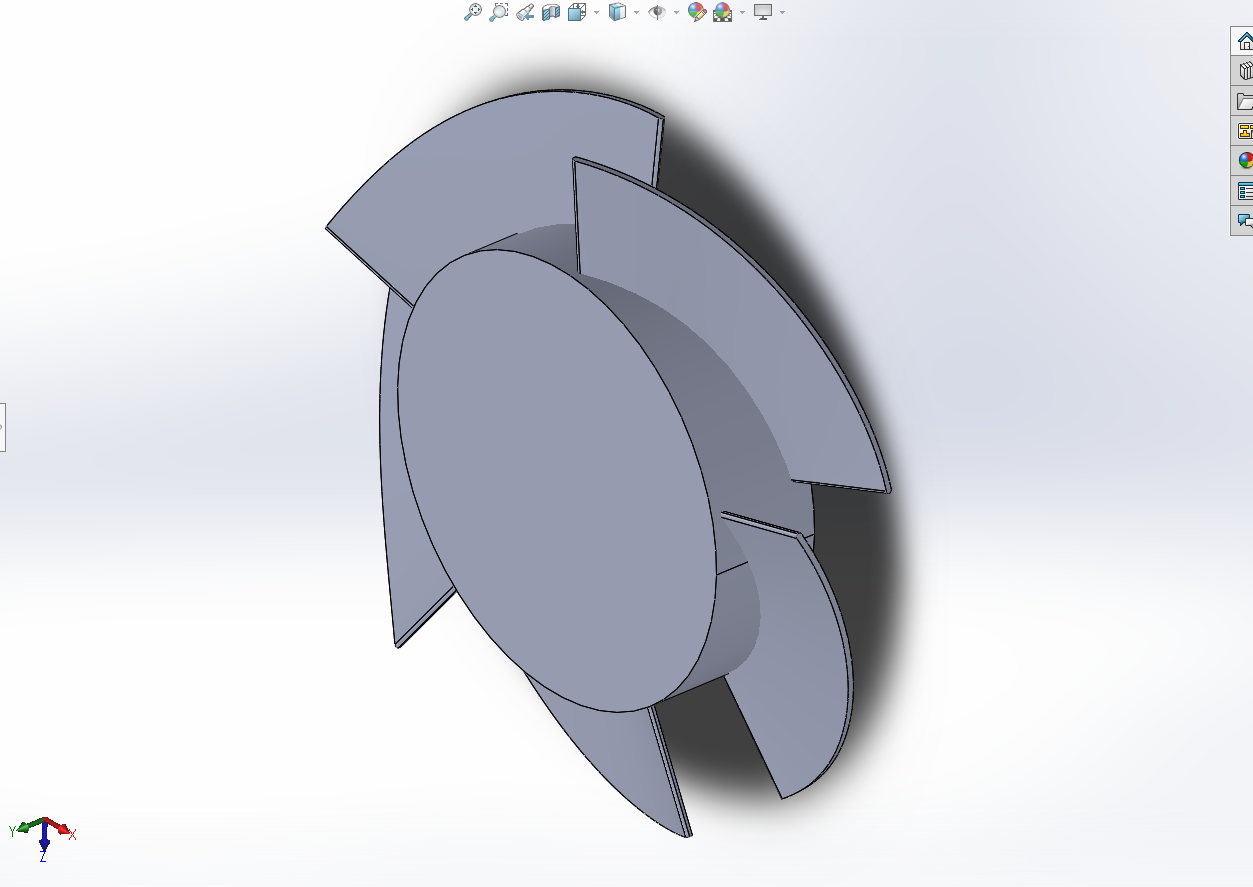
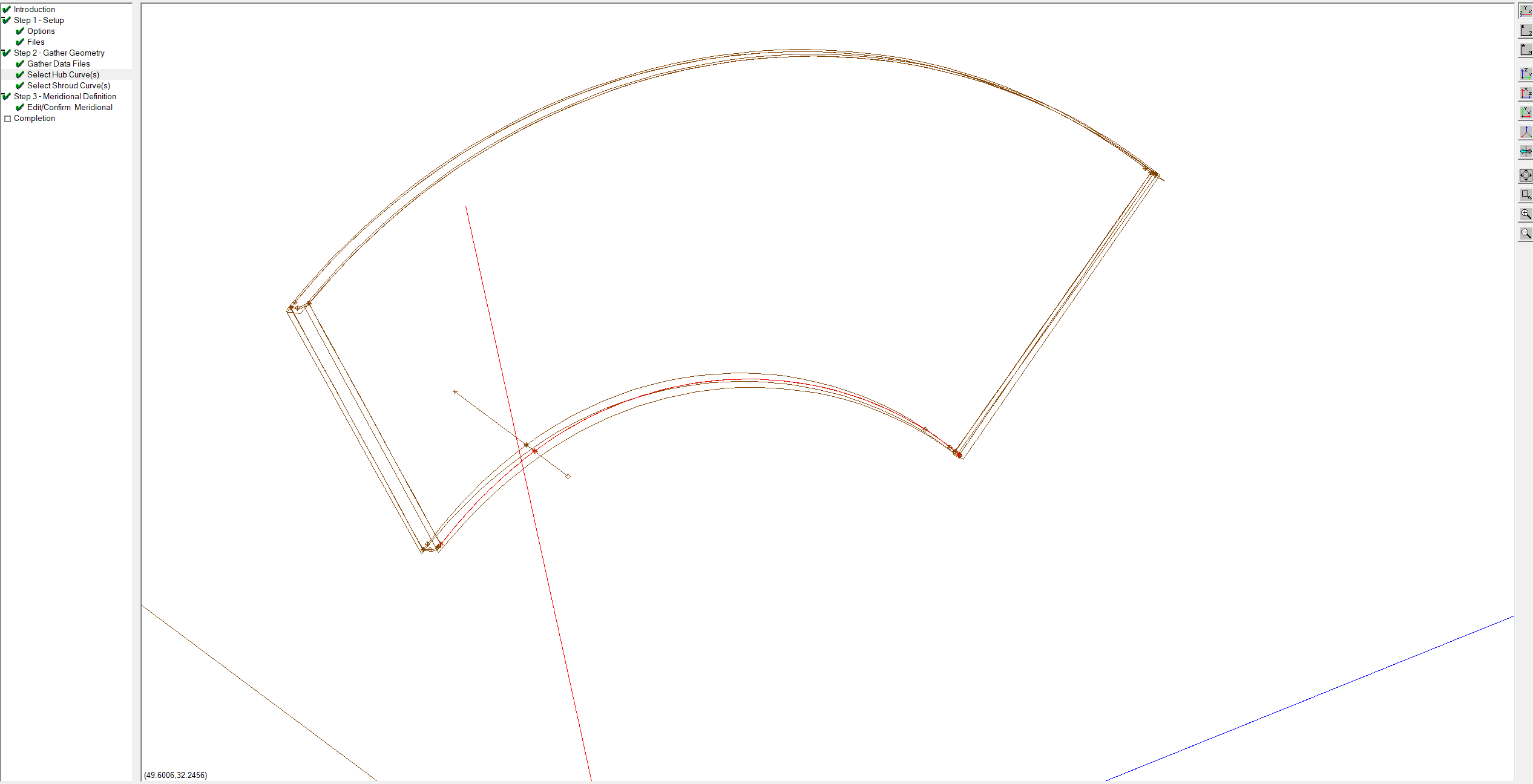
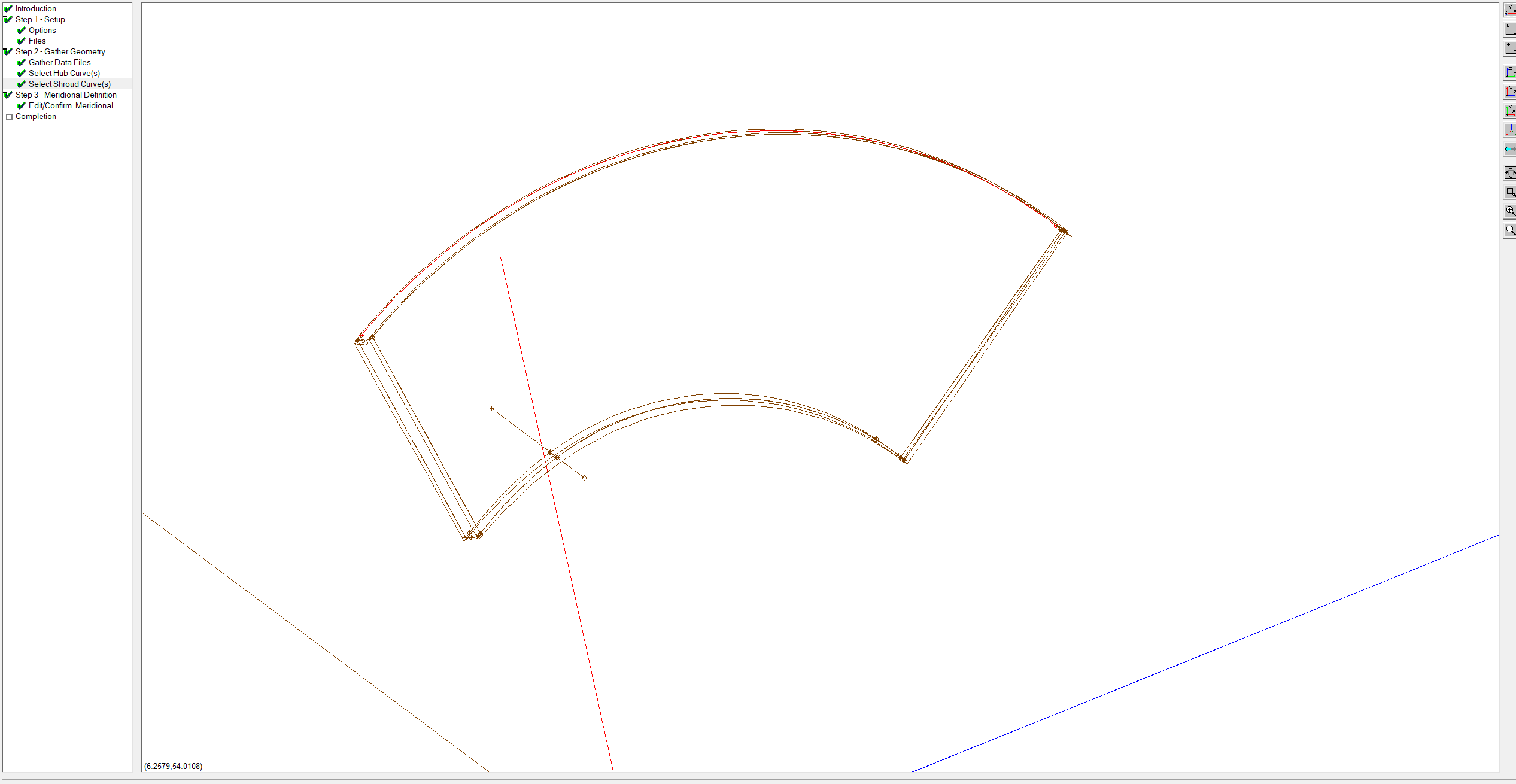
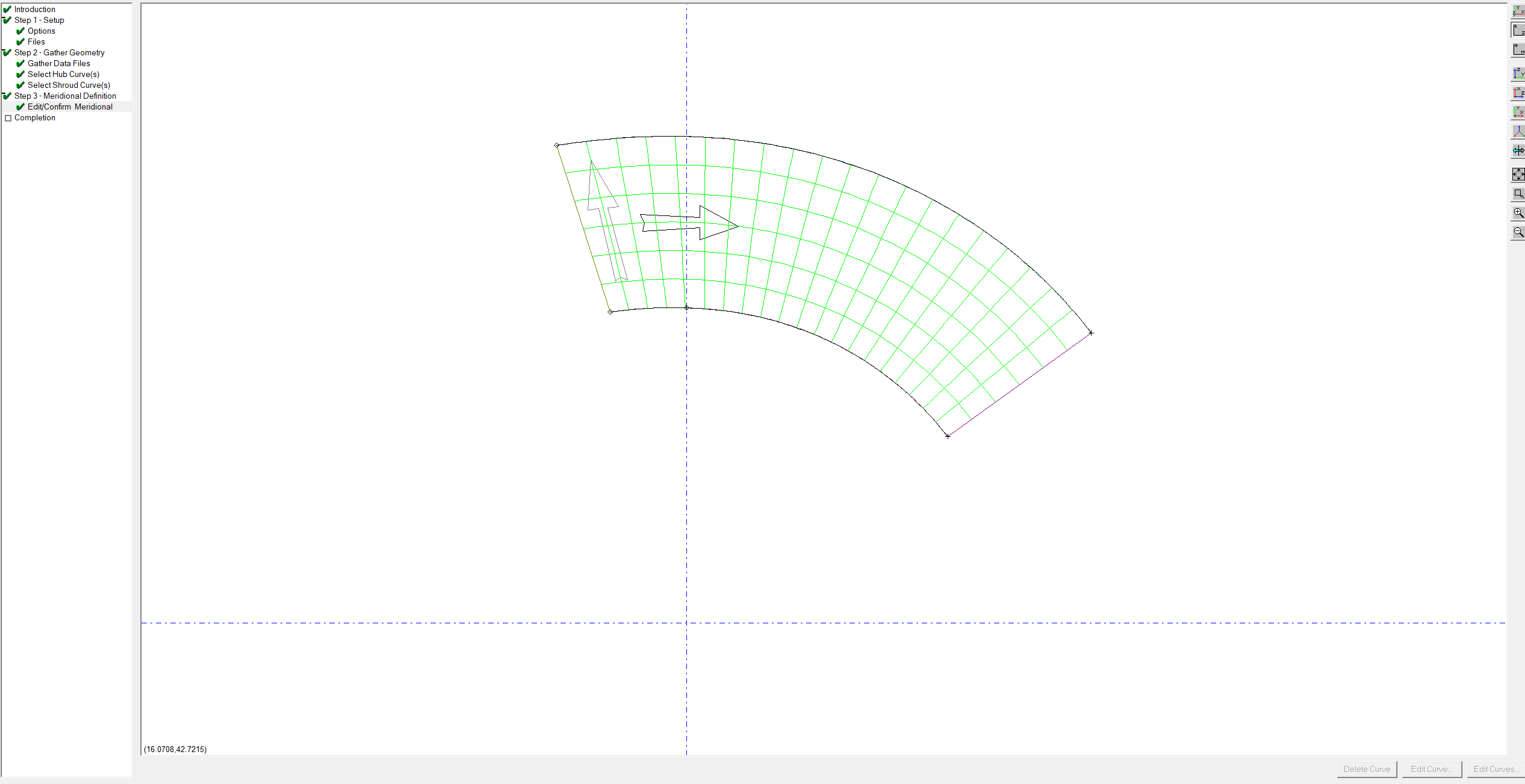
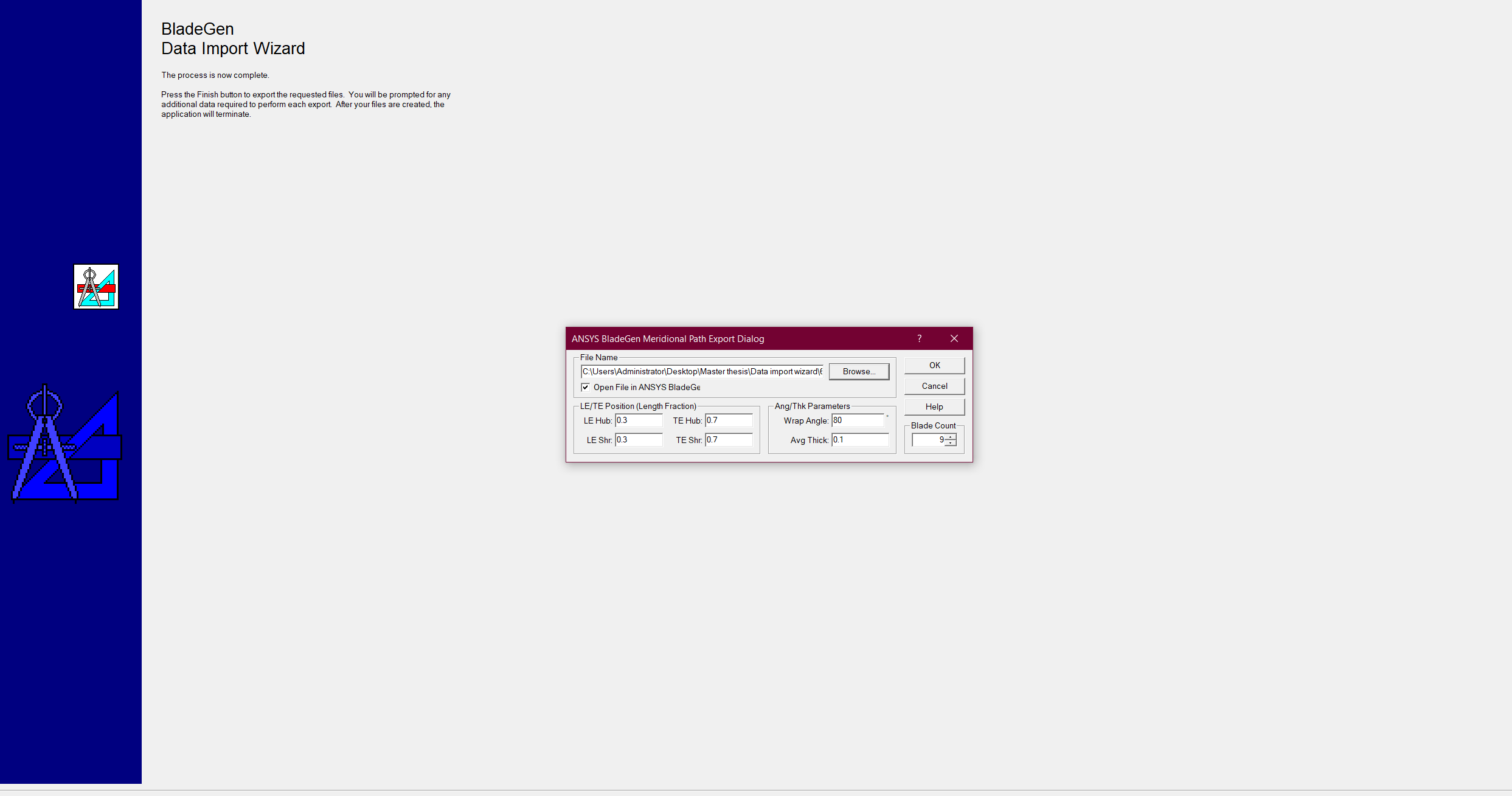
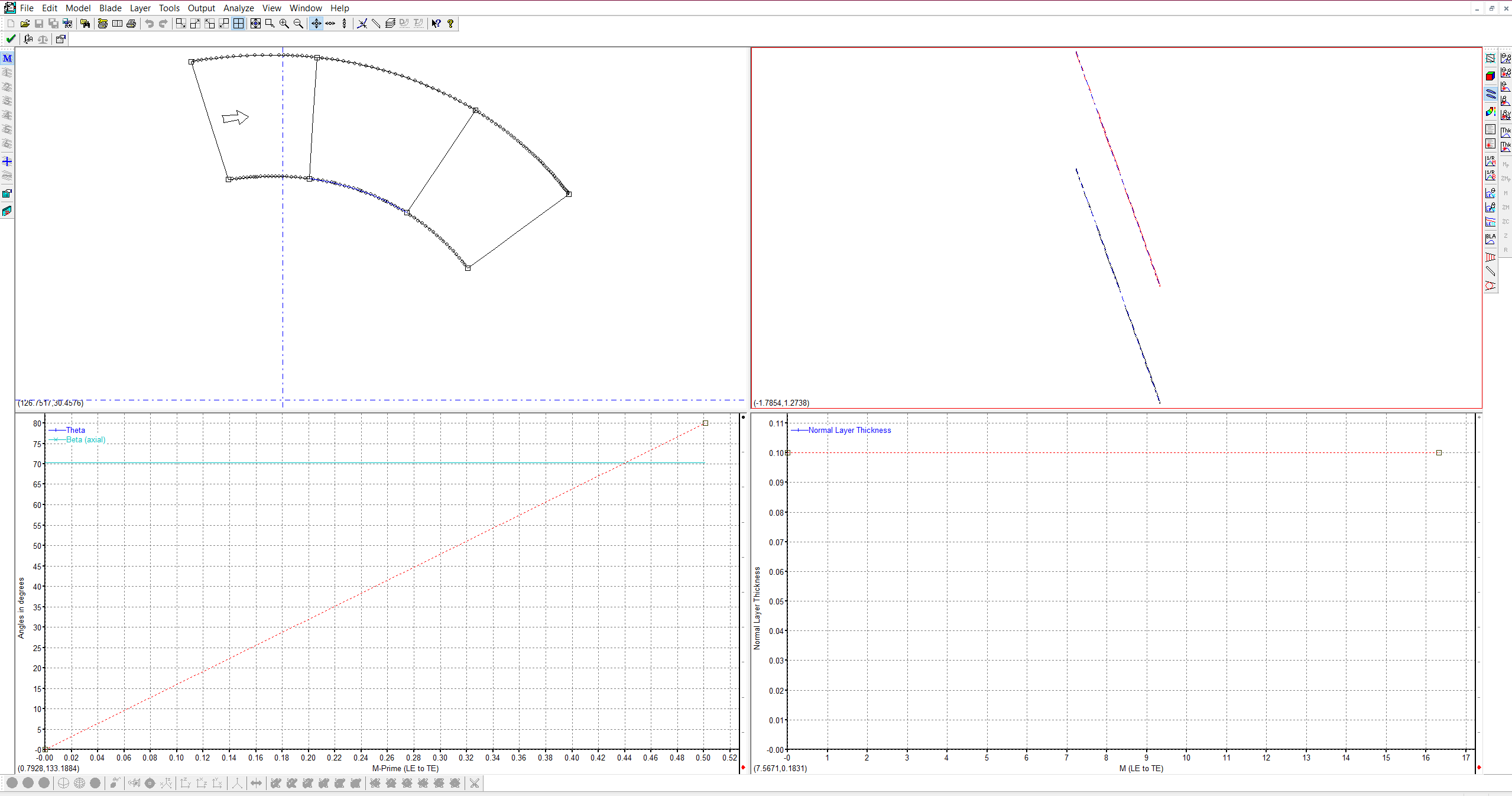
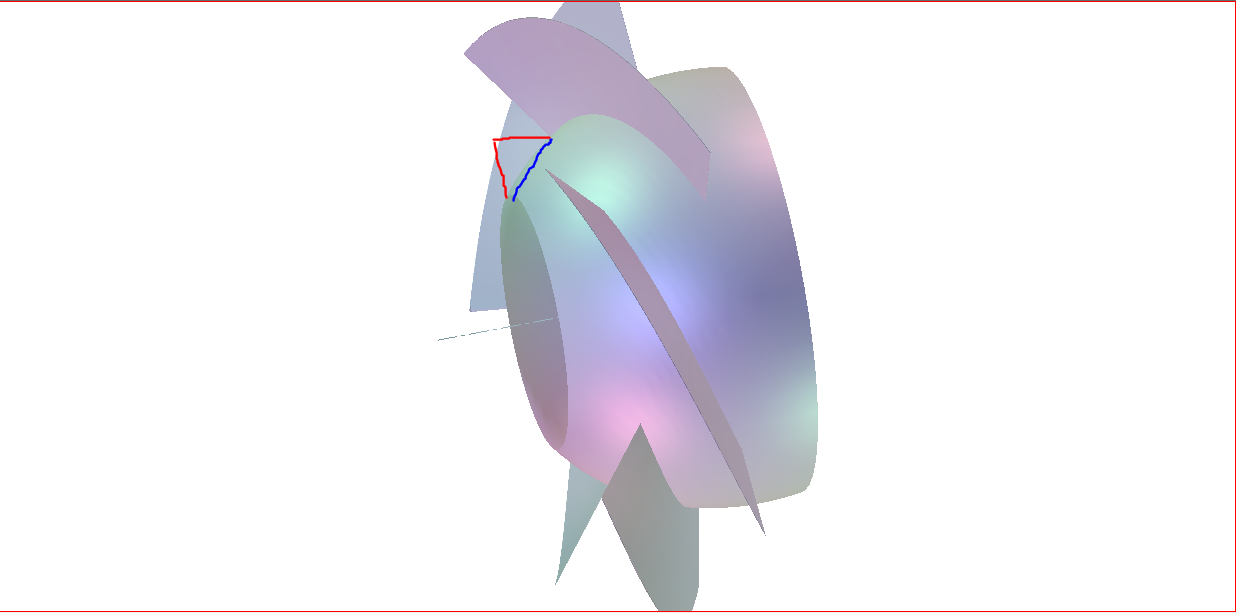
      I am working on turbine blade optimization for a specific flow rate. I have the CAD design of the turbine runner attached below(1), but I wanted to convert it into the bladegen by using the data import wizard. I attached the steps that I have taken in the data import wizard, I selected hub and shroud curves and the meridional profile is created. (No problem until here). However, as you see in picture 7, I want to have the hub surface as a flat surface as depicted in the picture's red lines without any changes in the blade shape. I mean everything is correct except the flow path starting point. It should be perpendicular to the blades. Do you have any suggestions on how to do it?

                (1)

      2

      3

      4

      5

      6(bladegen view)

      7

    • C N
      Ansys Employee

      Hello Mustafa,

      I recommend you  to set the zr locations for the hub & shroud curves at outlet and TE to be the same values. You can double click on the points and set the values. This should create a flow path perpendicular to the blades . I am attaching the user guide on link on flow path feature for further details.

      10.2.1. Flow Path Contour Creation (ansys.com)

      10.2.2. FlowPath Feature (ansys.com)

      I hope this helps you solve the problem.

      Thanks,

      Chaitanya Natraj

Viewing 1 reply thread
  • The topic ‘Bladegen Data import wizard (Creation the existing turbine blades in bladegen)’ is closed to new replies.

[bingo_chatbox]