Hi everyone,
I am looking for some help from the community.
Brief description of the issue:
I bought a perpetual license for Mechanical Pro in 2024. Due to personal issues, I was not able to install it until spring 2026. At that time, I informed the person I was communicating with that I would not be able to install it in the near future.
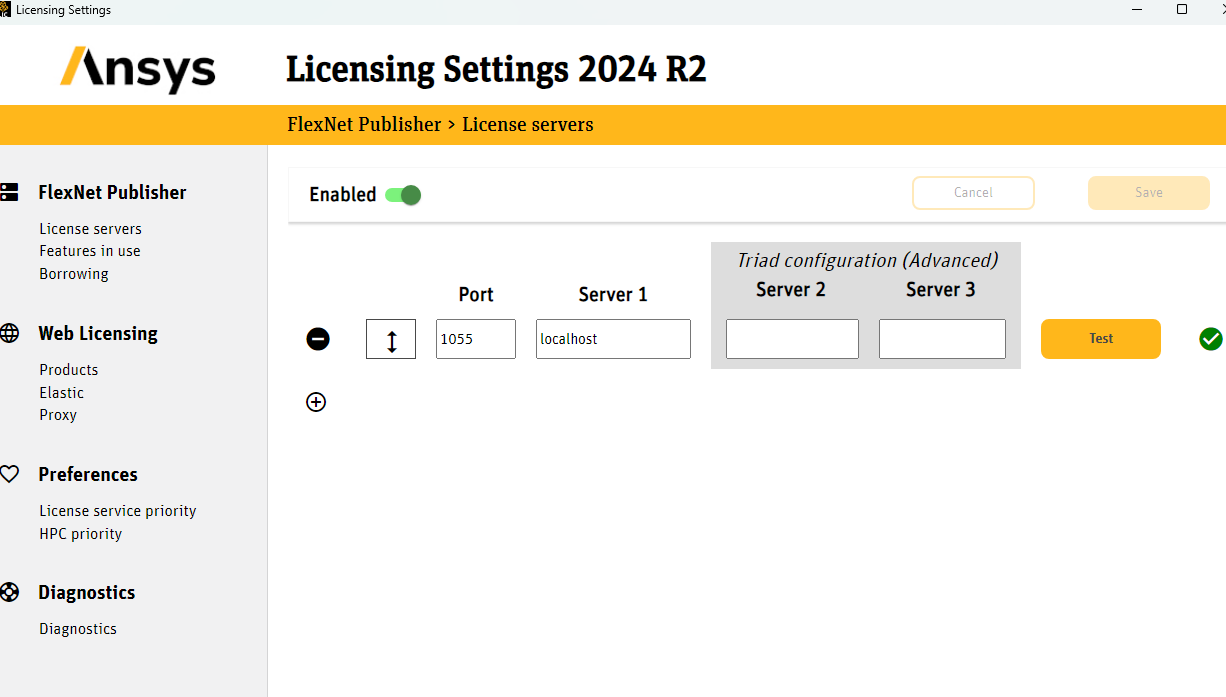
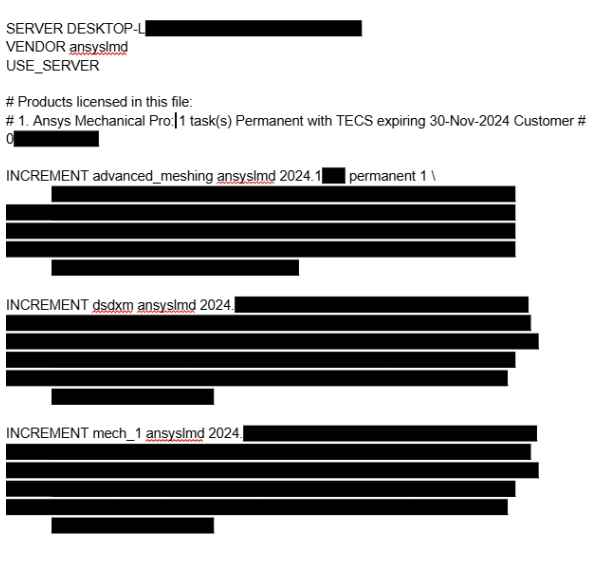
When I finally tried installing it this spring (2026), I discovered that my account was blocked and I could not generate the license file. Thanks to comments here, I learned that I had an account manager. With help from a very helpful lady, I regained access to the licensing portal and unblocked my account. I was then able to generate the license file.
Previously, I could not see the following tabs:
- “Activate Entitlements”
- “Manage Activations”
Now, after installing version 2024 R2, this is what I get: Mechanical is not showing in the project tree.
Am I doing something wrong? Could someone point me in the right direction or suggest what I should check next?
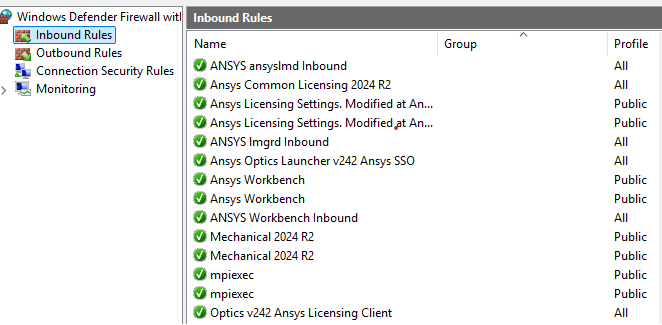
All firewall settings are configured to allow the software and antivirus is set to off.
Thank you.

















 You are navigating away from the AIS Discovery experience