Electronics

Electronics

Topics related to HFSS, Maxwell, SIwave, Icepak, Electronics Enterprise and more.

Ansys Maxwell Transient Simulation Stationary Shell

    • J.MURPHY104
      Subscriber

      Hi,

      Issue Summary:

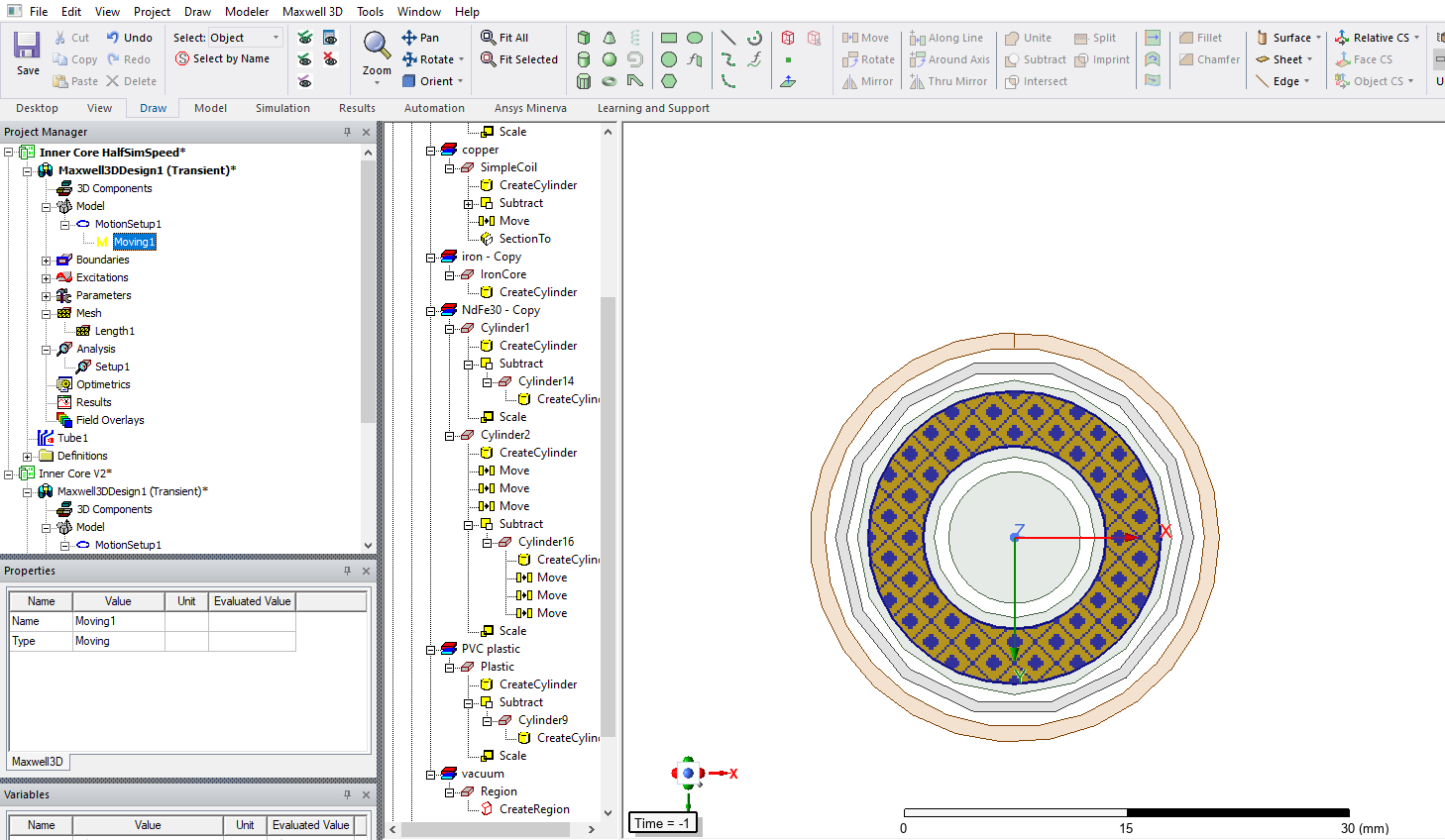
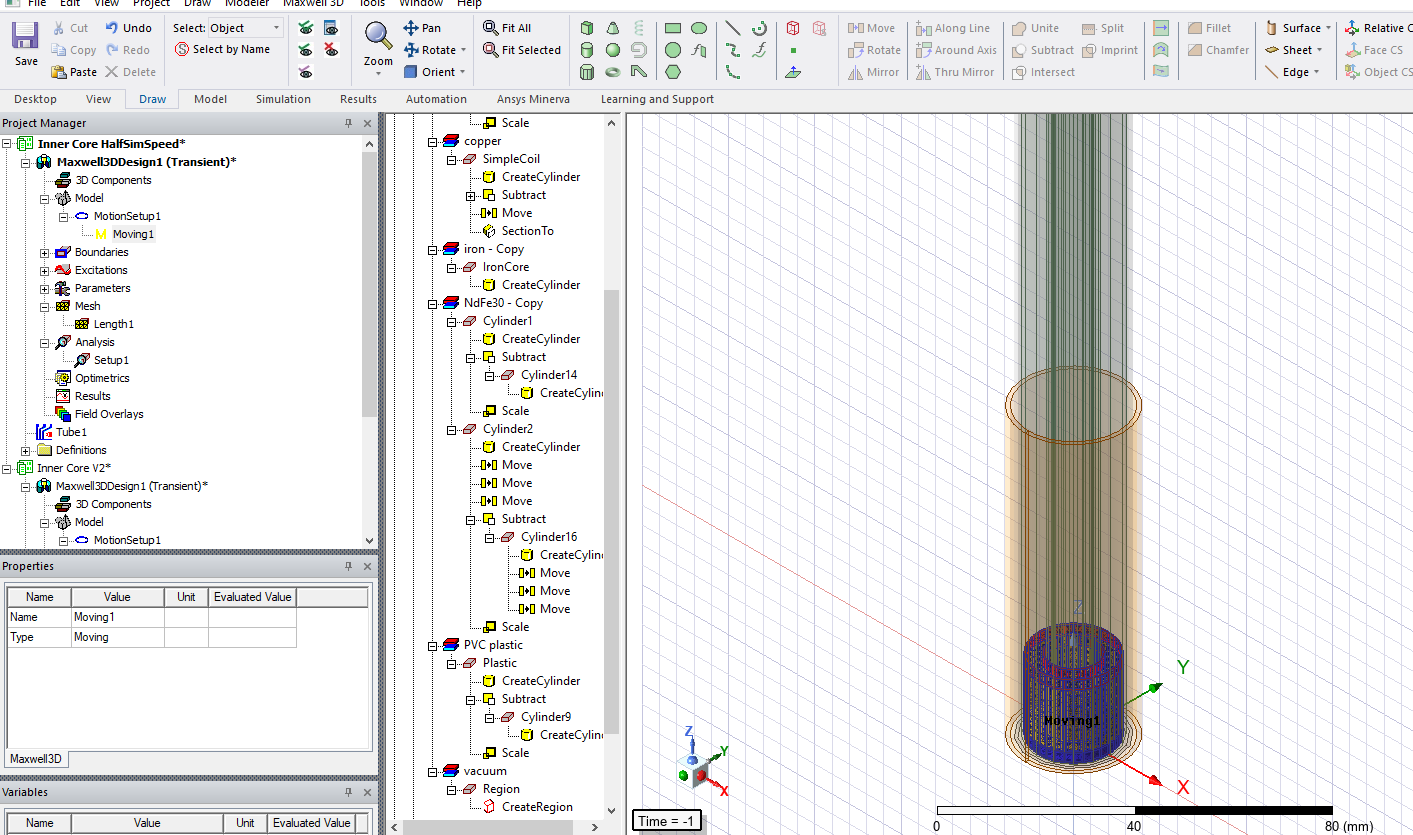
      I am trying to move ring-shaped permanent magnets (PM) and a ring-shaped weight up the shaft of a tube that contains an Iron Core on the inside. However, when I validate my simulation, I receive the following errors:

      • "Moving objects touch the stationary shell."
      • "Motion setup (geometry) is not valid."

      I would appreciate any guidance on how to resolve these issues.

      Simulation Setup:

      • Moving Objects:

        • A ring-shaped permanent magnet (PM) and a ring-shaped weight.
        • These objects need to move upwards along the shaft.
      • Transient Motion Band (TransBand):

        • Outer radius: 1 mm larger than the PM and weight.
        • Inner radius: 1 mm smaller than the PM and weight.
        • The TransBand fully encloses both the PM and the weight.
      • Surrounding Components:

        • Iron Core inside the shaft. Not involved in motion and Ansys acknowledges this.
        • PVC Plastic Pipe surrounding the TransBand (with a 2 mm larger radius than the TransBand). Not involved in motion and Ansys acknowledges this.
      • Subtraction Operation:

        • The PM and weight are subtracted along the entire height of the shaft, ensuring they maintain their ring shape throughout their motion. I did a version where the subtraction was the same height as the outside radius and got the same error messages

      Observed Errors & Debugging Attempts:

      • Checked that the PM and weight fit entirely within the TransBand.
      • Ensured there is a gap between moving objects and the stationary shell.
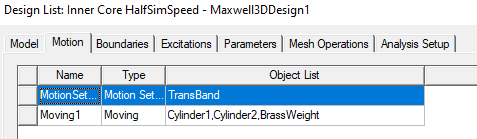
      • Verified motion setup settings in the Design List.

      However, I still receive errors when validating.


      Questions:

      1. What does "Moving objects touch the stationary shell" mean in this case?

        • Could this mean my TransBand is incorrectly defined?
        • Do I need a larger air gap between the TransBand and moving objects?
      2. Why is the "Motion setup (geometry) is not valid"?

        • Should the transient band be adjusted differently?
        • Is there a specific constraint on how motion bands should be created for ring-shaped moving objects?
      3. Are there specific best practices for defining motion bands for non-solid moving objects (like rings)?

      Any advice or troubleshooting steps would be greatly appreciated.

      Thanks in advance for your help!


    • GLUO
      Ansys Employee

      Hi,

      1.

      Could this mean my TransBand is incorrectly defined? Yes

      Do I need a larger air gap between the TransBand and moving objects? Yes


    • GLUO
      Ansys Employee

      Is there a specific constraint on how motion bands should be created for ring-shaped moving objects?

      We usually require the motion band to be a connected region. For your case, since there is a stationary core inside, you could add a cylinder at the very far end of your ring-shaped motion band to make it connected.

    • GLUO
      Ansys Employee

      Also, if you have eddy effect turned on or have current assigned on the moving objects, you need a inner region inside the motion band. The relation is:

      Motion band contains the inner region and not touching the inner region.

      Inner region contains all moving objects and not touching any of them.

      GL

      • J.MURPHY104
        Subscriber

        Hi Gluo,

        The Trans Band is correctly defined and I have adjusted the air gap and that didn't help/make any difference.

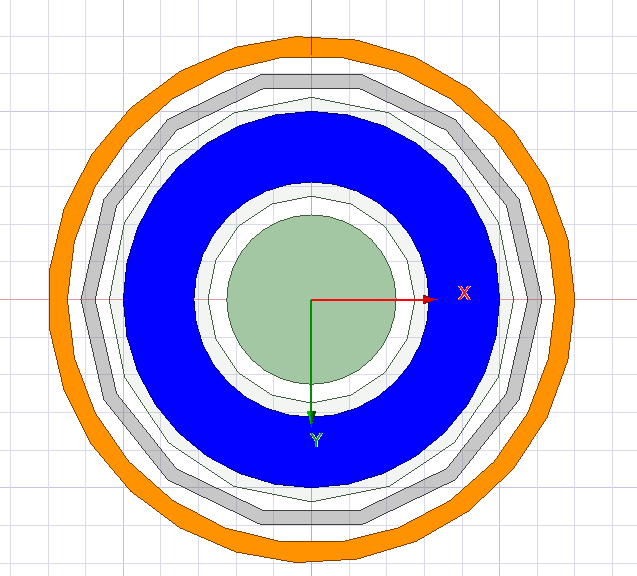
        In the image below the Transient Band I have defined is only around the blue, the green circle is stationary, which I want it to be but it is still giving me the error. I have a current assigned to the orange circle on the outside but that has no connection to the Trans Band. Can you indicate any more possible things I can do?


        Thank you!

      • J.MURPHY104
        Subscriber

        Hi GLUO,

        I do not understand what you mean by inner region and I do not understand its purpose. Can you please clarify or if anyone reading this understands, can you please help.

        I appreciate the cross-sectional breakdown but I unfortunately do not understand that either. I can guarentee the stationary objects are not in contact with any objects in motion. 

        Let me know if this is correct but you are saying I need an inner region inside the motion band, both of which only surround the Ring part of the set up?

        Thank you for the help so far. I really need this motion setup to work. I am looking forward to your reply.

    • J.MURPHY104
      Subscriber

      Hi Gluo,


      Thanks for the reply, can you explain what you mean by "you could add a cylinder at the very far end of your ring-shaped motion band to make it connected", I don't understand what you mean by this and how to do it.


      Thank you

      • GLUO
        Ansys Employee

        Hi,

        I think the main issue is lacking of inner region. A conneted cylinder at the end might not be necessary. I cannot post picture due to some forum rules, so I will use M for motion band, R for the moving rings, I for inner region, and S for stationary region. After adding the inner band and cylinder, the cross section looks like this:

        S  S S S  S S  S S S

        S M M M M M M M S

        S M M M M M M M S

        S M M M S M M M S

        S M III M S M III M S

        S M IRI M S M IRI M S

        S M IRI M S M IRI M S

        S M IRI M S M IRI M S

        S M III M S M III M S

        S M M M S M M M S

        S  S S S  S S  S S S

        Please make sure the objects in stationary not touching the motion band from outside,and the moving objects not touching the inner band from inside.

        GL


    • GLUO
      Ansys Employee

      Yes. Inner region is a band smaller than motion band but still contains all moving objects.

Viewing 5 reply threads
  • You must be logged in to reply to this topic.