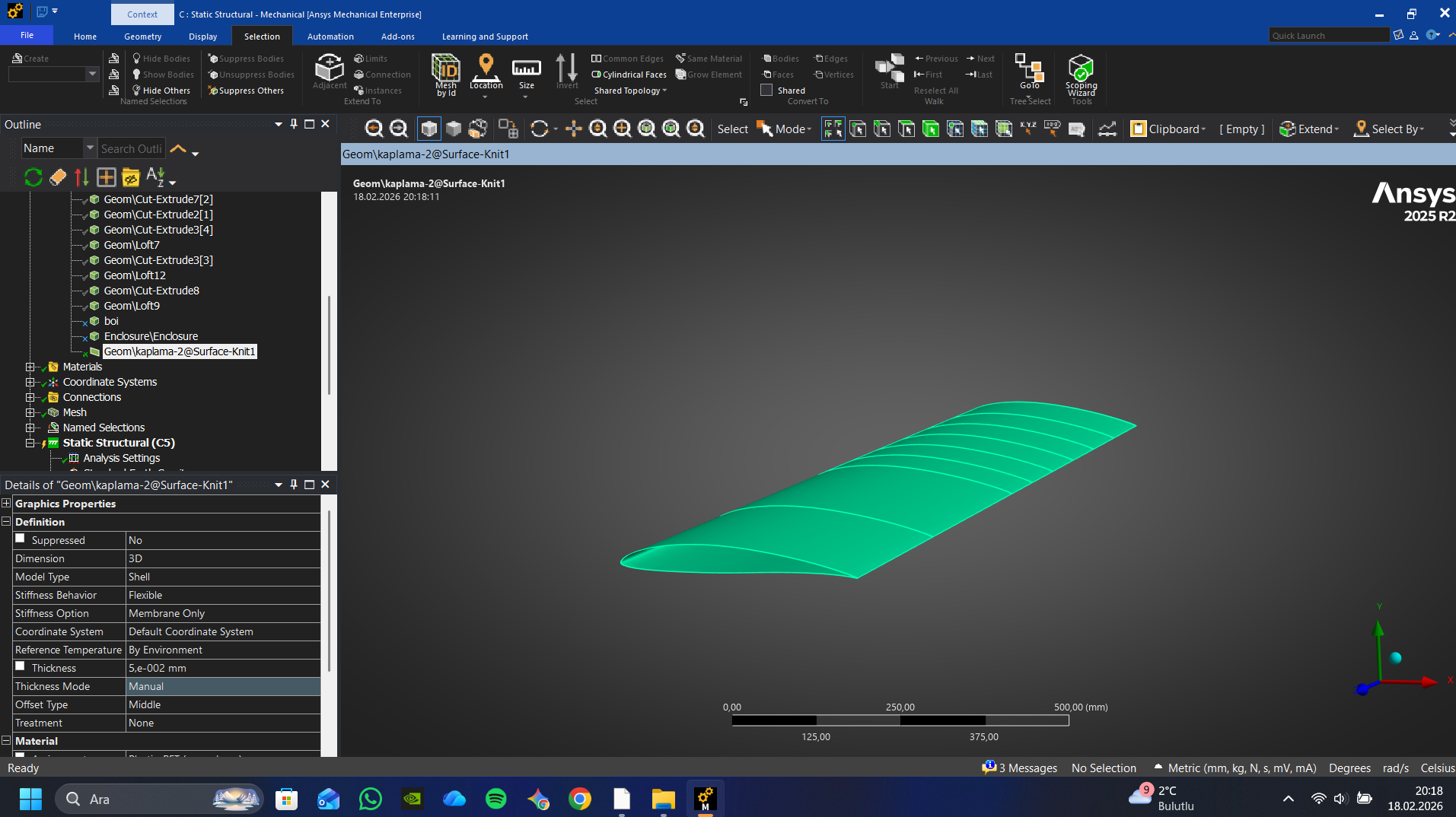
Oracover 21-052 is a heat-shrink material. First you adhesively bond the film to the ribs then after the bond has cured, you use heat to cause the film to shink which induces pretension into the film. The membrane pretension in the film reduces out-of-plane film deformation from an applied pressure load. Your Ansys model does not have heat-induced membrane pretension in the film so the film is deforming like it would if you had not done the heat-shrink treatment.
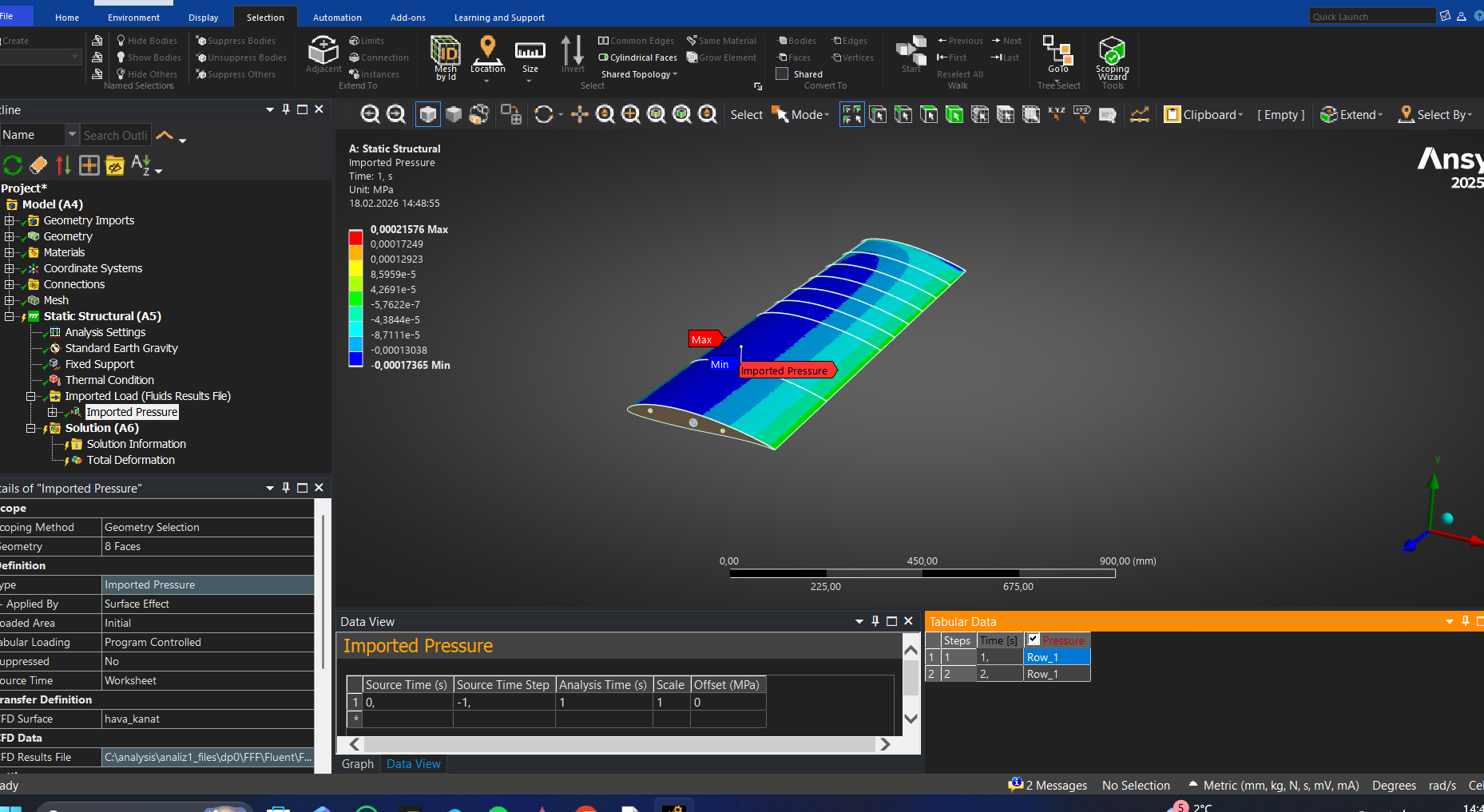
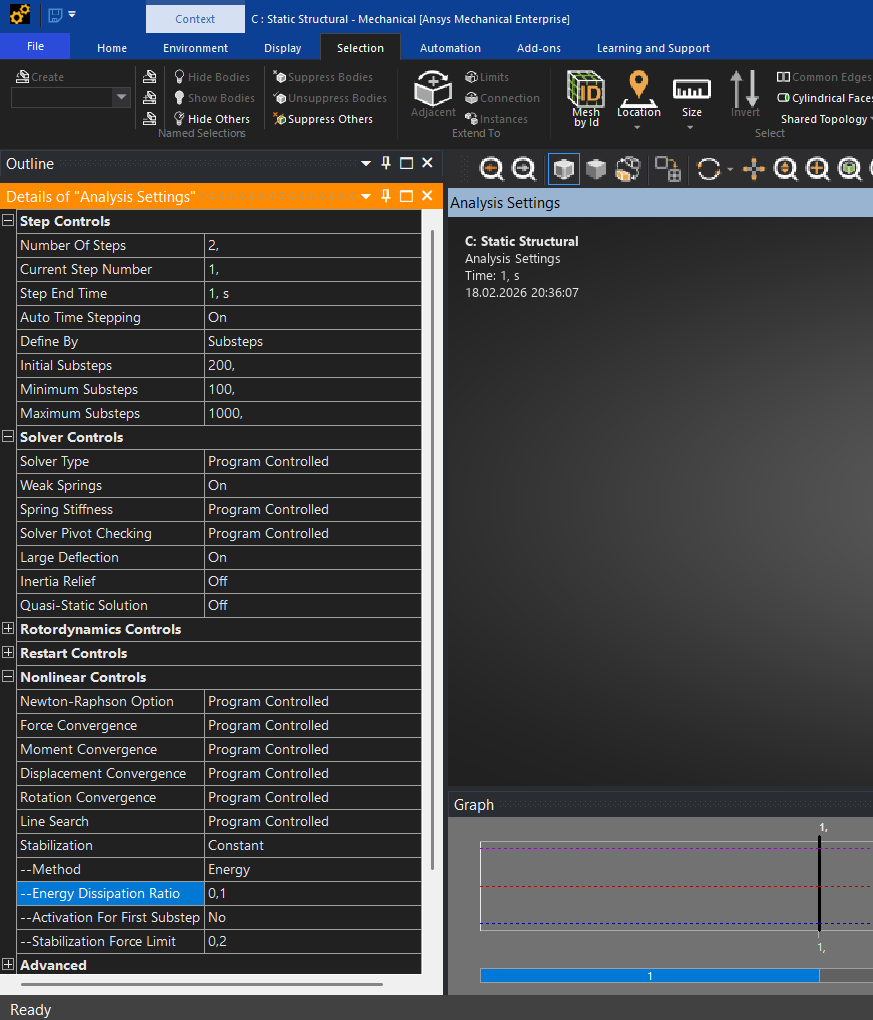
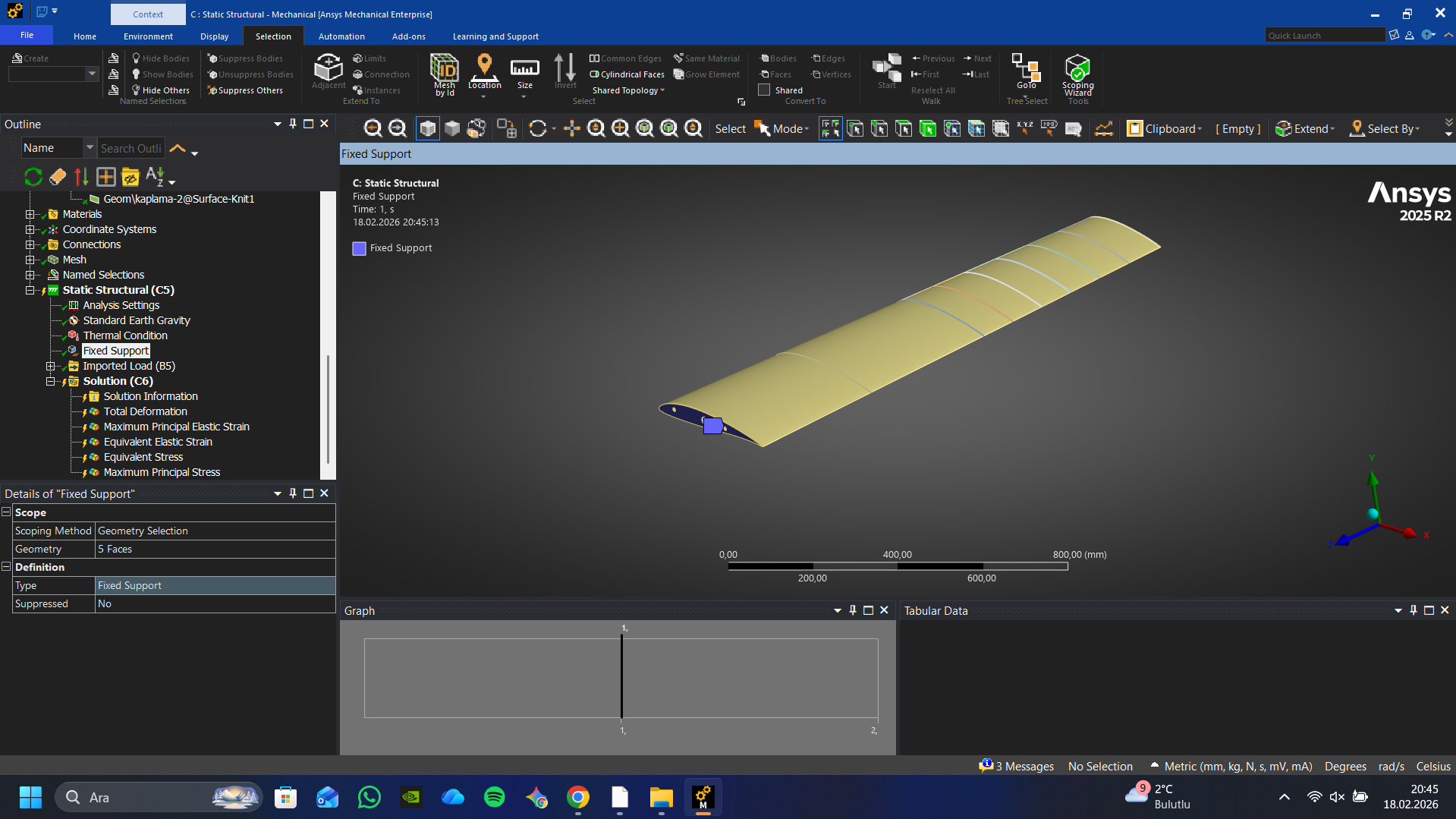
To have a model that has membrane pretension, under Analysis Settings, you have to turn on Large Deflection and make this a two-step solution. In the material defintion for the film, define a value alpha per C for the Secant Coefficient of Thermal Expansion. Edit the Secant Coefficient of Thermal Expansion for all the other materials to be zero. In Step 1, apply a Thermal Condition and set the Temperature to 21 C. If the Environemnt Temperature for the analysis is 22 C, that represent a -1 C temperature change. Therefore the thermal strain in the film will be alpha and the film will have a membrane pretension while all the other material will not change size. Then in Step 2, you can apply the Imported Pressure load.
Another way to create the membrane pretension is with the INISTATE command.


















 You are navigating away from the AIS Discovery experience