
A solver pivot warning or error has been detected in the UY degree of freedom of node.


TAGGED: composite-material, mesh, mesh-nodes, nodes
-
-
December 2, 2020 at 11:46 pm
Abelardo
SubscriberHello,
every time I hit solve, I get the following error:
' A solver pivot warning or error has been detected in the UY degree of freedom of node 227084 located in SolidModel.1. This is usually a result of an ill conditioned matrix possibly due to unreasonable material properties, an under constrained model, or contact related issues. Check results carefully. You may select the offending object and/or geometry via RMB on this warning in the Messages window. '
I select the node (22163, 25415, 5515.... etc.) and the put the corresponding restriction that it needs (be it UX, UY, UZ or ROX, ROY, ROZ) and every time when I click solve, it give me the *same error each time but with a different node*.
I am not sure what is happening to the mesh that it keeps giving me the same error again and again.
I would really appreciate any help as this is for my bachelors thesis and I cant seem to fix this problem.
best regards,
Abe
December 3, 2020 at 1:37 ampeteroznewman
SubscriberArray
Don't constrain the nodes you are reading about that have "small pivot ratios", that is the wrong corrective action.
I see you have imported plies. That is unfamiliar to me.
It looks like you have a solid model. What CAD system created that? What file format did you export from the CAD system?
If you have multiple solid bodies, you need to connect them. Your connection folder is empty. This may be the root cause of the problem.
December 4, 2020 at 4:49 pmSubscriberArray
All right, I will not constrain the nodes.
The CAD program is used to create the model was SolidWorks, I imported the model using Parasolid format (*.x_t) as Solid geometry.
As I needed shell* geometry to use ACP (Pre), in SpaceClaim I detached the solid and gave the faces thickness so they would be considered a shell* geometry - then I meshed.
There were no contacts imported when detaching the solid, that's why there isn't any connections in the contact folder (also because it is one solid).
Later, in ACP (Pre) - in the setup section, I created the Ply and at the end created a solid model of it so that I could do a static structure analysis on the model.
Inside the static structure mechanical, I put the forces and constraints and all the error concerning pivoting appeared.
I hope my explanation of the steps I took shined light on the matter,
sincerely,
Abelardo
December 4, 2020 at 9:40 pmSubscriberArray
ACP (Pre) is special purpose software for the analysis of composite layups. Are you trying to analyze a composite layup that has fabric bonded together with an epoxy resin such as a Carbon Fiber Composite material? If so, then you are not using it correctly.
If you have sheet metal, and are trying to convert the solid bodies into surface bodies so you can use shell elements, don't use ACP (Pre). That is not how you do shell elements for isotropic materials like steel.
Go back to SpaceClaim, and on the Prepare tab, use the Midsurface Tool. This will replace the solid body with a surface body. You might do some editing to extend the edges of the surfaces to close the t/2 gap that was created when the midsurface appeared, such as at T-intersections of the sheets. Finally, on the Workbench tab, click the Share button so that sheets that are supposed to be connected are recognized as sharing a common edge or an edge will intersect a face.
When you attach that SpaceClaim file to Mechanical, the thickness will be carried over with the midsurfaces. When meshed, the elements will all be connected.
December 4, 2020 at 9:58 pmSubscriberArray
Thank you for your prompt reply,
My intention is in fact to study the model in a static structure scenario as a composite material ( Epoxy Carbon Woven (230 GPa) Prepreg & Resin Epoxy ). very good deduction;
I am not fully understanding why the ACP (Pre) is not a good tool to study the composite ply; I thought that if my intension was to study a composite material and see the stress, as well as the deformation, I needed to go through the ACP (Pre), combine it with the static structure, and then after solving, connect it to ACP (Post).
If my intension is that ' to study a composite material under service loads ', what is the route I need to take ?
My apology if this is very obvious, I am trying to fully understand the situation so that I can advance in my thesis.
sincerely,
Abelardo
December 4, 2020 at 10:06 pmSubscriberArray
Your original post didn't mention you were using composite materials. I wanted to make sure you picked the correct analysis system. Now you just have to use it correctly. Have you watched some YouTube tutorials to learn how to create a composite analysis model? In the link below are a list of them to watch.
https://www.google.com/search?q=ANSYS+Composite+Analysis+Pre+tutorial&oq=ANSYS+Composite+Analysis+Pre+tutorial
December 6, 2020 at 12:18 amSubscriberArray
I have! But thank you for linking more, because from them there was a video that I used to fix my problem.
I am going to link the video that I watched so that if anyone is stuck like I was, it might help:
I recommend seeing all the 6 videos, very informative & helpful !
Abelardo,
May 1, 2022 at 11:12 amSrinivas_Kotuma
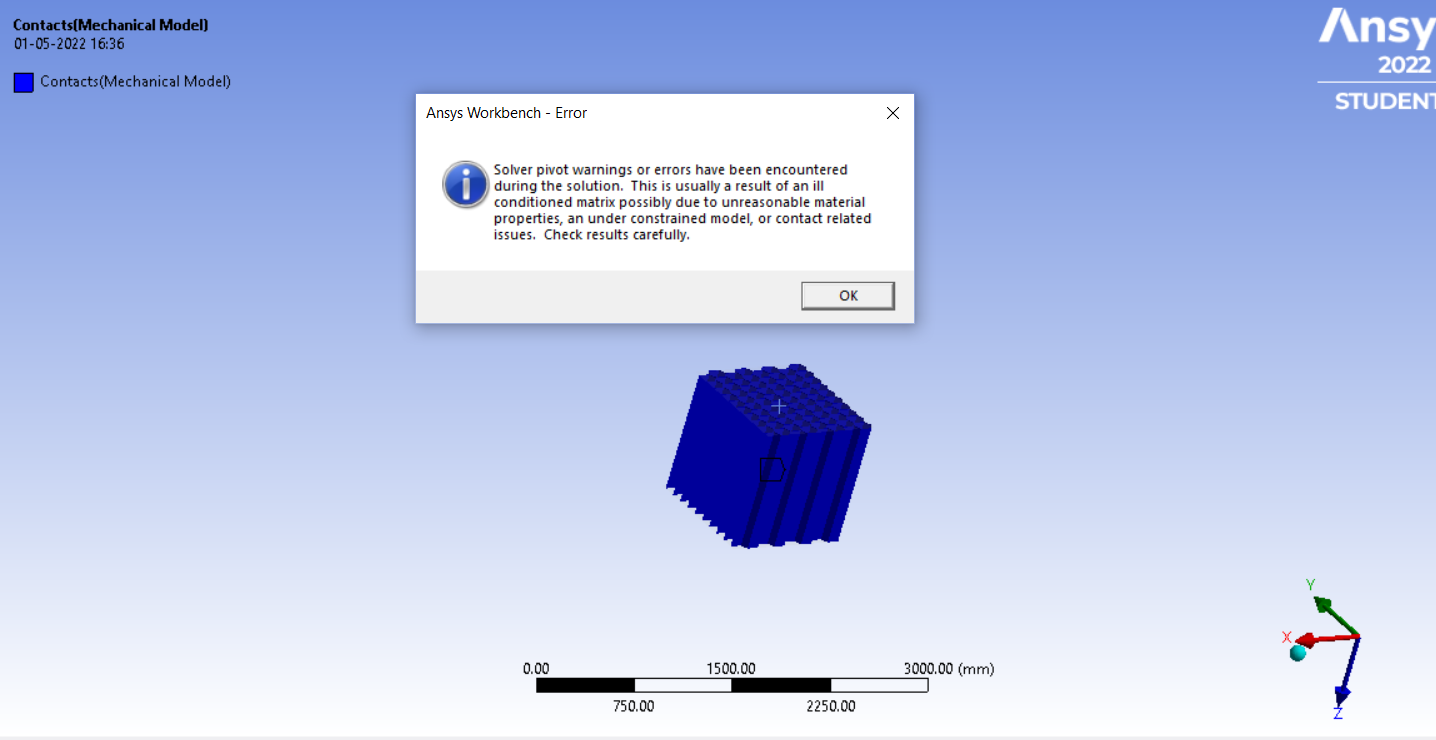
Subscriber.I have a similar problem can you please go through it and solve my issue?
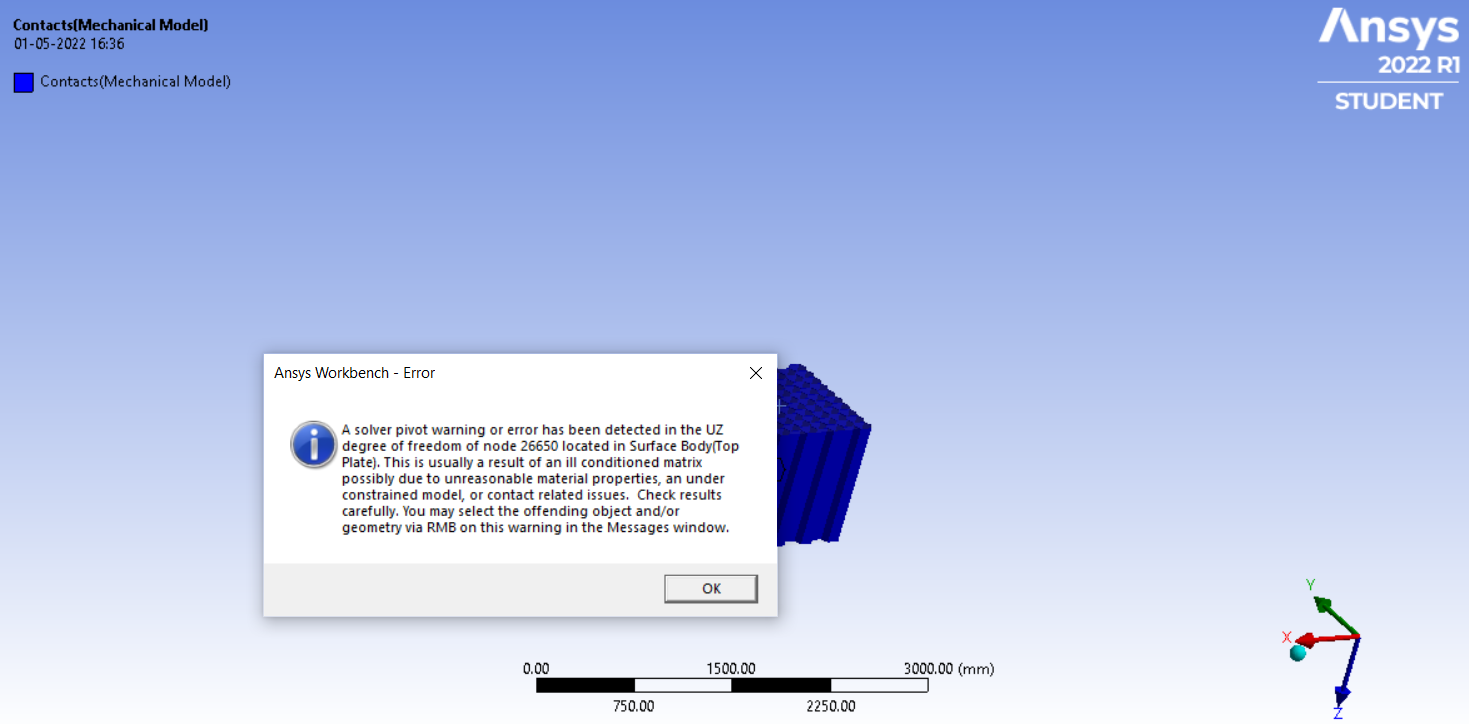
A solver pivot warning or error has been detected in the UZ degree of freedom of node 26650 located in Surface Body(Top Plate). This is usually a result of an ill conditioned matrix possibly due to unreasonable material properties, an under constrained model, or contact related issues. Check results carefully. You may select the offending object and/or geometry via RMB on this warning in the Messages window.
A solver pivot warning or error has been detected in the UZ degree of freedom of node 26650 located in Surface Body(Top Plate). This is usually a result of an ill conditioned matrix possibly due to unreasonable material properties, an under constrained model, or contact related issues. Check results carefully. You may select the offending object and/or geometry via RMB on this warning in the Messages window.
.May 1, 2022 at 11:17 amSubscriber.
.
 November 4, 2022 at 12:59 pm
Eef
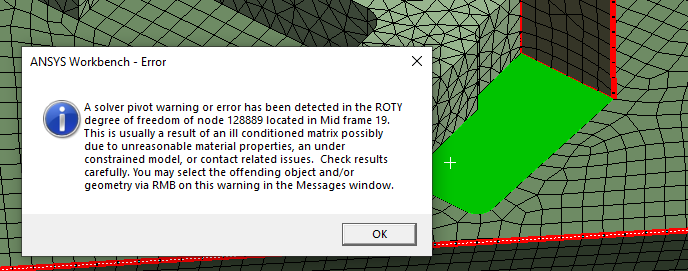
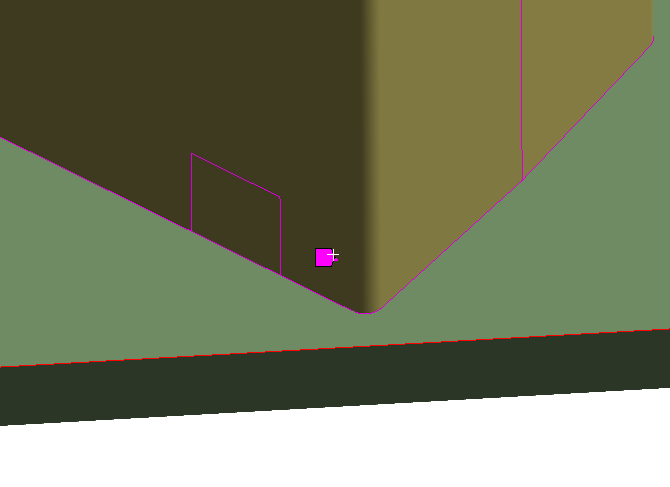
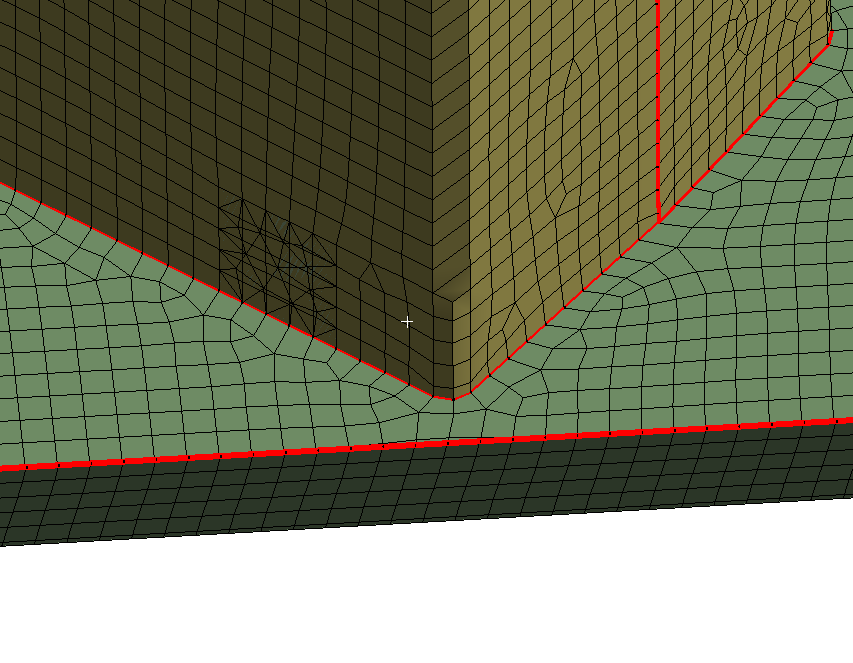
SubscriberHi Abe, I have exactly the same problem. Every time I fixed a DOF error, related to a certain node number, a new node appears to have the same error.
Also some nodes are in the middle of a surface. Not connected to any edges. Merge nodes doesn't make a difference.
Please help. Takes ages to get this complex plate model running.
Eef
Viewing 9 reply threads- The topic ‘A solver pivot warning or error has been detected in the UY degree of freedom of node.’ is closed to new replies.
Innovation Space Trending discussions
 Top Contributors
-
peteroznewman
 5104
5104 -
scabo
 1831
1831 -
Dennis Chen
 1387
1387 -
javat33489
 1248
1248 -
Shyam Prasad V Atri
1021
Top Rated Tags
© 2026 Copyright ANSYS, Inc. All rights reserved.
Ansys does not support the usage of unauthorized Ansys software. Please visit www.ansys.com to obtain an official distribution.
-


 You are navigating away from the AIS Discovery experience