Fluids

Fluids

Topics related to Fluent, CFX, Turbogrid and more.

Why particle track is missing for Post-processing on transient DPM simulation?

    • gihrs
      Subscriber
      Hi, nI'm new into DPM simulation. Currently, I'm doing a coughing simulation using DPM, transient-state. After finishing simulation and export particle data history (in .XML extension), I try to import it in CFD-Post to visualize. But, there isn't any particle track imported (even after select the file and click 'OK'). nI also try using particle-track graphics in FLUENT, but it only shows the latest time step particle location. nAnyone knows about this problem? n
    • Amine Ben Hadj Ali
      Ansys Employee
      Can you add a screenshot of what you are seeing and trying to in CFD-Post?n
    • Amine Ben Hadj Ali
      Ansys Employee
      And how are you exporting from Fluent?n
    • gihrs
      Subscriber
      Hello Dr. Amine,This is how I export particle data from Fluent. EXPORT - Particle History Data - WRITE.nnAnd this one is how I import in CFD-Post. But even after I click OK, there isn't any Particle Track data under 'User Locations and Plots' tree. nnWhat I want to visualize, since currently I'm doing coughing simulation inside a room, is particle dispersion for every 5sec inside the room. n
    • Amine Ben Hadj Ali
      Ansys Employee
      So you are exporting it only once. That is not enough if you doing transient particle tracking where you need that the XML file get filled with all particle tracks for the whole simulation time. You need to go for export during calculation.n
    • gihrs
      Subscriber
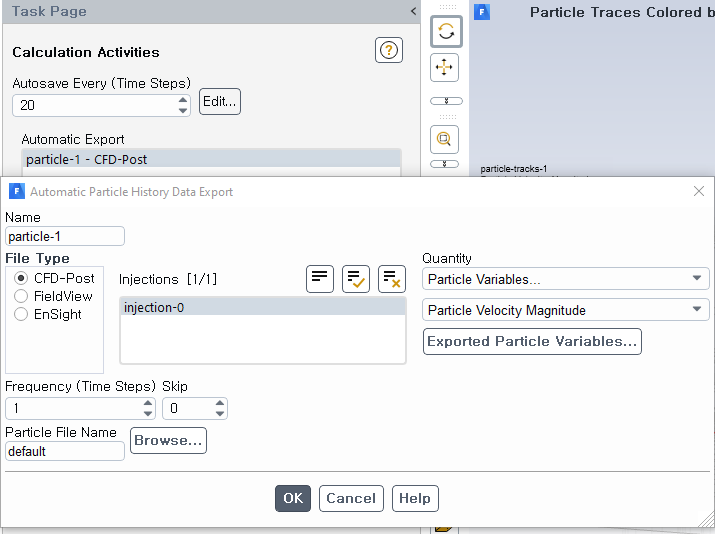
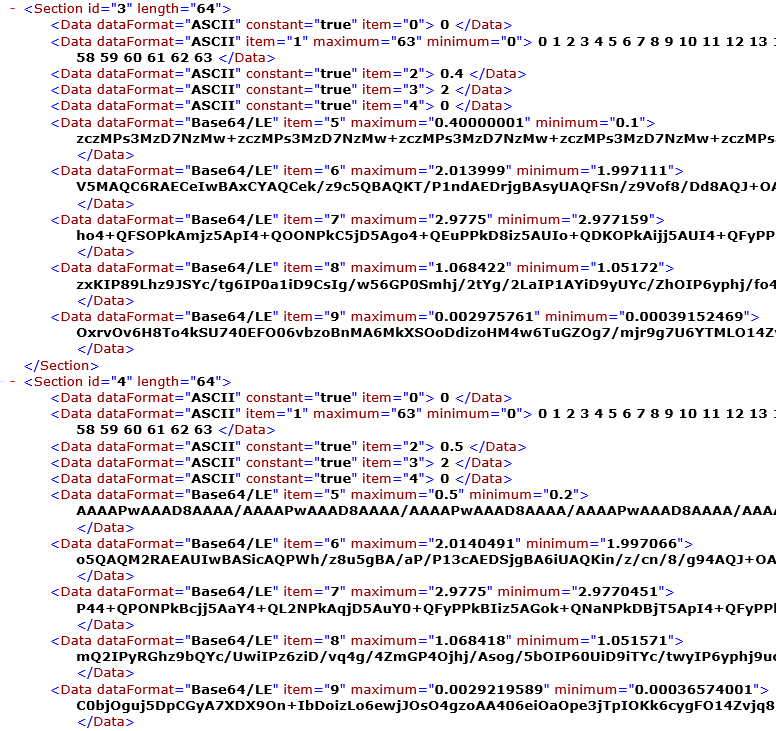
      Yes, Dr. Amine.nActually, I consider to do automatically for each time-steps using this step.nnAnd this is the XML result (complete for all the time-step).nnBut, also after I import to CFD-Post, there isn't any particle track plots. Am I using wrong variables? n
    • Rob
      Forum Moderator
      If you plot the particles in Fluent are they working there? Note, as it's a transient model you'll see dots rather than the continuous tracks.n
    • gihrs
      Subscriber
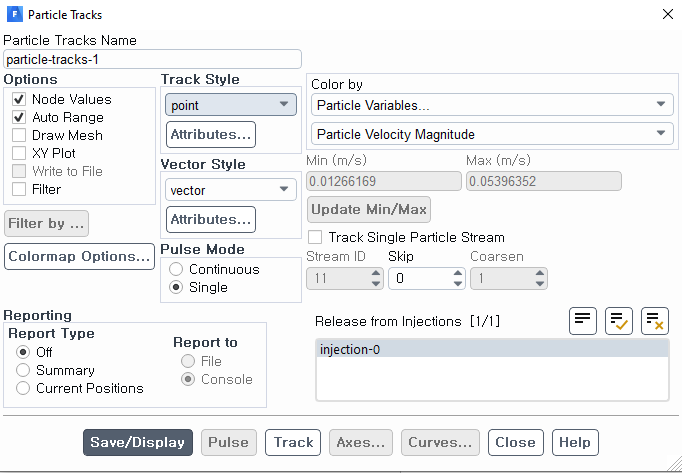
      Yes, Rob. Exactly true!nBut, how can I plot the particles for certain time-step? nSince with these settings (below), it will just show the latest time-step particle position nn
    • Rob
      Forum Moderator
      Yes. You'd need to plot at the step of interest or have saved the data file and reload it. n
    • Amine Ben Hadj Ali
      Ansys Employee
      Can you read case and data file before reading the xml file?n
    • gihrs
      Subscriber
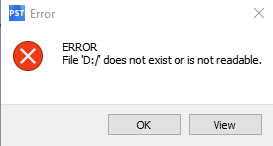
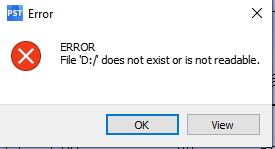
      In that case, I found this problem. I put the case and data file in /nBut, it turns out that some error happened. (like this screen-capture below)nn
    • Amine Ben Hadj Ali
      Ansys Employee
      That is another problem: do you have case and data under the directory you want to read from? Is existent?nWhich version are you using? nI can confirm that I am able reading transient XML data into CFD-Post with the actual release.nYou might also create a dummy quick running case and try doing similar steps and reading XML: will that work? (Check if the issue case dependent)nn
    • gihrs
      Subscriber
      Yes, Dr. Amine, I'm using ANSYS R1 2020 right now. nActually, I have the case and data under /, but it always give ERROR window even for .cas file or .datnnSo, is it related to the XML reading problem and its error? n
    • Amine Ben Hadj Ali
      Ansys Employee
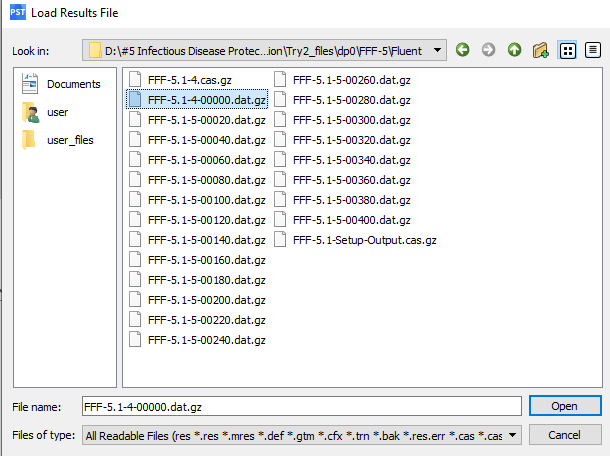
      Maybe because of the naming of your directory starting with #. Please move to a neutral directory and try again. Also try to read the last dat file and not the first one. Please use for this testing CFD-Post outside of the Workbench.nn
    • gihrs
      Subscriber
      Hi, Dr Amine. nYes, I removed the '#5' in the name file. And, it works!nThank you for your guidance!n
Viewing 14 reply threads
  • The topic ‘Why particle track is missing for Post-processing on transient DPM simulation?’ is closed to new replies.