Ansys Assistant will be unavailable on the Learning Forum starting January 30. An upgraded version is coming soon. We apologize for any inconvenience and appreciate your patience. Stay tuned for updates.
3D Design

3D Design

Topics related to Ansys Discovery and Ansys SpaceClaim.

Moving a feature to close an open tube, Ansys Spaceclaim.

    • Hasan
      Subscriber

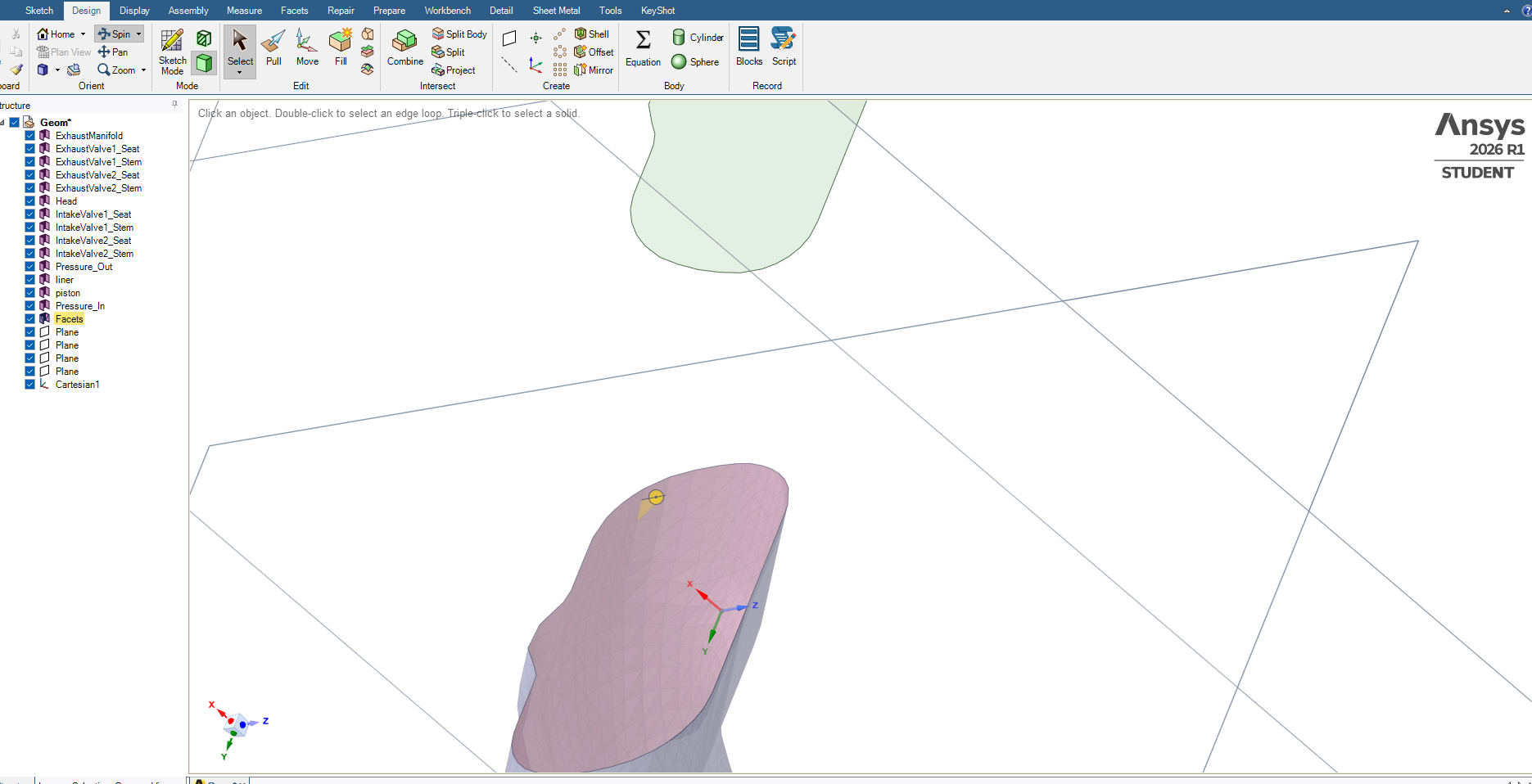
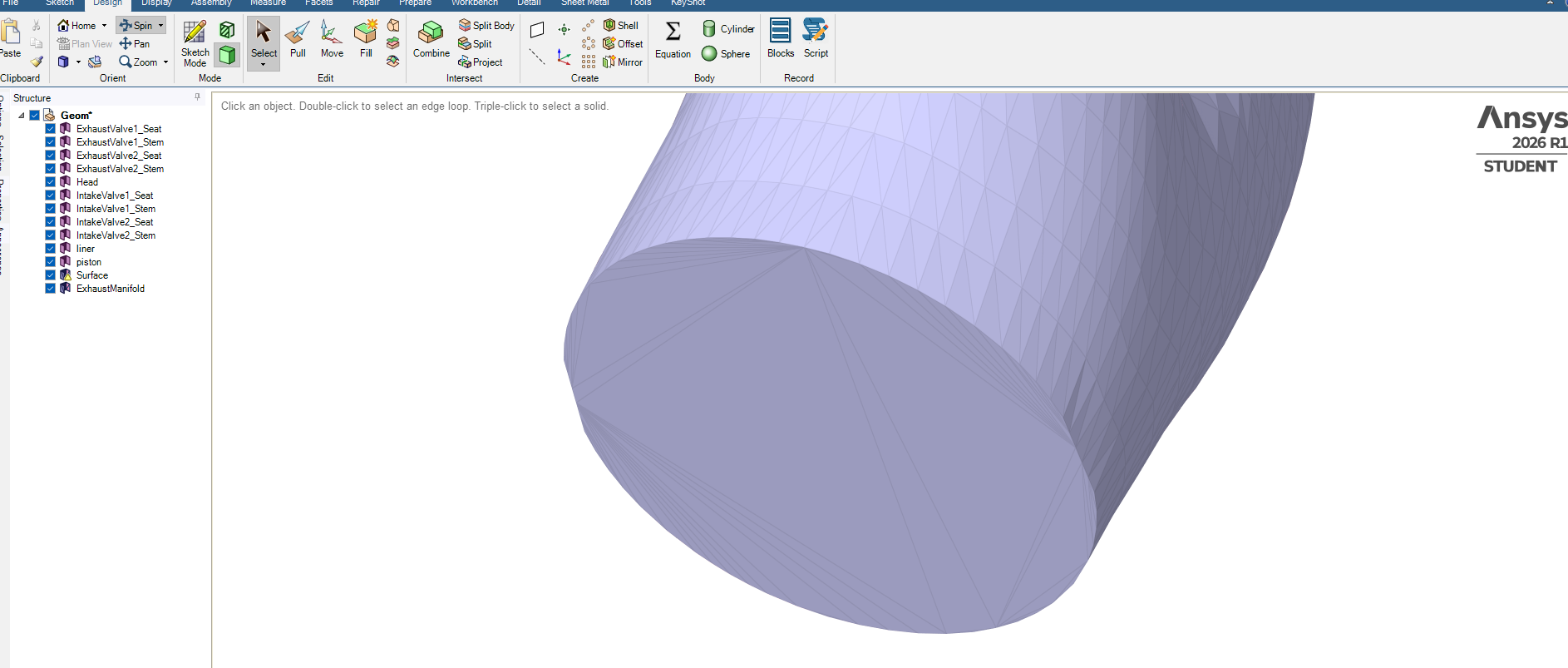
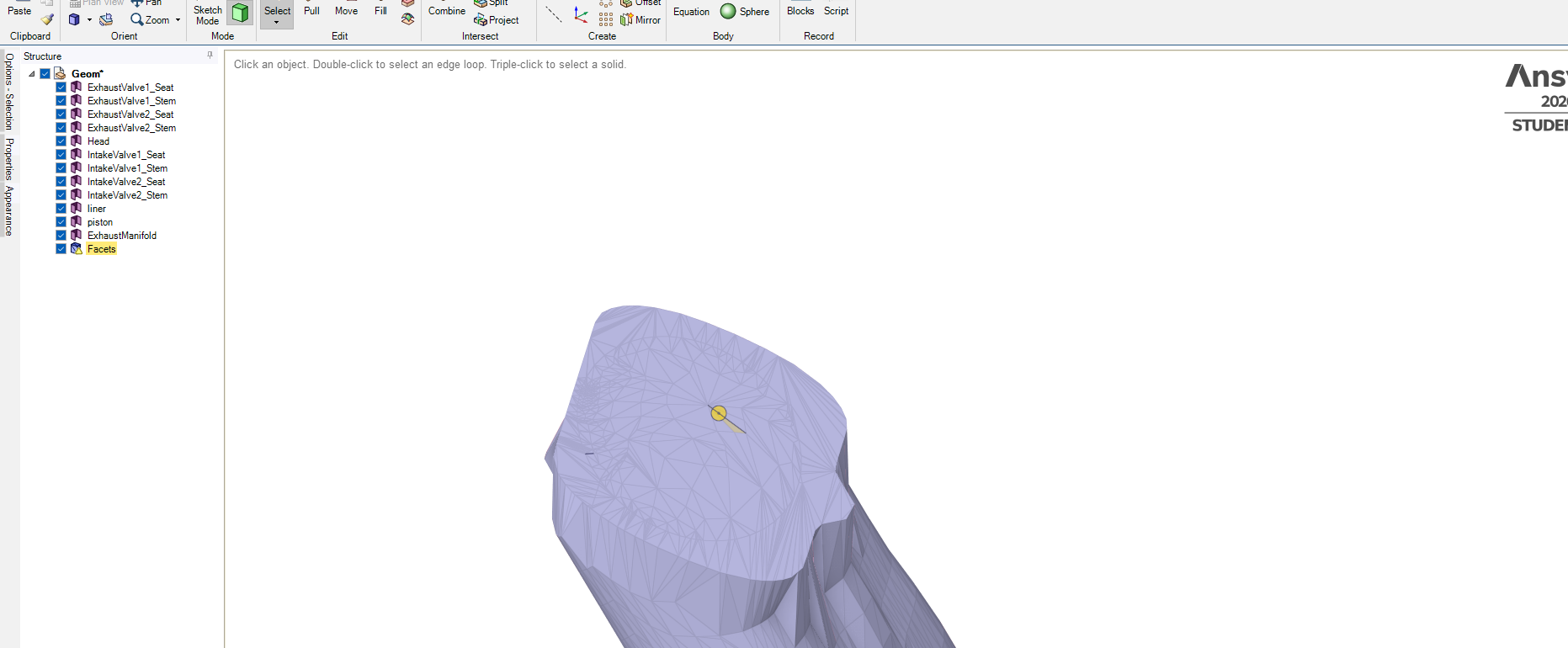
      How do I move the feature shown in top to cover the open tube end shown at the bottom and seal it tight? Using ANSYS Spaceclaim, thanks.

    • peteroznewman
      Subscriber

      The Move tool can move a surface body.

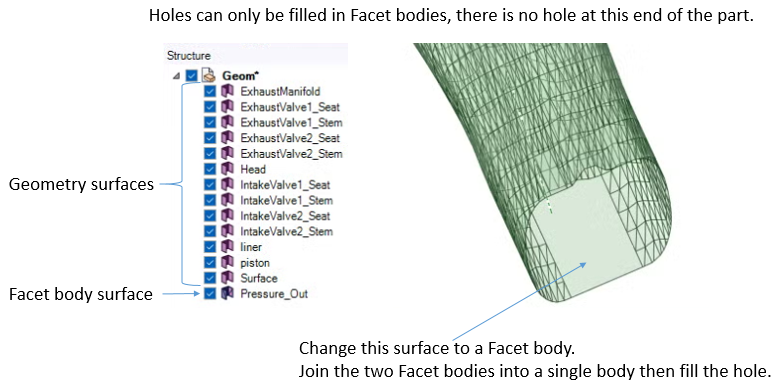
      The Facet body is not useful for meshing, you should convert that to geometry.

    • Hasan
      Subscriber

      Have sketched this surface, tried to user Split tool to cut a print on the flat surface and then subtract the outer edges of the created rectangle, just to create a cover. Didn't work, how to print the tube edges on the created square? 

      Drew a circle and tried to use blend to link circle edge with tube opening edges but did'nt work.

    • peteroznewman
      Subscriber

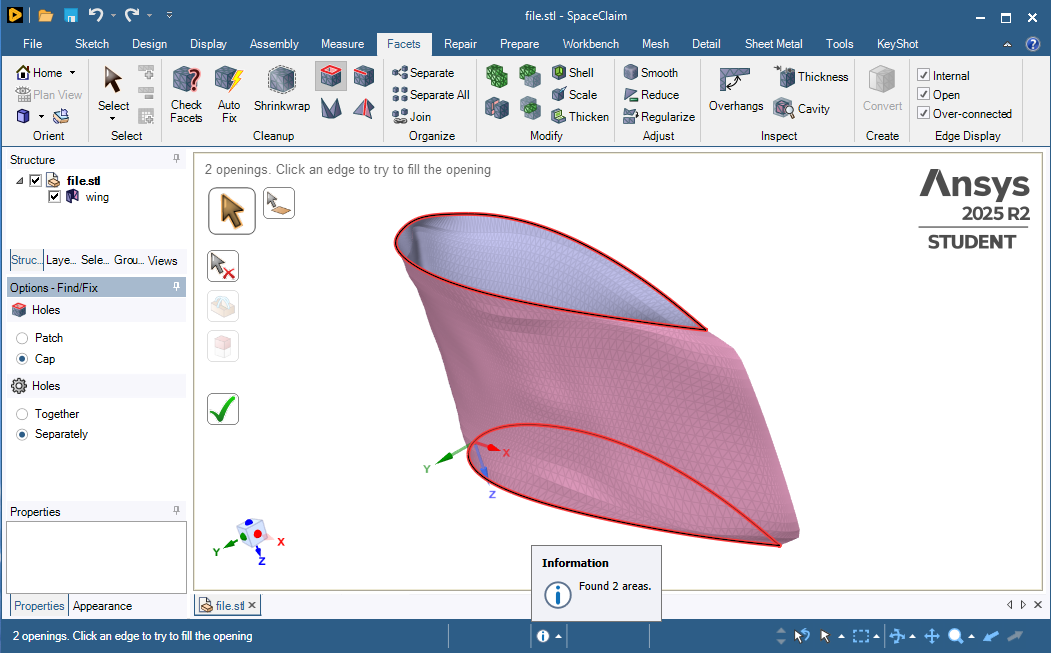
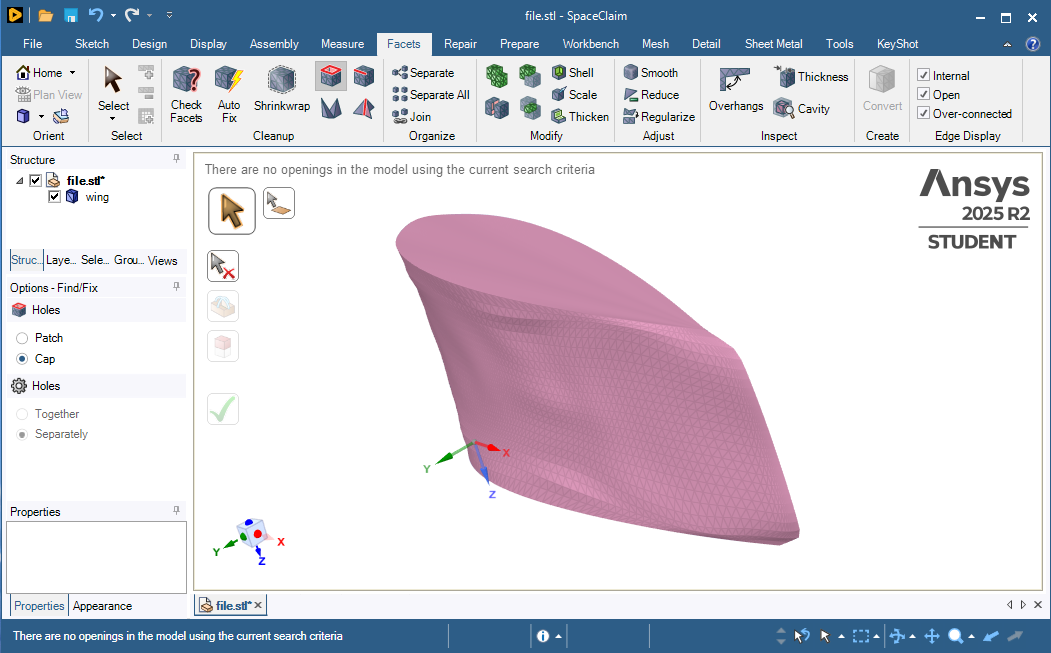
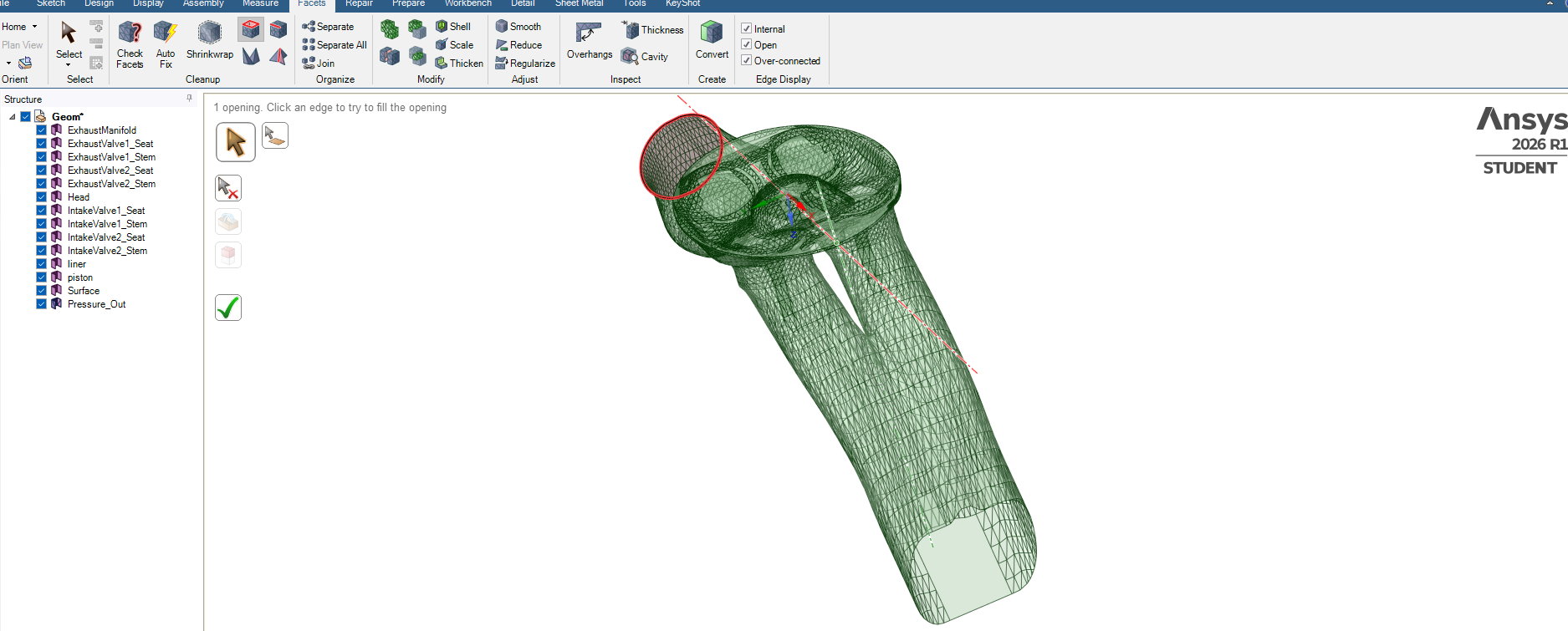
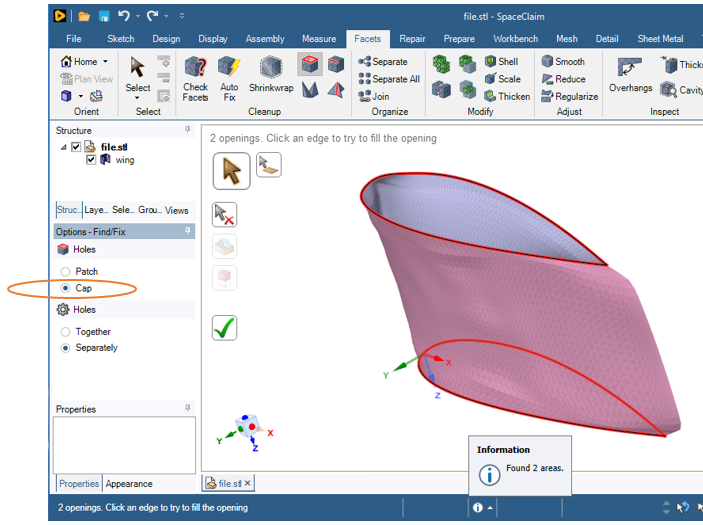
      Do you mean you want to close that opening in the facet body?   On the Facets tab, use the Holes button.

      Cap puts a flat cover over the hole.

    • Hasan
      Subscriber


      Tried this Hole selection to close opening but it has selected the other end. Tried Tab and Shft+Tab to toggle to the other opening but didnt select.

      How do I toggle to change to the other opening at the bottom right?


    • peteroznewman
      Subscriber

    • Hasan
      Subscriber

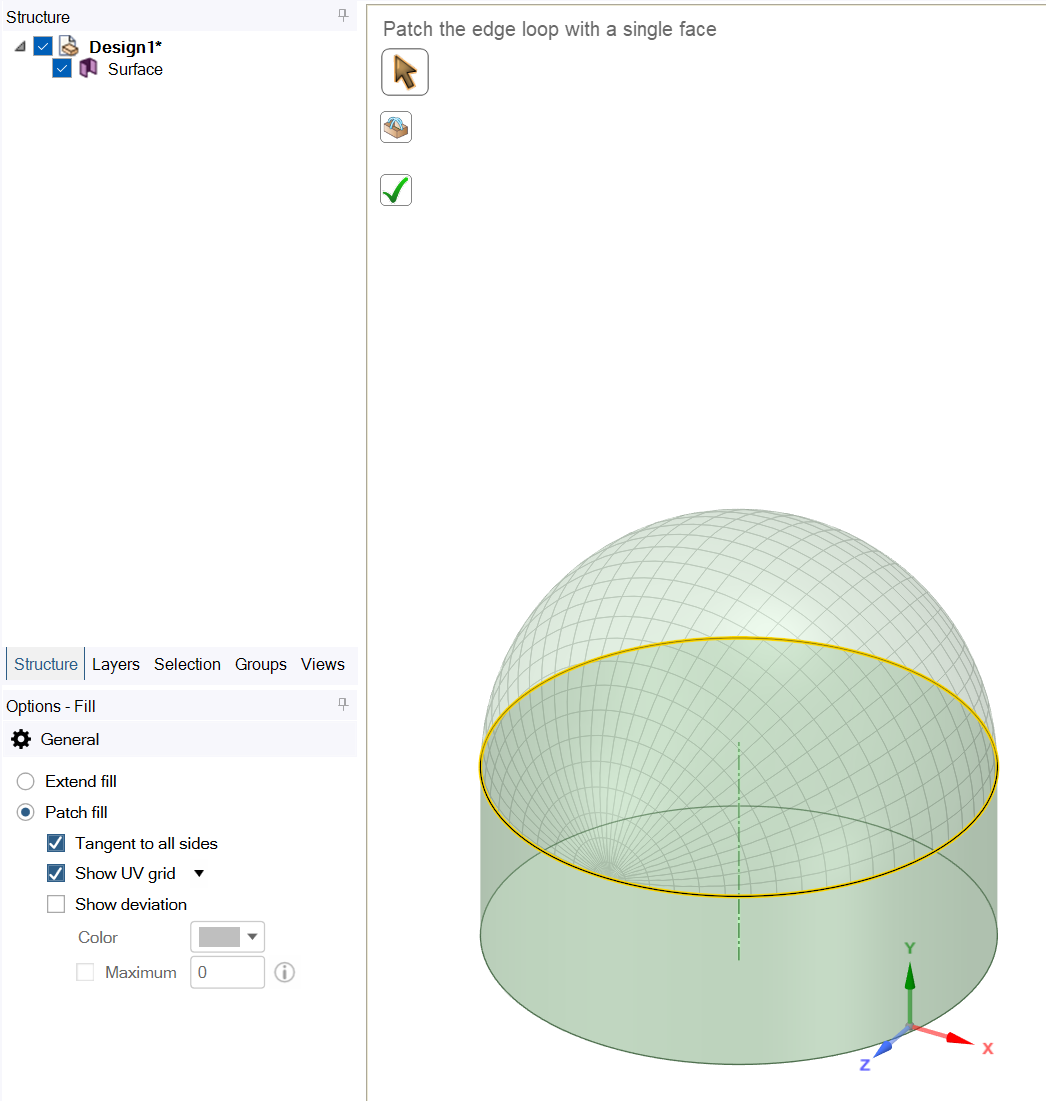
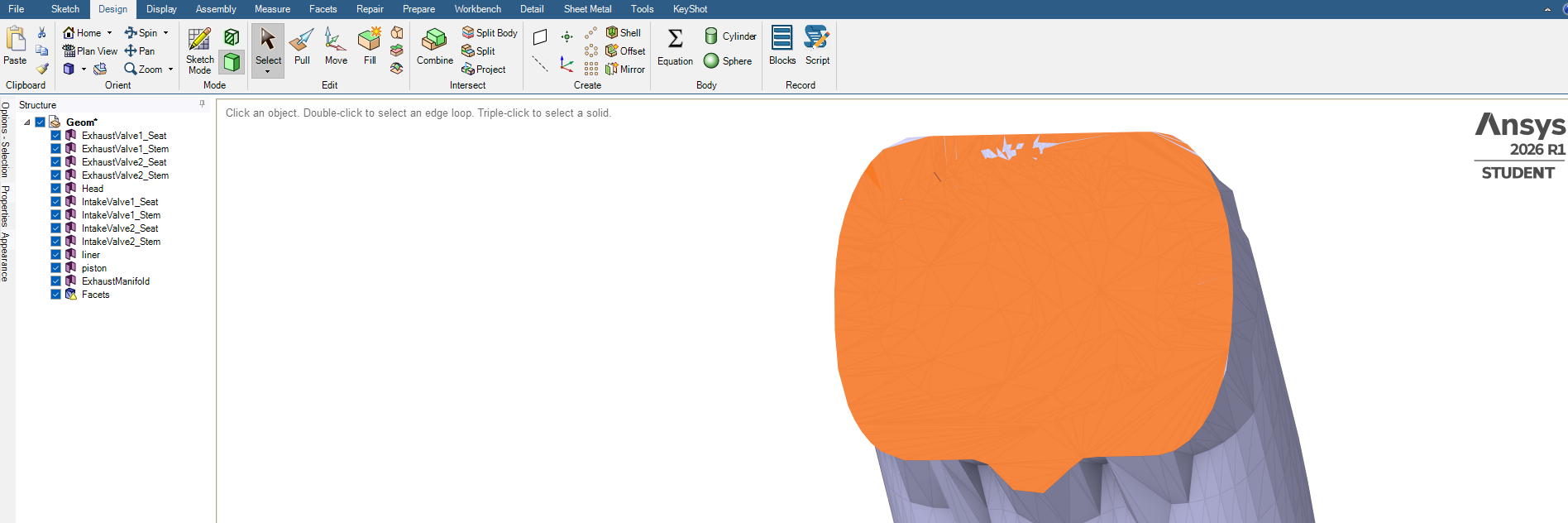
      Thanks getting closer but it's not a flat cover, tried this with Fill. Need a straight flat cap.

    • Rob
      Forum Moderator

      Check the Fill options, you may or may not want patch but you do want to avoid the tangent option. 


    • peteroznewman
      Subscriber

    • Hasan
      Subscriber

      OK thanks, getting there, it is a flat cap end.

      How do I selectect the capped surface and give it a name, such outlet? Right now it looks like I have to manually select all the elements.

    • Hasan
      Subscriber

      Trying something else.

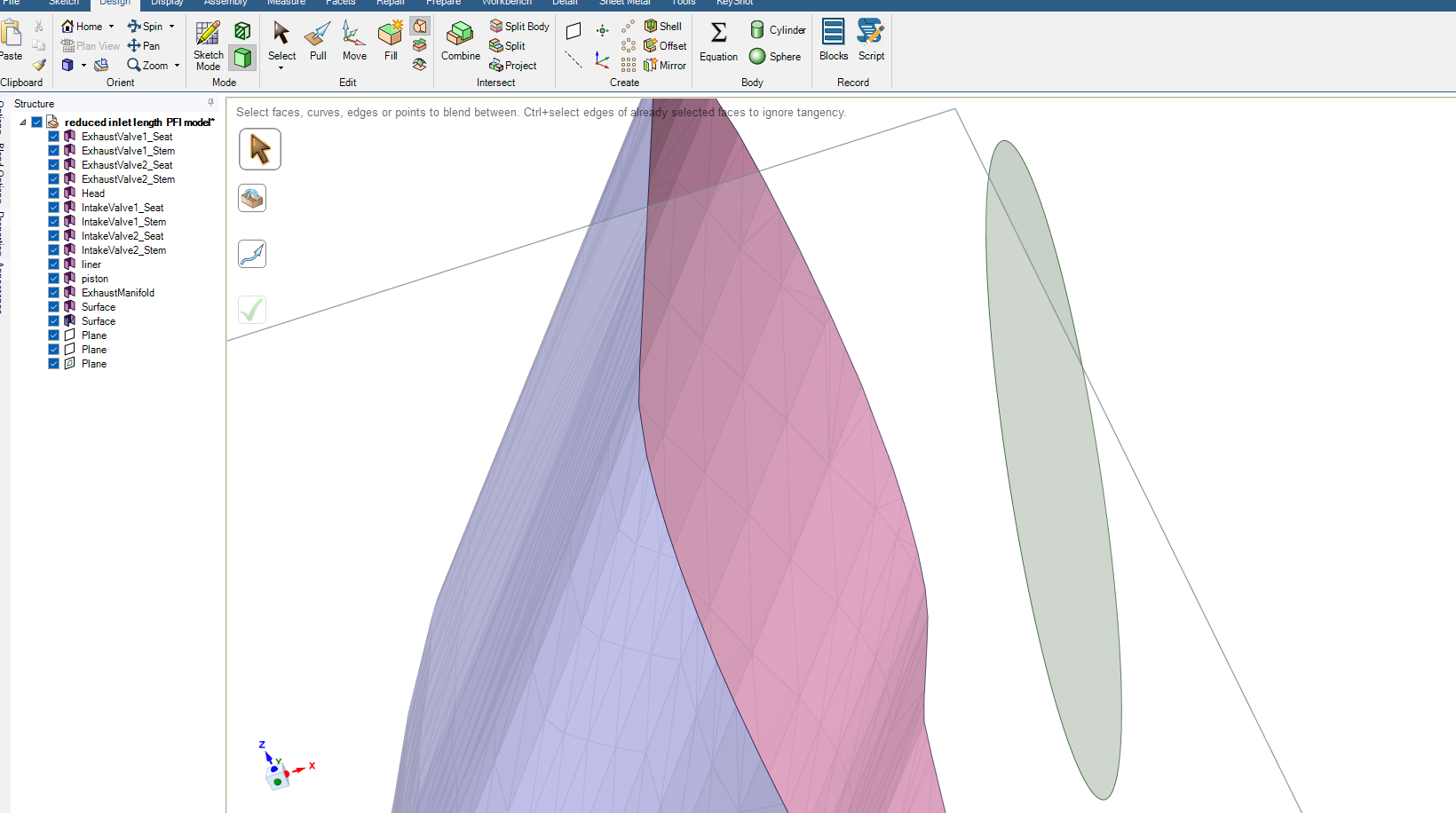
      How to extend the surface on the left yo form into a circular opening as in the circle on the oeft side?

      Tried Blend but could not link the two entities.

    • peteroznewman
      Subscriber

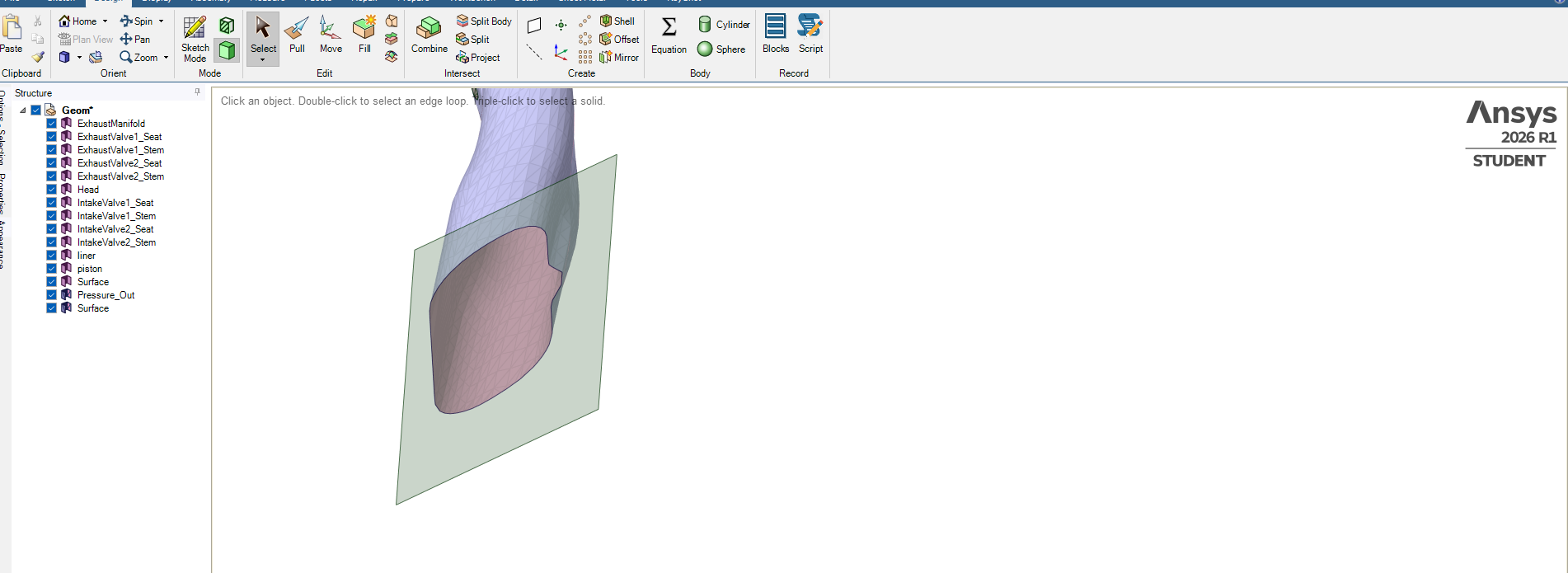
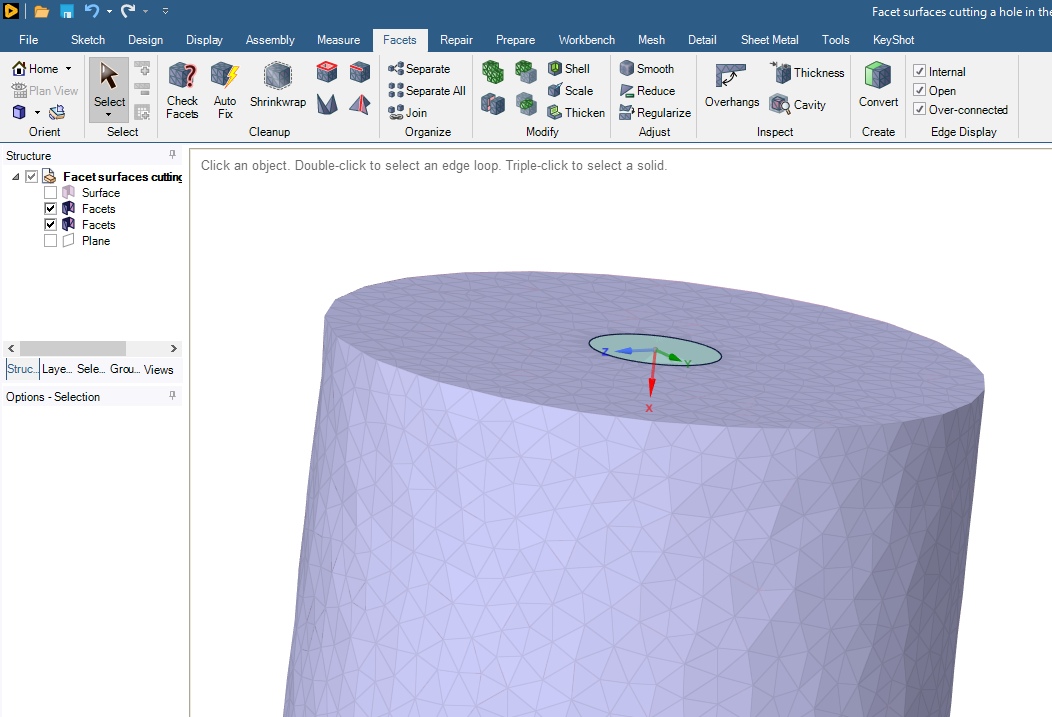
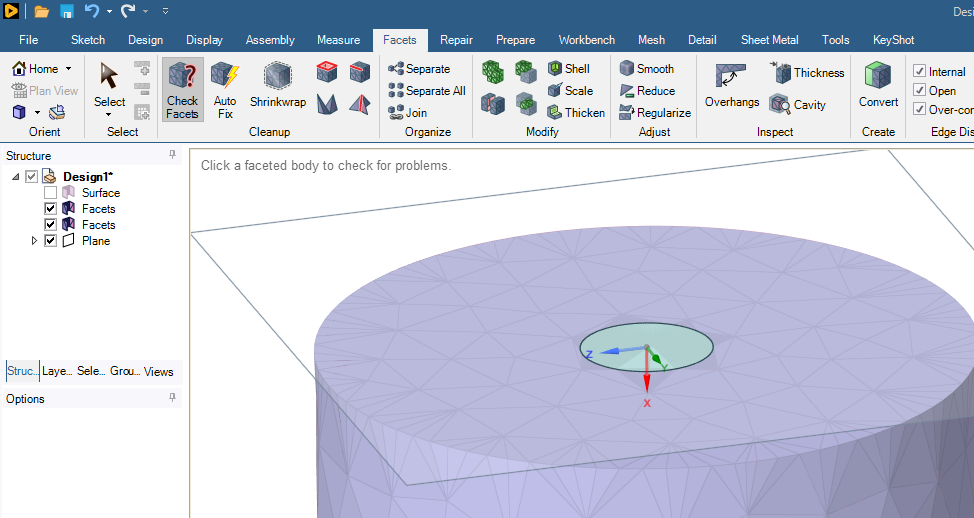
      You have a plane that is near the open end of the Facet surface. It will be best if you move the plane a small distance above the end cap.

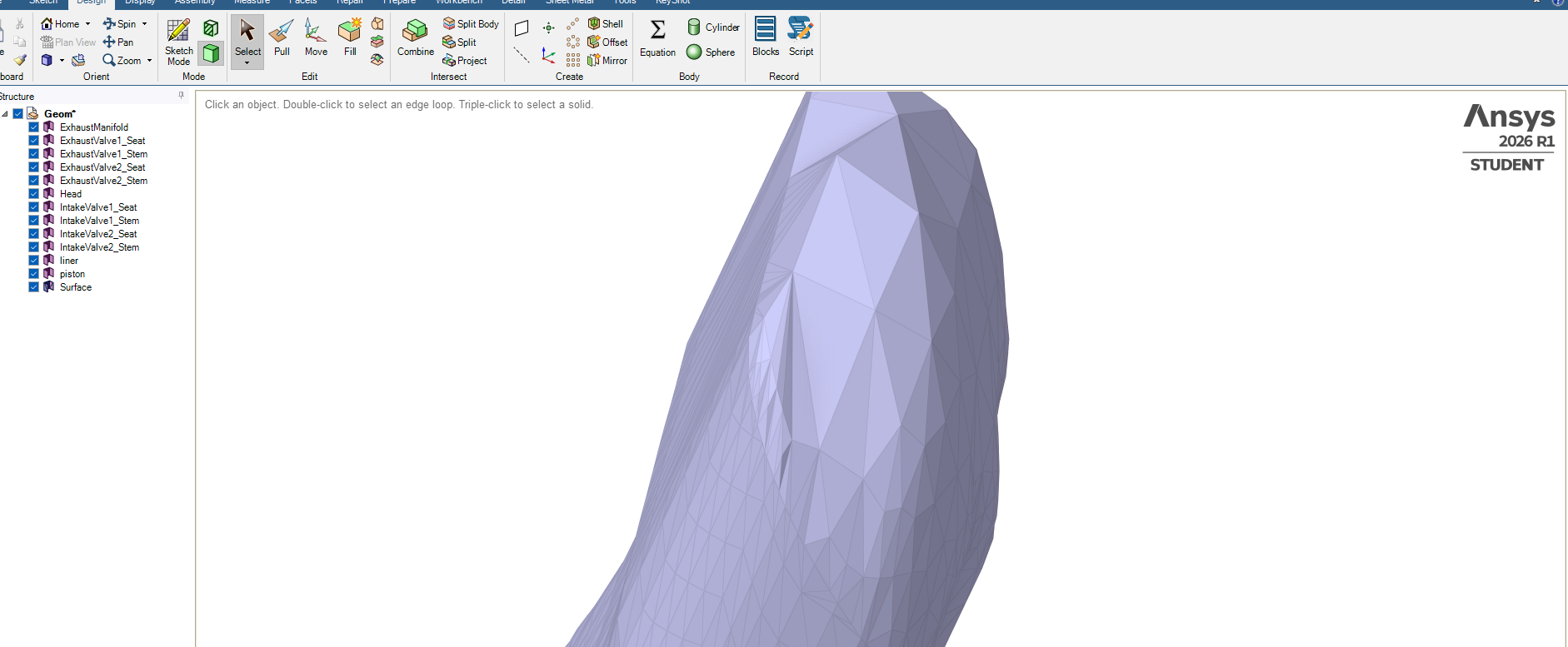
      On the Design tab with the Select tool, select that plane then click the Sketch Mode button.  Pick the Circle tool to sketch on that plane, then End Sketch Editing.  You will get a circular geometry face.
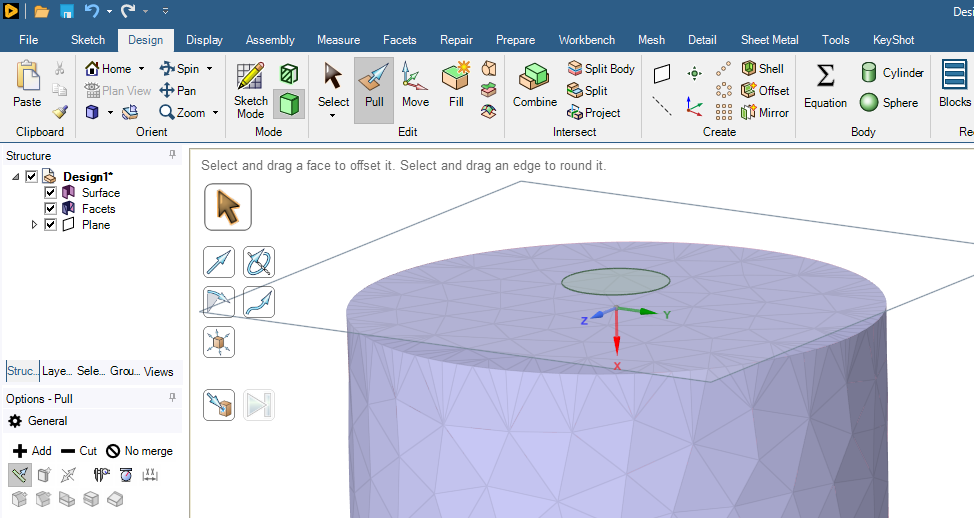
      Use the Pull Tool to create a cylindrical solid that passes a small distance through the end cap facet body surface.
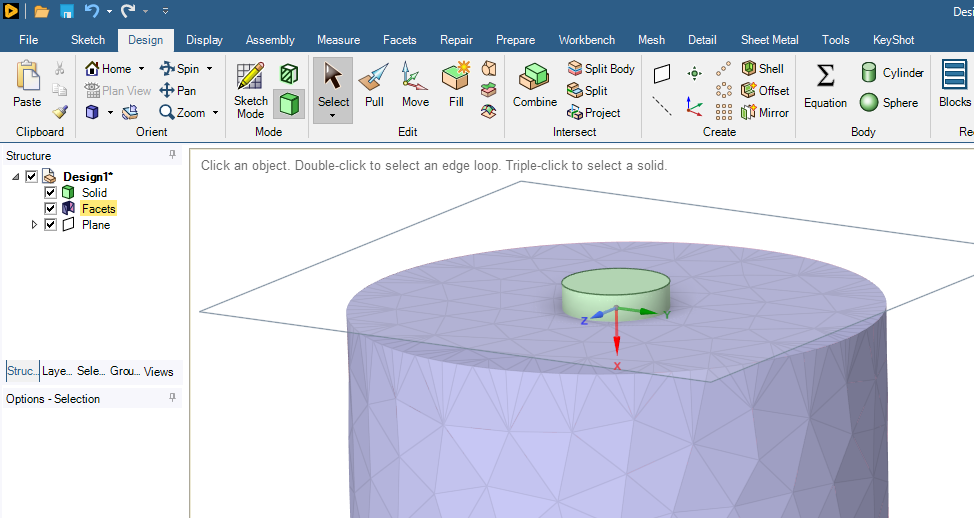
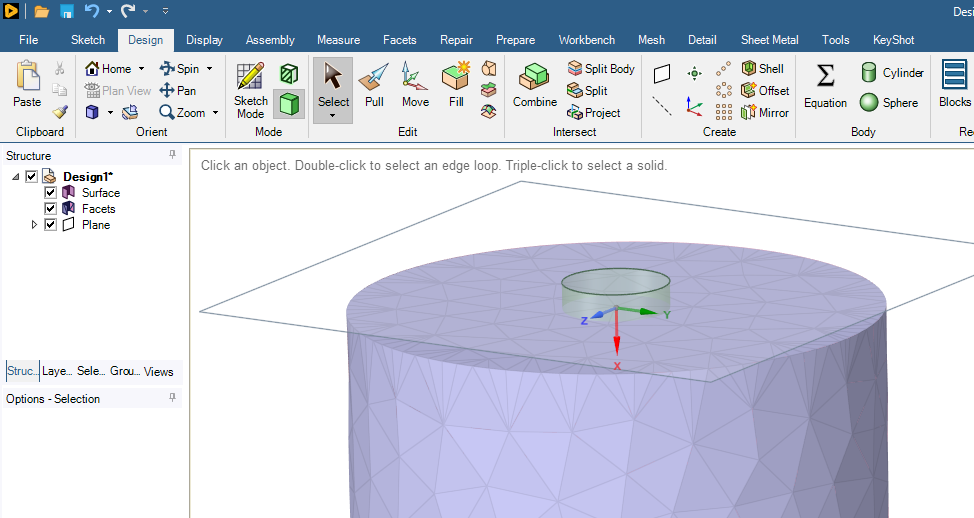
      Select the cylindrical face of the solid and type Ctrl-C, Ctrl-V to get a surface, then delete the solid body.
      On the Facets tab, use the Split button.
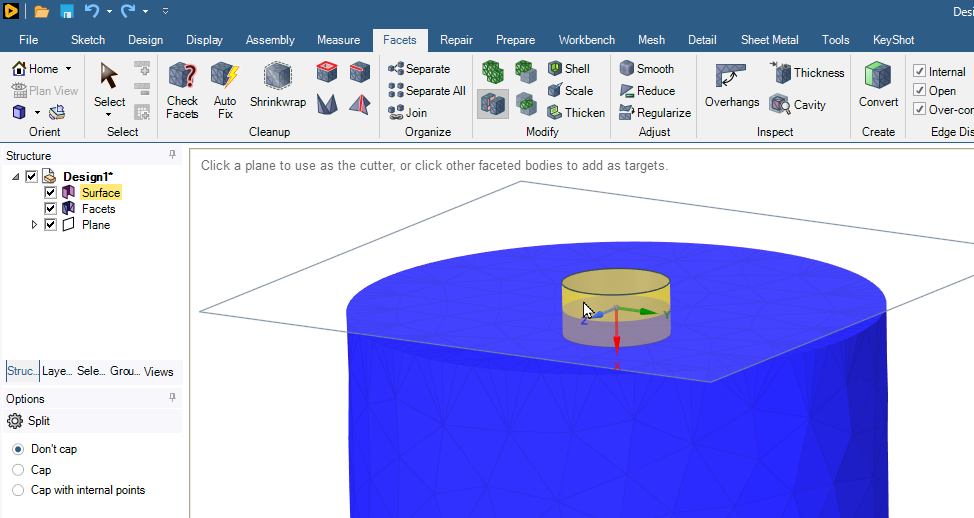
      Now you have two Facets bodies, the large body with a hole and a small body that fills the hole.
    • Hasan
      Subscriber

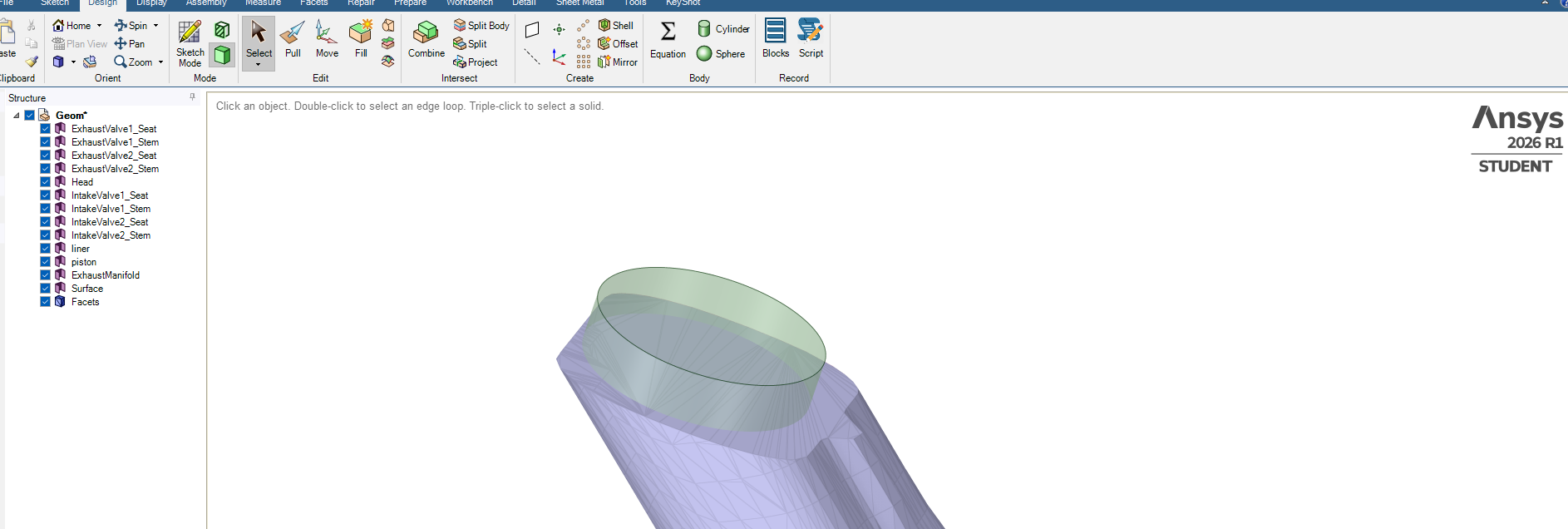
      I have created this round surface attached to the tube but cant create an opening between the round surface and the other surface. Working on splitting a circular surface and then delete it to create continous flow.


      • peteroznewman
        Subscriber

        The workflow I described above only works on a surface facet body.  You are trying to apply it to a solid facet body.

    • Hasan
      Subscriber

      Or maybe if there is a way in treating the capped surface as an opening. I have placed the cursur on it, just a way in separating the opening surface and then I can label it as an opening.

    • Hasan
      Subscriber

      Got this far, when I click on this surface it turns to brown colour but still its part of the Facets (in left Tree panel). Showing some missed elements too, need to separate this and give it a name such inlet with no missed elements.

    • Rob
      Forum Moderator

      Is this for a CFD model? 

    • peteroznewman
      Subscriber

      Repair the facet surface using the Check Facets and the Auto Fix buttons until the check comes back with no defects (except not watertight).

      Here is one of my videos:

      If you can share your archive, I can take a look at it. In Workbench, use File, Archive to create a .wbpz file. Upload that file to a file sharing site such as Google Drive.  Set Sharing so that Anyone with the link can download, don't leave it with the default Restricted setting.


    • Hasan
      Subscriber

      Getting there. Now closed but I need to separate this shaded area from the rest of 'InletPort-New'. I have selected the elements that need to be separated but now need to separate them from 'InletPort-New' and give it a new name such as INLET. Thanks.


      • peteroznewman
        Subscriber

        The facet body named InletPort-New is a Solid body, not a Surface body so maybe you don’t have the cover you want.  I think at the end of the day, you want a watertight solid facet body for the entire manifold with named selections for inlets and outlets that consist of facets on the solid body.


    • Hasan
      Subscriber

      Selected all elements maually and went to Groups, then selected "Create NS" to give it an ioening name.

      Thanks for your help, peteroznewman you are good in Spaceclaim.👍


    • Hasan
      Subscriber

      How can I smoothout these sharp corners, make them more curving or shamfer? See red circles for locations.

    • peteroznewman
      Subscriber

      Do you mean sharp edge of the outline of geometry or do you mean sharp angles at the vertices of individual facets?

      Here are sharp edges in the geometry.

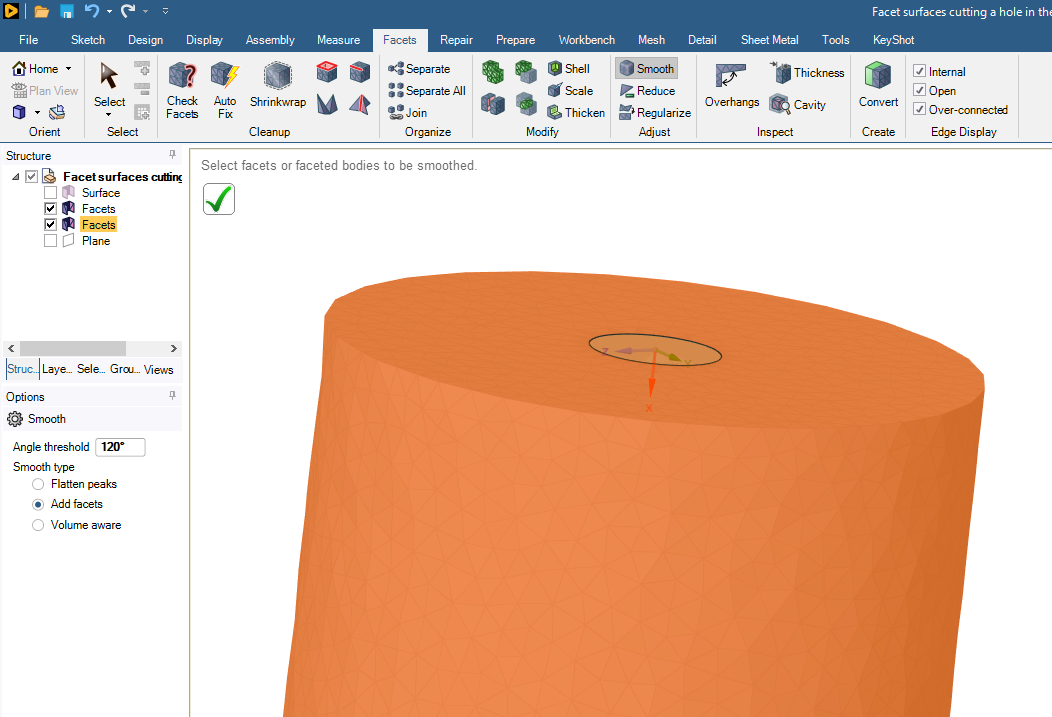
      Use the Smooth button with an Angle Threshold > 90 degrees.

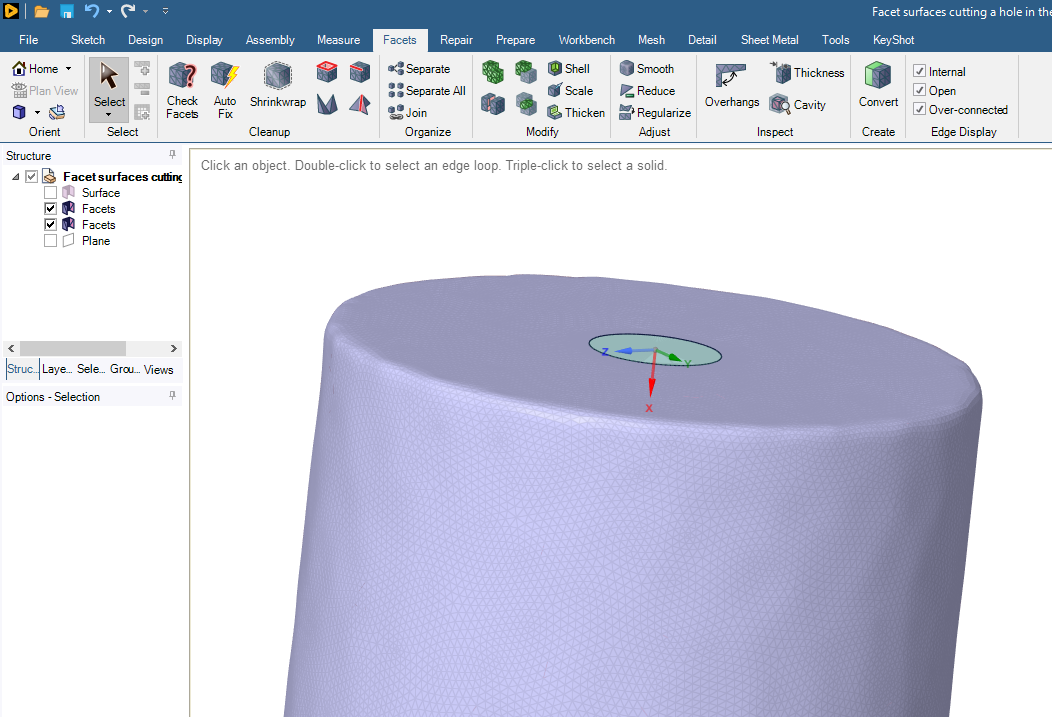
      Here is the result.

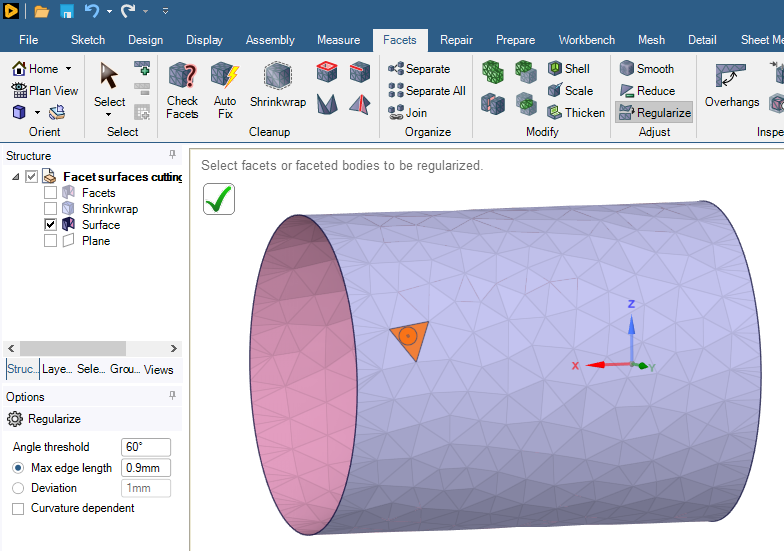
      If you have sharp vertices on individual facets, you use the Regularize button to remesh the surface with facets closer in shape to an isosceles triange.

      Here are high aspect ratio facets:

      Here is the regularized version:

    • Hasan
      Subscriber

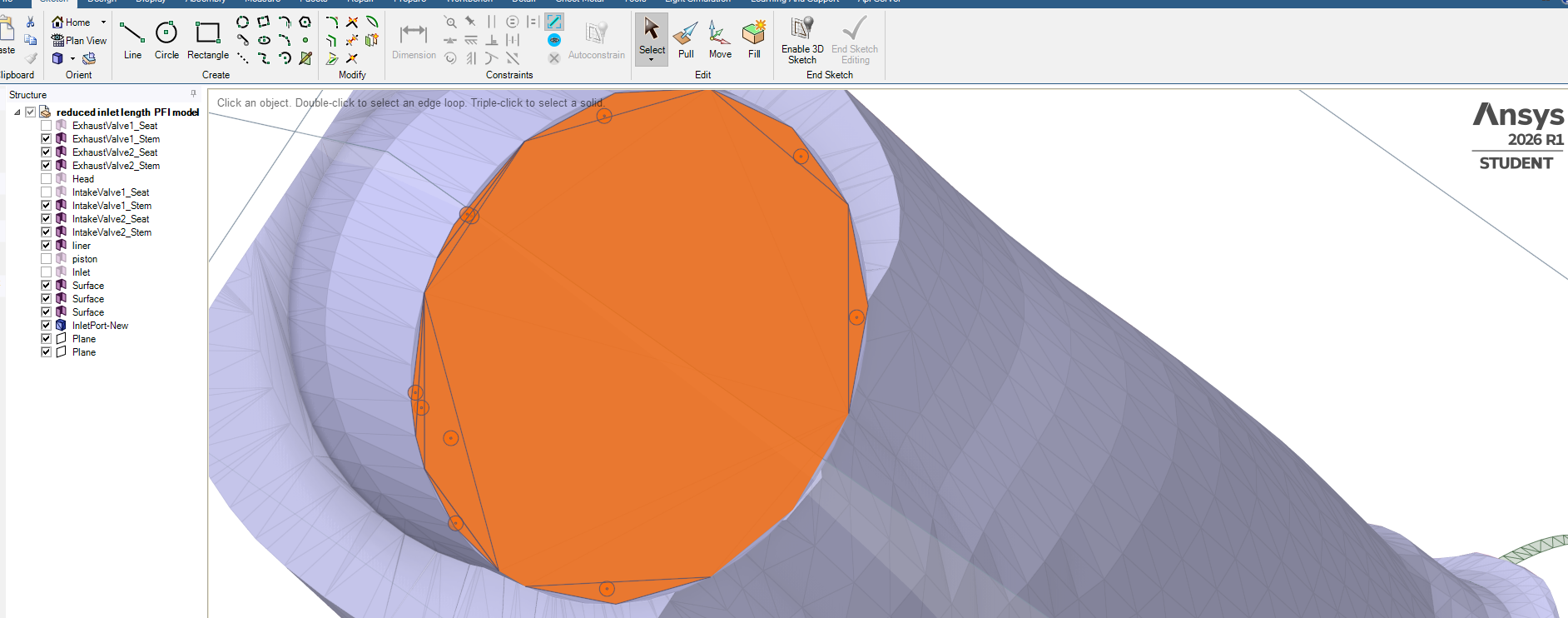
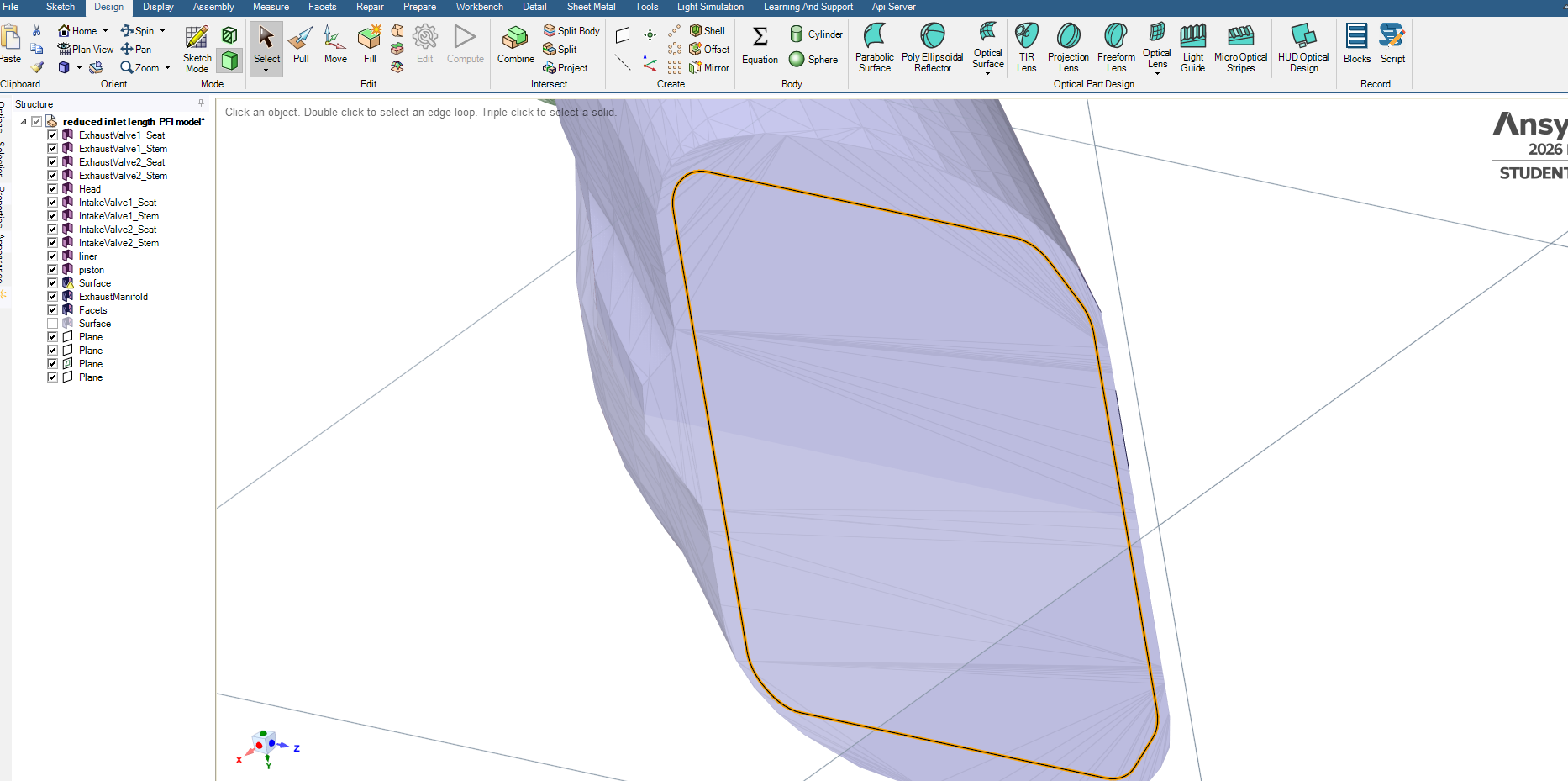
      How can I split and delete the red line enclosed surace area? Tried Split in the Facet tab by selecting the red line and Split but didnt work, I need to delete the red line enclosed area, thanks.

    • peteroznewman
      Subscriber

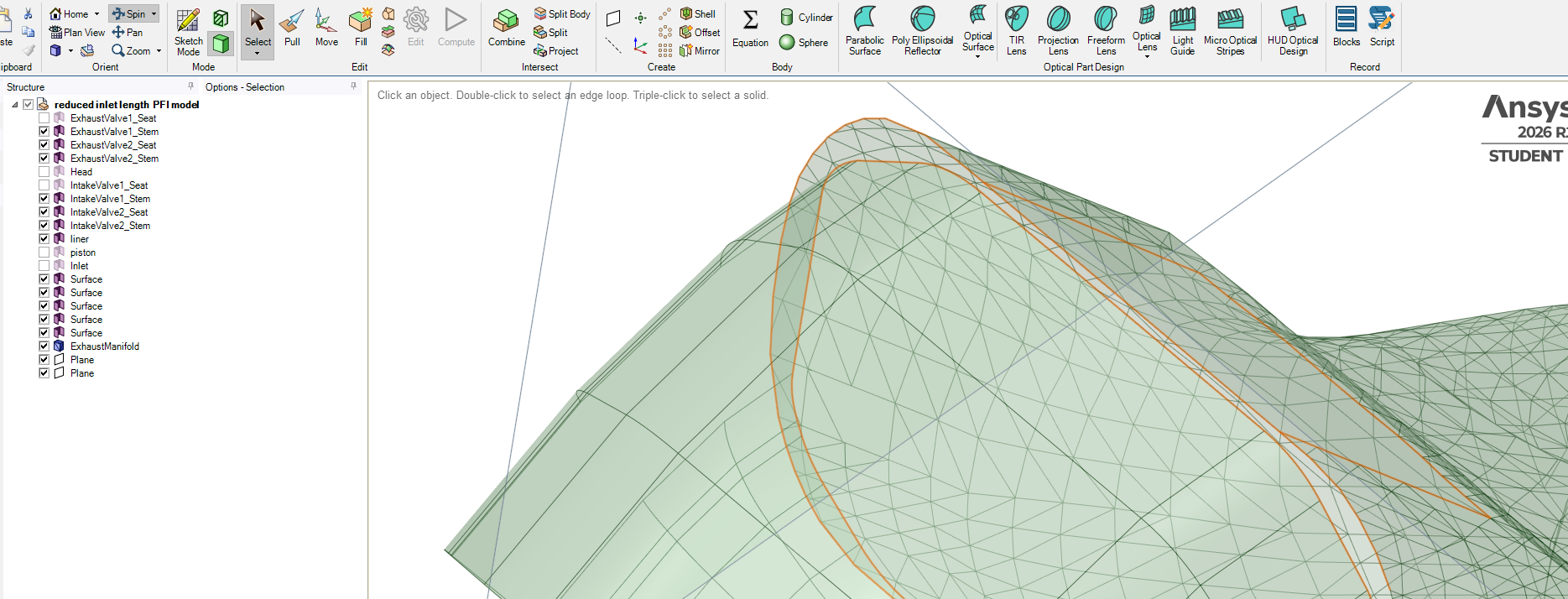
      At the beginning of this discussion, you had 14 geometry surfaces and 1 facet surface.  Now you have 11 geometry surfaces and 3 facet surfaces, one of which has a warning icon on it.  You are headed in the wrong direction. You should work on converting the facet surfaces into geometry, then all other operations become simpler. Working with Facets is more difficult, has more limitations and results in more approximate geometry than working with Geometry.

      It seems like you are building a fluid domain for an intake manifold.  That requires a solid geometry body or a watertight solid facet body to mesh. You say you need to delete the red line enclosed area, but that would not result in a watertight solid body.

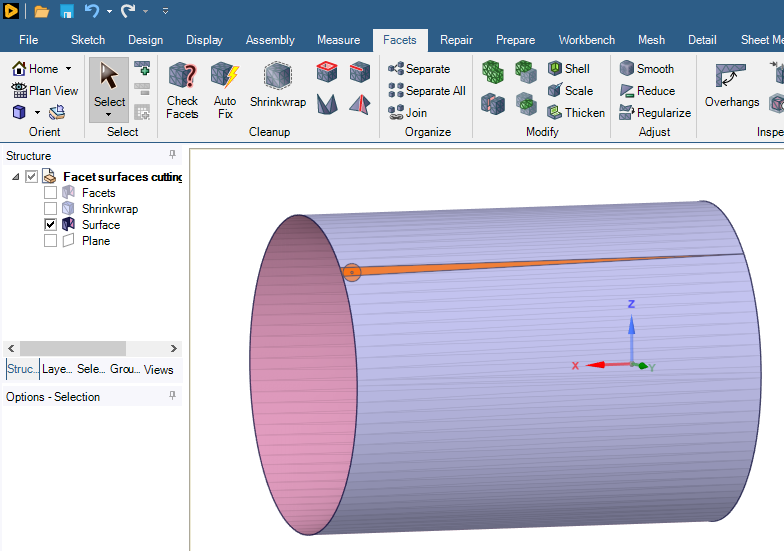
      The second last plane in the Structure list may contain the red line curves. Hide all objects except for the red lines and on the Design tab, use the Pull tool to create a surface or solid extrusion that passes through the end face. If it is a solid body, copy/paste the side faces to keep that as a surface and delete the solid body. Then you can use the surface geometry with the Split button to separate the red line enclosed area which you can then delete from the end face.

    • Hasan
      Subscriber

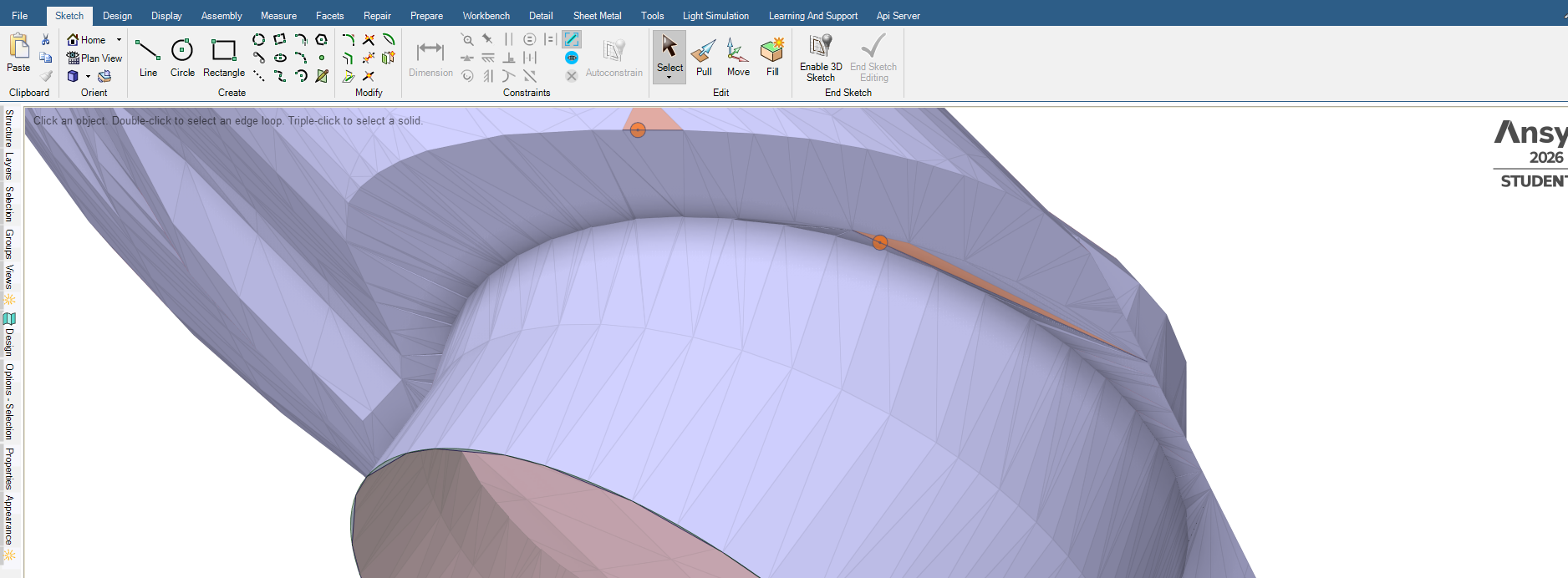
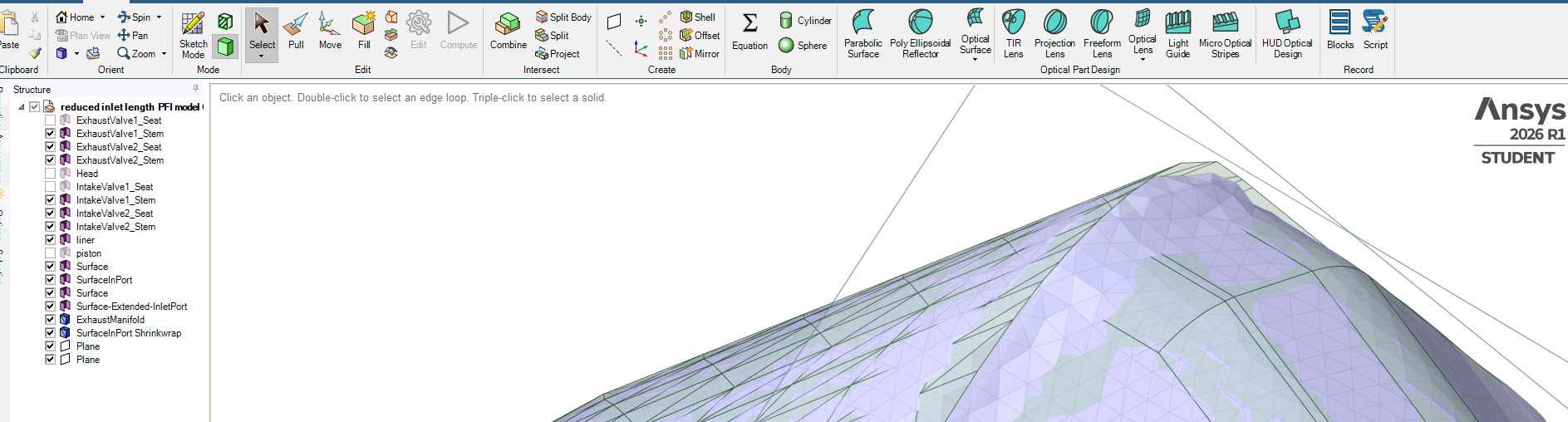
      Thaks for your help, Just practicing spaceclaim. Trying to join area between two redline curves to fill space. Tried different ways not getting there, Shrinkrap covers everything even the areas I need to have open. Thanks for sharing your skills.


    • Hasan
      Subscriber

      Could have been a smoother void closure but acceptable.

Viewing 24 reply threads
  • You must be logged in to reply to this topic.
[bingo_chatbox]