-
-
December 15, 2025 at 8:17 am
-
December 15, 2025 at 9:42 am
1479601362
SubscriberIn the calculation case, I used the S-ALE algorithm
-
December 15, 2025 at 10:36 am
Nanda
Ansys EmployeeHello User,
First, pick what you are contouring with Post → Fringe Component (Fringe → Fcomp), e.g. von Mises stress, displacement, etc.
Then turn on the fringe display if needed (Fringe on/off button in the main toolbar or via the Fringe menu).
Use Post → Fringe Range (FriRang) to control:
Min/max values (Global, Current).
Number of levels, averaging option, or to identify min/max entities.
Let me know if this doesn't help.
Regards,
Nanda.
Introducing Ansys Assistant a 24/7 AI-powered virtual assistant for active Ansys academic customers.
Have a look at our public help documentation website: Ansys Help
For more exciting courses and certifications, hit this link: Ansys Innovation Courses | ANSYS Innovation Space
-
December 16, 2025 at 2:19 am
1479601362
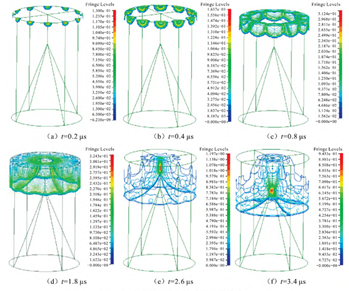
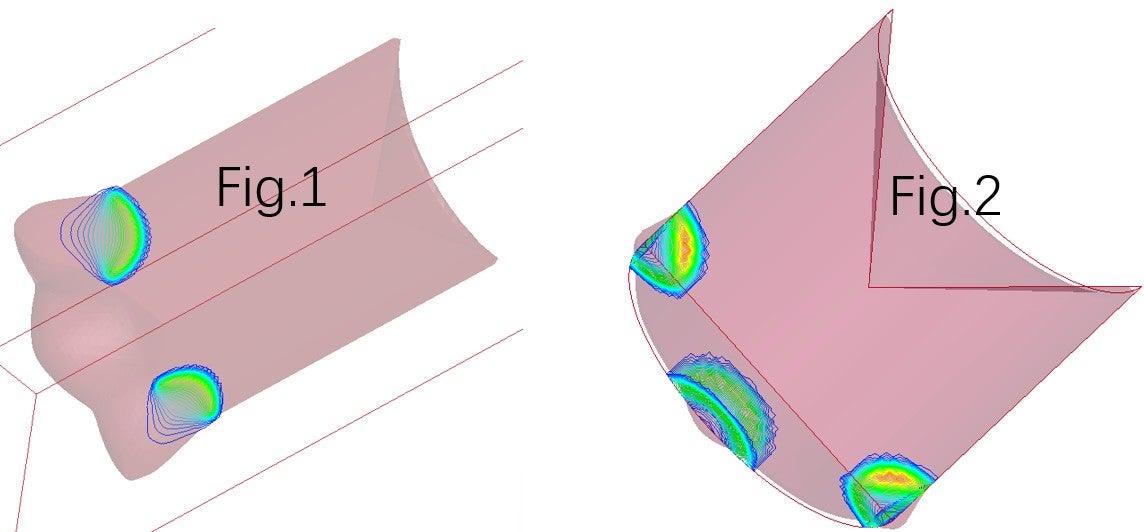
SubscriberHello Nanda,I followed your method and the post line contour mode can be displayed normally in the calculation case using the ALE method. But in the calculation case using the S-ALE method, I selected a part and selected pressure in the "Fringe Component", but when I clicked on "post line contour mode" in the "Fringe on/off button", the part I selected disappeared from the screen. How should I set the post line contour mode correctly in the calculation case using the S-ALE method?
-
December 17, 2025 at 9:22 am
Nanda
Ansys EmployeeHello,
- If the part disappears when switching to line contour mode, try toggling between element shade modes (View > Element Shade > Mesh) or switching between flat and smooth shading in the View menu. This can help restore visibility for S-ALE meshes.
- Ensure that the correct result state (time) is selected in the Animate window, as S-ALE simulations may have moving meshes, and the display can change between time steps.
- If issues persist, try resetting the display using the Clear button to remove previous selections, then reapply the desired contour and shading settings.
-
- You must be logged in to reply to this topic.

-
4618
-
1530
-
1386
-
1209
-
1021
© 2025 Copyright ANSYS, Inc. All rights reserved.