Hi Eric,
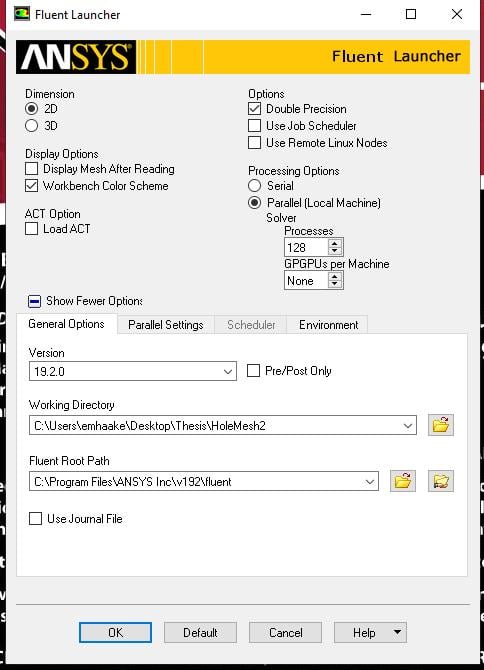
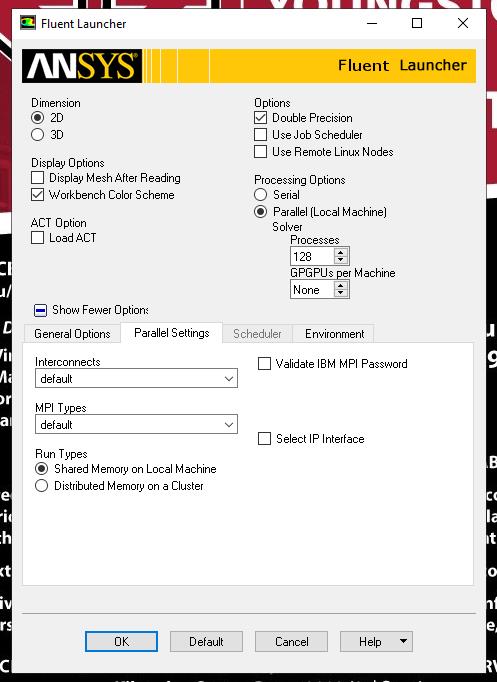
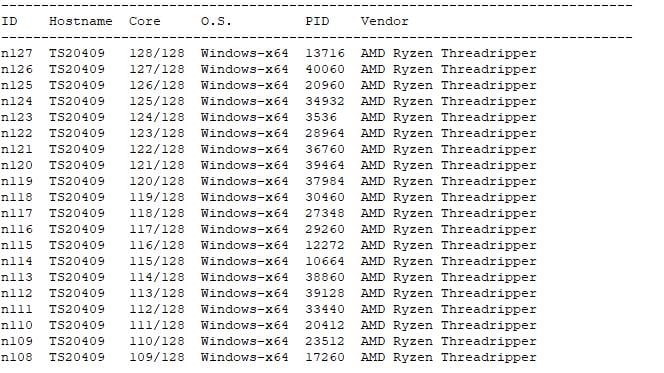
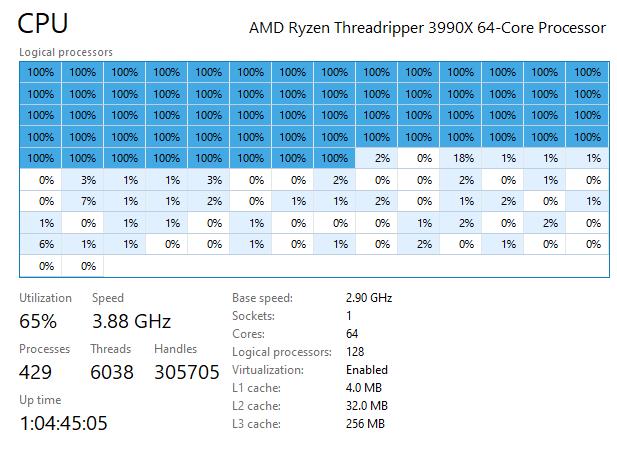
ANSYS solvers (not just Fluent) are already CPU intensive, so hyperthreading actually can degrade the solver performance instead of increasing it. It's always recommended to disable hyperthreading for ANSYS solvers. In your case, 64 physical cores would be best.
Here is the general hardware recommendations for ANSYS CFD solvers
Intel® Xeon Core series 62xx also known as “Cascade Lake” Processors
• Turn off Hyper-threading
• Leave Turbo boost on
Memory (Fastest memory, so DDR-4 2933 MHz)
• To operate at maximum speed all memory channels in both processors should be populated with equal amounts
of memory. Minimum 192 GB RAM per machine to meet this requirement.
Interconnect (Server/Cluster solution ONLY)
Omni-Path, EDR, QDR or FDR IB interconnect if you will be running on 2 or more nodes in parallel (on a cluster, Minimum 10 G network.
Hard Drives
SSD (NVMe, M2 interface) drives.
Graphics (Rendering)
Nvidia Quadro NVIDIA® Quadro® P4000, NVIDIA® Quadro RTX™ 4000
NOTE: For rendering/display – Ansys requires OpenGL and the workflow that is recommended is that you do all pre/post processing on a workstation and not on a server unless it is a graphics server. A high-end OpenGL graphics card and recent drivers are required.
GPU (CFX does not support GPU)
AVX2 (Fluent Only)
• Supported ONLY for Fluent 18.2 and higher using this flag in your startup script: -platform=Intel



















 You are navigating away from the AIS Discovery experience