-
-
May 8, 2020 at 11:30 am
spzndr
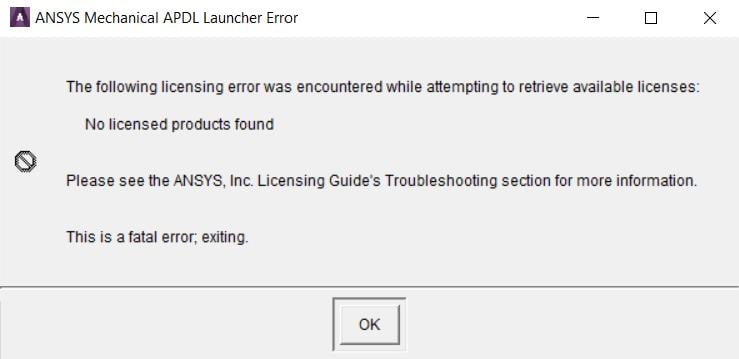
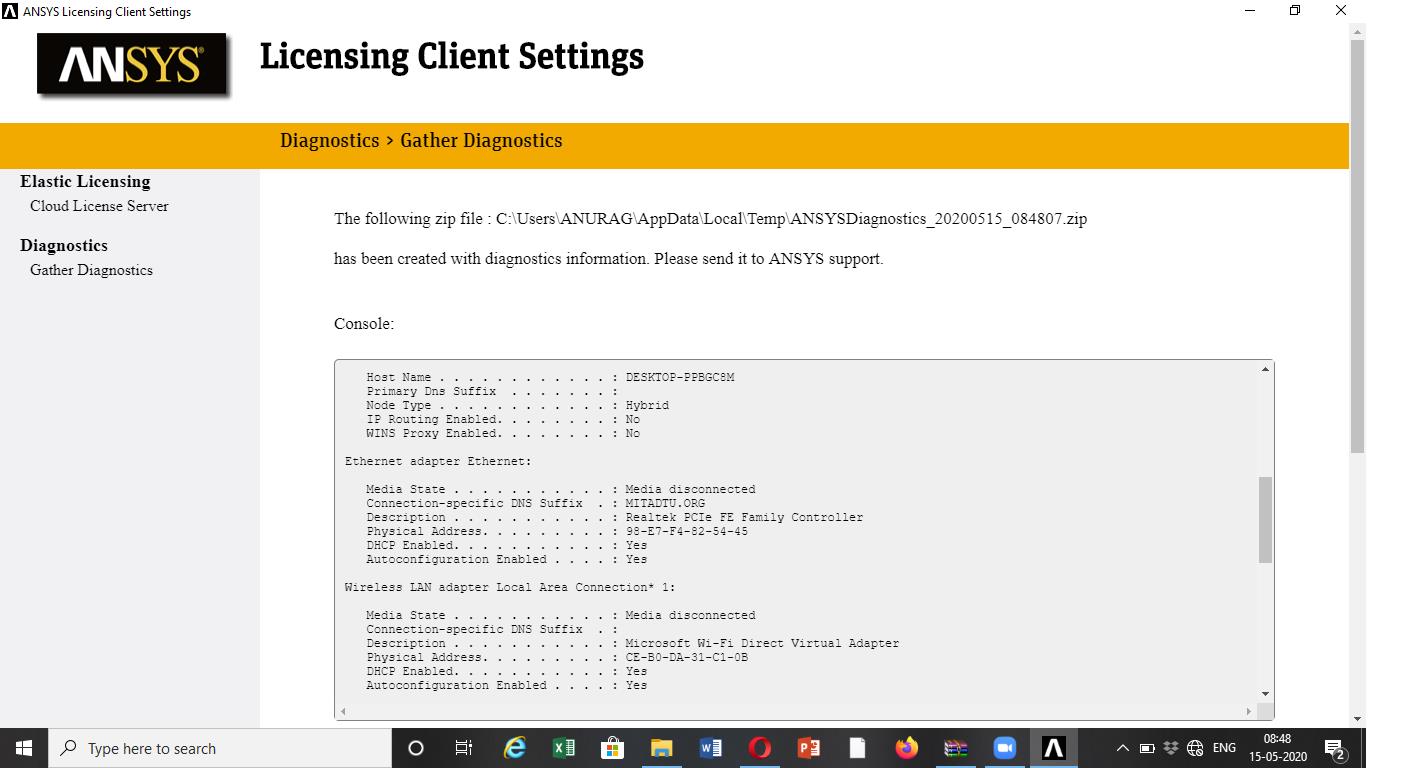
SubscriberHello, i installed ANSYS 2020 R1 for student following the instructions but there is a problem with licenses. When i run Mechanical APDL Product Launcher appear the error shown in this image.
Â
When i run Mechanical APDL appear the error shown in this image.
Â
How can i solve it? Is it a problem about the computer or the installation?
-
May 14, 2020 at 12:23 am
tsiriaks
Ansys EmployeePlease post screenshots inline with text as ANSYS employees are not allowed to download them.
-
May 14, 2020 at 11:32 am
spzndr
SubscriberSorry, i corrected the post.
-
May 15, 2020 at 6:11 am
-
May 19, 2020 at 5:02 pm
LoryMontagna
Subscriber Same issue here. I'm posting the thread Icreated with the screenshots.
-
May 19, 2020 at 9:07 pm
tsiriaks
Ansys Employeespzndr, please try the same thing as this thread
/forum/forums/topic/issue-with-license-for-student-version/
If that doesn't help, post the output of 'set' command (without quote) from CMD Prompt
-
May 19, 2020 at 9:36 pm
spzndr
SubscriberThank you very much, it worked and there isn't the problem with Workbench like for LoryMontagna.
-
May 19, 2020 at 9:42 pm
tsiriaks
Ansys EmployeeGreat ! Thank you for the update.
-
- The topic ‘Licenses problem’ is closed to new replies.
-
4452
-
1494
-
1376
-
1209
-
1021
© 2025 Copyright ANSYS, Inc. All rights reserved.