TAGGED: ansys-hfss, hfss
-
-
May 21, 2025 at 9:52 am
yuhtao
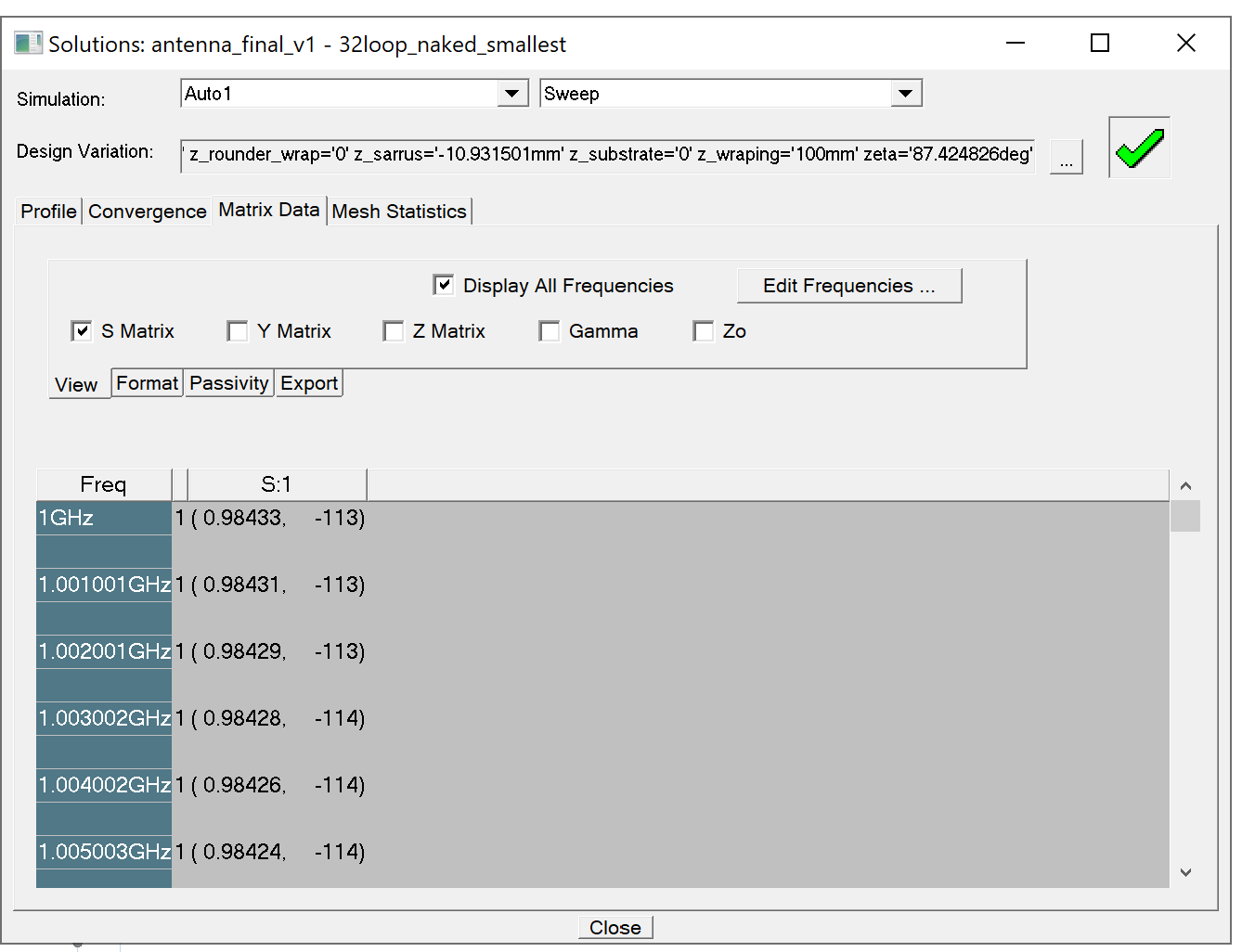
SubscriberHi! I am an HFSS user with about 1 year experience, who was doing antenna simulation on HFSS. After normal completion of a sweep, I could export the S11(freq) data from "solution data" (see image attached), but totally nothing in "results"(e.g. S11 graph, 3D realized gain plot etc. totally blank), which is bothering, since gain data is necessary for my case. No error during simulation. Validation check passed every time. Pleasing for help.

-
May 22, 2025 at 12:46 pm
Chinmay T
Forum ModeratorHello yuhtao,
Have you tried creating these results by right clicking on results in project manager window or by going to results ribbon area?
Please go to through "Post Processing and Generating Reports" section in HFSS Help document.
Thank you,
Chinmay -
May 22, 2025 at 12:51 pm
yuhtao
SubscriberDear Chinmay,
thank you for the reply! I have, they worked perfectly for all my other cases (since that's the easiest way to get various data), not this one. I have one year experience using HFSS with intensity, so you could expect I know about the ordinary workflow.
Thank you,
Tao
-
May 23, 2025 at 7:30 am
Chinmay T
Forum ModeratorHello,
Please clean up your previous results by right clicking on results and reanalyze the design. Then, plot the results again.
Thank you,
Chinmay-
May 23, 2025 at 10:03 am
yuhtao
SubscriberDear Chinmay,
thank you for the reply! I cleaned up the results and re-simulated, there was still no plot.
Thank you,
Tao
-
-
May 23, 2025 at 12:48 pm
Chinmay T
Forum ModeratorHello,
Can you please provide below information to assist you further?
- Which AEDT version you using?
- Please share the screenshots of:
- antenna model
- convergence plot
- messages you are getting in message manager window after analysis is done
- which excitation you are using and how you assigned it. (In the solution window screenshot, I am seeing only "S:1" and not S1:1)
- which options you are selecting while plotting S11 and 3D gain plot
- report window
I would suggest to use antenna toolkit and create the antenna and verify your anteena (all assignments and analysis setup) with toolkit model.
Thank you,
Chinmay -
May 23, 2025 at 3:09 pm
yuhtao
SubscriberHello Chinmay,
Thx for the reply!
1. I am using 22R1, and my friend tried 21 and 24, all of them with this issue.
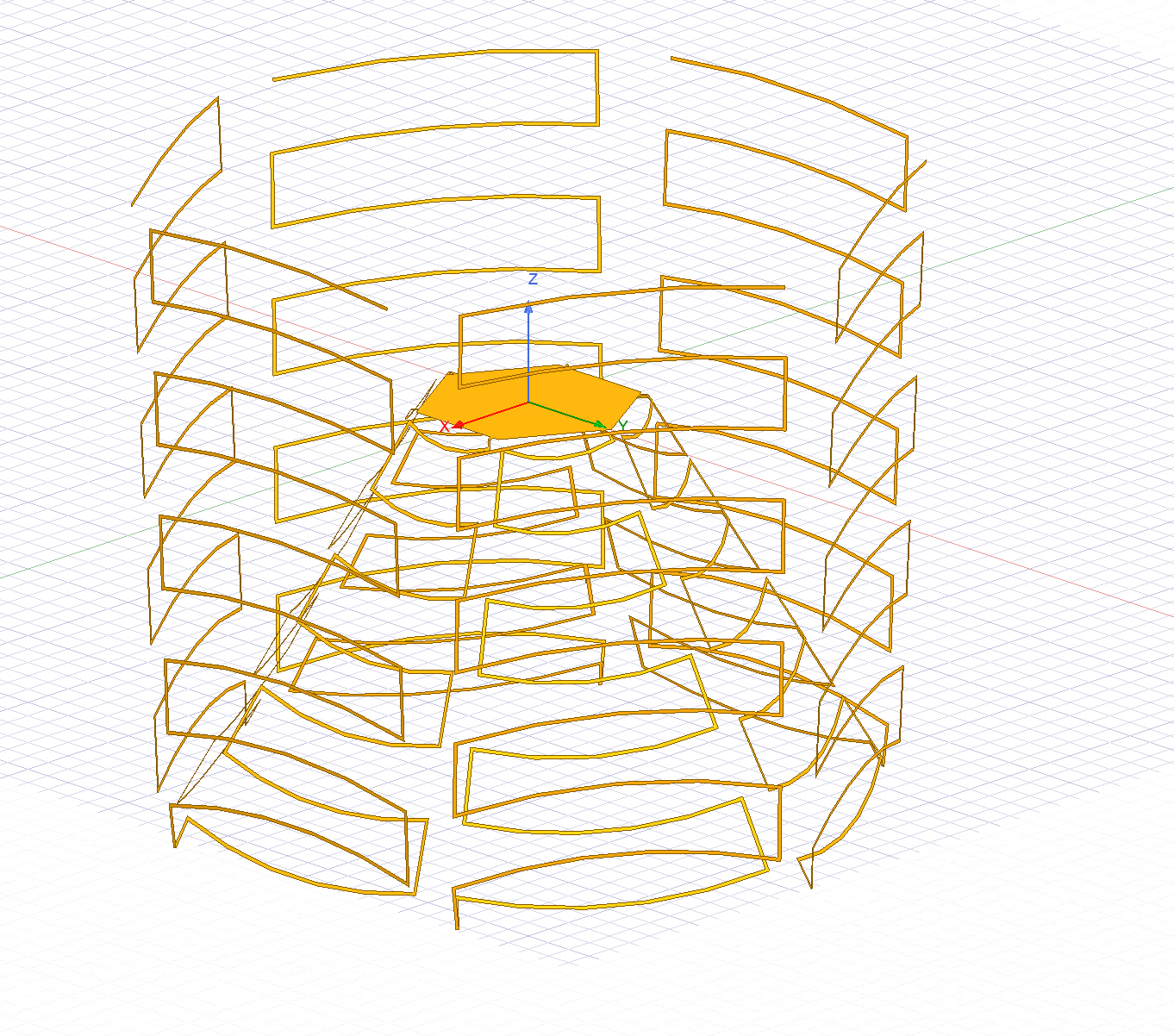
2. antenna radiator model:
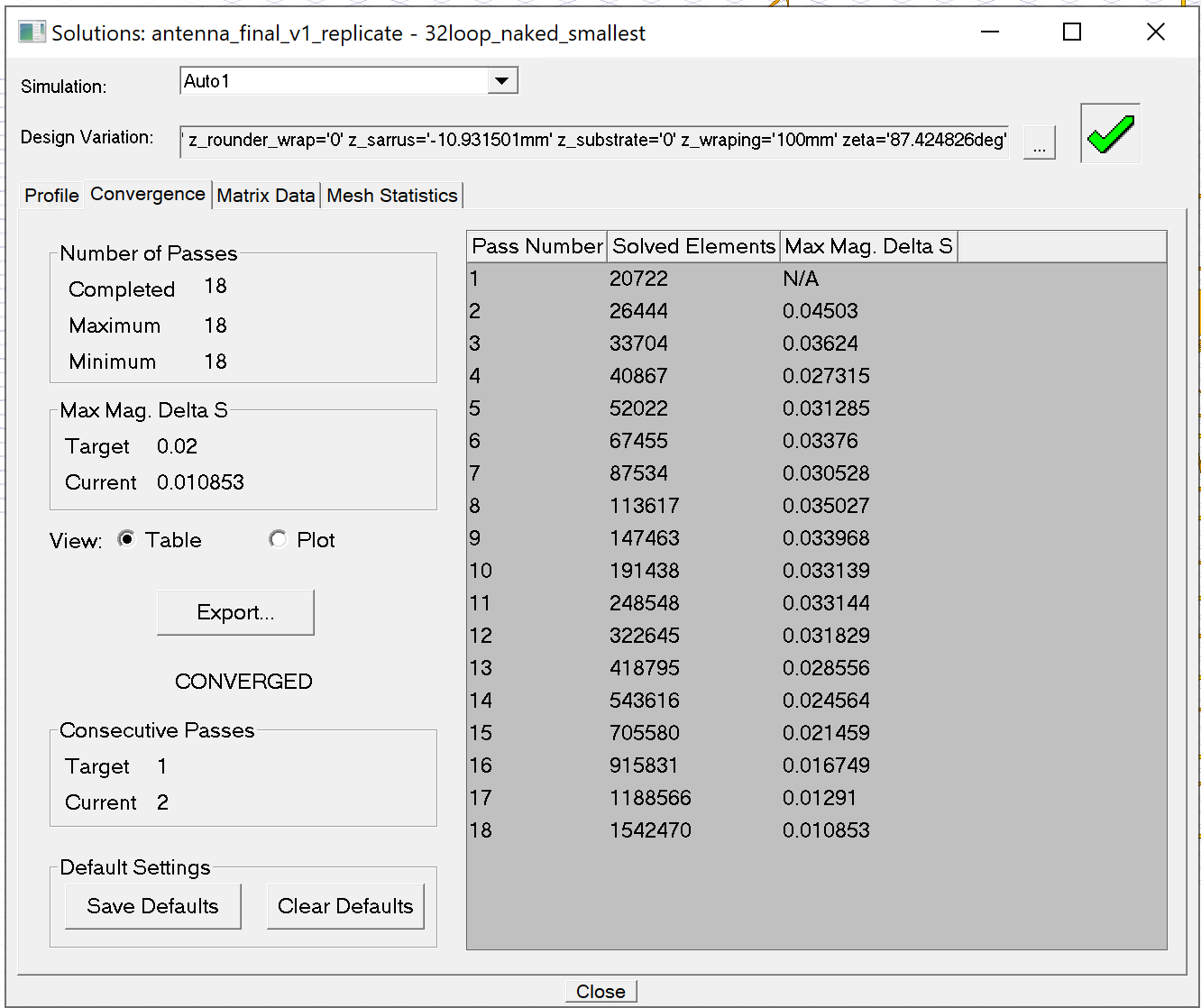
3. convergence plot:
4. message after analysis done:
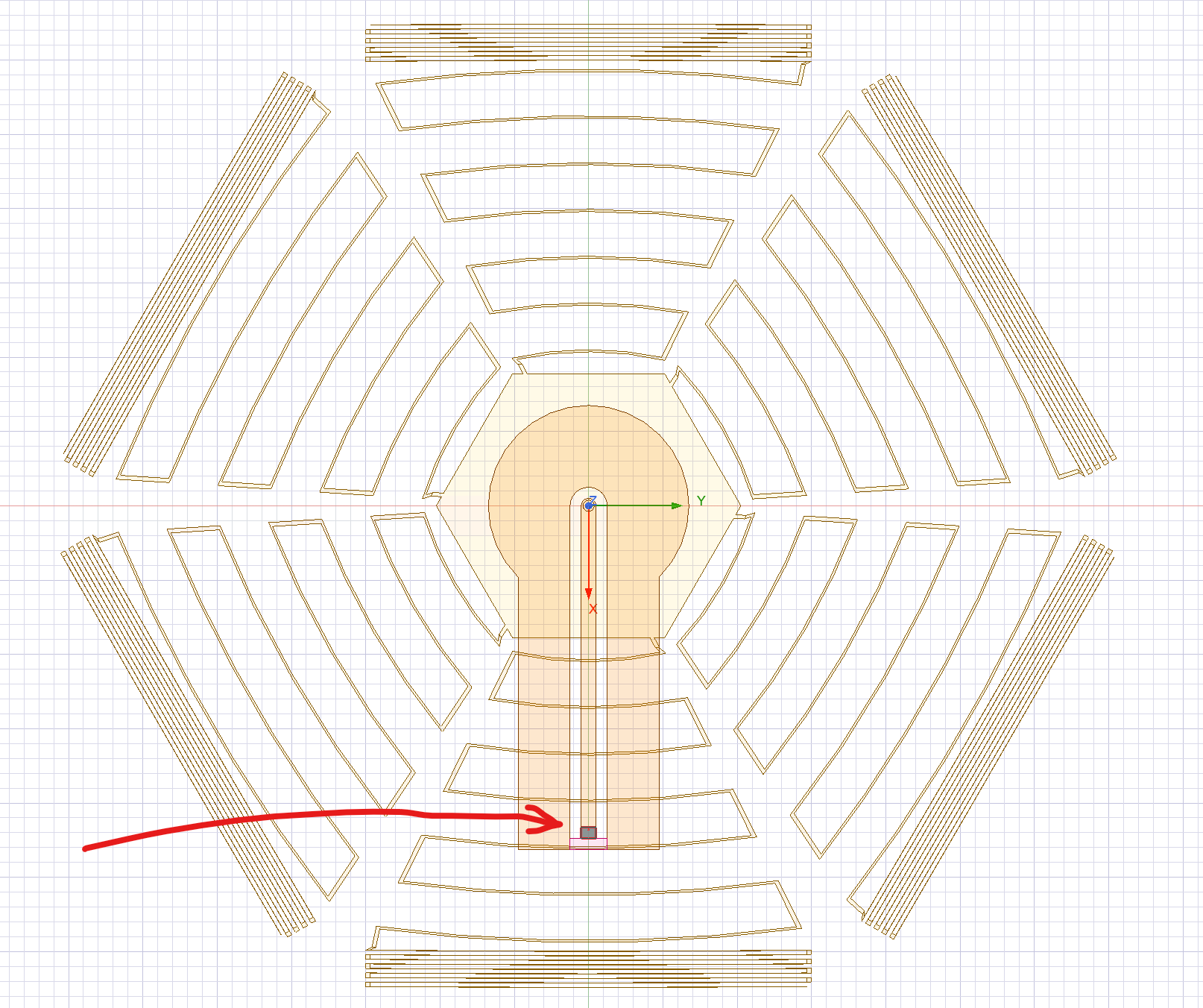
5. excitation (lumped port, do not renormalize, top view):
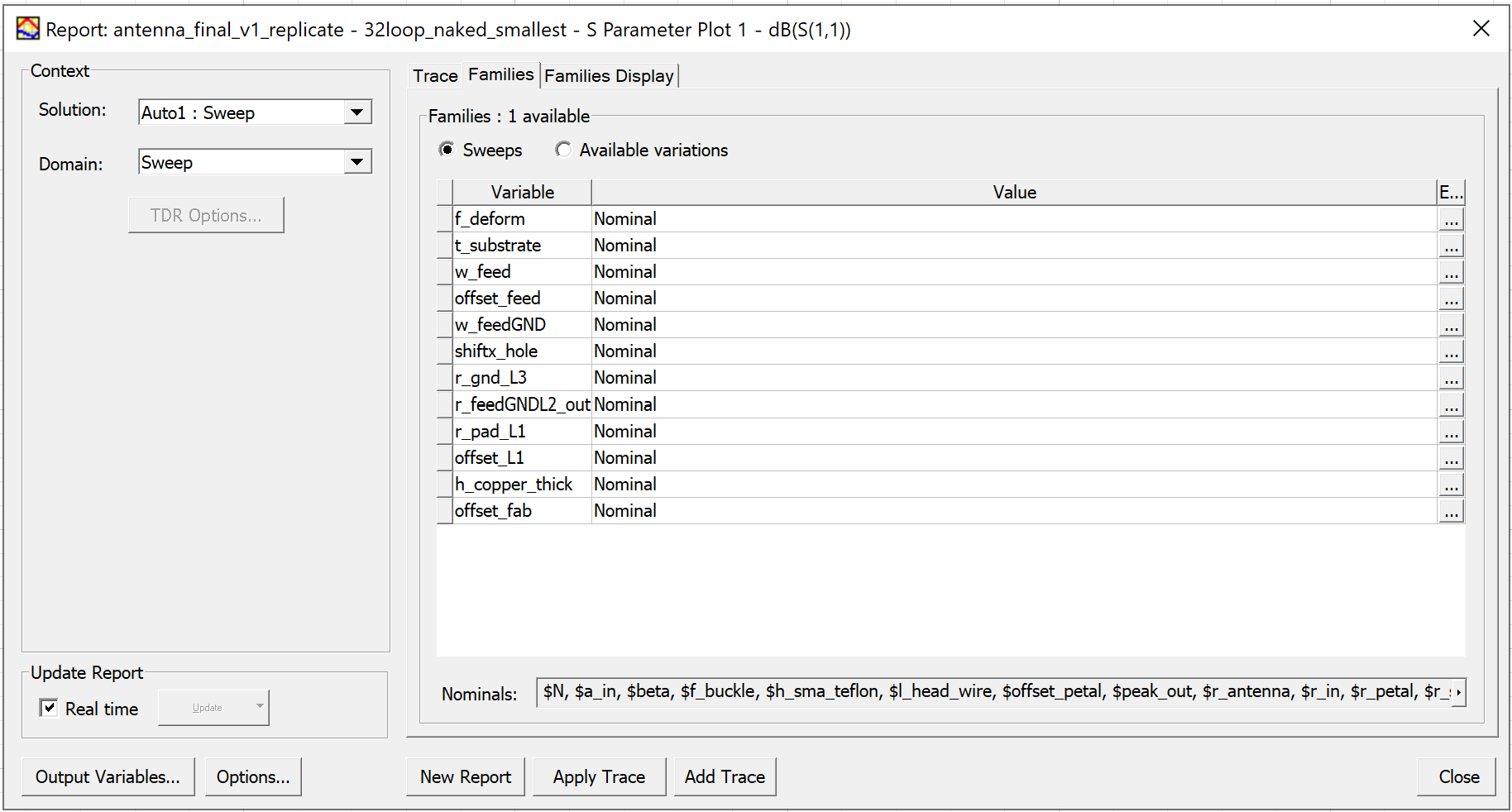
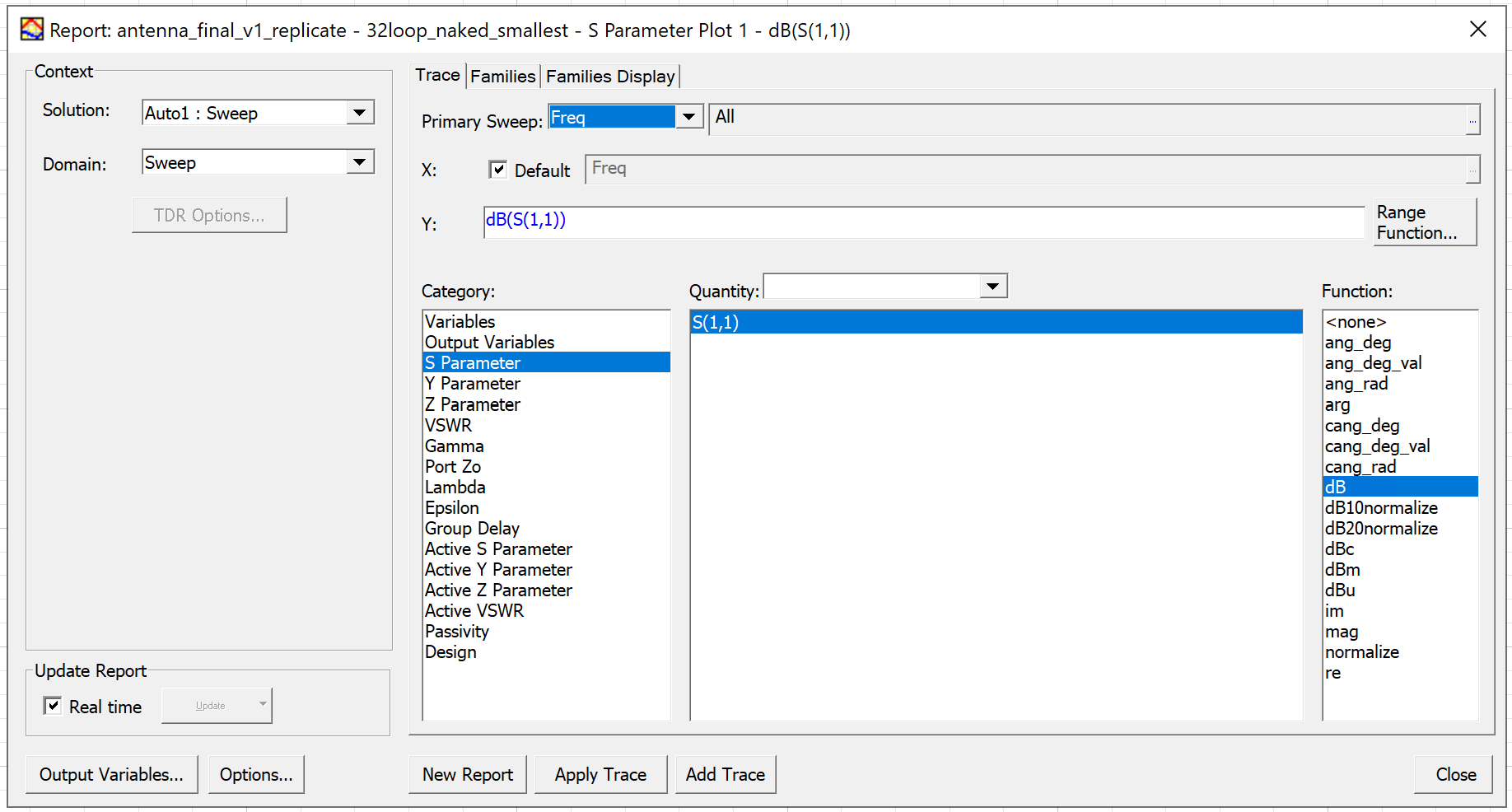
6. S11 plot option:

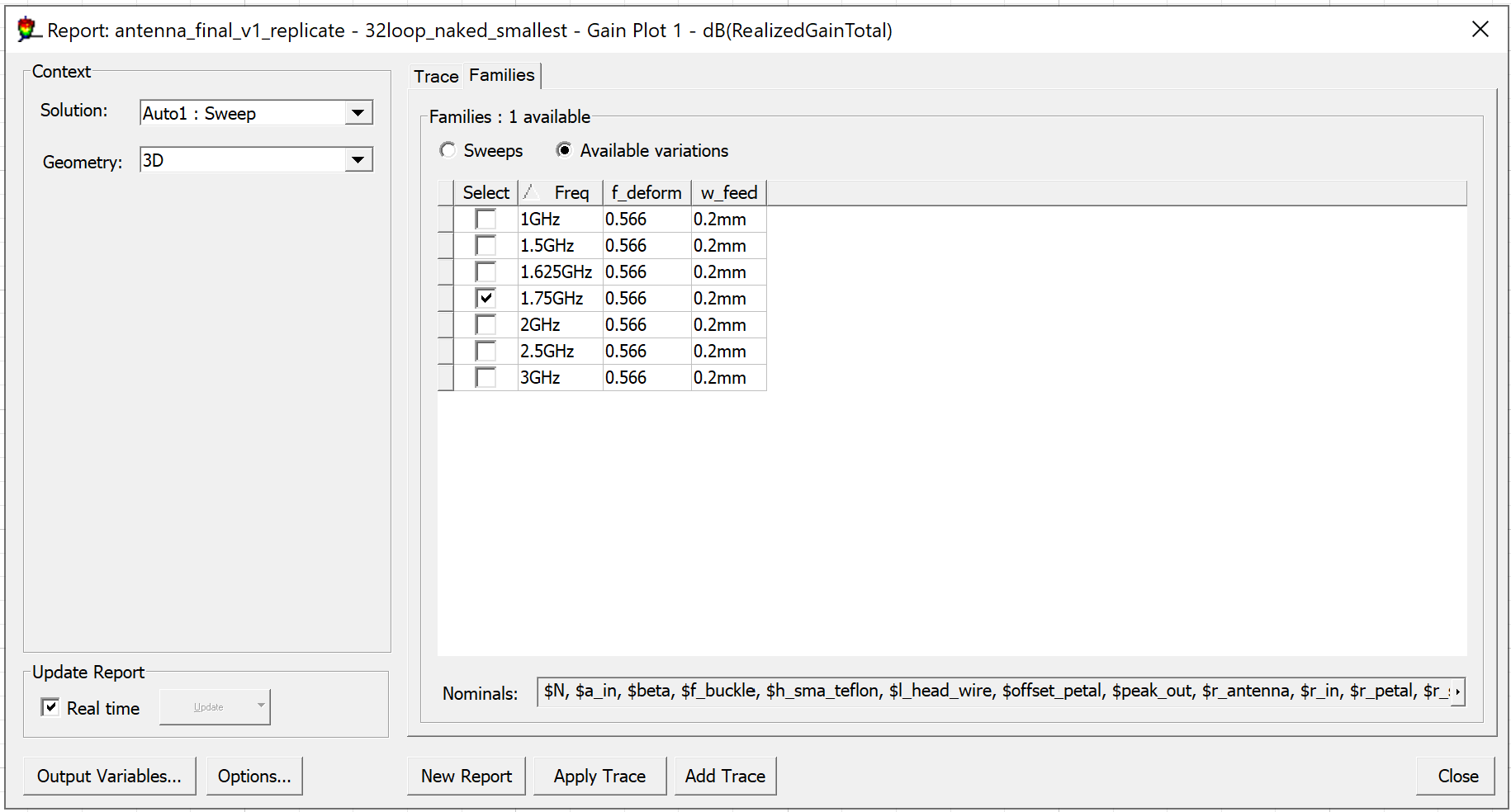
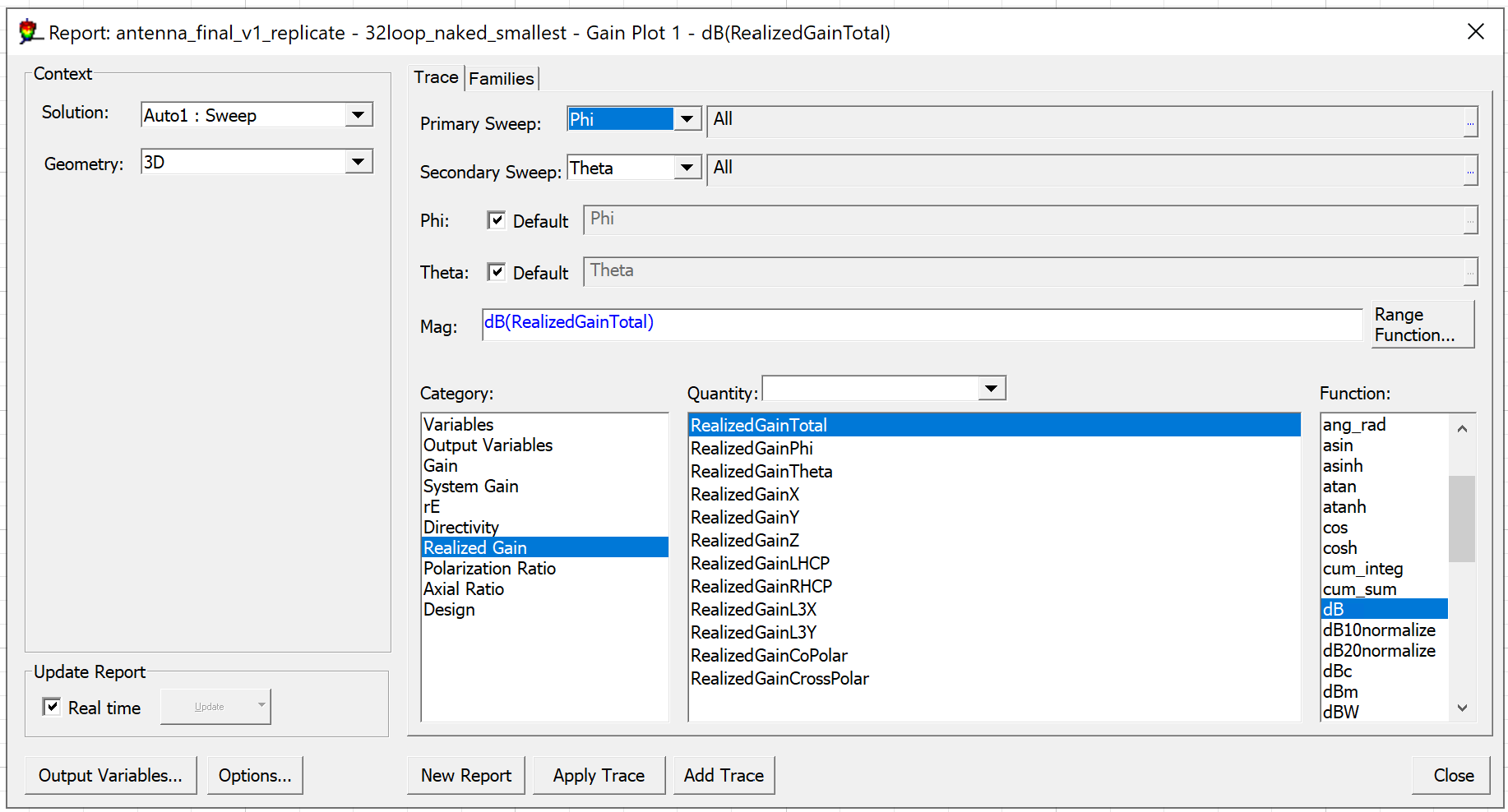
7. 3D gain plot option:

8. report window: totally blank for S11 and GainsThank you,
Tao
-
May 27, 2025 at 6:01 am
Chinmay T
Forum ModeratorHello Yuhtao,
I would suggest to update the AEDT to the latest version, 2025 R1.
It looks like you didn't share the report/result window. Please share it with the project manager window opened and share the screenshot of solution setup also.
You should not see these many variables as nominal while plotting the results. Try changing the location path of the project, clean up results again and rerun the design.
Have you compared your model with the antenna toolkit model as suggested earlier?
Thank you,
Chinmay
-
- You must be logged in to reply to this topic.
-
6405
-
1906
-
1457
-
1308
-
1022
© 2026 Copyright ANSYS, Inc. All rights reserved.