Hello everyone,
I'm trying to slice up a body in order to refine the mesh where I need it. First I simplified the model in SpaceClaim by removing some features using Fill tool. Then I come across following errors in Mechanical when I try to mesh or solve.
One or more surfaces or surface boundaries might not be oriented correctly.
A body was processed that had faces with no facets. Mesh generation and mass property calculations may be impacted.
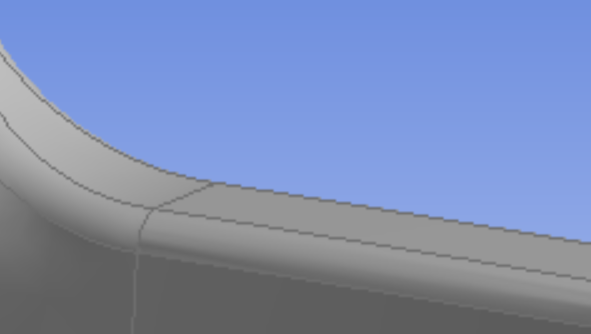
I don't have this problem when doing the same with non-simplified model. I tried repairing both in SpaceClaim and DesignModeller and it didn't help. The model is, by the way, imported, I didn't make it myself. Also, there are places where I can't even slice, for example, left of the vertical line here, where the curvature starts. I get following error. (I will put those in the comments, I can't seem to be able to do it here.



















 You are navigating away from the AIS Discovery experience