Ansys Assistant will be unavailable on the Learning Forum starting January 30. An upgraded version is coming soon. We apologize for any inconvenience and appreciate your patience. Stay tuned for updates.
Ansys Products

Ansys Products

Discuss installation & licensing of our Ansys Teaching and Research products.

Ansys Mechanical 2019 R2 doesn’t show the geometry

    • mastojar
      Subscriber

      Hi!


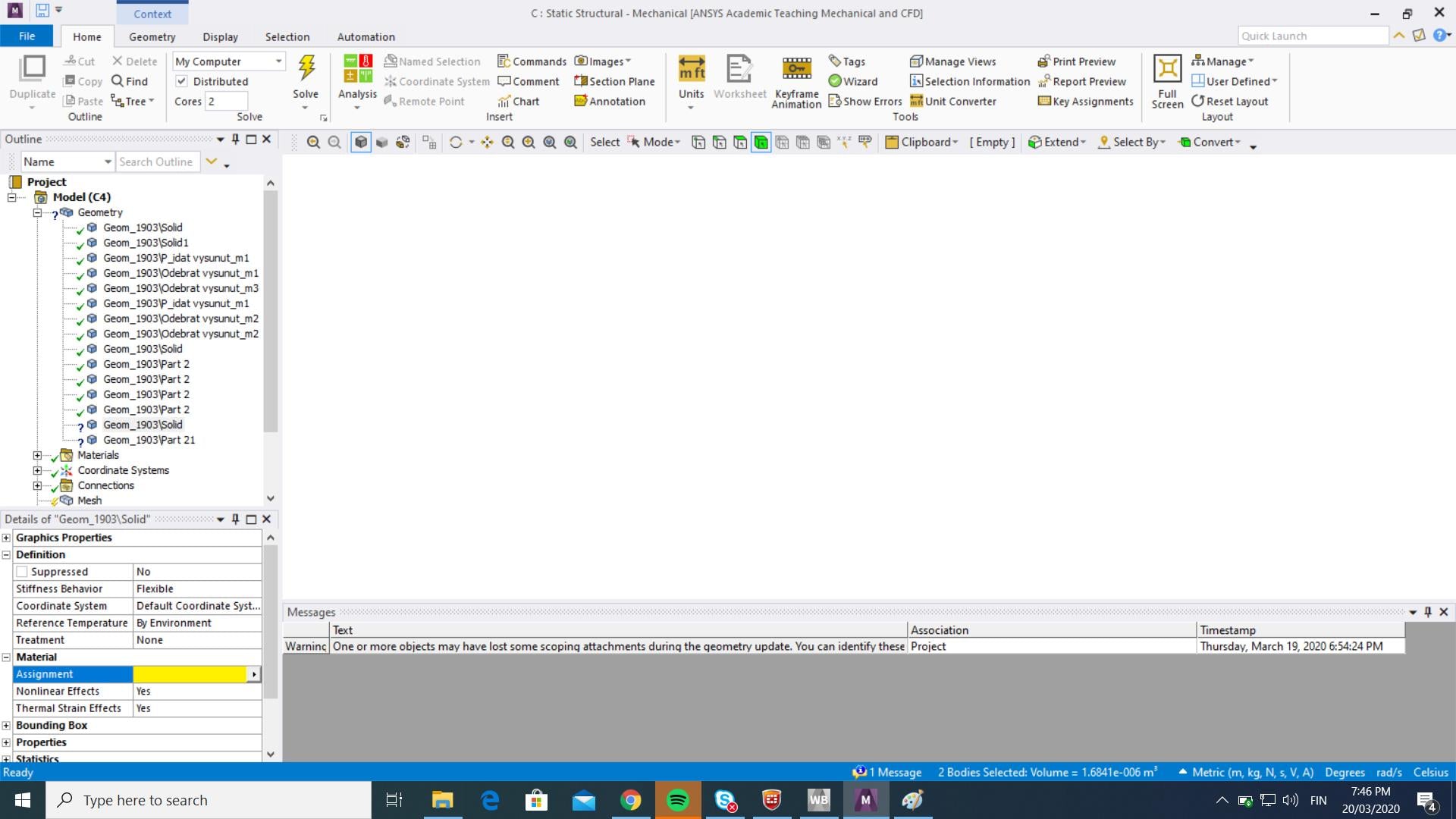
      I'm having a problem with 2019 R2. I recently installed this version and it does not show me the geometry in the mechanical.


      Also the material assignment does not let me change the material. 


      The graphic card driver is updated already.


      How I can start to solve the problem?


    • mastojar
      Subscriber

      Still having the same problem.

      I have an Nvidia Quadro 2000M and running in Windows 10 Pro platform

      I've already made sure that the Ansys is using the Nvidia as a main graphic card and all the drivers are up to date. 

      The geometry is updated into mechanical because I can select the bodies with box select but it does not show the graphics. 

       And my OpenGL version is 4.5


    • tsiriaks
      Ansys Employee

      Does this only happen to some ? There are some with green checkmarks on that Geometry tree. If you click on one of them, does it show geometry ?

    • mastojar
      Subscriber

      Hi,

      No, it does not.

      The only way I can get info that there is something, I can try to select the bodies, either clicking randomly on the workspace or try to use the box select and paint area where I assume there is something.

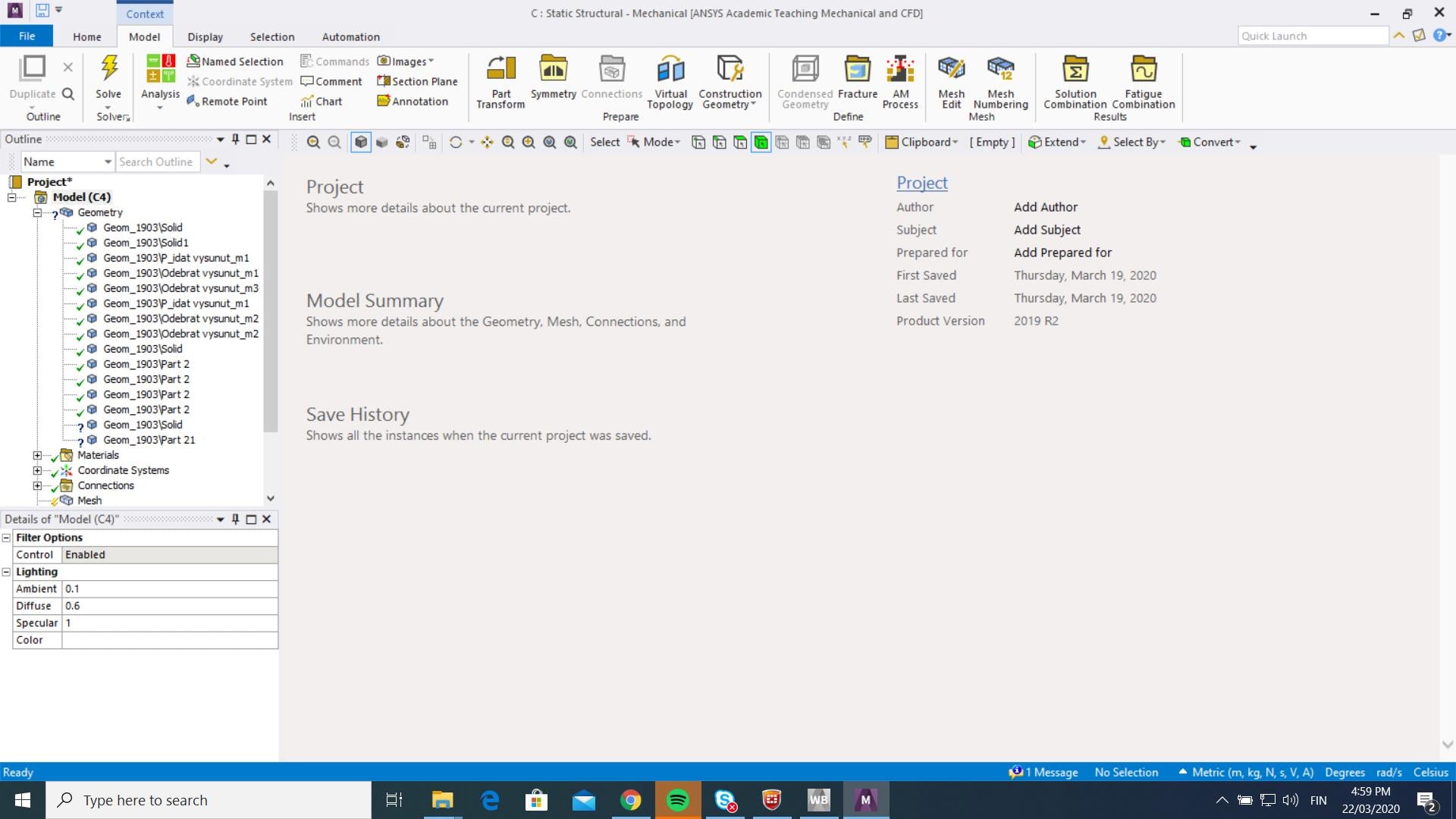
      Maybe it is a graphic issue because when I go to the file tab the screen freezes in the workspace after I get back. (picture below)

      Although my graphic card is compliable with the requirements.

      Can I try to install an older version of the software, like 19.2, without any troubles, even though I already had newer one? 


    • tsiriaks
      Ansys Employee

      I would recommend to upgrade rather than downgrade if you want to try other ANSYS versions.

      But you could check this first, try import geometry from (default location)  C:Program FilesANSYS Incv194aisolSamplesDesignModelerclip.agdb

      and open Mechanical, do you have the same issue ?

    • mastojar
      Subscriber

      Hi!

      Yes, still the same issue with the graphics.

      I'll probably try some other version of Ansys.

       EDIT:

      Installed and tried both 19.2 and 17.2 but still having the same issue. It does not show the geometry although the cursor sees the faces and bodies in the window.

      EDIT2:

      I disabled my NVidia Quadro 2000M graphic card and now everything seems to work just fine with 17.2 version. Ansys is currently using integrated Intel HD Graphics 3000 running on Windows 10 Pro.

      I'm gonna try that with the newer version too. I'll update the results here.

    • tsiriaks
      Ansys Employee

      that sounds good. Please keep us updated.

      This means something is wrong with your Nvidia 2000M . You may try reinstall its driver again. Make sure you get the driver from 

      https://www.nvidia.com/Download/index.aspx

    • tayyaba.bano
      Subscriber
      .

      Hi,

      I had also this problem,

      I just tried in ANSYS Mechanical:

      View-Windows-Reset layout and it worked.

      .
Viewing 7 reply threads
  • The topic ‘Ansys Mechanical 2019 R2 doesn’t show the geometry’ is closed to new replies.

[bingo_chatbox]