Ansys Assistant will be unavailable on the Learning Forum starting January 30. An upgraded version is coming soon. We apologize for any inconvenience and appreciate your patience. Stay tuned for updates.
Preprocessing

Preprocessing

Topics related to geometry, meshing, and CAD.

How to solve this type of error “Error: lvectorlength: wta(1) ” “Error Object: ()”

    • dinesh1995
      Subscriber

      When I am importing my mesh file to setup ,it is showing this error and not allowing me to do any further work.


      I am trying to model dam break flow . I prepared hexagonal mesh by slicing the geometry. After making the mesh when i am trying to import it is showing error like:


      Error: lvectorlength: wta(1) 


      Error Object: ()


      Help me to solve this .Thanks in advance


    • Rob
      Forum Moderator

      Please post some images of the mesh showing the grid lines.  Also a screen grab of the entire error message. 

    • Keyur Kanade
      Ansys Employee

      is it 2d or 3d?


      if it is 2d, make sure that you have it in xy plane. 


      also check no. of elements. 


      it may be possible that you ran out of memory. 


      Regards,


      Keyur


      Guidelines on the Student Community


      How to access ANSYS help links

    • dinesh1995
      Subscriber

      No it is a 3D mesh 


      memory is not a problem for me I guess , I am working on 64GB ram and 1TB hdd system, I think that is fine right


    • Keyur Kanade
      Ansys Employee

      are you importing in fluent?


      please check mesh quality. 


      Please insert some images of the mesh, WB project page, error in fluent. 


      Regards,


      Keyur


      Guidelines on the Student Community


      How to access ANSYS help links

    • dinesh1995
      Subscriber

      My model looks like this where small cube is water reservoir and remaining is air and cylinder is the obstacle


      When I was going with automatic method mesh ,it was showing divergence in the solution.
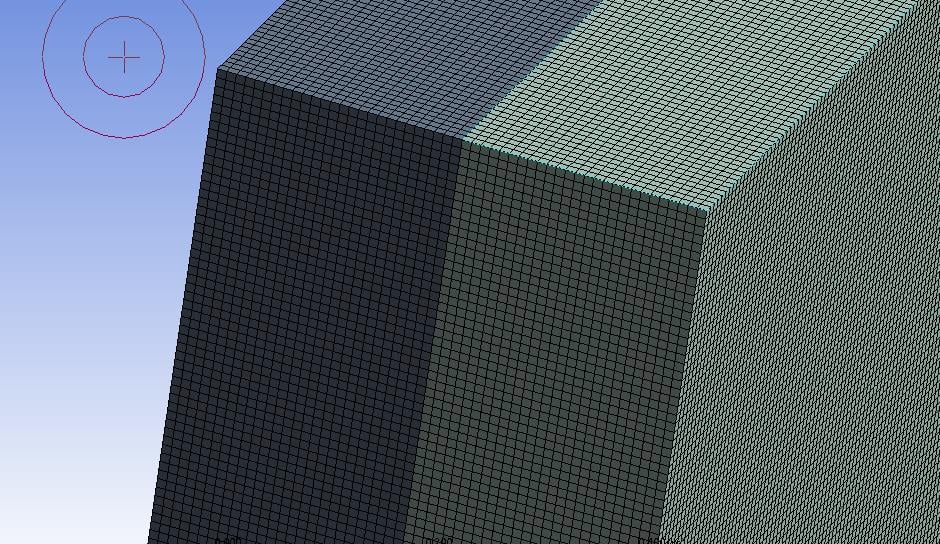
      Then I tried to increase the quality of mesh by doing hexagonal mesh(which was performed by slicing the bodies like below) as by multizone option I am creating hexagonal mesh
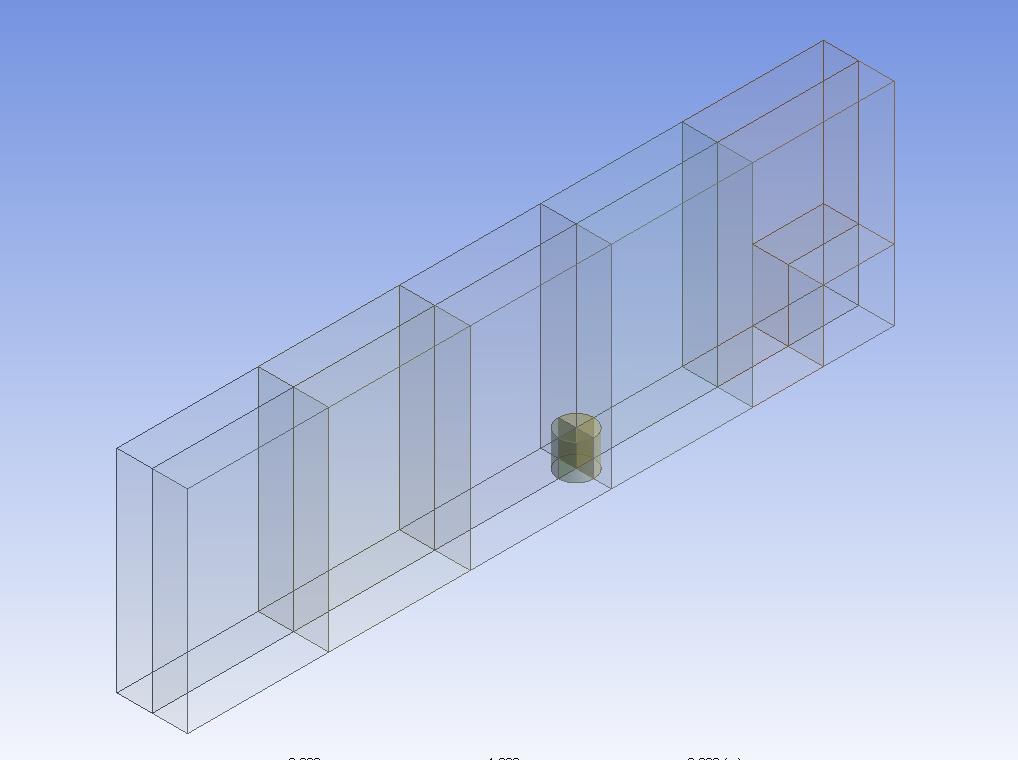


      As a result I was able to do hexagonal mesh like shown in next image 
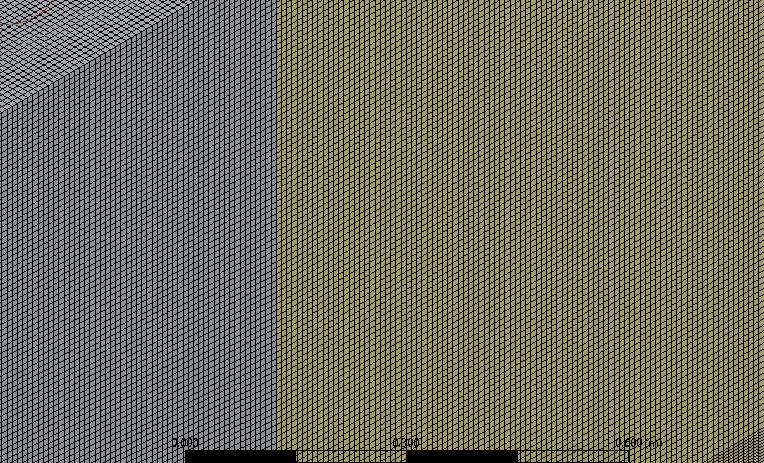


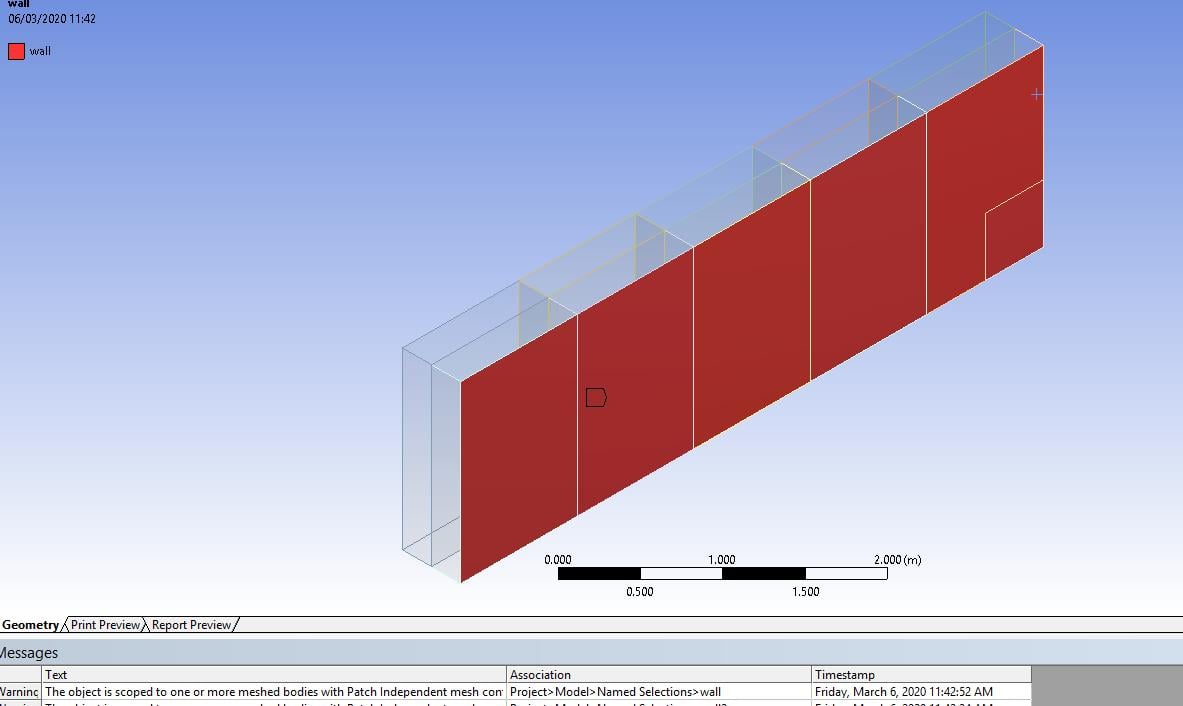
      Then when I am trying to give named selection after this it is showing following warning 


      Àfter doing all this and when I am importing this mesh to setup it is showing following error 


      Error: lvectorlength: wta(1) " "Error Object: ()"


      also this thing 


      Error: CAR: invalid argument [1]: wrong type [not a pair]


      Error Object: #f


      Preparing mesh for display...


      Note: zone-surface: cannot create surface from sliding interface zone.


      Creating empty surface.


      Note: zone-surface: cannot create surface from sliding interface zone.


      Creating empty surface.


      Note: zone-surface: cannot create surface from sliding interface zone.


      Creating empty surface.


      Note: zone-surface: cannot create surface from sliding interface zone.


      Creating empty surface.


      Note: zone-surface: cannot create surface from sliding interface zone.


      Creating empty surface.


      Note: zone-surface: cannot create surface from sliding interface zone.


      Creating empty surface.


      Note: zone-surface: cannot create surface from sliding interface zone.


      Creating empty surface.


      Note: zone-surface: cannot create surface from sliding interface zone.


      Creating empty surface.


      Note: zone-surface: cannot create surface from sliding interface zone.


      Creating empty surface.


      Note: zone-surface: cannot create surface from sliding interface zone.


      Creating empty surface.


      Note: zone-surface: cannot create surface from sliding interface zone.


      Creating empty surface.


      Please look in to it and guide me 


    • dinesh1995
      Subscriber

      Hi sir , I have attached the model pics , please look into it

Viewing 6 reply threads
  • The topic ‘How to solve this type of error “Error: lvectorlength: wta(1) ” “Error Object: ()”’ is closed to new replies.
[bingo_chatbox]