TAGGED: results, shell-thickness
-
-
February 10, 2025 at 10:47 am
-
February 11, 2025 at 9:59 am
Nanda
Ansys EmployeeHello user,
Which version of LSPP are you using? can you use the newer release? I just did a test on 4.12.0, and it works fine for me.
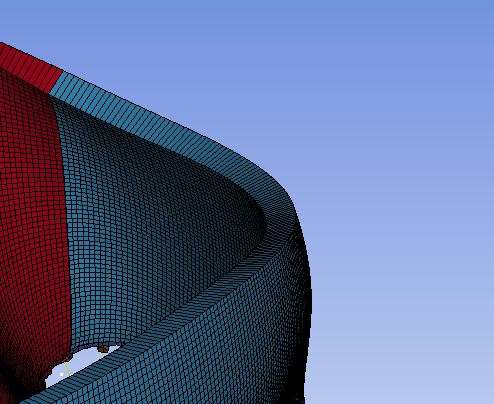
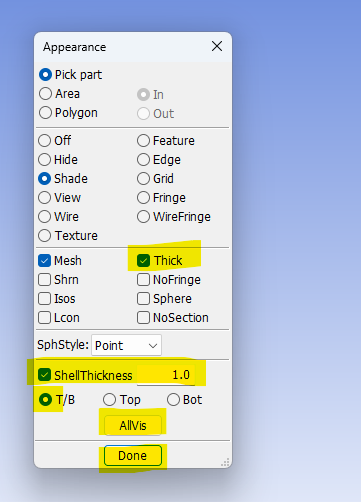
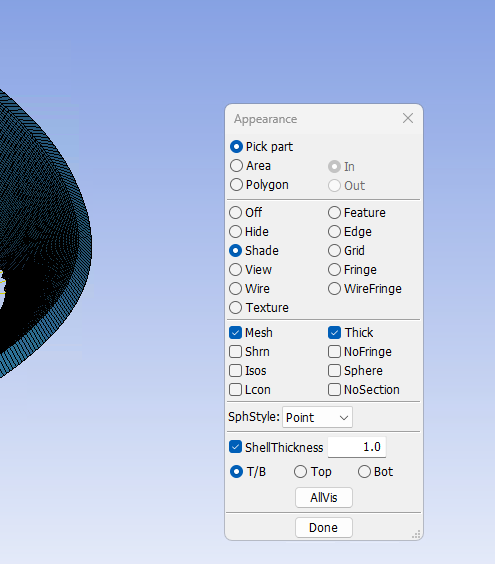
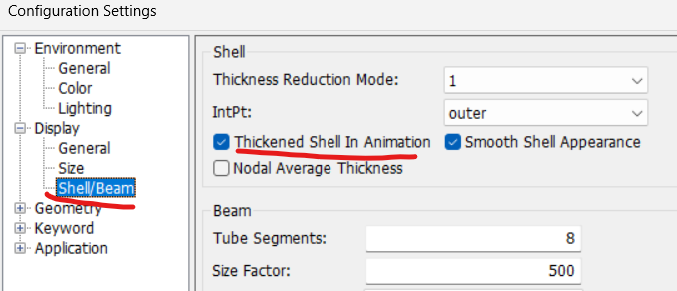
Make sure Shell Thickness is toggled on.

Please let us know how this goes. You can download the latest version here: https://ftp.lstc.com/anonymous/outgoing/lsprepost/4.12/win64/
Regards,
Nanda.
If you are not able to open Ansys help links, refer to this forum discussion: How to access the ANSYS Online Help
Also, we launched a public help documentation website: Ansys Help
For more exciting courses and certifications, hit this link: Ansys Innovation Courses | ANSYS Innovation Space
-
February 11, 2025 at 12:28 pm
cardiac.scripter
SubscriberHi Nanda,Â
I am using 4.11. Will download 4.12 and try again.Â
Thanks -
February 11, 2025 at 3:24 pm
-
February 11, 2025 at 5:22 pm
Nanda
Ansys EmployeeÂ
Hello user,
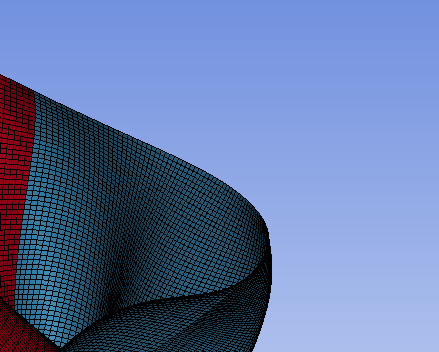
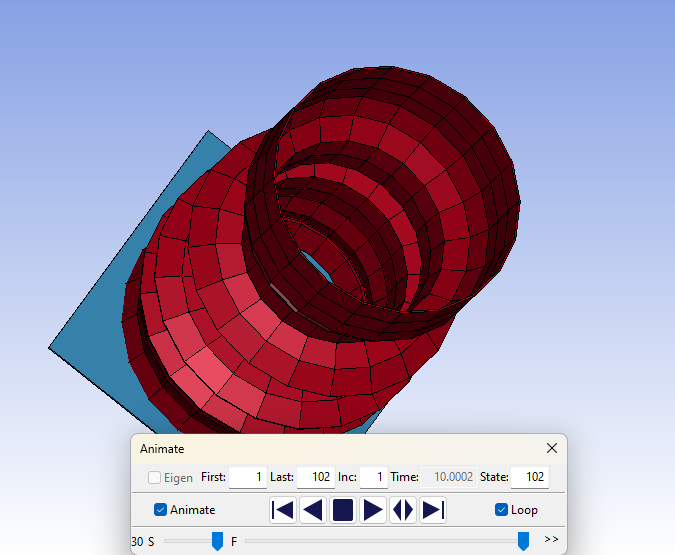
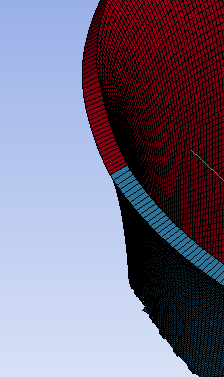
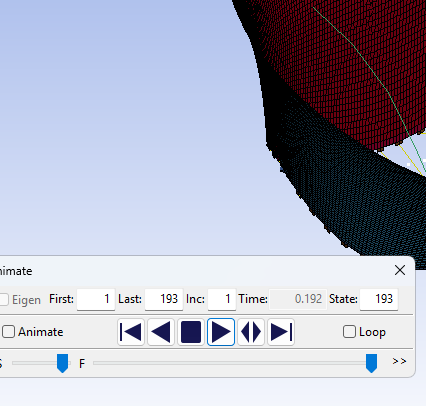
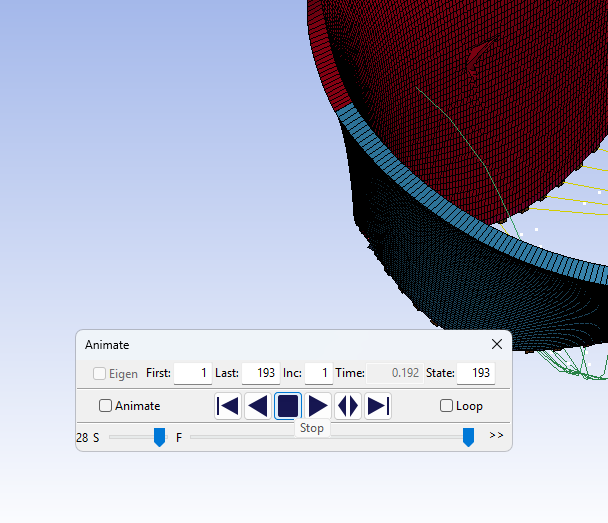
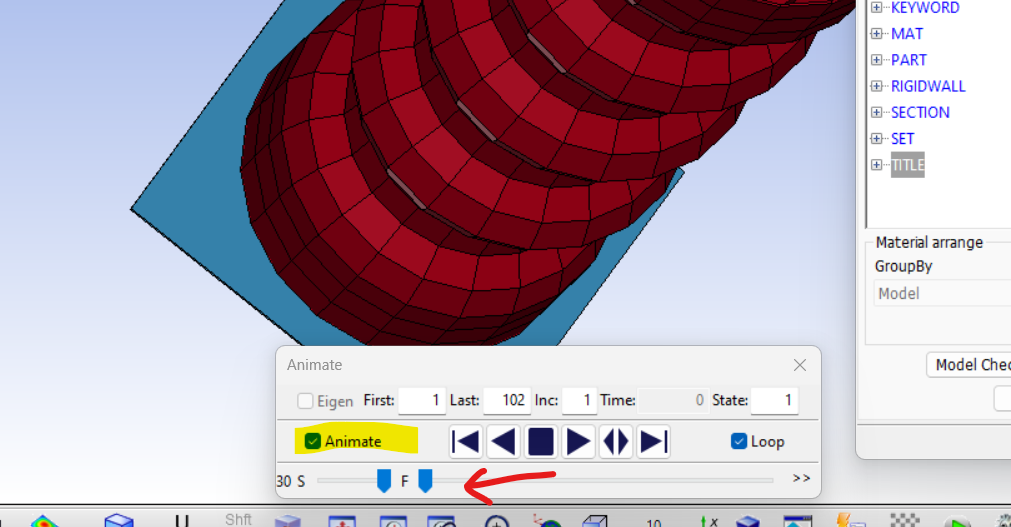
Perhaps, it is built the way it is. When you click the play button, shells do not show any thickness. But there’s another way of doing this. If you toggle on the Animate option and use the slider option below to slide between states, you can visualise shells with thickness. You can consider this as a manual way of visualising things. Let us know if this helps.

Regards,
Nanda
Â
-
February 17, 2025 at 5:56 pm
-
February 19, 2025 at 11:14 am
cardiac.scripter
SubscriberThanks Raman,Â
That worked!
-
- The topic ‘How to display thickness on shells through animation’ is closed to new replies.

-
5849
-
1906
-
1420
-
1305
-
1021
© 2026 Copyright ANSYS, Inc. All rights reserved.