-
-
February 8, 2020 at 2:19 am
Zilco
SubscriberThis is my first discussion and It's my first day in the forum too. I am trying to build this tower crane model, I am doing with Solidworks and before finishing I was thinking to test it on Ansys just to see if everything will be okay with FEM before I build the tower crane jib but unfortunately, it doesn't wanna work and I have 276 messages of errors. I still a beginner with Solidworks and Ansys too so if anyone knows how to help please share your ideas. these are some of the failures that i hadÂ


-
February 8, 2020 at 2:35 am
peteroznewman
Subscriber You have a lot to learn. I suggest you start by learning how to analyze the stress in a simple truss structure. Not a an entire crane jib, but just a few links.
-
February 8, 2020 at 2:49 am
Zilco
SubscriberThanks for your reply, however, I am trying my best but this FEM topic is totally new to me. If you can show me where to start I will be so grateful because I want really to learn and be competent in using Ansys and doing FEM. But this is model is so important for me to be done. Can I attach it here for anyone to check where is the failure exactly or to help me to figure this out?
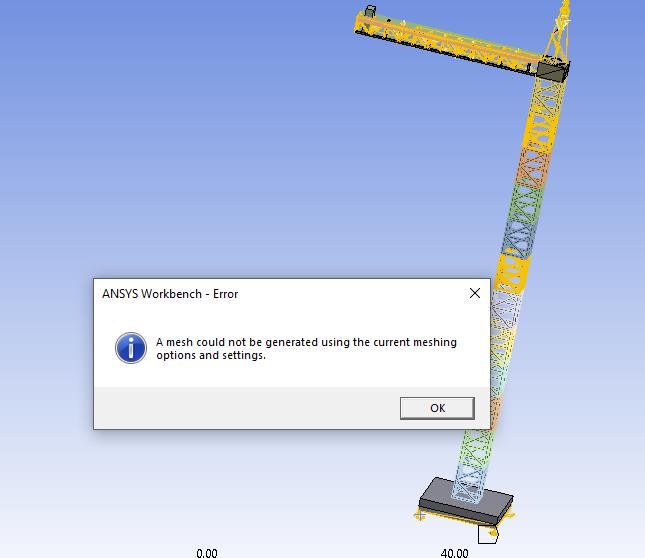
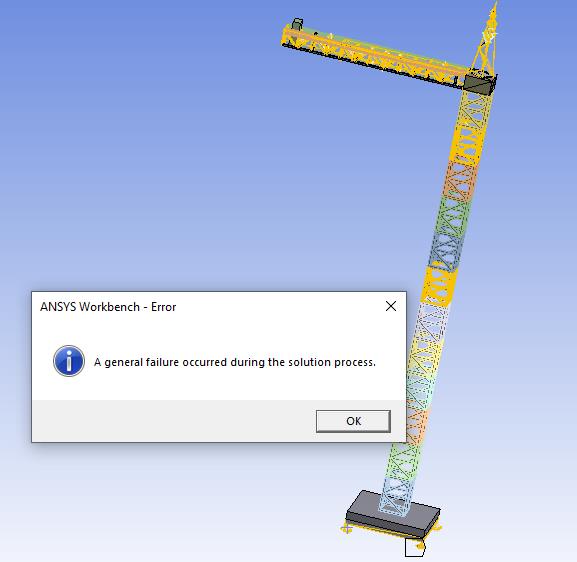
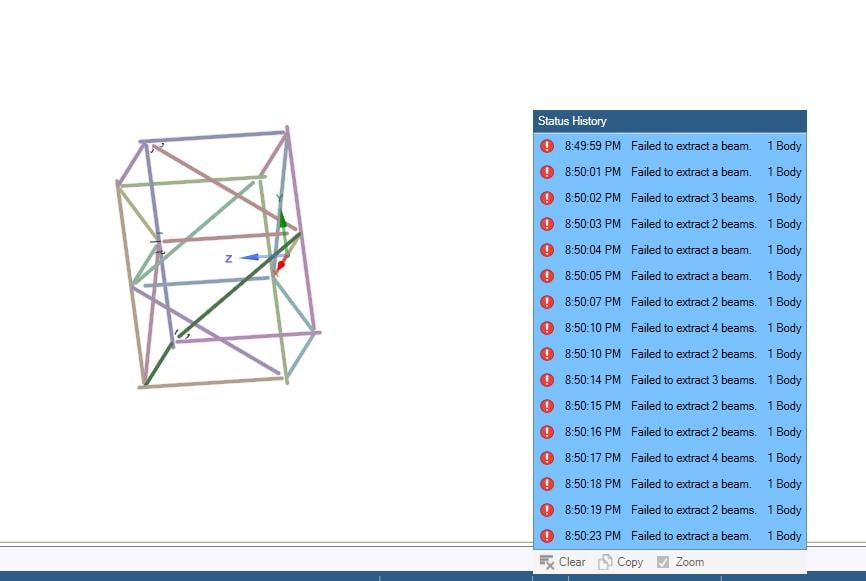
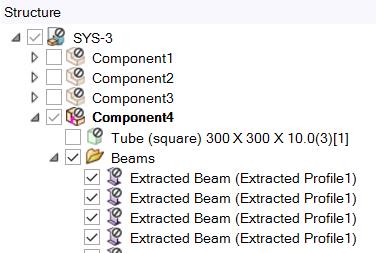
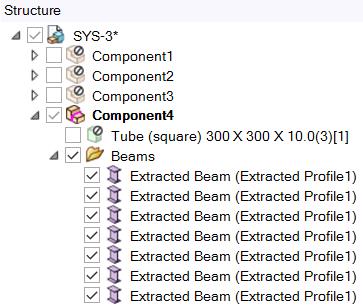
I tried modifying the mesh element size and most of the errors are the ones in the first two pictures.Â
"One or more entities failed to mesh. The mesh of the bodies containing these entities may not be up-to-date. However, meshing might be successful on the other entities."
-
February 8, 2020 at 2:51 am
peteroznewman
SubscriberCreate a small model and we can work on that here.
-
February 8, 2020 at 3:00 am
Zilco
Subscriber -
February 8, 2020 at 3:03 am
peteroznewman
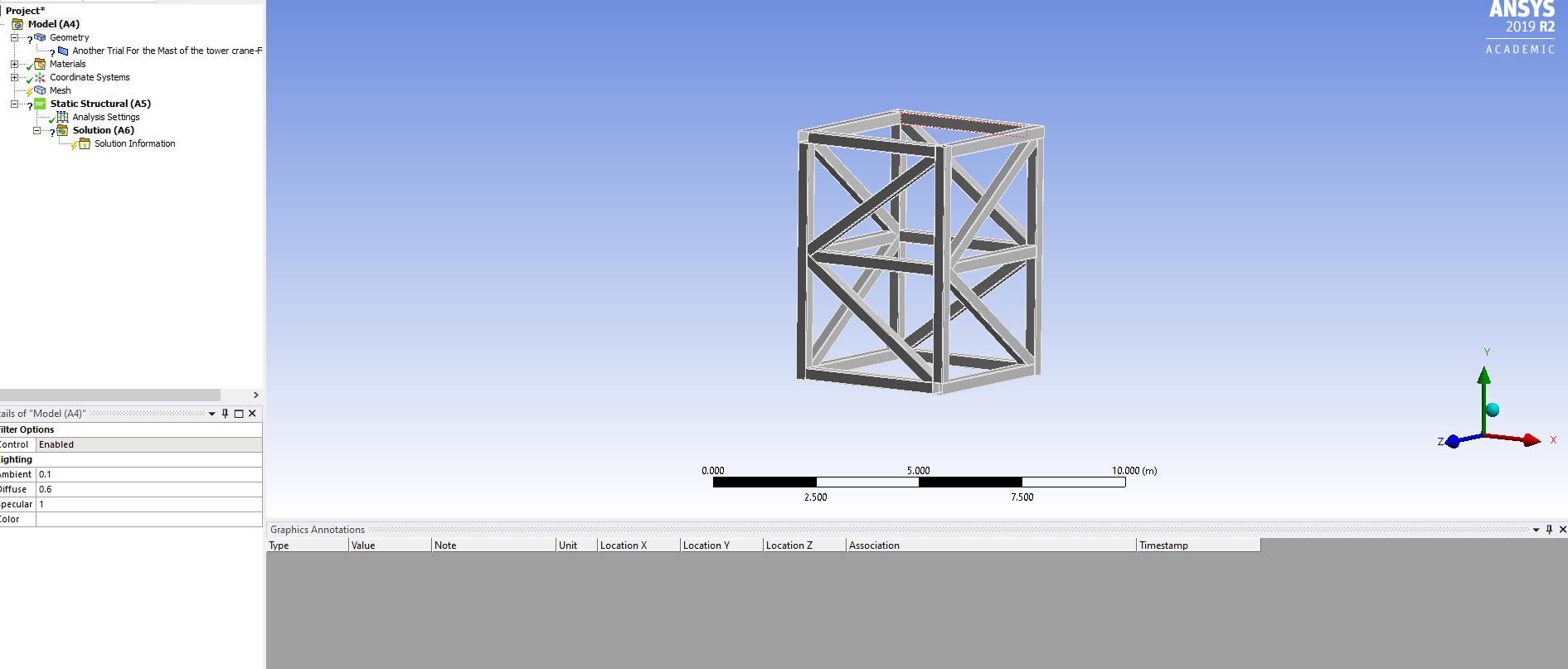
SubscriberThat is small enough. It looks like those are surfaces? A truss is often created by using beam or link elements. SpaceClaim can convert solid bodies into beam elements.
-
February 8, 2020 at 3:06 am
Zilco
SubscriberI modeled these in Solidworks and they are solid bodies that were turned from simple lines to a structural members through the weldment command. I will attach the file
-
February 8, 2020 at 3:09 am
peteroznewman
SubscriberThis site allows .zip files to be attached after posting, when the Attach button appears. Once the file is in Workbench, you can use the File > Archive menu to create a .wbpz file that can be attached after you post.
-
February 8, 2020 at 3:13 am
Zilco
SubscriberI attached the file in .IGS extension form at the last comment and I will attach the .wbpz file here
-
February 8, 2020 at 3:22 am
peteroznewman
SubscriberI opened the attached IGES file in SpaceClaim, but it comes in as surfaces, but those were solids in SolidWorks. IGES is the worst format for transferring geometry. It is better to use Parassolid or STEP. SpaceClaim can open the SolidWorks file directly. Please open your SolidWorks file in SpaceClaim. Put either the Parasolid file or the .scdoc file in a zip file and attach it to your reply. Also say what version of ANSYS you are using.
-
February 8, 2020 at 3:27 am
Zilco
SubscriberThanks for the clarification, I didn't know that I will attach the right format here in this reply.Â
These are the information about the version I am usingÂ
2019 R2
Point Releases and Patches installed:
Academic Student 2019 R2
FENSAP-ICE 2019 R2
-
February 8, 2020 at 3:40 am
-
February 8, 2020 at 3:45 am
Zilco
Subscriberso I should deselect the tube option? I am doing that but all the tubes are disappearing
-
February 8, 2020 at 3:48 am
Zilco
SubscriberOh i Understood what you meant. Thanks and I am working on it!
-
February 8, 2020 at 3:53 am
-
February 8, 2020 at 4:31 am
Zilco
SubscriberI was able to generate a mesh on this solid structure by mate the corners in SpaceClaim, though when I try to apply the static structural features such as forces or fixed supports I can't select any geometries. It's like that the body has no faces at all!
-
February 8, 2020 at 4:37 am
peteroznewman
SubscriberYou don't want a solid model.
Did you say you started with lines in SolidWorks, and they were converted into solids?
Maybe you should just bring the lines into SpaceClaim and assign the cross-section there.
-
February 8, 2020 at 4:57 am
Zilco
SubscriberYes, I started them with lines then I turned them into structural members using the weldment command in SolidWorks. I am sorry I didn't get what do you mean by "you don't want a solid model".
I already extracted all the beams and connected them together by cornering but the result is not a solid body, and they have no faces. I am so sorry for bothering you! -
February 8, 2020 at 5:08 am
-
February 8, 2020 at 5:27 am
Zilco
SubscriberIt was a fillet that wasn't defined completely so I suppressed it but I got these errors.
1- "Solver pivot warnings or errors have been encountered during the solution. This is usually a result of an ill-conditioned matrix possibly due to unreasonable material properties, an under constrained model, or contact related issues. Check results carefully."
2-"A solver pivot warning or error has been detected in the UX degree of freedom of node 179 located in Extracted Beam (Extracted Profile1). This is usually a result of an ill conditioned matrix possibly due to unreasonable material properties, an under constrained model, or contact related issues. Check results carefully. You may select the offending object and/or geometry via RMB on this warning in the Messages window."
An info Message:
1-"One or more beams with user-defined mesh cross sections have been sent to the solver as pre-integrated sections. Beam section results will not be available for these bodies. If these results are desired, please change the Cross Section (For Solver) property for those bodies.
A warning:
1-"One or more beams with user-defined mesh cross sections have been sent to the solver as pre-integrated sections. Beam section results will not be available for these bodies. If these results are desired, please change the Cross Section (For Solver) property for those bodies."
Â
-
February 8, 2020 at 11:04 am
peteroznewman
SubscriberYou don't want a solid model because it will take a very large number of elements to fill the volume of each solid tube. By the time you do that for all the solid tubes in your whole crane, the model will be too large to solve on a small computer. When you have a line represent a tube, you mesh that with very few beam elements. Each element is assigned the proper cross-section of the tube.
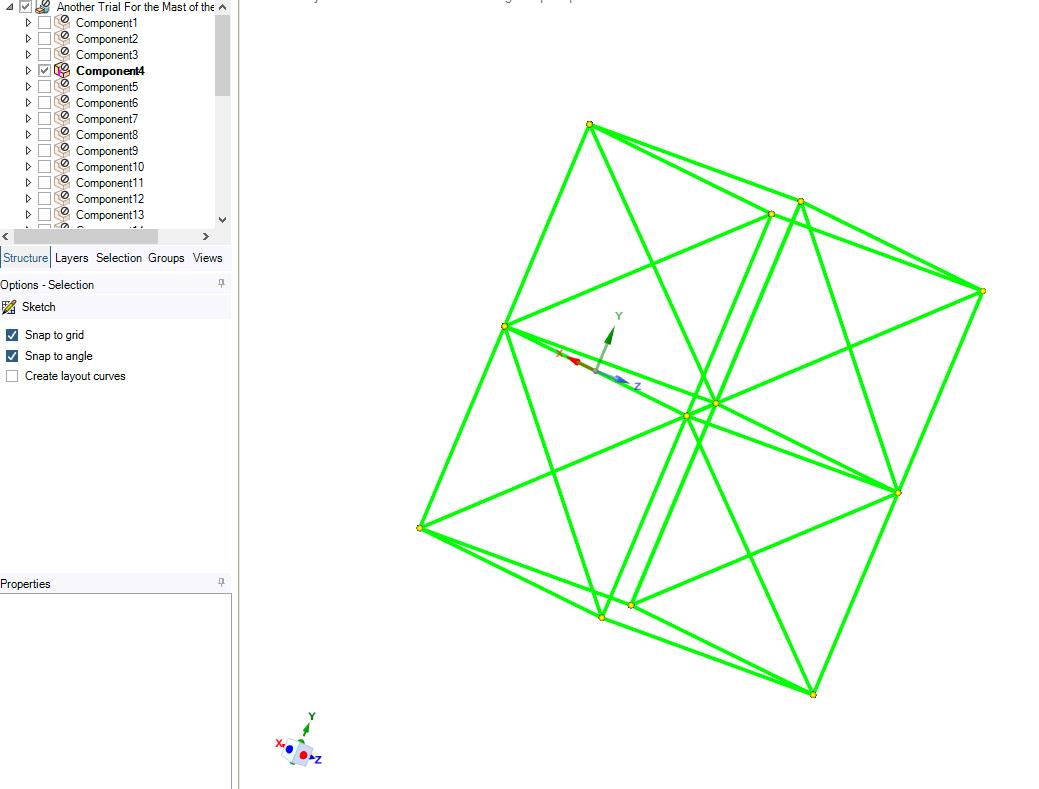
Below is the image after I finished Extracting the beams from the solids that came over in the STEP file.
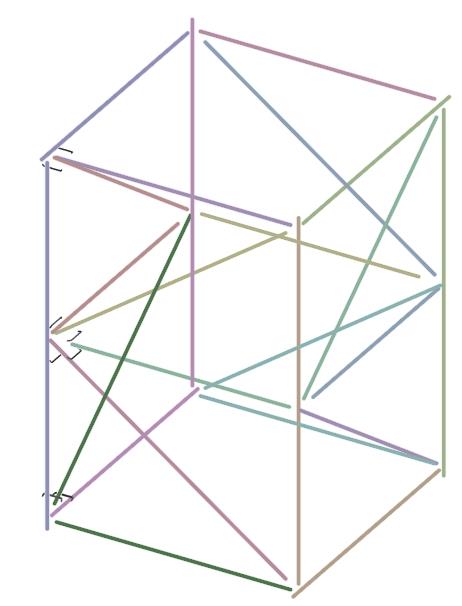
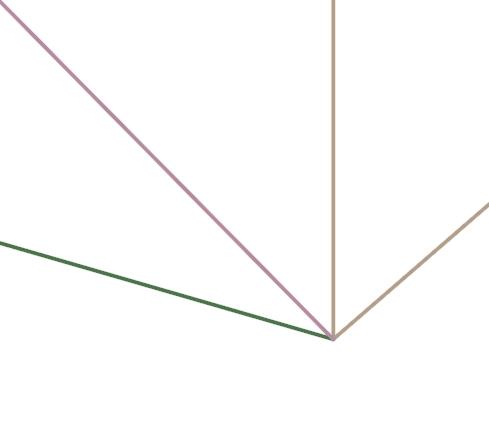
Notice that the beams don't intersect at a common point. That means when you mesh, support and load them, they just fall down when you solve, well, not really, but you get the solver pivot error you got. What is required is that the beams intersect at a common point. Use the Pull tool on the Design tab to pull the enpoints Up To one of the other beams so you can go from this corner...

Is that how the corner looked like in SolidWorks before you did the weldment command?
There is one more requirement, the elements must share a common node at the intersection point. That is how they get connected. That is done using the Share button on the Workbench tab in SpaceClaim.
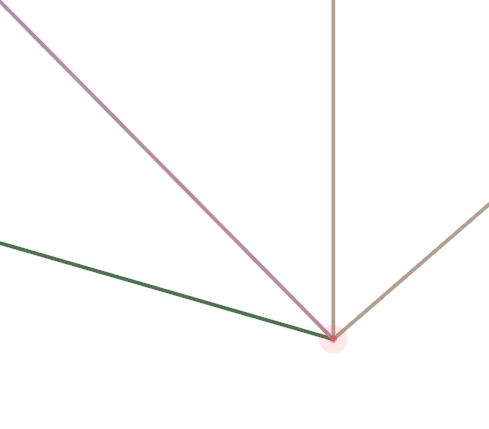
 After you click check, it looks like this. 
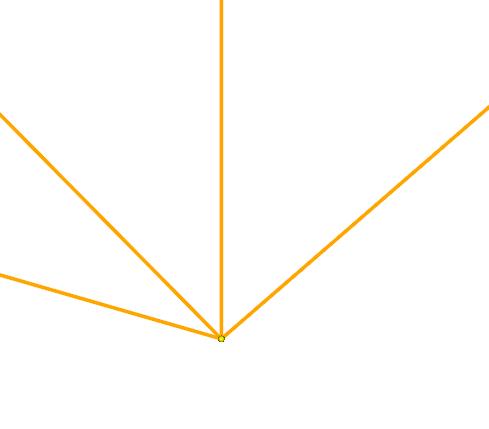
If you do that for all the beams, and Suppress for Physics the little pieces of solid bodies that were left, you will not get a pivot error.
You had a good set of lines in SolidWorks, then you made them worse in SpaceClaim and that required some repair, but you got the beam cross-section automatically created for you.
An alternative workflow is to take the lines from SolidWorks straight into SpaceClaim, then on the Prepare tab, create the correct cross-section using the Profile button, and do the work of creating the beams and using the lines and that profile. I think this would be less work. You might need to go back to the IGES file because STEP was created for sharing solids. Not sure if it brings over lines.

-
February 10, 2020 at 12:39 am
-
February 10, 2020 at 1:27 am
-
February 10, 2020 at 3:46 am
peteroznewman
SubscriberUse File, Archive to save a .wbpz file of the beam model that failed to transfer, then Attach that after you post a reply. That is something simple to fix.
-
February 10, 2020 at 5:07 am
Zilco
SubscriberI saved the file and will share itÂ
-
February 10, 2020 at 11:23 am
peteroznewman
Subscriber -
February 11, 2020 at 5:51 pm
Zilco
SubscriberI did that but still, there are no surfaces at all to apply any forces on
-
February 11, 2020 at 6:44 pm
peteroznewman
SubscriberYou don't get any surfaces in a Beam model. You can apply distributed forces to Beams or concentrated forces to Vertices.
If you want a concentrated force in the middle of a beam, you can split the line into two lines to create a vertex at the center.
-
February 18, 2020 at 4:17 pm
Zilco
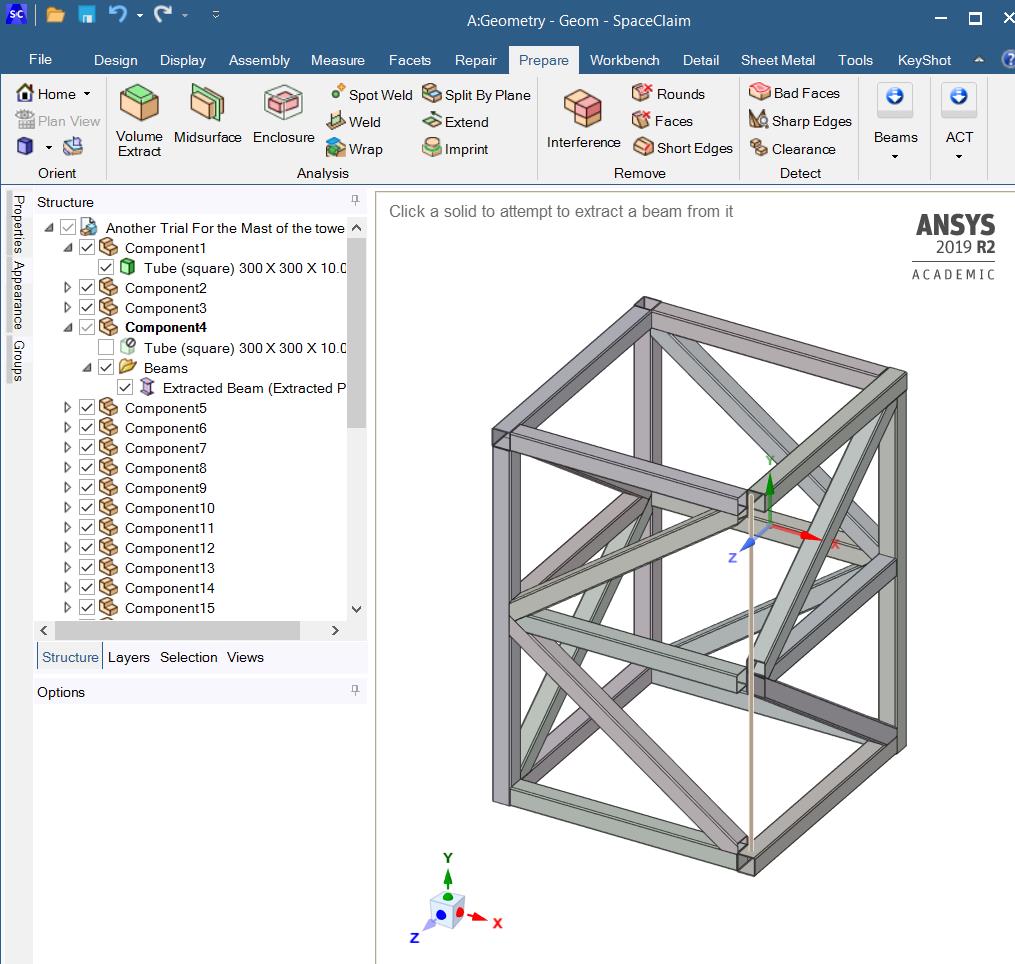
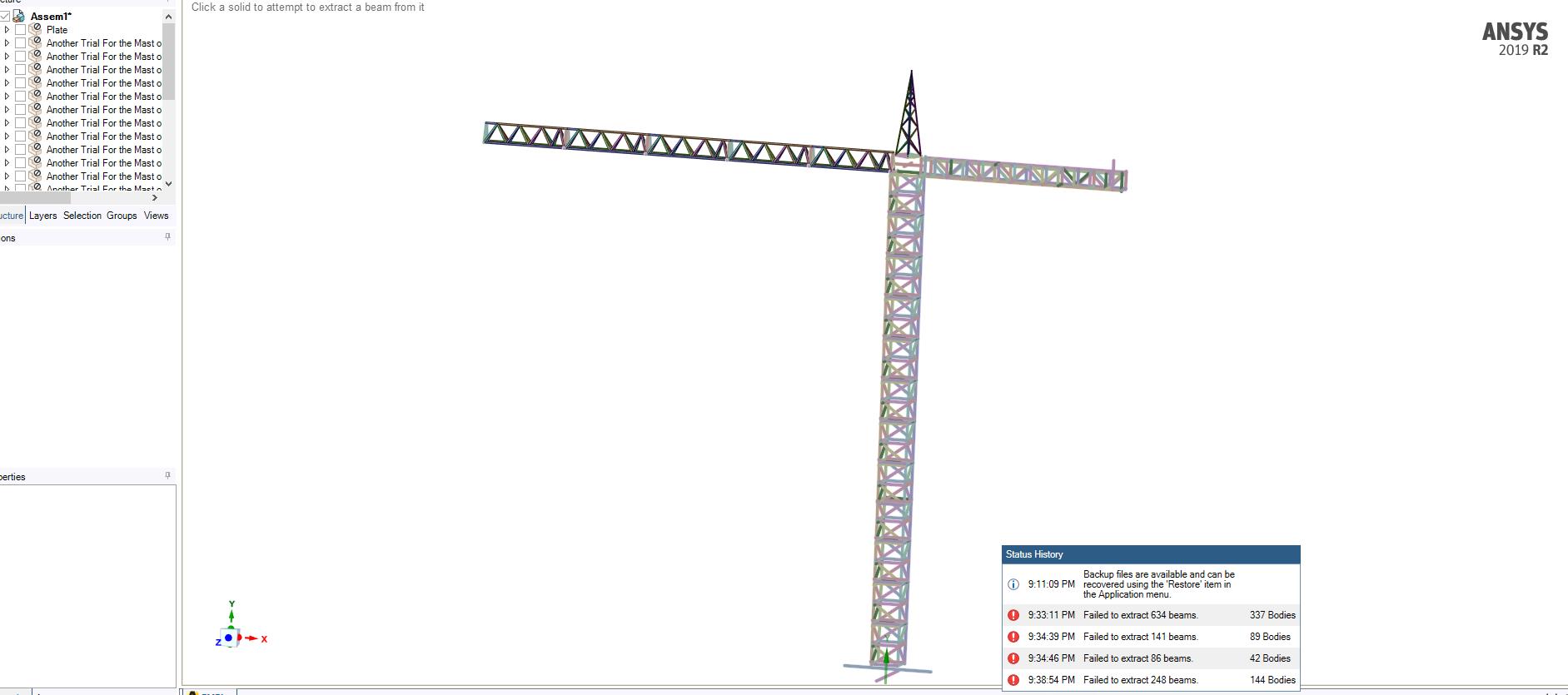
SubscriberI am trying to extract the beams from this whole tower crane model and do as you did with the small structure but it keeps saying that there are parts where beams can't be extracted.
Â
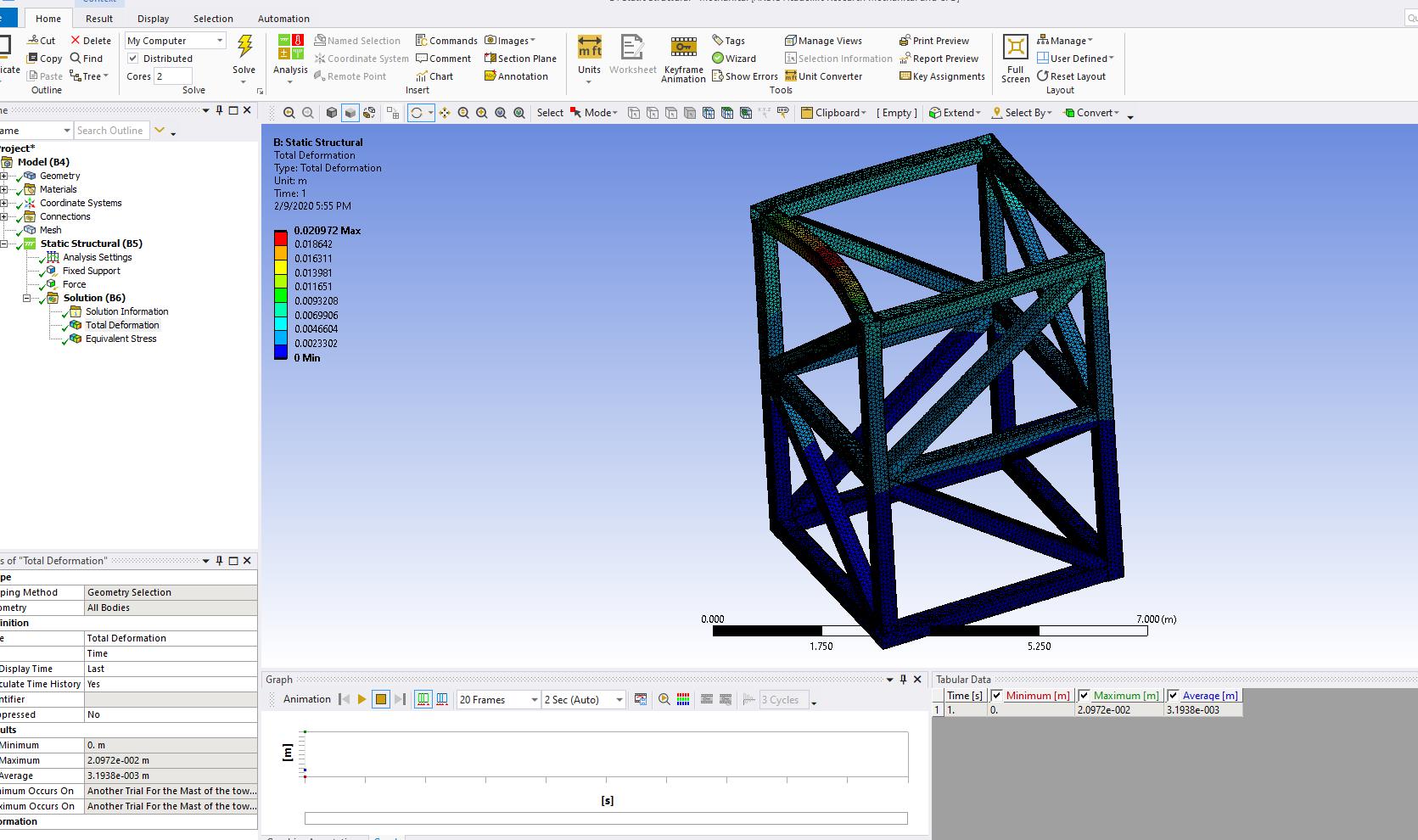
Eventually, I wanna apply a wind force on the tower crane structure and see the maximum allowable stress and deflection before the failure of the structure, I guess that should be coupling with the fluid flow(CFX) and static structural. Is this kind of meshing of beams not solid will give me a correct answer at the end? If so, can you please help through this process?
-
February 18, 2020 at 4:34 pm
peteroznewman
SubscriberAs I suggested above, take the lines from SolidWorks straight into SpaceClaim, then on the Prepare tab, create the correct cross-section using the Profile button, and do the work of creating the beams and using the lines and that profile. You might need to go back to the IGES file because STEP was created for sharing solids. Not sure if it brings over lines.

-
February 18, 2020 at 4:55 pm
Zilco
SubscriberThank you for reply, what about the rest of my question? will this be efficient if you want to apply this kind of analysis I mentioned? Will be this the right track for doing it?
-
- The topic ‘Mesh Failure’ is closed to new replies.
-
4678
-
1565
-
1386
-
1242
-
1021
© 2025 Copyright ANSYS, Inc. All rights reserved.