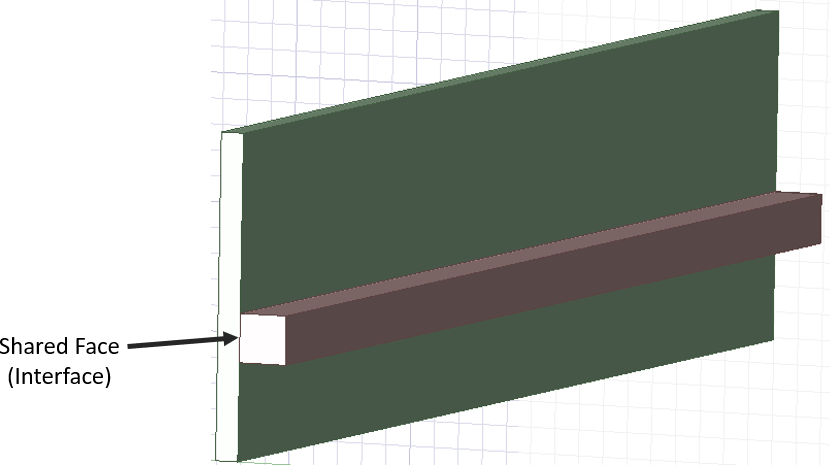
I want to model thermal contact resistance between 2 coincident surfaces in Ansys AEDT 2024 (Shown attached)
I figured this would be as easy as ctrl+selecting both surfaces -> right click -> Assign Thermal -> some option about contact resistance but apparently this isnt the case.
I also saw the option for conducting plate where I could specify the thermal resistance. If I can use that option, which of the 2 surface do I turn into a conducting plate? Just one? Both?
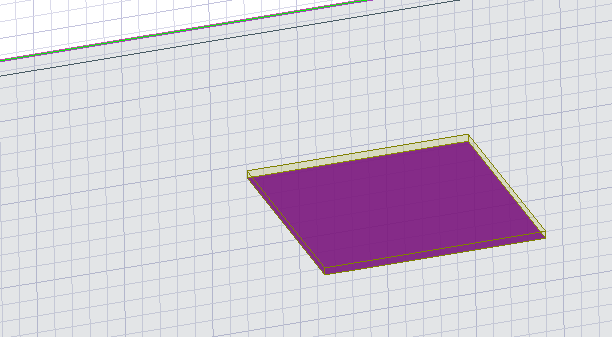
Another method I am wondering is do I make a copy of one of the bodies -> extract just the face from the body (Create object from face) -> Simplify face into a sheet -> Assign thermal -> Conducting plate. If I can do this method, do I leave the other 2 bodies untouched? Then it's essentially a conducting place as a sheet sandwiched between Object A and Object B


















 You are navigating away from the AIS Discovery experience