Ansys Products

Ansys Products

Discuss installation & licensing of our Ansys Teaching and Research products.

ANSYS Workbench Errors

    • vani
      Subscriber

      Hello,


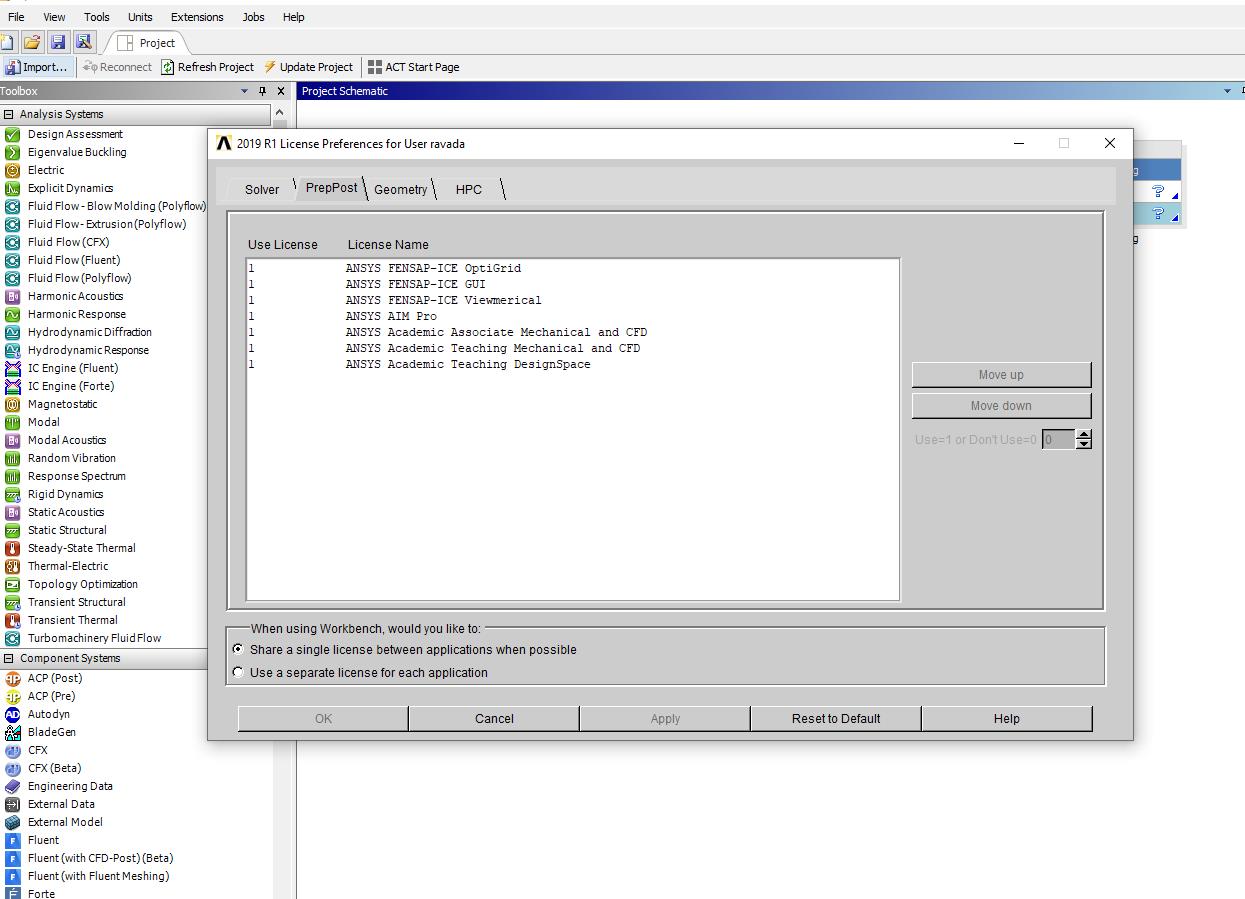
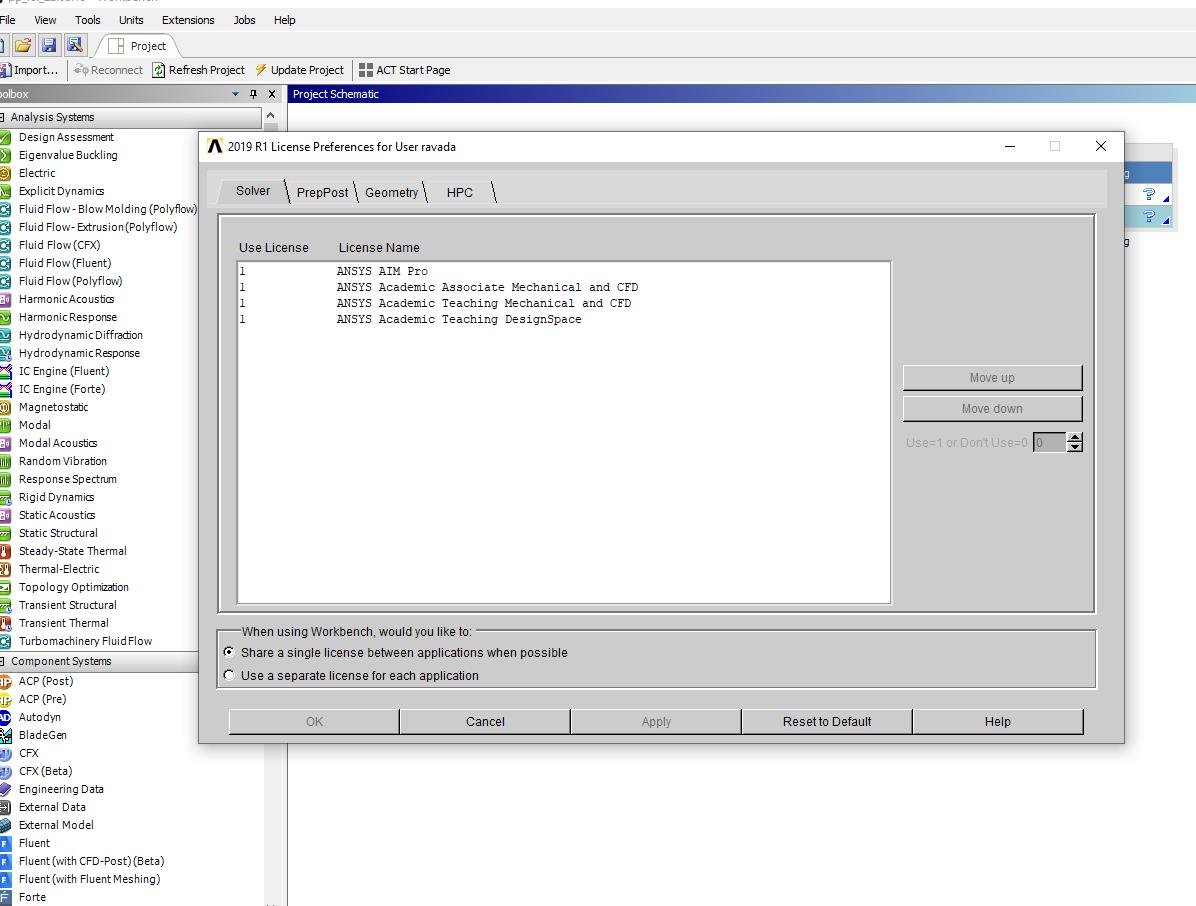
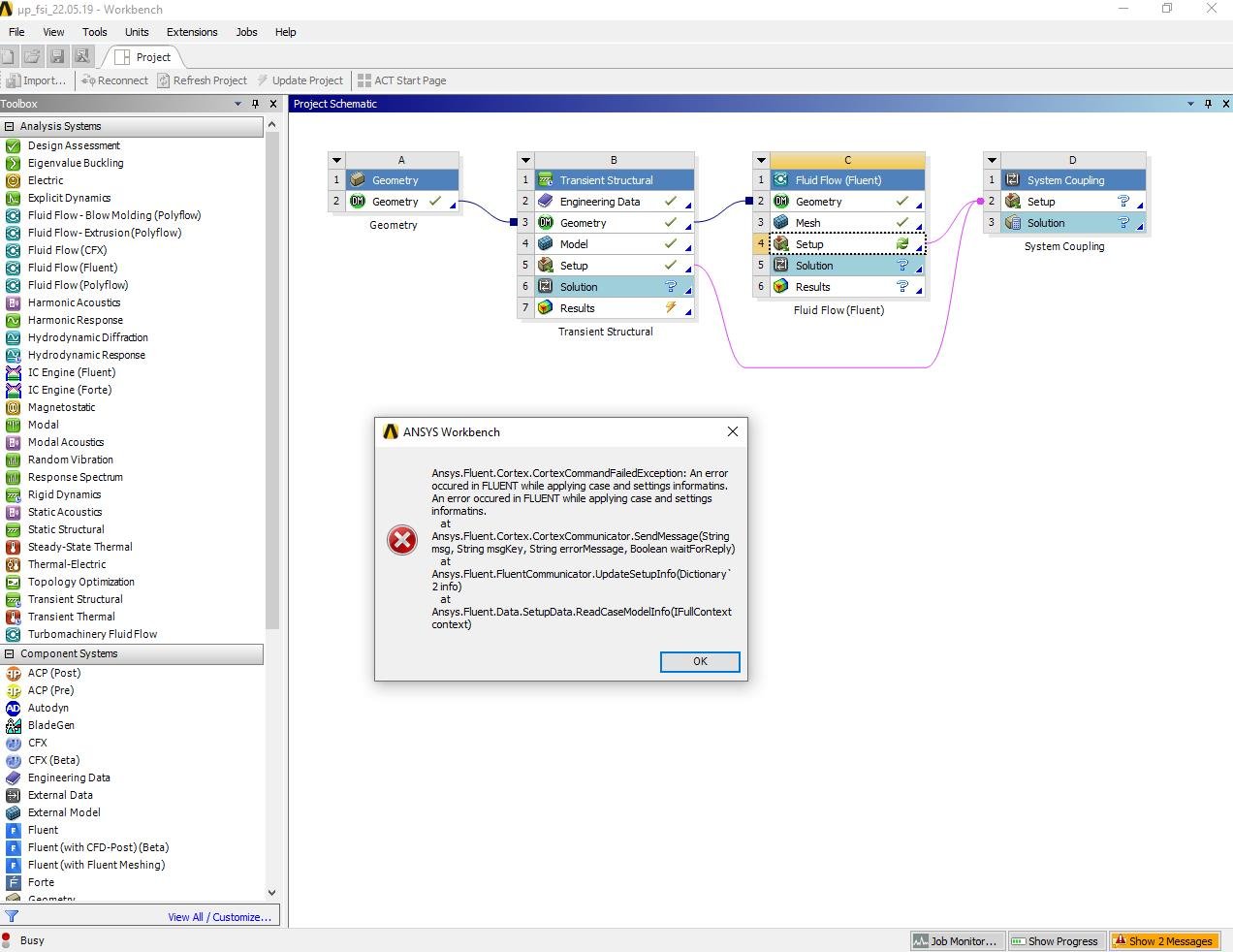
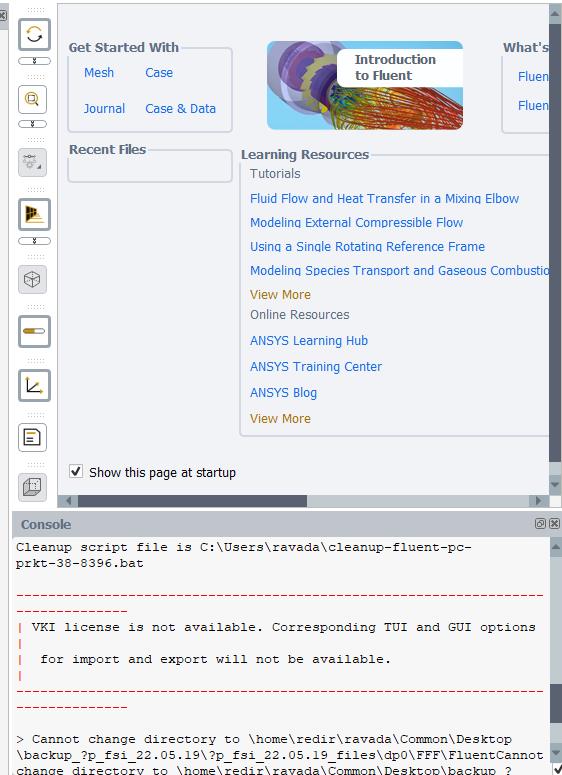
      Currently, I am working on ANSYS Workbench for 2 way FSI simulation using system coupling (Transient structural + Fluent). I am actually facing some issues especially with ANSYS 2019R1. When I am trying to open my project i.e. FLUENT setup I suddenly get error messages as shown in the screenshots which I have attached in this Message. I am using ANSYS Academic Associate.


      License preferences are all fine yet I am unable to open Fluent. And when I am trying to close it, I could not close and then later I have to forcibly end the program due to which the ANSYS directory is getting corrupted and I am losing my ANSYS project totally.


       Kindly, let me know where am I going wrong and how to solve this issue ?


      Best regards


      Vani


    • Rob
      Forum Moderator

      VKI is a different issue and isn't a problem here. 


      I suspect the problem with the files is the  ?  in the path.  Open Workbench and "save as" into a folder with no command (eg " ! ?) characters in the path or file name. 

    • vani
      Subscriber

      Hello,


      Thank you rwoolhou for your help. It is working fine now. The error was in the name of the directory. I earlier used 'µ' symbol in the name that is the reason why it is showing ? mark over there. Now this issue got resolved after changing the name of the directory. I could open the file without any errors now.


      I have another issue where I'm facing a problem "missing files and could not open the file". As I donnot understand where am I commiting mistake for this kind of issue to occur. I'm also facing problem as what should be done when this kind of issues arise while dealing with ANSYS project.


      Could you give me an insight as why is it happening probably and how to deal with it ?


      Best regards


      Vani


    • tsiriaks
      Ansys Employee

      Hi Vani,


      It's still likely issue with path or file name.


      Can you try everything under C:Temp ?


      Thanks,


      Win

    • vani
      Subscriber

      Yes, I did try removing all the files under %temp% and %appdata% but I couldn't retrieve the project back totally. 


      I have another question. I am using UDF in Fluent which requires visual C++ compiler (visual studio) to be installed. I have ANSYS 19.0 and ANSYS 2019R1 installed on my System. Could you let me know whether visual studio 2019 is compatibile with the above ansys versions as I got to know that VS 2015/2017 are compatible.  I have visual studio 2019 on my system. So will it be compatible with ANSYS 2019R1.


      Best regards


      Vani

    • tsiriaks
      Ansys Employee

      I meant to try setting your project directory, temp directory, working directory, to be under C:Temp


      As for the other question, Here is what I heard from Fluent expert


      "2017 is certified. We've not tested 2019 yet (will do it soon) but developers will still need to update the udf.bat file when a new compiler comes out and that will not happen until next (ANSYS) release once I file an enhancement request.  It definitely will not work just running the Fluent Launcher, you can ask the student to try launching the VS 64-bit command window and launching Fluent from that window but I cannot guarantee it will work."


      Thanks,


      Win

    • vani
      Subscriber

      Hello,


      Thank you for the reply. I currently have two versions of VS: i.e. both 2017 and 2019 installed on my system. So will that cause any kind of issue while compiling UDFs in Fluent ?


      Best regards


      Vani

    • tsiriaks
      Ansys Employee

      Hi Vani,


      I've heard back that in your case, it should use 2017 since 2019 is not mentioned in udf.bat.


      Thanks,


      Win

Viewing 7 reply threads
  • The topic ‘ANSYS Workbench Errors’ is closed to new replies.