Hello,
I had archived a Project as wbpz.- file and now I reopened it and wanted to edit material data. I got the following error message: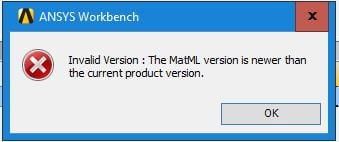
The page doesnt display the Engineering data and looks like this: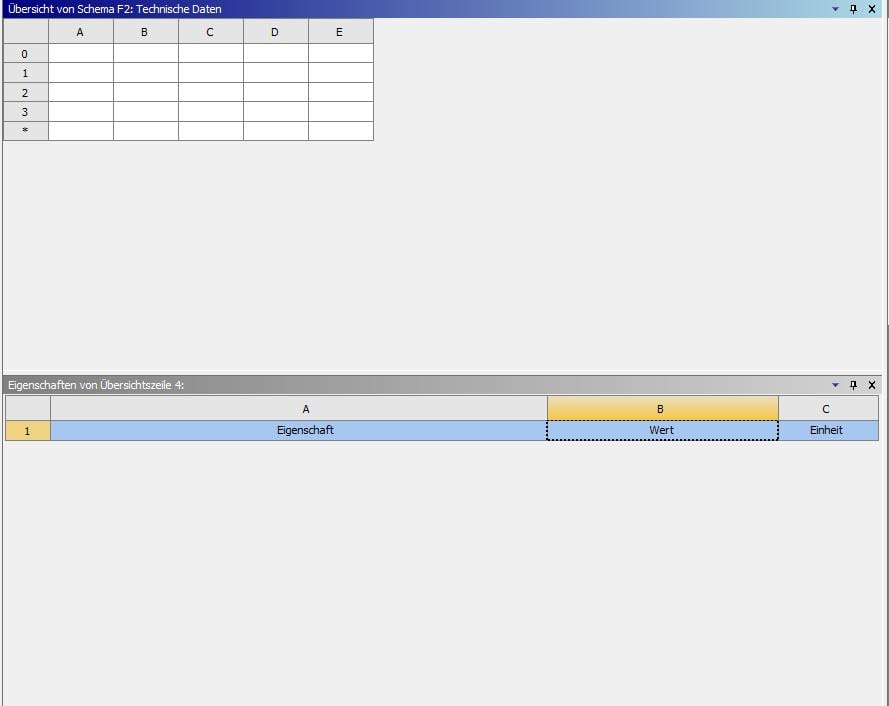
The material properties are still there somehow; at least when I open the modell in Mechanical, I can select different materials I had created before for my modell. I also run a simulation and in the report appears the right material with its properties.
Have you ever had such an error and how did you solve it?
Regards,
Stephan
PS: Saved the wbpz as ANSYS v191 .wbpz and also using 19.1


















 You are navigating away from the AIS Discovery experience