-
-
January 1, 2019 at 9:13 pm
-
January 1, 2019 at 10:48 pm
peteroznewman
SubscriberAszem,
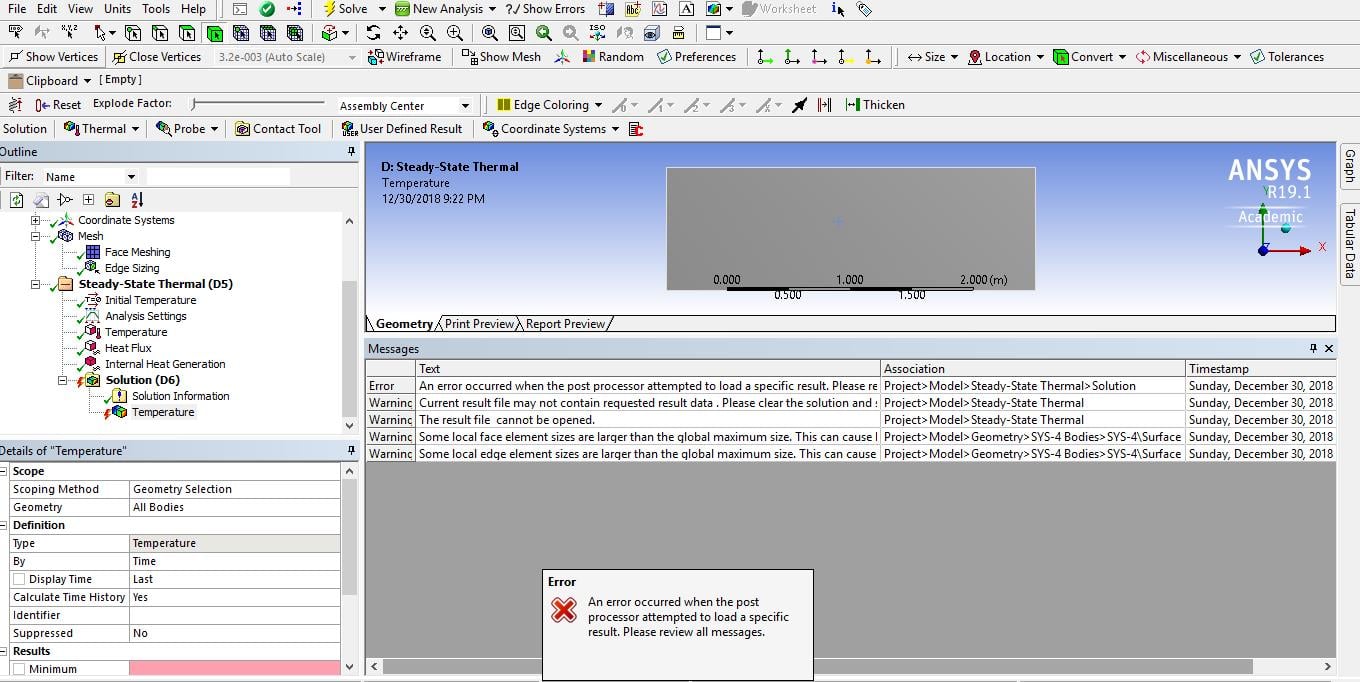
It solved just fine. Delete your Temperature result under the Solution branch and create a fresh Temperature Result. You will see your result.
The error message is telling you that you are requesting a time in the Temperature result that is not in the solution. Just delete it and make a new one.
Regards,
Peter
If this answers your question, please click Is Solution below or ask a follow-up question.
-
January 1, 2019 at 10:58 pm
-
January 1, 2019 at 11:00 pm
Aszem
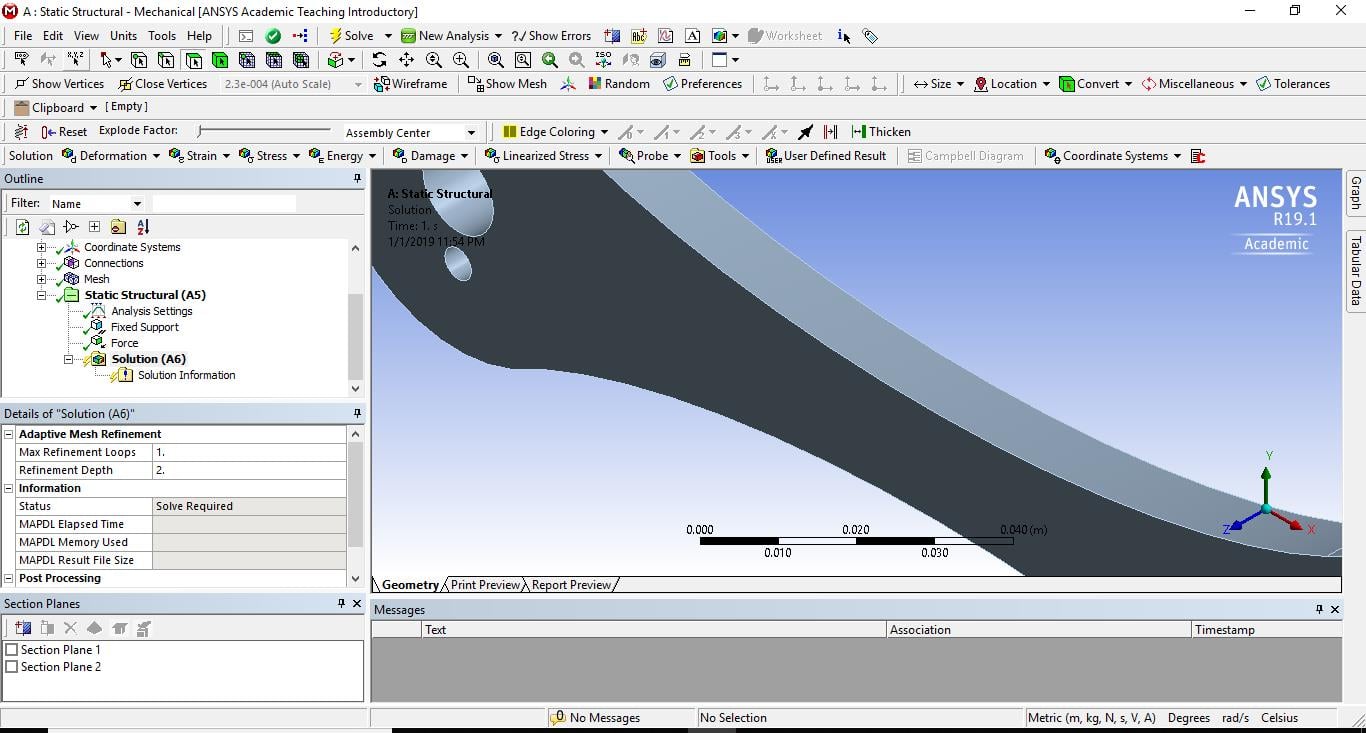
Subscriberany simple problem can't get resultÂ
-
January 1, 2019 at 11:37 pm
peteroznewman
SubscriberSo you get a solution, but as soon as you add a result plot, it generates this error.
I recommend you uninstall ANSYS 19.1 and install ANSYS 18.2 for the duration of the edX course.
You will have to discard all your models made in 19.1 as they won't open in 18.2
Â
-
January 2, 2019 at 1:05 am
Aszem
Subscriberi also make simple problem like a rod fixed and there force bulling it and try to get solution but also nothing !Â
-
January 2, 2019 at 11:22 am
Aszem
SubscriberHello,
Â
i installed the 18.2 version but also get the same problem just worked once and after not work againÂ
Â
is it windows problem or what ?
-
January 2, 2019 at 4:41 pm
tsiriaks
Ansys EmployeeAlso, make sure you have read and write permissions under your project directory.
Or you can try moving your project files to some other path (like C:Temp) and solve again.
-
November 15, 2022 at 2:10 pm
Kirstie
SubscriberI'm also experiencing the same issue but with modal only - everything has solved properly (I get a green tick) but I can't see any solution information.
-
- The topic ‘The solution section always empty and can’t make post processing’ is closed to new replies.

-
5849
-
1906
-
1420
-
1305
-
1021
© 2026 Copyright ANSYS, Inc. All rights reserved.