Ansys Assistant will be unavailable on the Learning Forum starting January 30. An upgraded version is coming soon. We apologize for any inconvenience and appreciate your patience. Stay tuned for updates.
Fluids

Fluids

Topics related to Fluent, CFX, Turbogrid and more.

Cell Zone Conditions for the mesh

    • Max4
      Subscriber

      Hi,


      I want to have different " Cell Zones " in the Cell Zones Conditions dialog box of Fluent like the exemple below. There are a Cell Zone for each typ of the mesh.
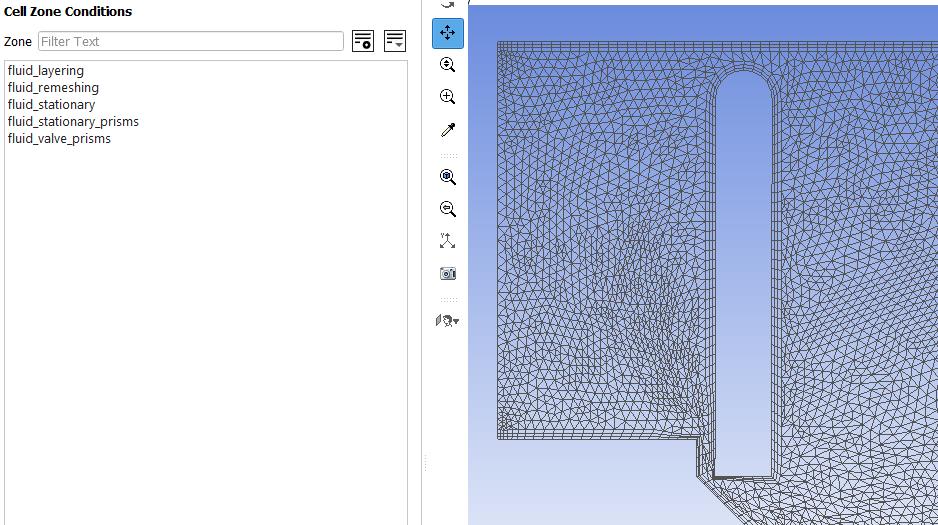


      And we can display all the celle zones, below the fluid_stationary-prisms for exemple.
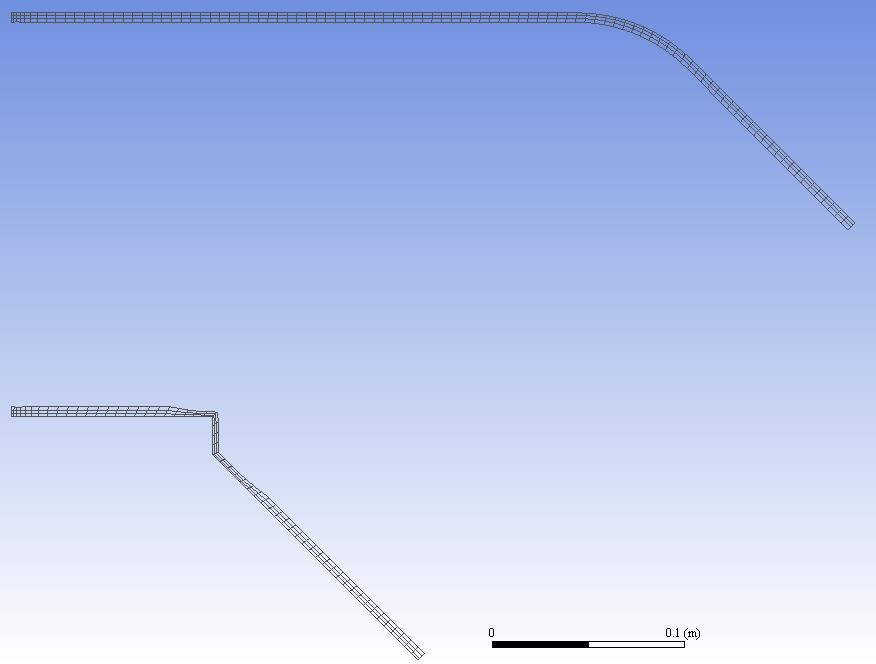


      In my case, I want to differenciate two zones: first zone is the zone with the inflation, and the second is the rest of the mesh. I have seen that we can use the surface element of the mesh (red frame), but it is very boring to chose all the elements.
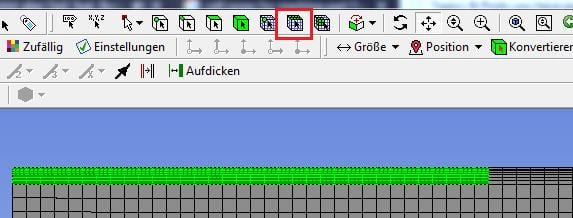


      Is there any other solution to do that ? For exemple, is it possible to create two different sketches in DesignModeler and mesh them independently ?


      Regards,


      Maxime

    • Keyur Kanade
      Ansys Employee

      this has to be done in meshing. if you have case file in fluent please use following steps. 


      in fluent you can use


      define beta y y 


      switch to mesh mode


      mesh/separate/separate cells by shape


      switch to solution mode. 


      if this solves your issue, please mark this as 'is solution' to help others on forum. 

    • Max4
      Subscriber

      In my case, I have create the sketch and the meshing, therefore I can do it in Meshing directly. And if possible, I don´t want to change the sketch, but just seperate the different meshing zones in Meshing.

    • Keyur Kanade
      Ansys Employee
      Please use fluent meshing with steps given above.
Viewing 3 reply threads
  • The topic ‘Cell Zone Conditions for the mesh’ is closed to new replies.
[bingo_chatbox]








