-
-
May 2, 2023 at 2:40 pm
ezy ele
SubscriberHello, I am working on a fatigue crack growth analysis and have a problem when i try to use a smart crack growth option. Method: SMART keeps turning red. I have done the same simulation on the same object in 3D analysis and it worked fine, but when i switch to 2D this problem occurs.
Is there some setting or condition that should be set for it to work?
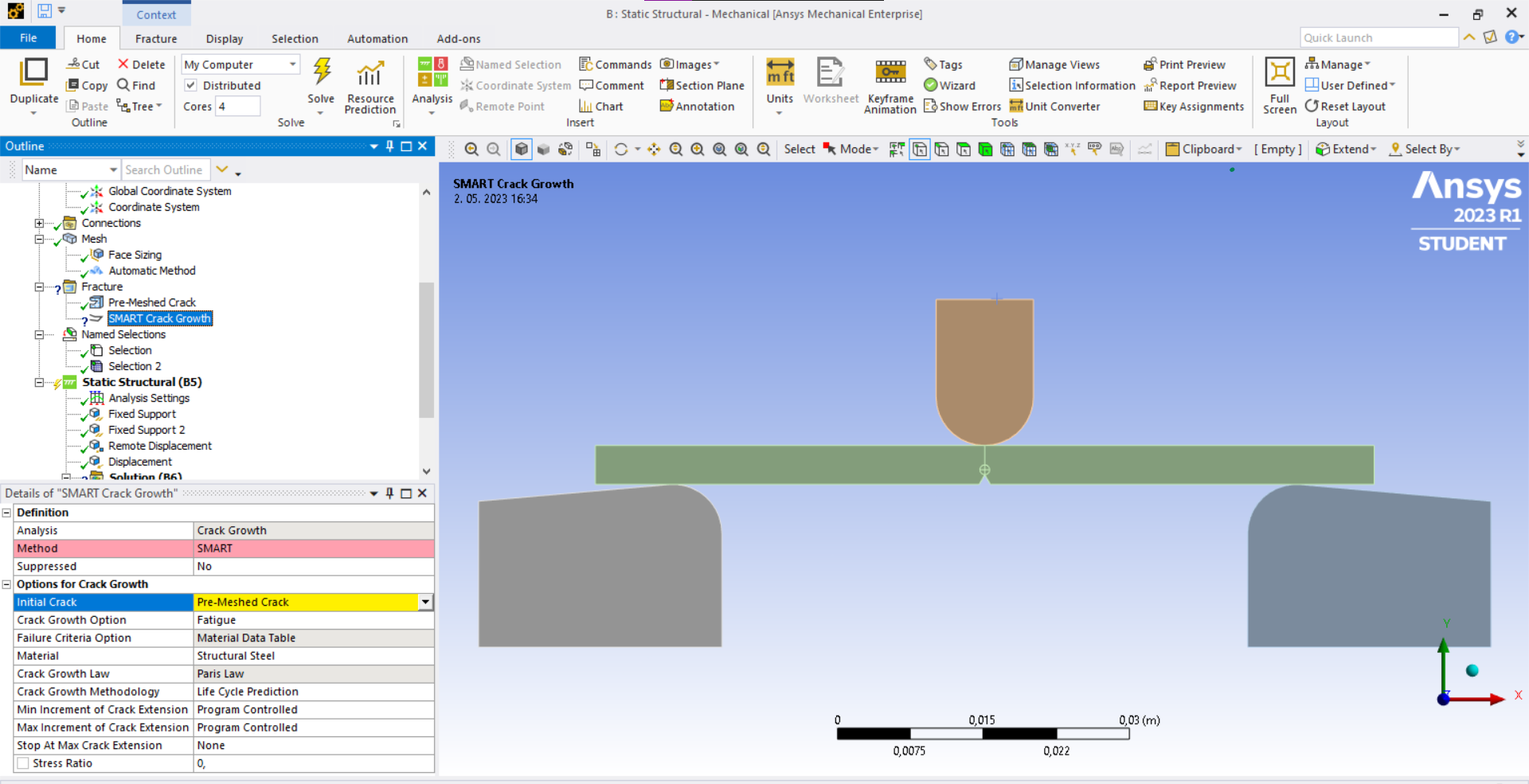
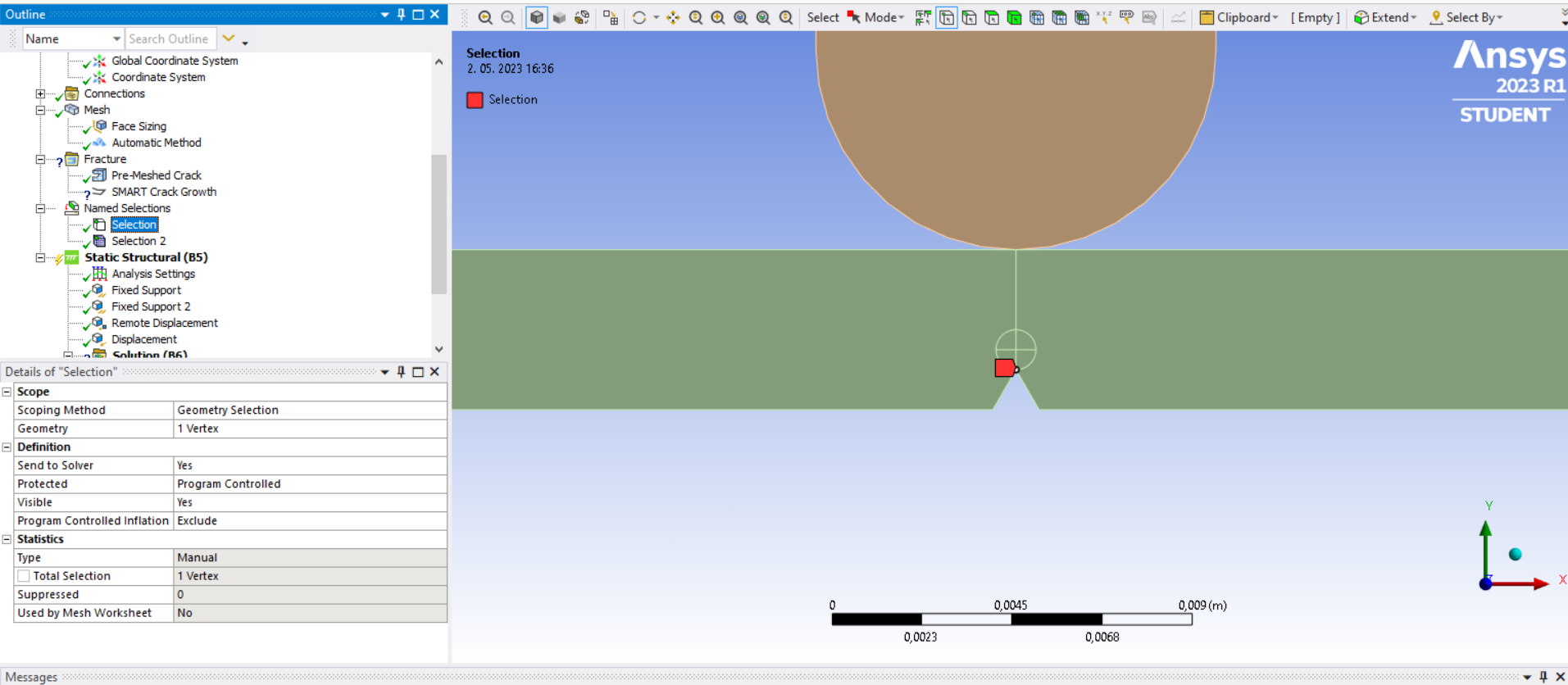
For pre-meshed crack i used nodal named selection (vertex) as shown in the picture below.
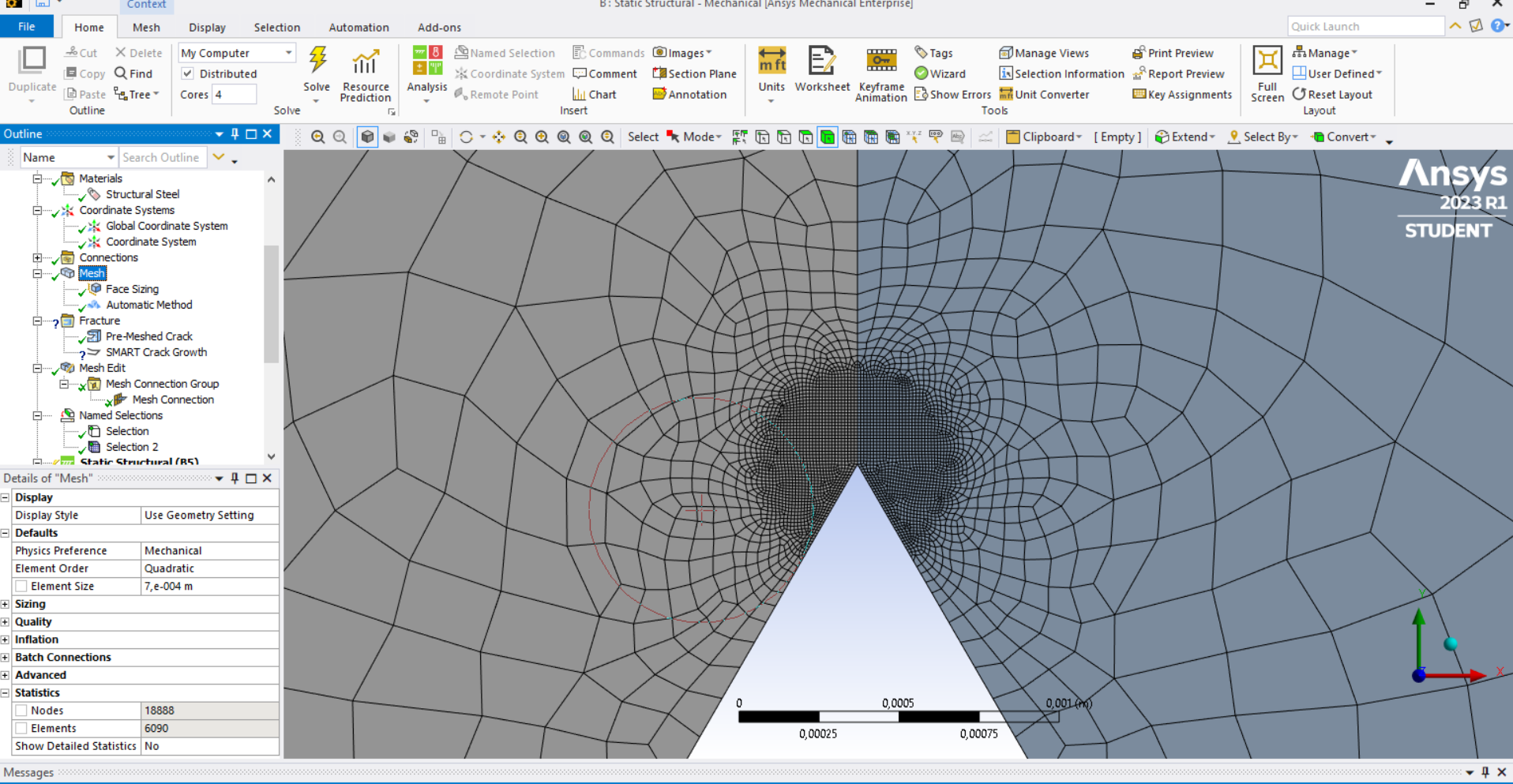
Here is also a picture of a mesh I made around the crack. I used a sphere of influence.Â
-
May 3, 2023 at 5:34 am
Nanda
Ansys EmployeeÂ
Hello ezy,
Smart crack growth tool in workbench supports 3D analysis only, to know more about it’s assumptions and limitations, go through this link below.
SMART Crack-Growth Assumptions and Limitations (ansys.com)
For modelling this in 2D, check this Ansys help document on Fracture mechanics:
Chapter 1: Understanding Fracture Mechanics (ansys.com)
1.2. Understanding How Fracture-Mechanics Problems Are Solved (ansys.com)
Regards,
Nanda.
Guidelines for Posting on Ansys Learning Forum
How to access ANSYS help links
Â
Â
-
May 3, 2023 at 10:00 am
ezy ele
SubscriberThank you for your help. I'll look into it.
-
-
- The topic ‘SMART crack growth’ is closed to new replies.
-
5849
-
1906
-
1420
-
1305
-
1021
© 2026 Copyright ANSYS, Inc. All rights reserved.