Hello, galkhamis ,
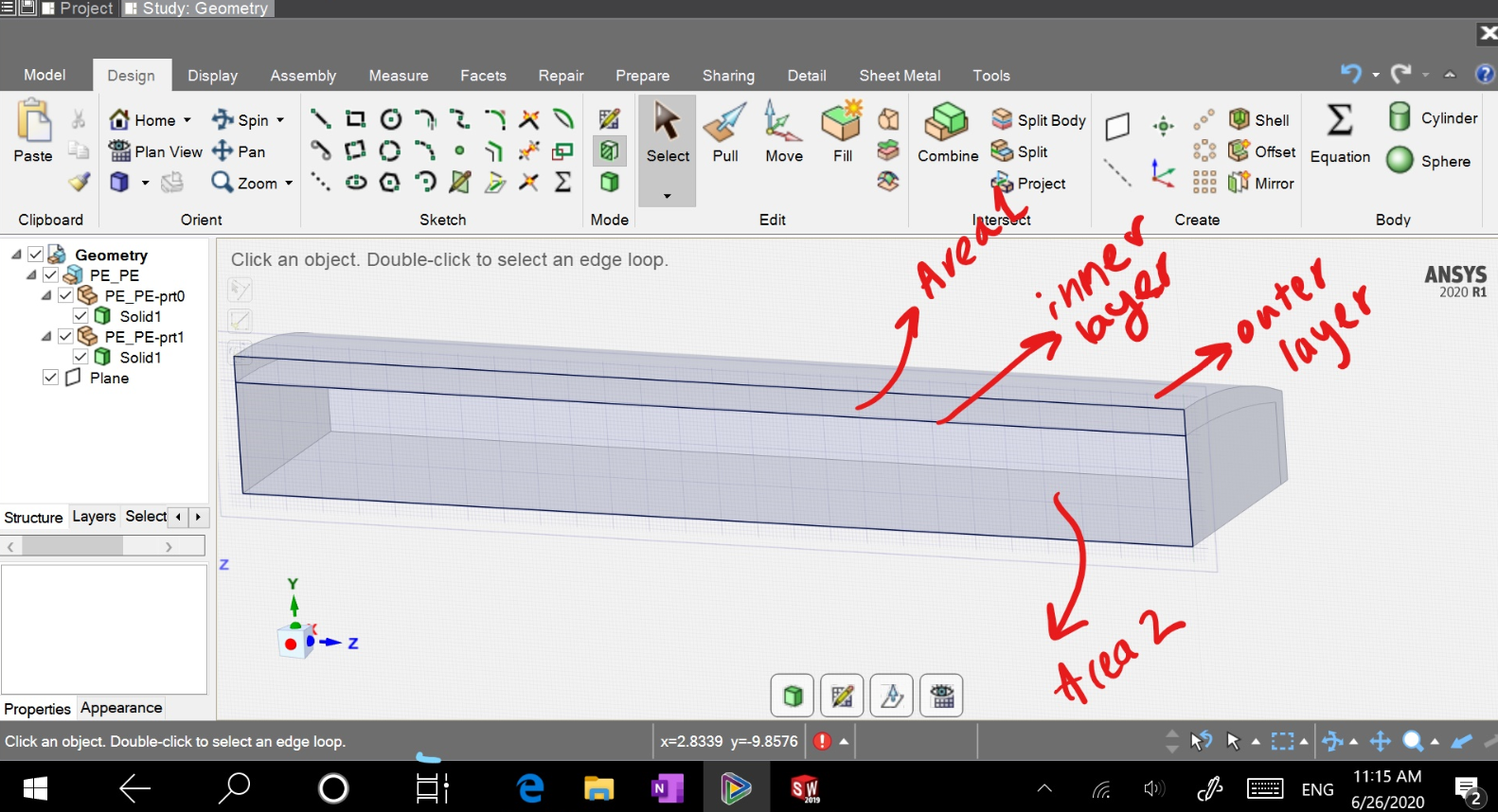
Upon seeing your geometry, I noticed few gaps, that could be incorrect to extract two different volumes (area1 and area 2), hence as per my understanding of the problem statement and expected outcome, I removed the gap and used the method of volume extraction as explained in this post.
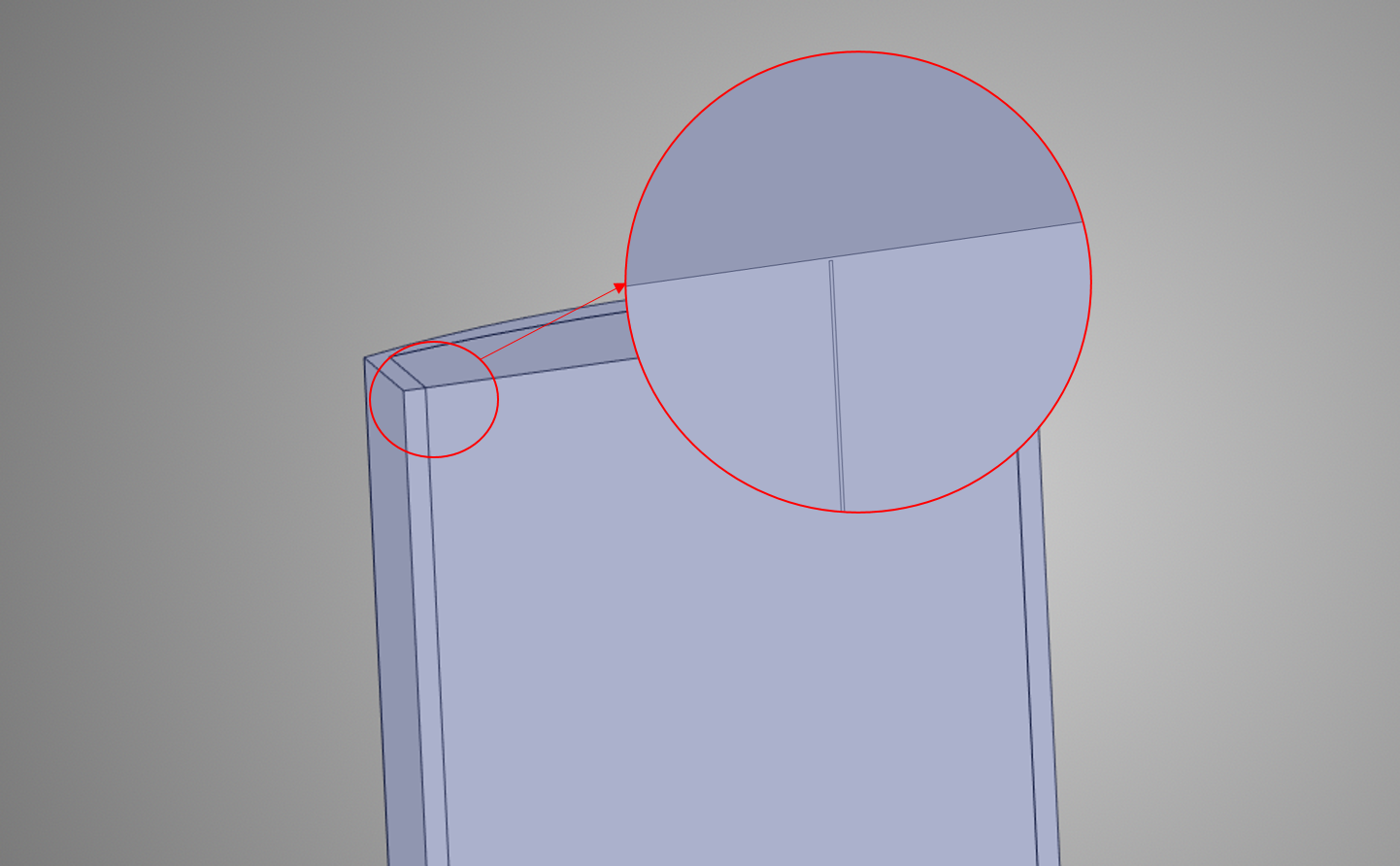
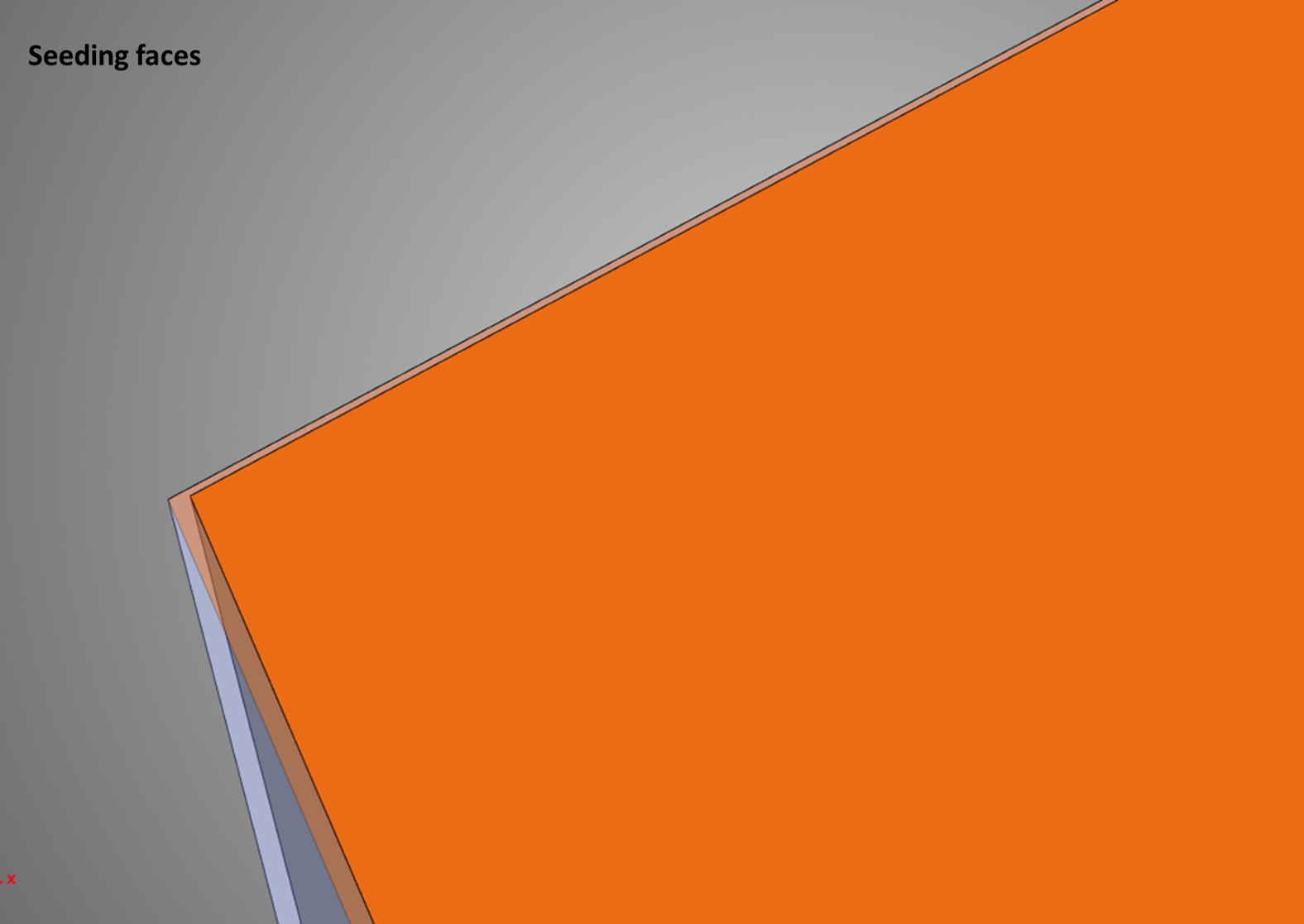
In your case, with the  tool in Prepare>Volume extract, select the outer surfaces of your geometry as the enclosing surface for your fluid analysis. Whereas for the seeding surfaces, which are chosen to make the tool understand the inner intricacies of the geometry, select any to faces of the inner layer (signifying the thickness), with the
  tool.
tool.
Please find attached images to understand how I achieved the desired output, and let me know if my understanding was incorrect,


















 You are navigating away from the AIS Discovery experience