-
-
January 6, 2023 at 10:24 am
Xime54
SubscriberHello everyone,Â
I am currently working with the "virtual photometric lab".Â
Â
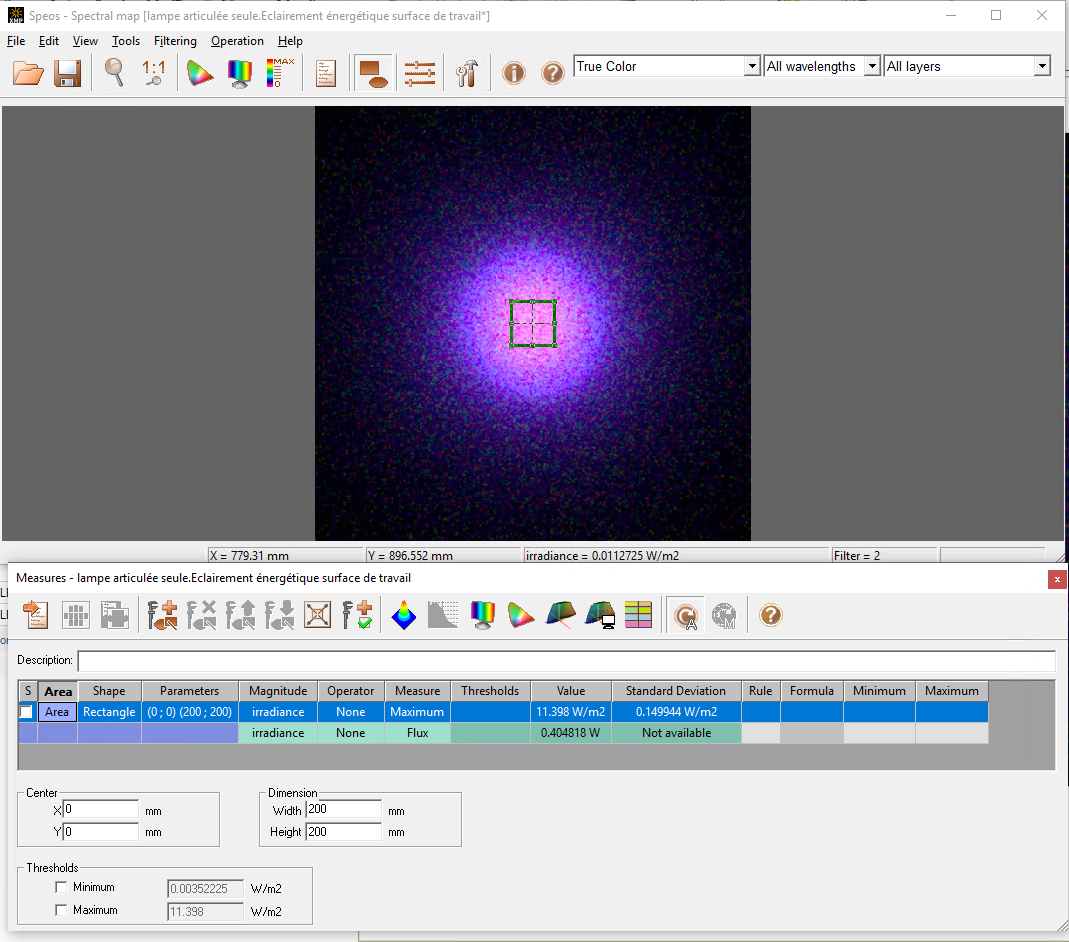
1) I get an energetic illumination that I want to convert into an exposure: I have to multiply each pixel of the map by a scalar (typically a time in seconds). Is this possible and how to do it?
2) I want to compare this exposure to a reference exposure: use the "map comparison" or "map calculation" tools. How to create a map that corresponds to my reference exposure?ÂIn general, where can I find tutorials on how to use this tool?
Thanks to you.Â
-
January 9, 2023 at 7:07 pm
Fasehur Mohammed
Ansys EmployeeHi,
- there's two ways to do this-
- use the rules in the measurement window- Operators and Functions for Global Rules (ansys.com)
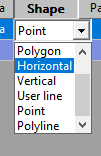
- export a line of pixels to a excel sheet and then apply formula there. for this you can select a shape
use 2d view section and then export as txt.
Â
2. Im not familiar how to do this. if its two maps then you can use map calc as a comparison. I will ask a colleague to respond on that.Â
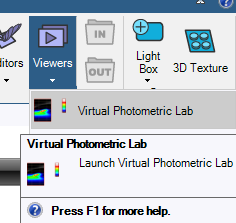
BY pressing f1 under the viewers selection in SPEOS will get you to the use guide for the Photometric lab

Â
Please contact me if you have any further questions.Â
- there's two ways to do this-
-
January 10, 2023 at 3:03 pm
Xime54
SubscriberDear Mohammed,Â
Thank you for your feedback, I will look further into the sbject.Maxime
-
- The topic ‘Working with virtual photometric lab’ is closed to new replies.
-
6485
-
1906
-
1458
-
1308
-
1022
© 2026 Copyright ANSYS, Inc. All rights reserved.