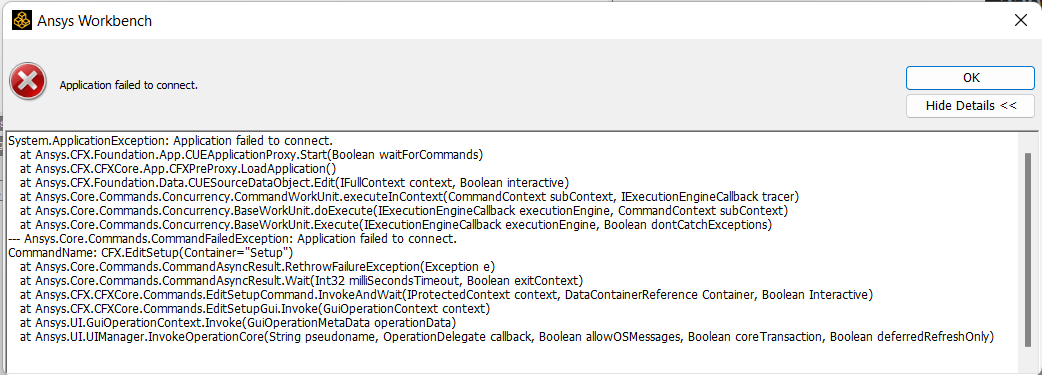
Hello, by merely glancing through the forum I have encountered numerous posts regarding this problem, none resolved. To list some: 1 2 3 4 5 6 7 and countless more have been troubled. I am referring to the "application failed to connect" error message that pops up whenever I attempt to launch Fluent Post of CFX-Pre. I am attaching screenshots to this post but feel free to refer to the other threads as the problem is more or less the same. I have just reinstalled the entire Ansys suite (while thoroughly wiping all "left-overs" from my computer before proceeding with the installation in a very cautious manner and am positive no corrupts ought to have happened twice in a row. I am running the latest version of 2022 R2 (despite the problem occurring since the 2020 versions and later) on the latest Windows 11 and latest hardware driver updates. Re-installation had no effect, and neither did deactivating my antivirus alongside my firewall (as done during the installation). I can run CFX by executing a command and launching the stand-alone application but whenever I attempt to import an external mesh I am greeted with a message saying there is no instance of Workbench running (which there is). All things considered, I should be able to run CFX and POST directly from Workbench without having to find workarounds.
Thank you for your support, I hope that by resolving this thread we can help future Ansys customers prevent this problem from blocking them in their work.
Kind regards, Tomas J


















 You are navigating away from the AIS Discovery experience