Ansys Assistant will be unavailable on the Learning Forum starting January 30. An upgraded version is coming soon. We apologize for any inconvenience and appreciate your patience. Stay tuned for updates.
Fluids

Fluids

Topics related to Fluent, CFX, Turbogrid and more.

Fluent freezes during calculation

    • Laurens
      Subscriber

      Hi Ansys community,

      When running my simulation the simulation will start freezing at some point during the calculation. No matter how long I wait, it keeps freezing leaving me with no point than shutting down fluent via the task manager and losing my data. 

      I've been trying to solve this bug for two weeks but I don't find what seems to be the problem. My setup is as follows: Transient simulation, SST k-omega model and PISO method, multiple udf's (describing wall motion and velocity profile at inlet), outlet as outflow, solving parallel with 6 cores.

      When testing the UDF by analysing the dynamic mesh motion it does not give any trouble, so therefore I think the problem does not come from the UDF describing the dynamic wall. The UDF describing the velocity profile is just a simple example from the forum with changed values. 

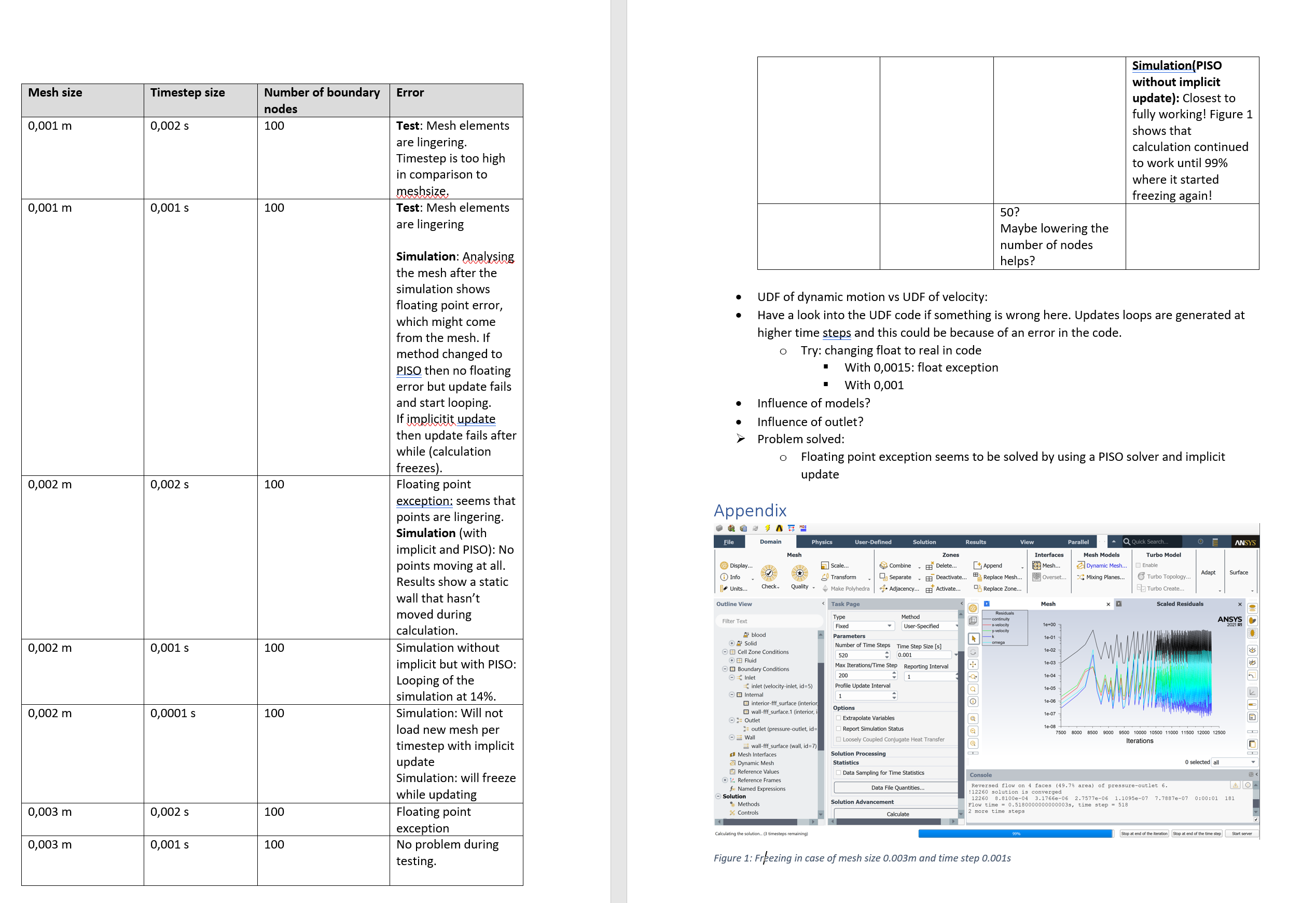
      So I tried testing the calculation with different timesteps and meshsize and this resulted in analysis seen in the picture below. 

      Anyone that knows where the problem is coming from?

      Kind regards
    • Rob
      Forum Moderator

      The solver getting stuck can sometimes mean it's struggling to converge a time step. As you're using dynamic mesh that could be the motion or time step is too high, or that the solver wants to create lots of new cells. If you half the time step how does it behave? 

      • Laurens
        Subscriber


        Thanks for the quick reply.

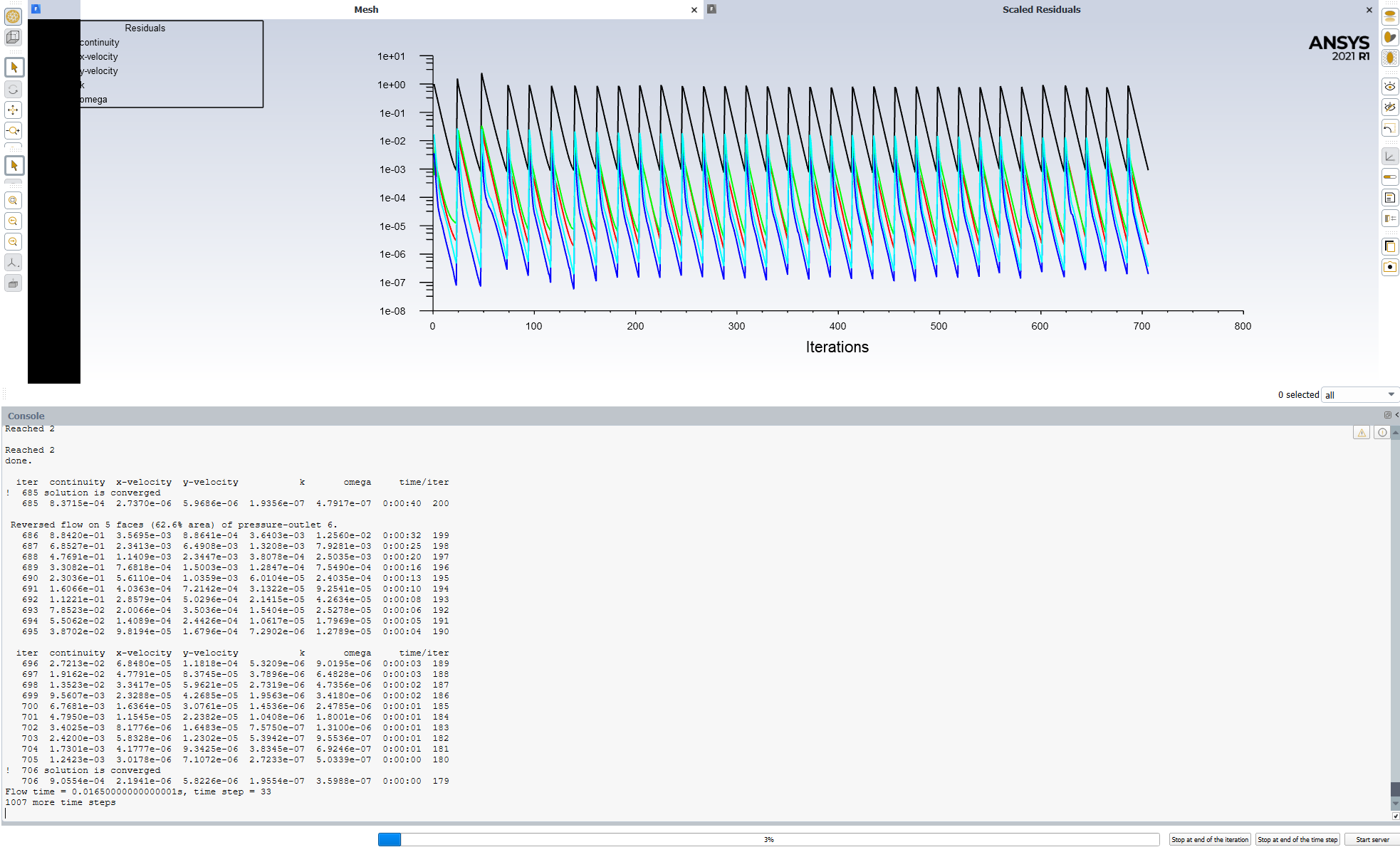
        If I half the time steps it freezes at 3% as you can see in the figure below. The solver gets stuck after its converged and when it goes to the next timestep. You can also see it in the console of that figure.


    • Rob
      Forum Moderator

      Half the time step size, not number of steps. 

      • Laurens
        Subscriber

        Yes, sorry I meant "If I half the time step size..."

    • Rob
      Forum Moderator

      No worries. OK, so if you run to one step before it fails what does the flow look like? More specifically, how is the mesh deforming, and what is likely to happen in the next time step?

    • Laurens
      Subscriber

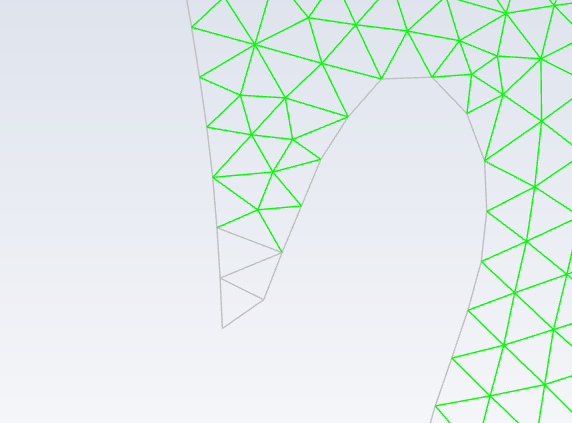
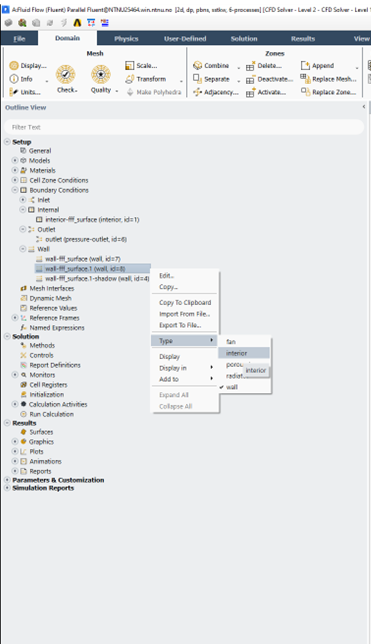
      I think I might just found the issue. In the setup I had to define part of the interior, which was automatically assigned to wall ID by fluent. I now changed the baseline shape of the simulation, making sure that it is automatically assigned correctly. I tested it with a time step size of 0,001 s and 0,005 s, and it works for both.

      Is it possible that this was the issue and if so, do you know why this happens? Thanks :)


    • Rob
      Forum Moderator

      Pass, however, changing topology in Fluent isn't permitted using MDM so it's possible you were breaking something before. 

    • Laurens
      Subscriber


      I’m very sorry but I don’t fully understand your message. Do you agree that the issue here was that I changed the mesh ID which is not allowed using MDM and therefore caused the issue, or do you think the issue comes from somewhere else?


    • Rob
      Forum Moderator

      I don't know for sure. If the change fixed it then that's the cause, but can't be specific without the case which I'm not allowed to do. 

    • Laurens
      Subscriber

      Okay, thanks!


Viewing 8 reply threads
  • The topic ‘Fluent freezes during calculation’ is closed to new replies.
[bingo_chatbox]