-
-
July 5, 2022 at 9:12 pm
david.mrozek
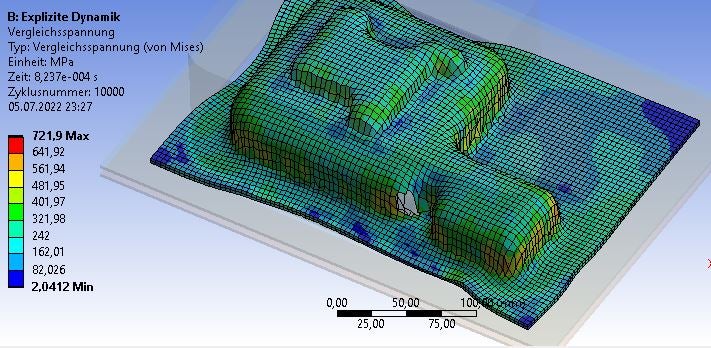
SubscriberI am currently using explicit dynamics in order to simulate a deep drawing process of an alumina cover. The simulation itself is successful, but i have a problem with it.
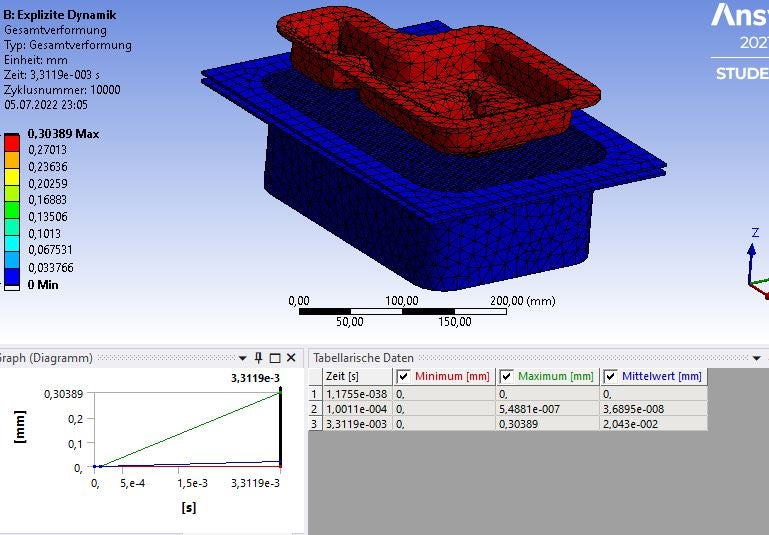
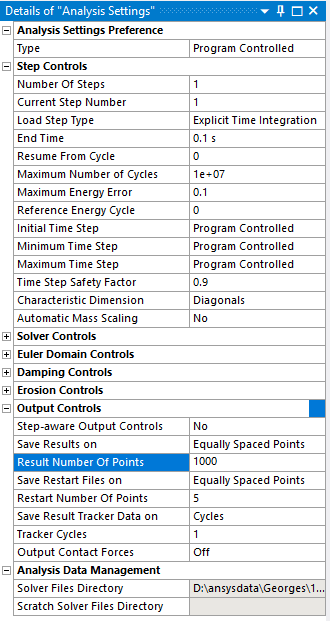
The solver only shows the last and the first result of the total deformation and the mises tension (total steps: 10000). However, I am unable to get the deformation and tension at e.g step number 4500, etc. So I would like to how to achieve this goal?
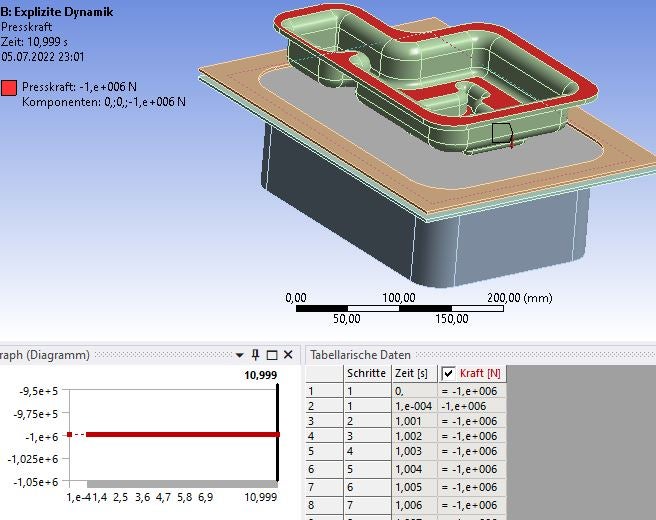
As you can see I tried to apply a constant force over the whole simulation time. I thought this could be the problem...
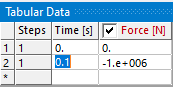
After that changed the data for the force to "from table". My first step was -1 Newton, Step Nr. 5000 was -1000 KN and the last step -1 Newton again (linear growth). Again, I can only obtain the last and first result... -
July 6, 2022 at 2:14 pm
Ram Gopisetti
Ansys EmployeeHi, Have you used the "Resut set" in the definition and with the time, if you know precise time, you can enter that time in there to see the result for that specific timestamp.
Cheers, Ram
-
July 6, 2022 at 4:24 pm
david.mrozek
SubscriberI propably have not used this option, since I did not know its purpose. Also, what "definition" do you mean (force?, analytical options?. etc.). Could you please post a screenshot where I can locate this option?
-
-
July 6, 2022 at 8:01 pm
peteroznewman
Subscriber -
July 7, 2022 at 11:06 am
david.mrozek
SubscriberThanks to your ideas on how to solve my problem. In order to get result based on the step progression I combined your answers together in order to get the desired solution:
The (1) result number of points must be combined with the option (2) step-aware output controls [YES]. The End time will than be adjusted to this parameters.
This give me much better results than before and I can finally observe this process as a whole simulation.
-
- The topic ‘How to properly show every step during an alumina deep drawing process?’ is closed to new replies.

-
6450
-
1906
-
1457
-
1308
-
1022
© 2026 Copyright ANSYS, Inc. All rights reserved.