TAGGED: act, ansys-mechanical, mechanical-apdl, scripting, scripting-journaling
-
-
May 4, 2022 at 2:49 am
DariusMac
SubscriberDear all,
I am a beginner of Ansys Mechanical and its scripting. I am current doing the automation process for my team. I wanna let user input some values so that I can use in my code. I know that mechanical scripting is based on ironpython, but the regular 'input()' in python does not work, so do the 'raw_input()' of ironpython. When using 'input()' the EOF error would occur, and using the 'raw_input([prompt])' it will only print the prompt string and give no way to enter the value. The variable returned a null string as a result. I am wondering is there any ways that I can let user input value in scripting, or any ACT app that can achieve this result? Thank you.
Sincerely,
May 4, 2022 at 6:01 pmAshish Khemka
Forum Moderator
Please see if the following course helps you:
Ansys Mechanical Scripting Training - Python Basics (Day 1) - Bing video
Regards Ashish Khemka
May 4, 2022 at 6:17 pmDariusMac
SubscriberThank you for answering my question. I watched this series of courses before but I did not find anything that is helpful for the problem that I was stuck. But still thank you for your willing to help.
SincerelyMay 5, 2022 at 2:38 amAshish Khemka
Forum Moderator
My apologies that the above video did not help. Please wait if other members may comment on the post.
Regards Ashish Khemka
May 5, 2022 at 7:43 amAniket Chavan
Forum ModeratorCan you explain your workflow in some more detail? Depending on that, a suitable way can be suggested.
-Aniket
How to access Ansys help links
Guidelines for Posting on Ansys Learning Forum
May 9, 2022 at 11:53 pmDariusMac
SubscriberHi Aniket So for now my workflow is that I need to prompt users to input certain values, then I access these values in the rest of the codes to generate the result I desire. I wish it can be something like a pop out window or a place in shell to enter values. Thank you for following up.
Sincerely DariusMac
May 10, 2022 at 6:59 amErKo
Ansys Employee
One way to do this is to make an act extension with say an object that has properties that are editable and need to be given by the user - for an example see th eDemoLoad example in the ACTExtensionEXamples provided and accessed via the Workbench UI (see below).
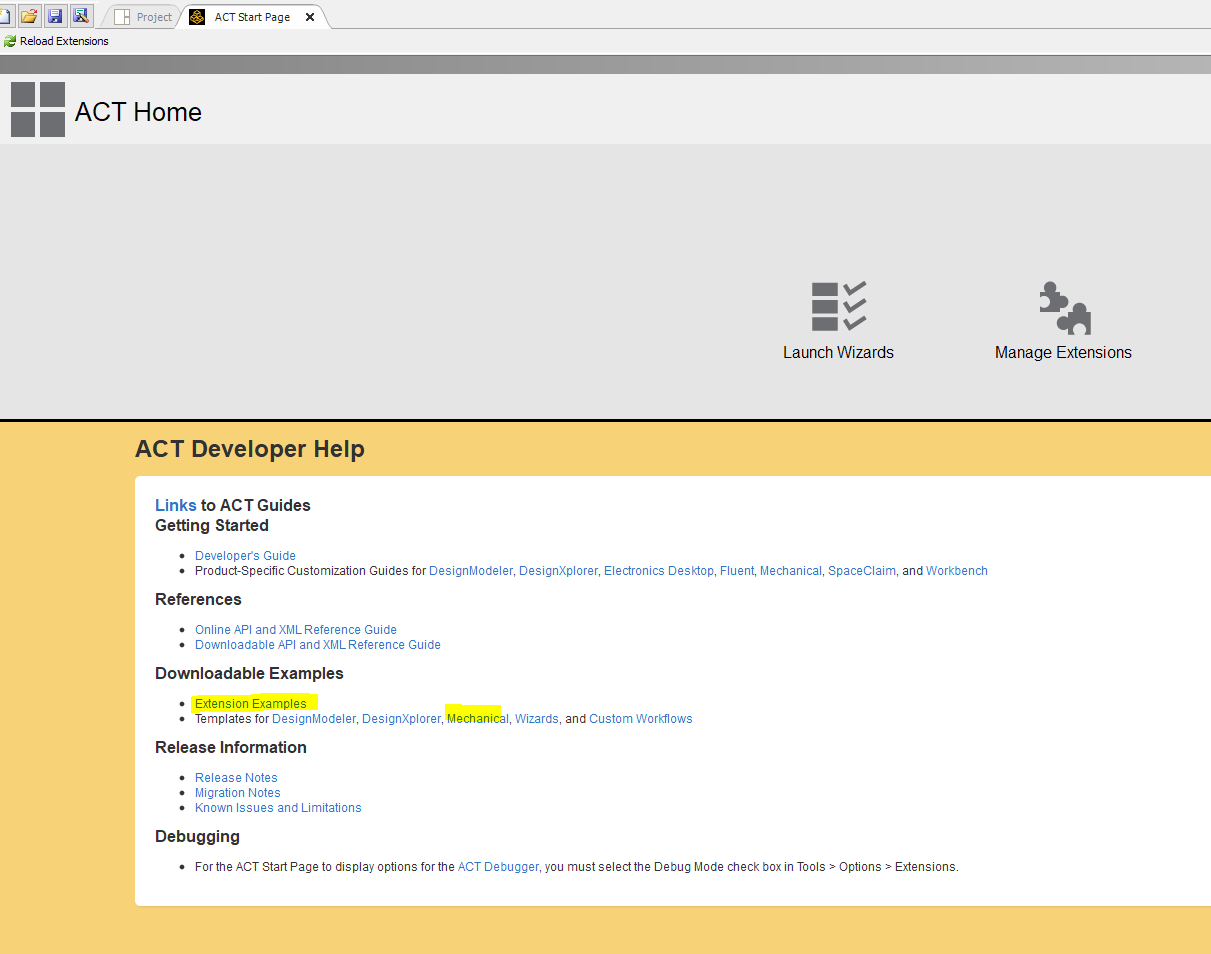
The other way is to use Windows forms in IronPython directly in an act extension or in the scripting console of mechanical (or make a button of the script). An example is the below where we type a string into the prompted input box, and then print that string (Message):
import clr
clr.AddReference('System.Windows.Forms')
clr.AddReference('System.Drawing')
from System.Windows.Forms import Application, Button, Form, TextBox
from System.Drawing import Point
form = Form form.Text = "Hello World"
button = Button(Text="Apply")
button.Location=Point(0,100)
txtbox1 = TextBox form.Controls.Add(txtbox1)
form.Controls.Add(button)
def click(sender, event):
System.Windows.Forms.MessageBox.Show((txtbox1.Text))
button.Click += click
Application.Run(form)
--
For more info on the above, you would need to refer to some documentation for the Ironpython framework .
(It is beyond the scope of an Ansys employee to provide help with such type of scripting - but perhaps some other members can chime in and help)
Erik

May 10, 2022 at 1:45 pmAniket Chavan
Forum ModeratorIn addition to what Erik has mentioned above, you can check the examples available at :
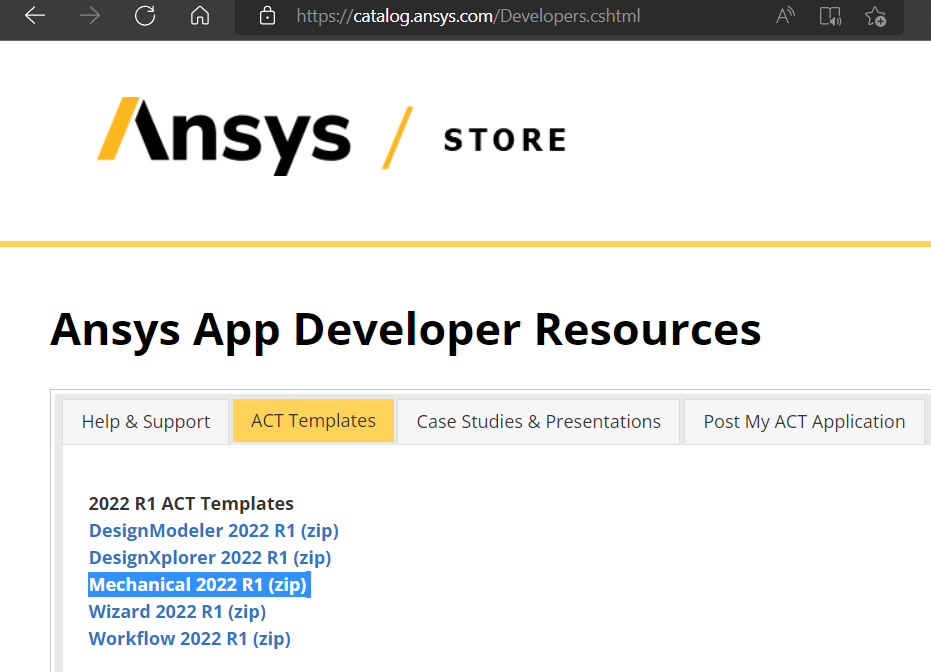
Ansys Store Developer Resources
You can create a custom load object in Mechanical where this value that you need from user as input is a parameter and simply run a parametric study.
-Aniket
How to access Ansys help links
Guidelines for Posting on Ansys Learning Forum

Viewing 7 reply threads- The topic ‘How to prompt user input by scripting in Ansys mechanical’ is closed to new replies.
Innovation SpaceTrending discussionsTop Contributors-
6044
-
1906
-
1431
-
1308
-
1021
Top Rated Tags© 2026 Copyright ANSYS, Inc. All rights reserved.
Ansys does not support the usage of unauthorized Ansys software. Please visit www.ansys.com to obtain an official distribution.
-