


-
-
June 26, 2026 at 7:46 pm
FAQParticipant
How do I define where refinement should occur with SPH Adaptive size in Ansys FreeFlow?

Ansys FreeFlow provides three approaches for defining refinement regions:1. Geometry Boundary Refinement
Refinement is applied based on proximity to selected geometry boundaries (walls).
You specify:- A Refinement Distance Factor
- A Refinement Level
A refinement zone is computed as:Refinement Distance = Refinement Distance Factor × Initial SPH Size
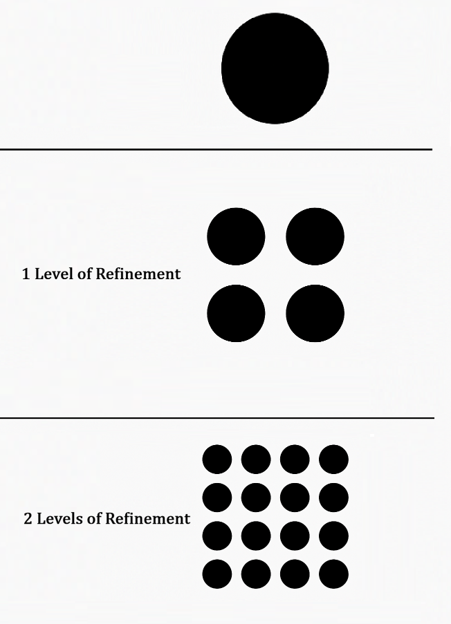
All SPH elements within this distance from the selected geometry are refined. The refinement region is subdivided into volumes proportional to its size, with refinement levels that increase gradually across these partitions. The figure below provides a schematic representation of this process.2. Cubic Region of Interest (ROI)
You define a cube-shaped region in space. All SPH elements inside the cube are refined according to the selected refinement level.
This approach is useful for localized flow features such as impacts, mixing zones, or free surface interactions.3. Cylindrical Region of Interest (ROI)
You define a cylindrical region in which SPH elements are refined.- If no hole ratio is specified:
- All elements inside the cylinder are refined
- If a hole ratio is specified:
- Only elements outside the hole region are refined
This is particularly useful for pipes, jets, nozzles, and axis-aligned flow features. The user can combine different ROI geometries and set one refinement level for each ROI.Access more FAQs and Tips in the page:
Ansys FreeFlow™ smoothed-particle hydrodynamics (SPH) simulation software
-
Introducing Ansys Electronics Desktop on Ansys Cloud
The Watch & Learn video article provides an overview of cloud computing from Electronics Desktop and details the product licenses and subscriptions to ANSYS Cloud Service that are...
How to Create a Reflector for a Center High-Mounted Stop Lamp (CHMSL)
This video article demonstrates how to create a reflector for a center high-mounted stop lamp. Optical Part design in Ansys SPEOS enables the design and validation of multiple...
Introducing the GEKO Turbulence Model in Ansys Fluent
The GEKO (GEneralized K-Omega) turbulence model offers a flexible, robust, general-purpose approach to RANS turbulence modeling. Introducing 2 videos: Part 1 provides background information on the model and a...
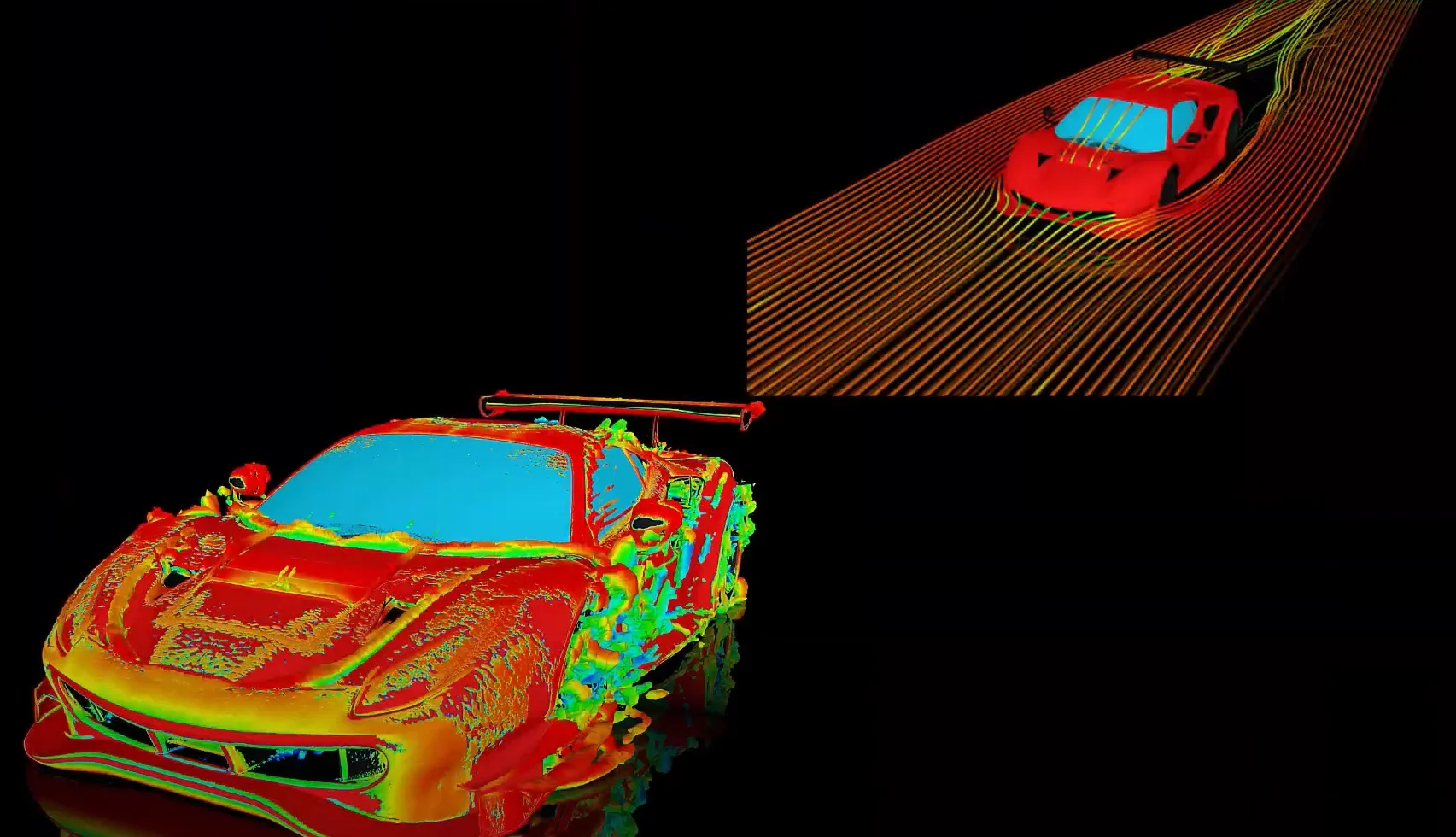
Postprocessing on Ansys EnSight
This video demonstrates exporting data from Fluent in EnSight Case Gold format, and it reviews the basic postprocessing capabilities of EnSight.
- Fluent GPU Solver Hardware Buying Guide
- Is there a way to get the volume of a register using expression ?
- How to overcome the model information incompatible with incoming mesh error?
- Skewness in ANSYS Meshing
- What are pressure-based solver vs. density-based solver in FLUENT?
- What are the requirements for an axisymmetric analysis?
- How to create and execute a FLUENT journal file?
- What is the cause of the floating point error message during Fluent simulation and how can it be addressed?
- How to get information about mesh cell count and cell types in Fluent?
- What is a .wbpz file and how can I use it?
© 2026 Copyright ANSYS, Inc. All rights reserved.