
Followed ANSYS RSM 19.2 User’s Guide 2.2.4. Configuring a Network Installation of RSM, to set an system environment ANSYS_RSM_APPSETTINGS_DIR in /ansys_inc/v192/Config/tools/linux/rsm_env_profile as below to point to a local RSM application settings configuration directory: export ANSYS_RSM_APPSETTINGS_DIR=/tmp/rsmconfig Moved /ansys_inc/v192/Config/Ans.Rsm.AppSettings.config file to /tmp/rsmconfig folder, tried to start RSM 19.2 Launcher, either in service mode (daemon run as rsmadmin) or no service mode (as regular user), got error said: Setting environment variables from ‘/ansys_inc/v192/RSM/Config/tools/linux/rsm_env_profile’ Starting RSM Launcher Service … RSM Launcher Service start failed. Please check the Logfile for Errors Unhandled Exception: System.TypeInitializationException: An exception was thrown by the type initializer for Ansys.Rsm.Utilities.ApplicationConfiguration —> System.IO.FileNotFoundException: Settings file not found in /ansys_inc/v192/RSM/Config ……


Featured Articles


Introducing Ansys Electronics Desktop on Ansys Cloud
The Watch & Learn video article provides an overview of cloud computing from Electronics Desktop and details the product licenses and subscriptions to ANSYS Cloud Service that are...

How to Create a Reflector for a Center High-Mounted Stop Lamp (CHMSL)
This video article demonstrates how to create a reflector for a center high-mounted stop lamp. Optical Part design in Ansys SPEOS enables the design and validation of multiple...
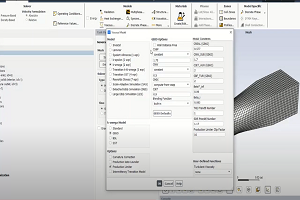
Introducing the GEKO Turbulence Model in Ansys Fluent
The GEKO (GEneralized K-Omega) turbulence model offers a flexible, robust, general-purpose approach to RANS turbulence modeling. Introducing 2 videos: Part 1 provides background information on the model and a...
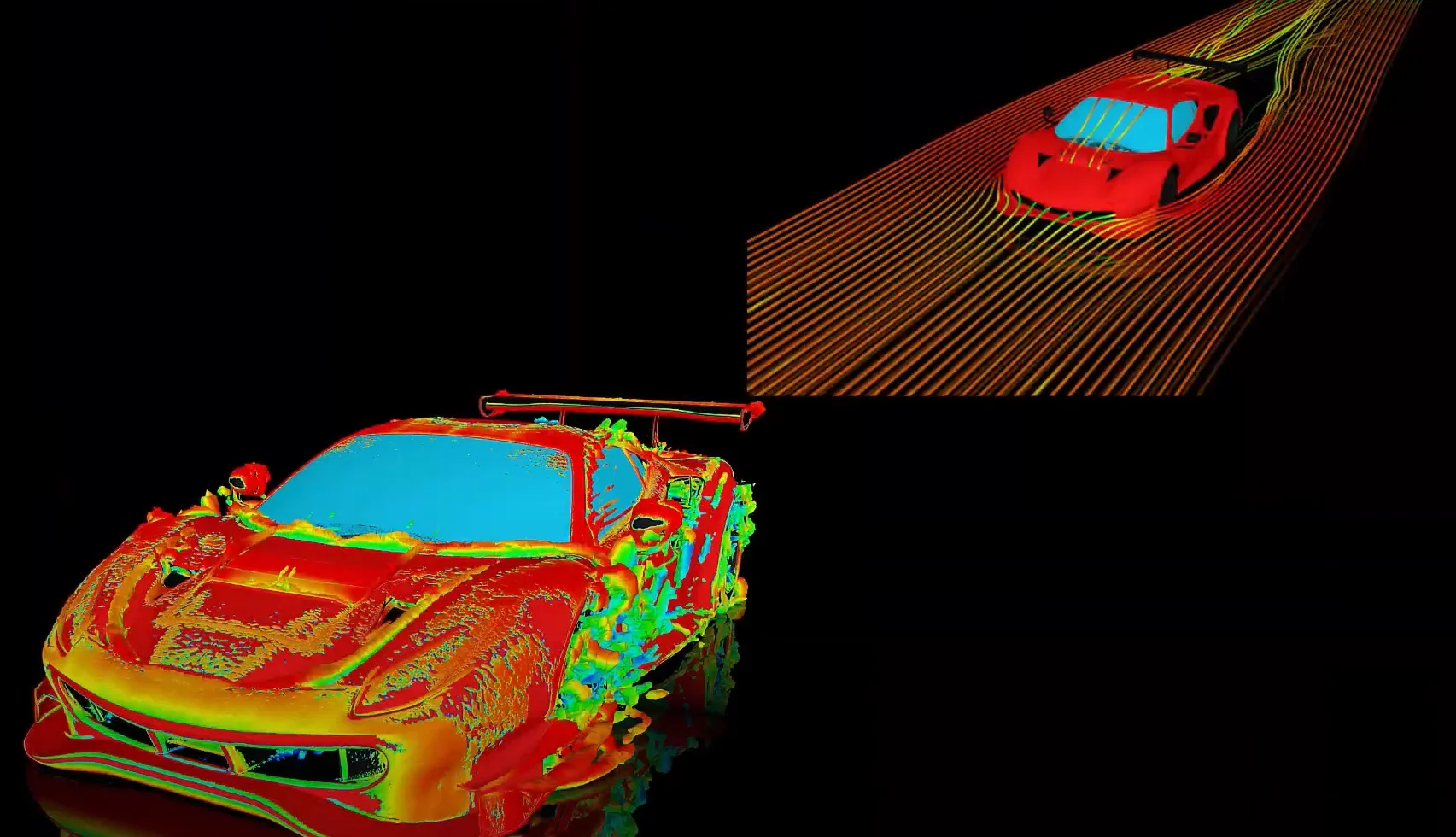
Postprocessing on Ansys EnSight
This video demonstrates exporting data from Fluent in EnSight Case Gold format, and it reviews the basic postprocessing capabilities of EnSight.
Trending Articles

Top Rated Tags


 You are navigating away from the AIS Discovery experience