-
-
January 25, 2023 at 7:34 am
FAQParticipantOne can do this by setting a non-zero value for the 9th real constant, TAUMAX, for the contact elements. This limits the maximum frictional stress developed in a contact pair. In WB Mechaical, this can be defined by inseting the following command under the contact of interest: RMODIF,cid,9,taumax TAUMAX has the units of stress and is generally calculated as TAUMAX = (Yield strength)/square root(3). The yield strength of the material on Contact side is used for this calculation. Also, it is recommended that the contact behavior is set to Asymmetric and designating the softer material as Contact side when this command is used.
-
Introducing Ansys Electronics Desktop on Ansys Cloud
The Watch & Learn video article provides an overview of cloud computing from Electronics Desktop and details the product licenses and subscriptions to ANSYS Cloud Service that are...

How to Create a Reflector for a Center High-Mounted Stop Lamp (CHMSL)
This video article demonstrates how to create a reflector for a center high-mounted stop lamp. Optical Part design in Ansys SPEOS enables the design and validation of multiple...
Introducing the GEKO Turbulence Model in Ansys Fluent
The GEKO (GEneralized K-Omega) turbulence model offers a flexible, robust, general-purpose approach to RANS turbulence modeling. Introducing 2 videos: Part 1 provides background information on the model and a...
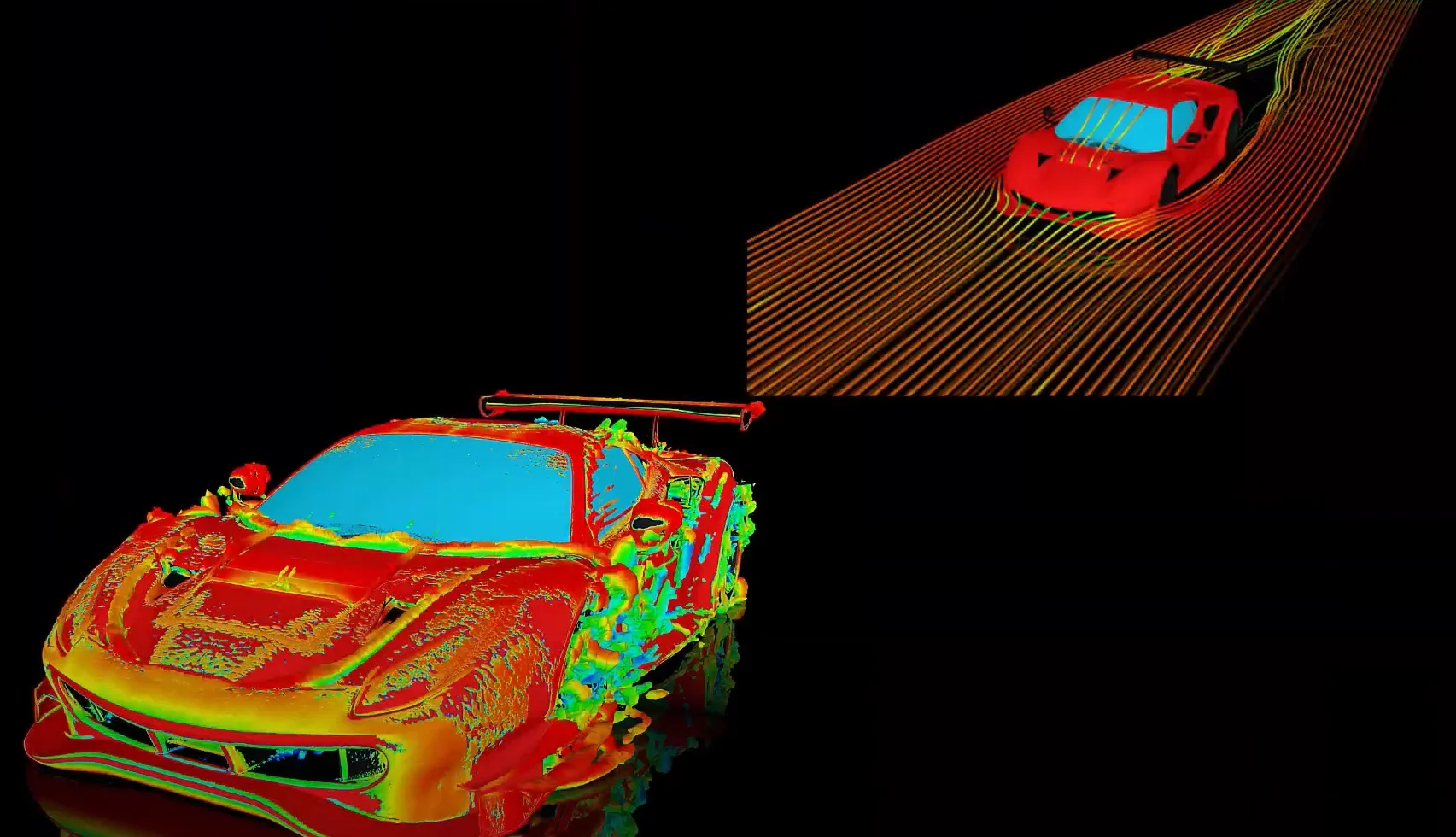
Postprocessing on Ansys EnSight
This video demonstrates exporting data from Fluent in EnSight Case Gold format, and it reviews the basic postprocessing capabilities of EnSight.
- How to reduce contact penetration?
- How to decide which side should be Contact and which should be target in Contact definition?
- What is the difference between secant and instantaneous coefficients of thermal expansion (CTE)?
- How do I export all result objects data in tabular format?
- How to use the Newton-Raphson residuals option under Solution Information?
- How to plot stresses of a beam connection in Workbench?
- What is the cause of the following ANSYS Mechanical error? “The normal of target element 19817570 is not consistent with the normal of target element 19817571 in real set 171. Please use the ENORM command to correct it.”
- How can I apply a controlled rotation in ANSYS Mechanical
- Difference Between Environment Temperature and Reference Temperature in Mechanical
- How to find total heat flowing through a surface in Mechanical?
© 2026 Copyright ANSYS, Inc. All rights reserved.