Thank you Rob for you reply.
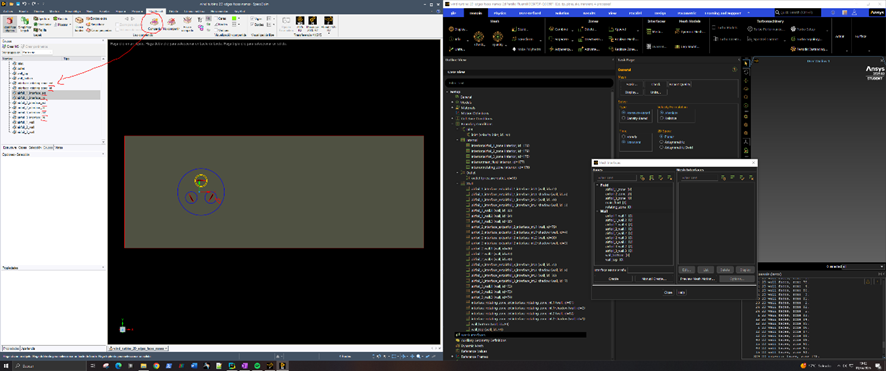
Using shared topology was the only way to import the geometry into Fluent Meshing 2D in this case. Therefore I would like to try to solve the problem directly in Fluent Solver.
Sorry for the bad resolution, I've just noticed it now. Indeed I have the following shadow pairs:
interface_rotating_zone_ext:interface_rotating_zone_int.2-shadow
interface_rotating_zone_ext:interface_rotating_zone_int.1-shadow
airfoil_2_interface_ext:airfoil_2_interface_int.2-shadow
airfoil_2_interface_ext:airfoil_2_interface_int.1-shadow
airfoil_1_interface_ext:airfoil_1_interface_int.2-shadow
airfoil_1_interface_ext:airfoil_1_interface_int.1-shadow
airfoil_3_interface_ext:airfoil_3_interface_int.2-shadow
airfoil_3_interface_ext:airfoil_3_interface_int.1-shadow
airfoil_3_interface_ext:airfoil_3_interface_int.1
airfoil_3_interface_ext:airfoil_3_interface_int.2
airfoil_1_interface_ext:airfoil_1_interface_int.1
airfoil_1_interface_ext:airfoil_1_interface_int.2
airfoil_2_interface_ext:airfoil_2_interface_int.1
airfoil_2_interface_ext:airfoil_2_interface_int.2
interface_rotating_zone_ext:interface_rotating_zone_int.1
interface_rotating_zone_ext:interface_rotating_zone_int.2
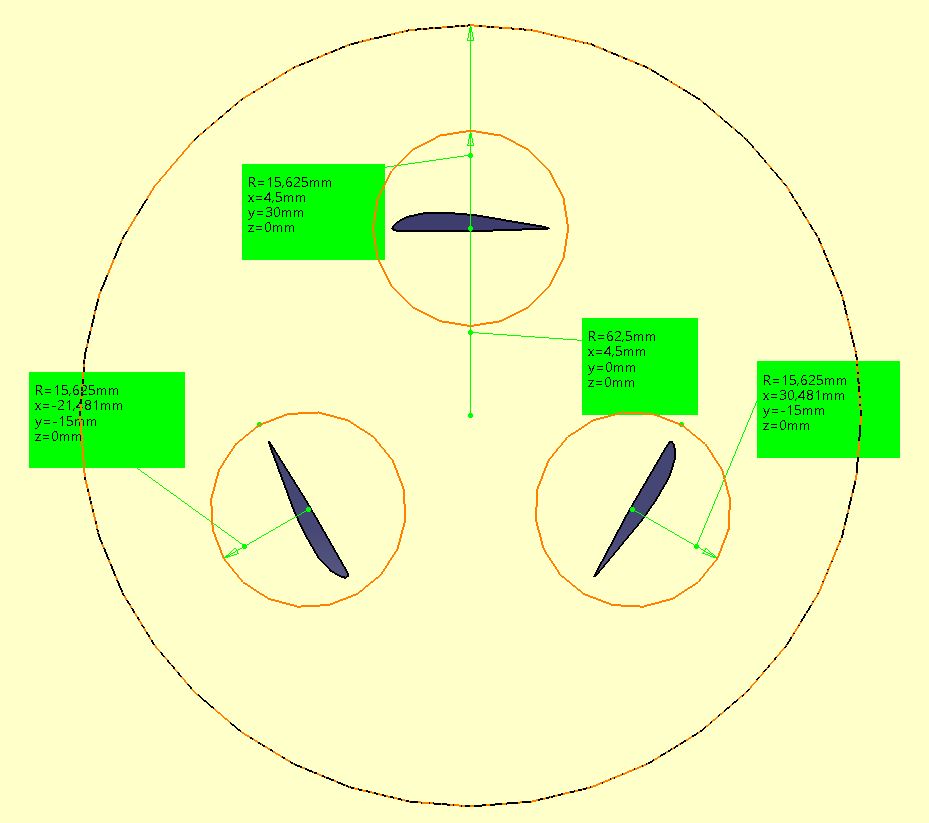
The reason of having 2 curves per circle is due to the way my CAD uses semi arcs to represent circles and this unfortunately creates 2 edges per circle.
I've tried both approaches:
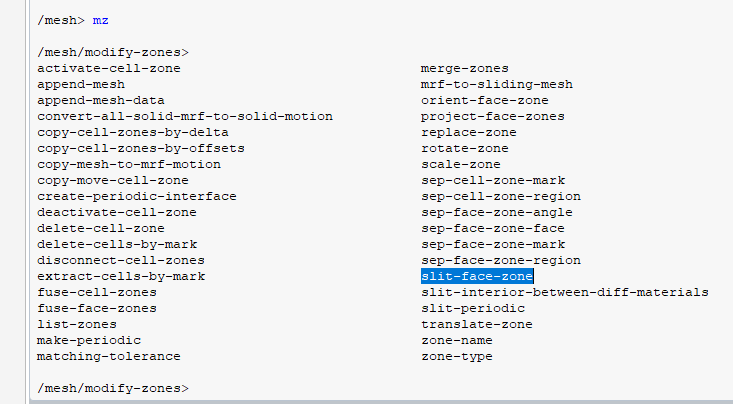
A) I've tried to use /mesh/modify-zones/slit-periodic (which is the only /mesh/modify-zones/slit-... option that I could find) and I have an error because they aren't periodic boundary conditions:
Error at host: split_periodic: zone 82 is not periodic
Error: split_periodic: zone 82 is not periodic
Error Object: ()
Error at Node 0: split_periodic: zone 82 is not periodic
Error at Node 2: split_periodic: zone 82 is not periodic
Error at Node 3: split_periodic: zone 82 is not periodic
Error at Node 1: split_periodic: zone 82 is not periodic
Error: split_periodic: zone 82 is not periodic
Error Object: #f
Is this the correct command?
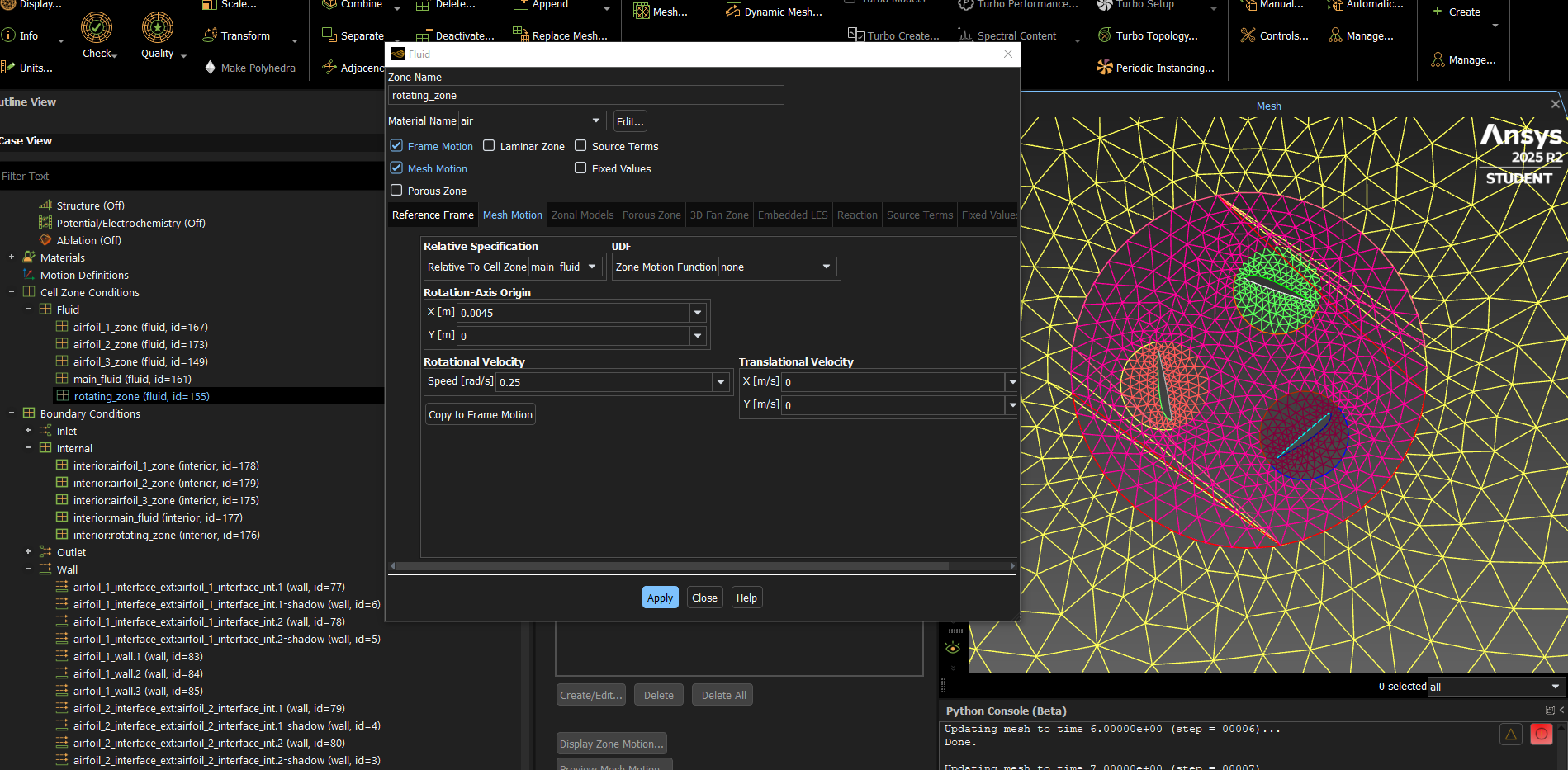
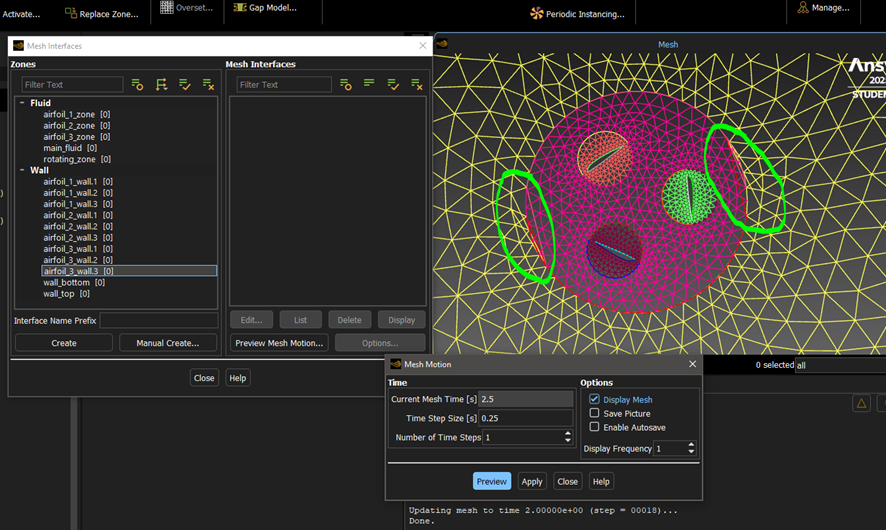
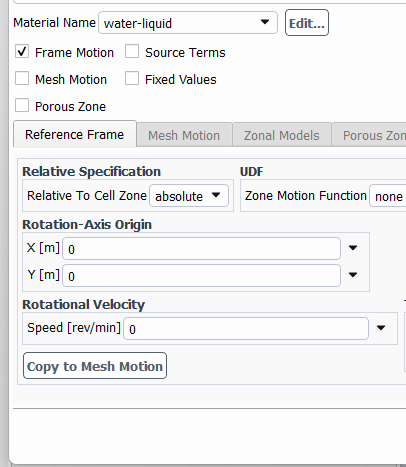
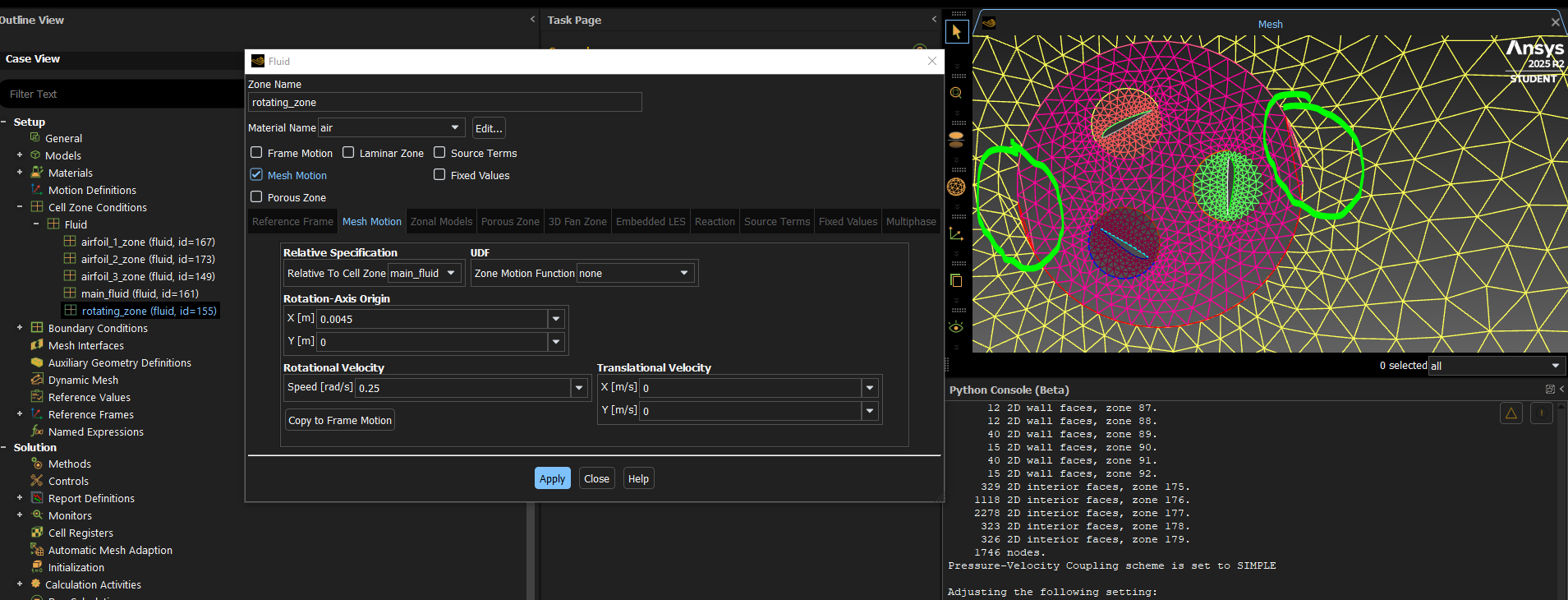
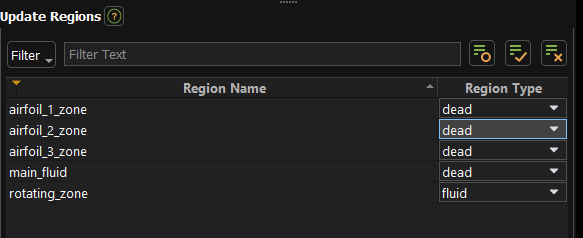
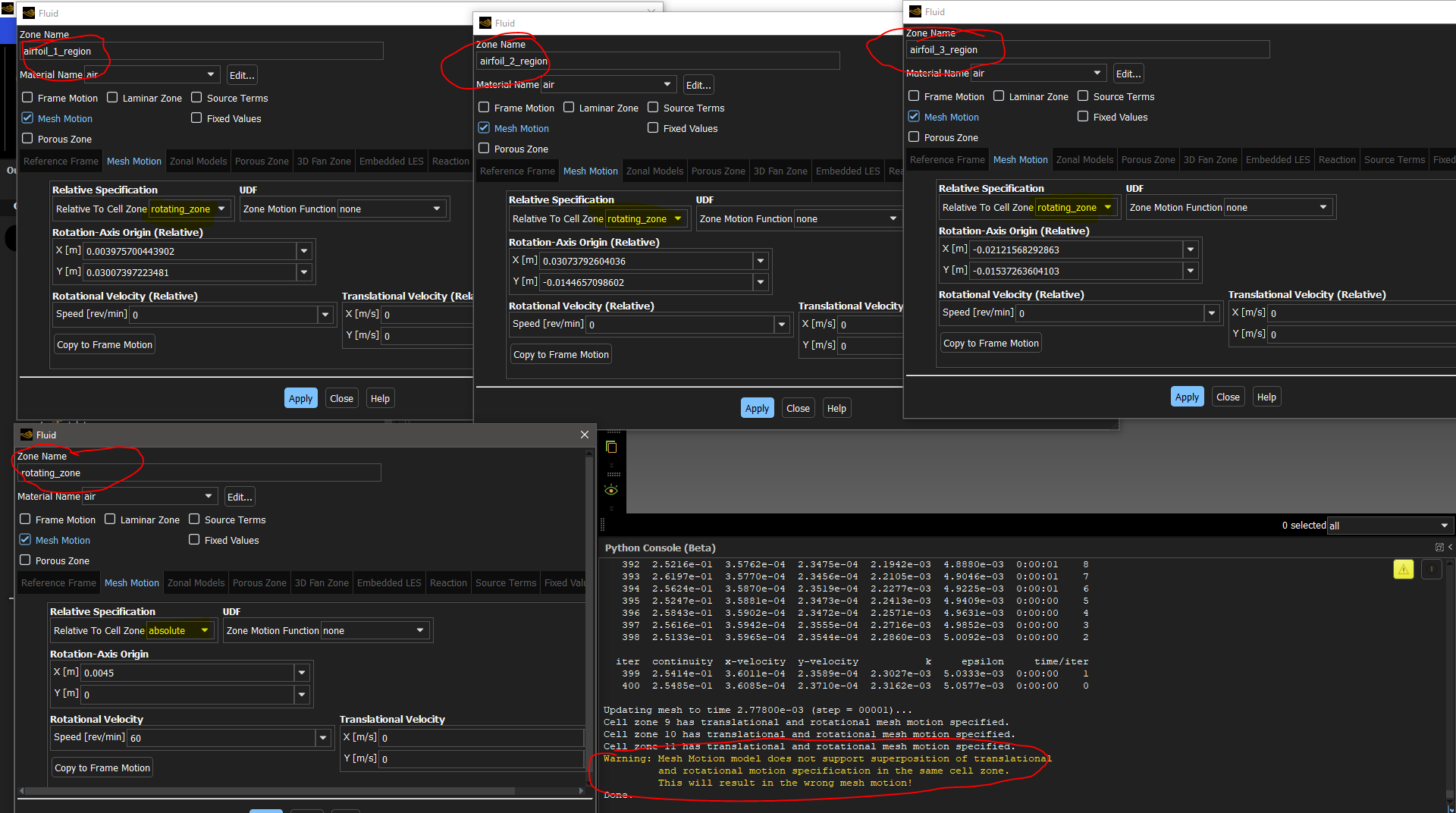
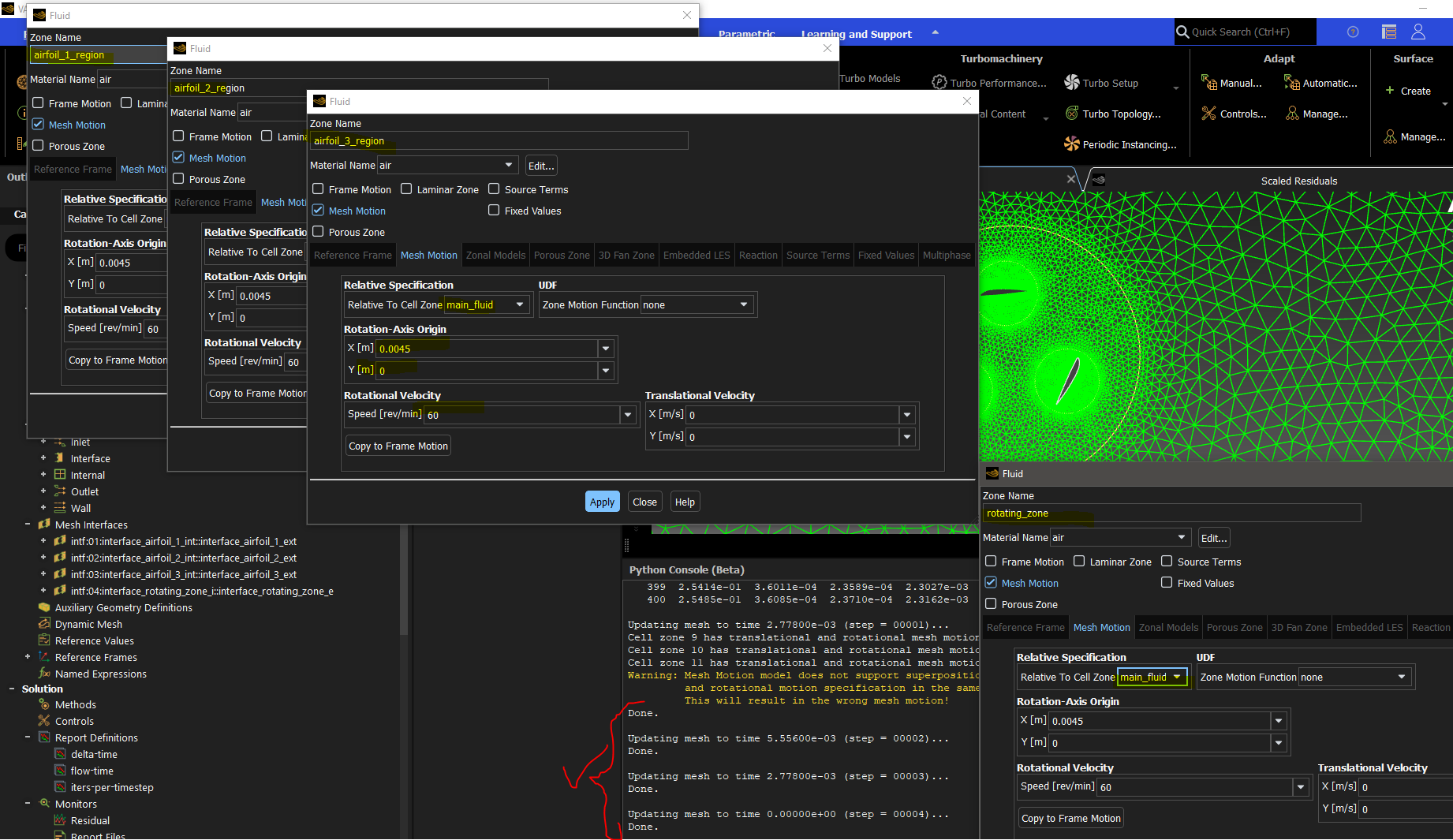
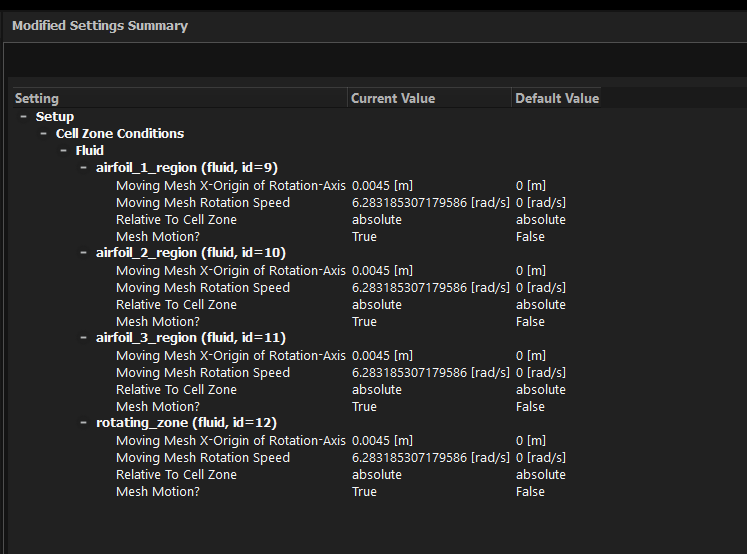
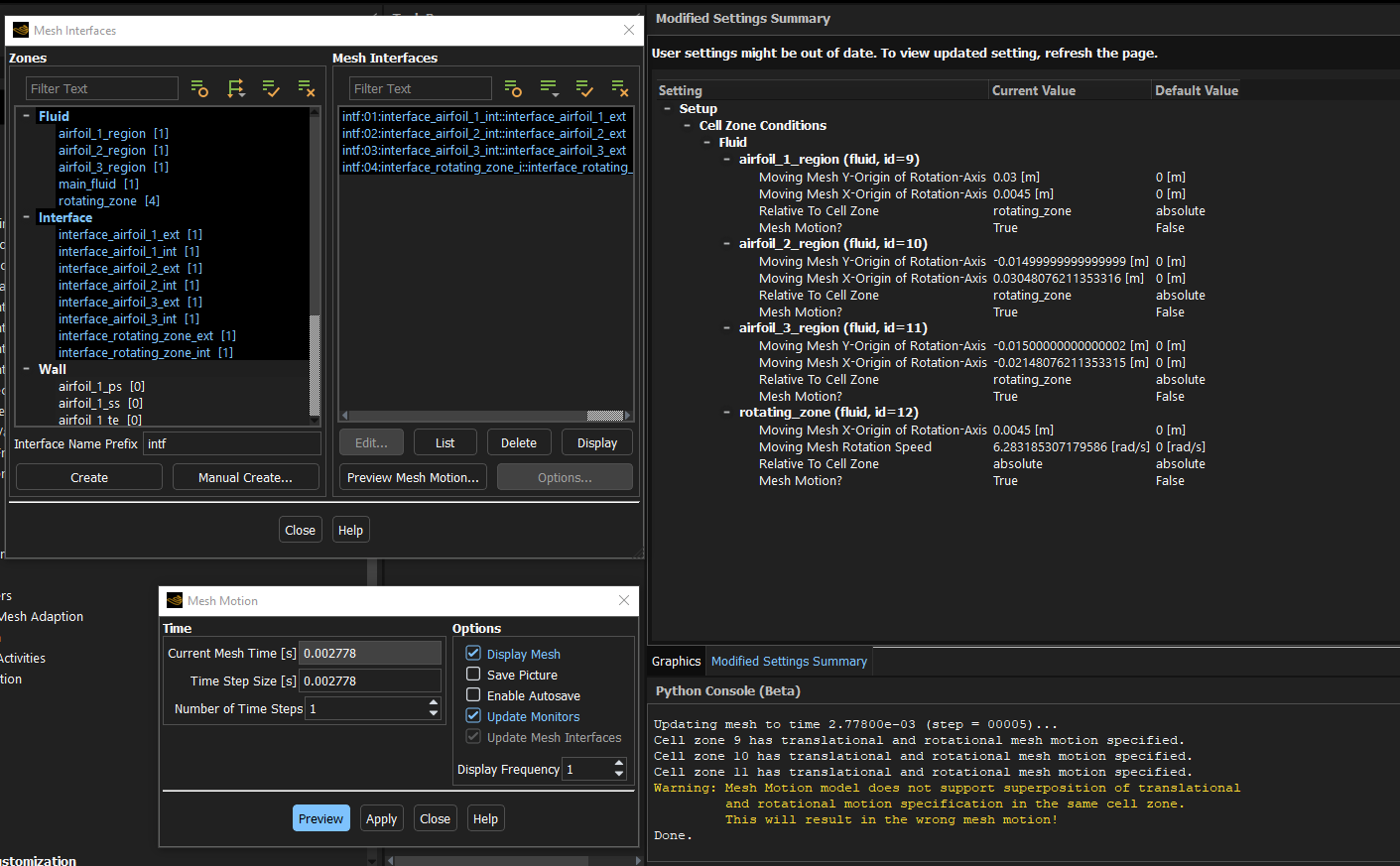
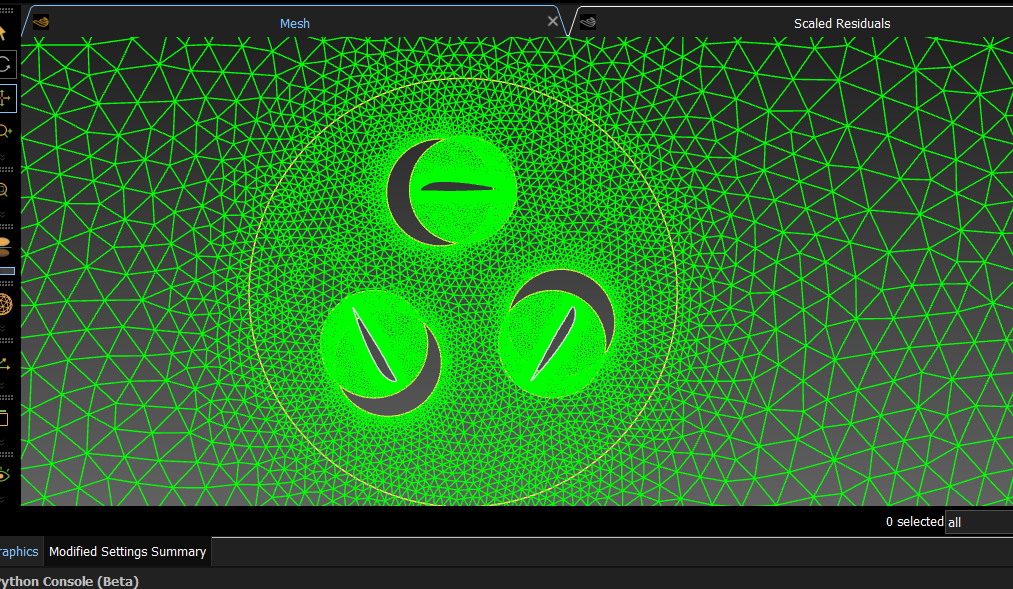
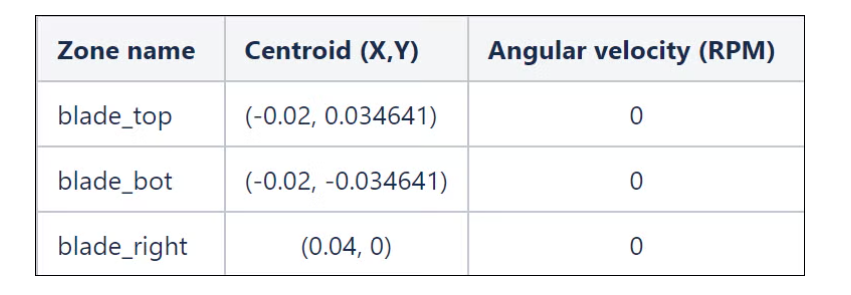
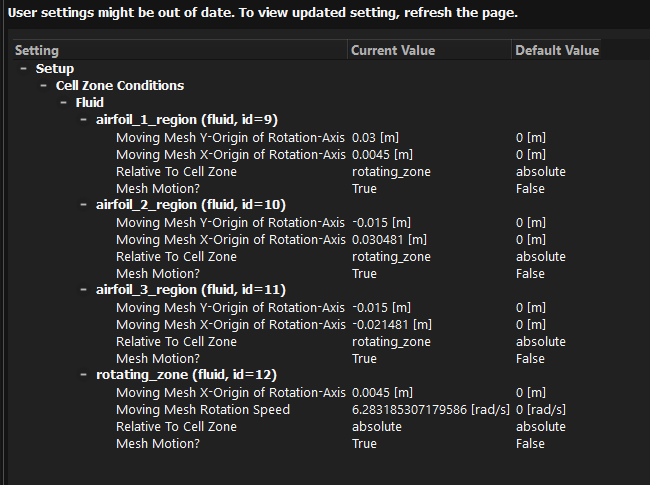
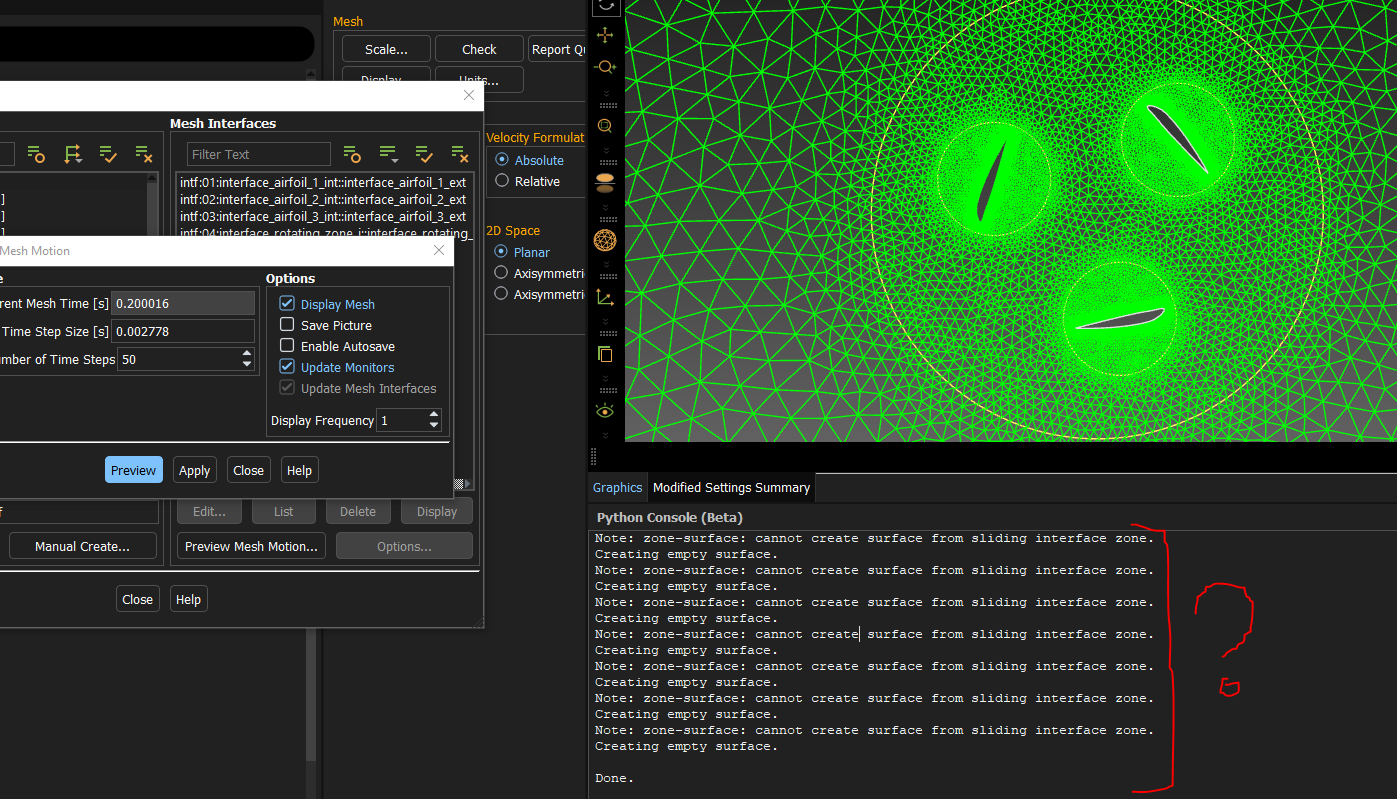
B) I have also tried to set the frame motion and then setting the same values in the mesh motion but the unwanted displacement of 1 node still occurs:

























 You are navigating away from the AIS Discovery experience