Please explain your responses (location of settings, where to change something, etc). I am new to ANSYS.
I designed a part in Solidworks, uploaded it to ANSYS (Student Edition 2020) Static structural and applied my loads and supports and calculated my maximum von-mises stress in my part (A 3D printed cast)

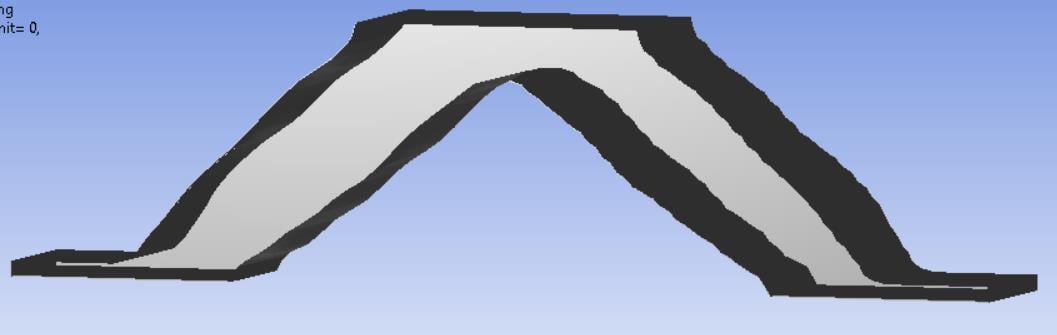
I then used Topology optimization in order reduce the mass of my object. The Toplogy was sucessful and I was left with a pretty messy object, which is know is expected and should be cleaned up with other tools.
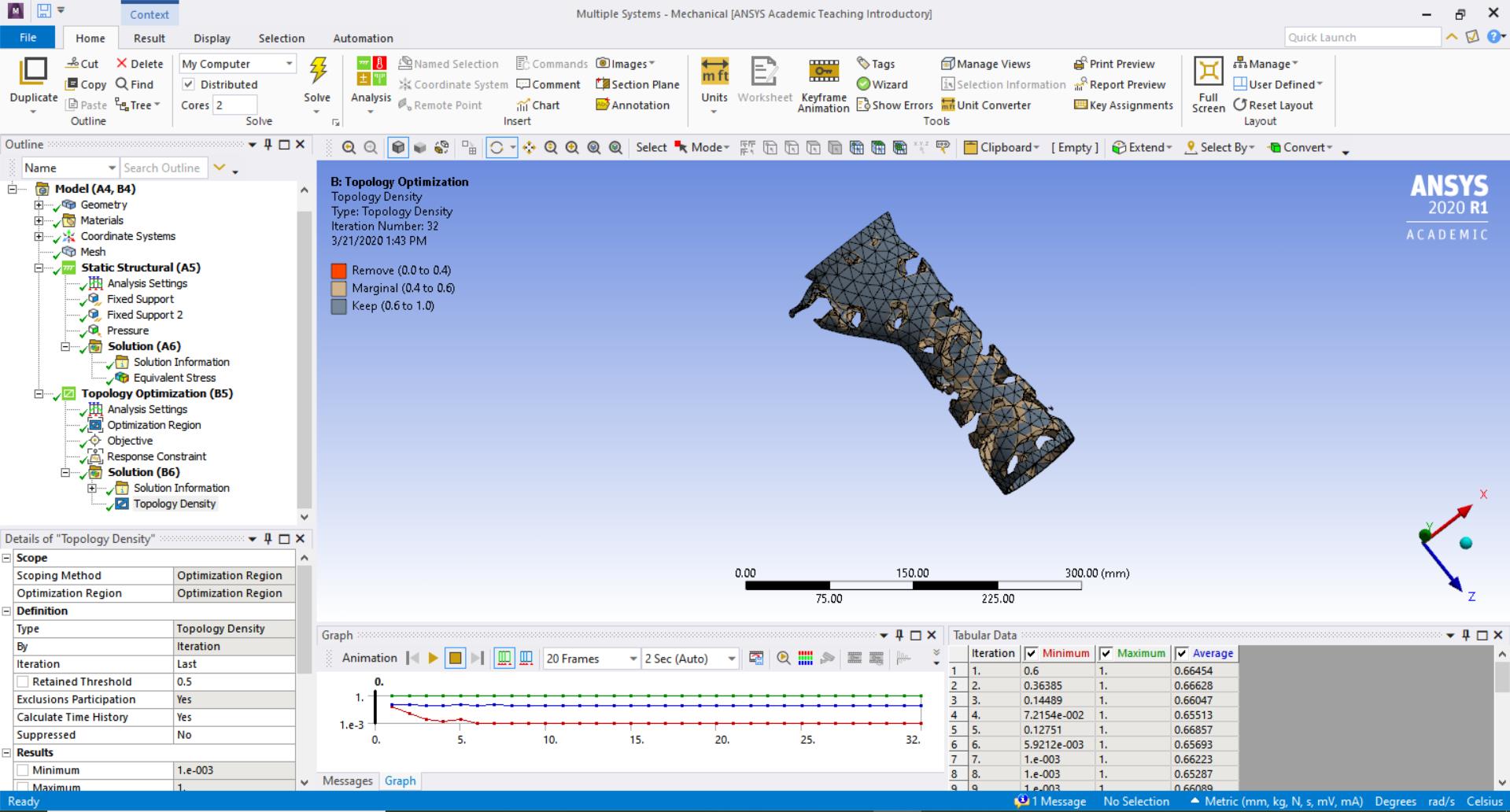
I then return to Workbench and right click on my Topology results in order to "Transfer to Design Validation System" and then I update my results, but I do NOT get a new "geometry" under my new Static Structural tab. I try to update model (and open the model) under the new static structural and I receive this error. (Ignore the red x in my figure, those are just test)
"Update failed for the Model component in Static Structural. Cannot refresh component Model in system Static Structural. The upstream component Results in system Topology Optimization has not generated a smoothed model file to consume."

I have tried looking everywhere and I cannot find this same error anywhere on the internet.
Alternate attempt
I converted the part to an STL file and cleaned it up using Spaceclaim's Facets--> Shrink-wrap feature and it removed random rough edges and floating particles on my part. There was no "impossible" geometry on the model, and it all looked in 1 piece.
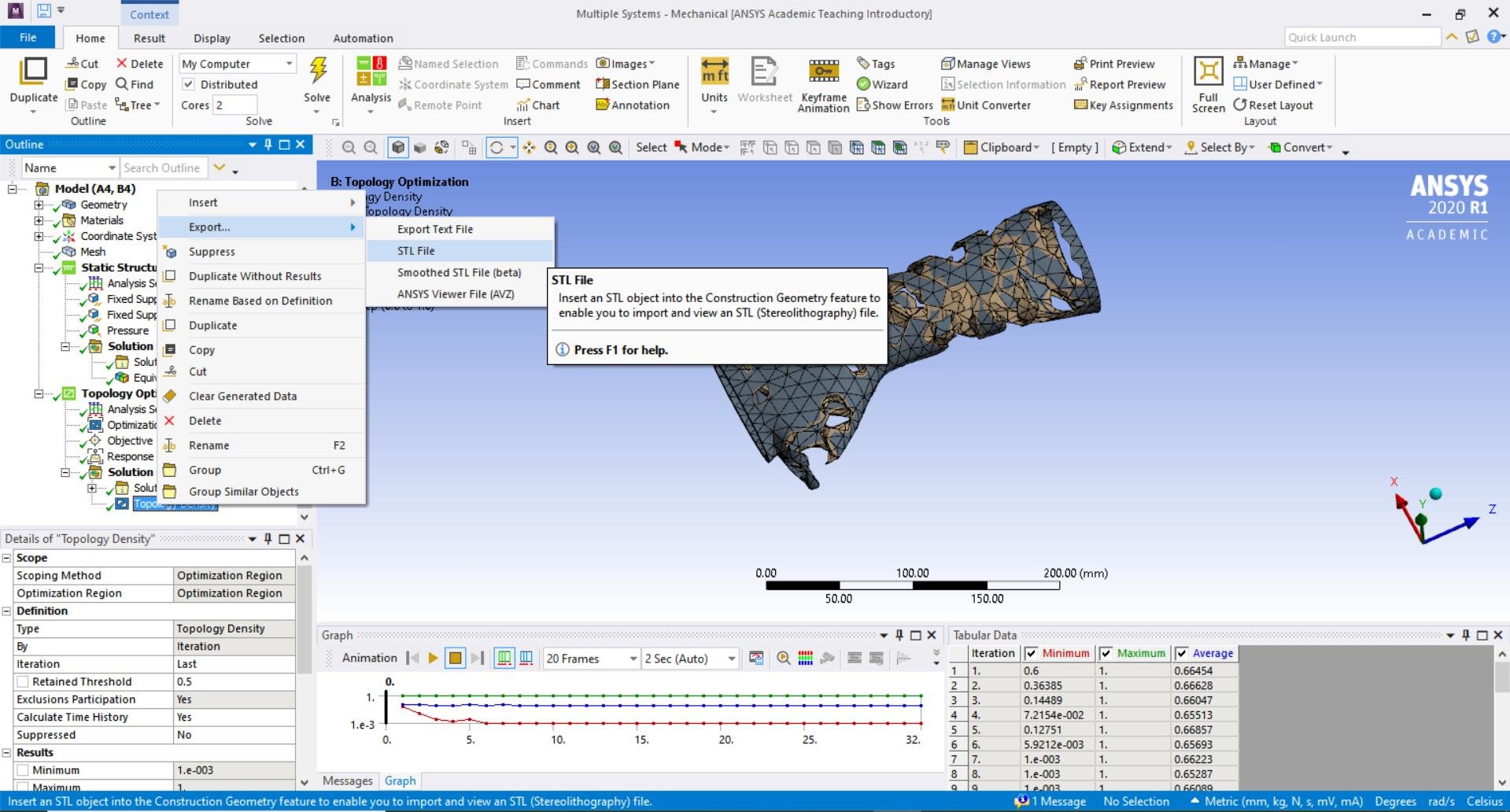

I then use the cleaned up geometry and upload it to a Static Structural, hit update, and then double click on Model. I try to Mesh the model and I get this error
"The mesh generation did not complete due to poor quality elements or incorrect input. Please try meshing with another mesh method or different mesh options. "
For this attempt, I also tried the "EXPORT SMOOTH STL" option as well as right clicking the geometry in Spaceclaim and clicking "SUPRESS FOR PHYSICS". When ever I use the supress for physics and try to open the model, I get these errors

PLEASE HELP. I have been looking up possible solutions for hours! I just want to find the maximum von mises stress for my optimized part (for either the smooth or smoothed).
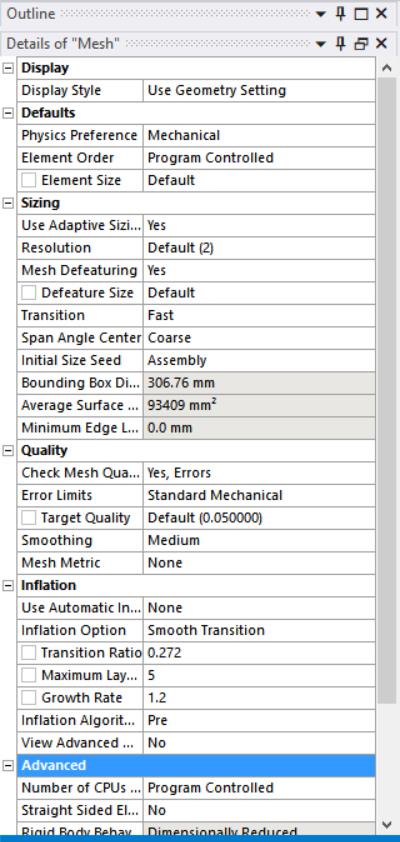
These are the mesh settings for the "non suppressed for physics"
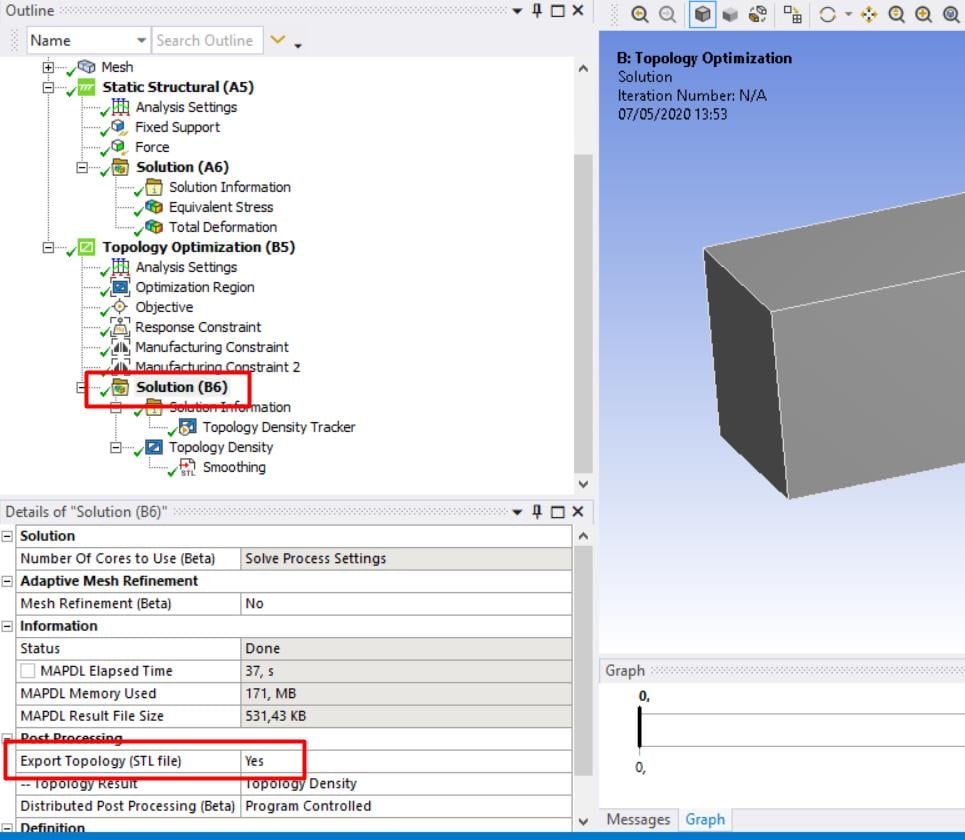
EDIT: I tried using very basic geometry (flat bracket) to see if the complexity was causing the problem. I am still getting the same error "has no generated a smoothed model file to consume". What could possibly be wrong 




















 You are navigating away from the AIS Discovery experience

