Ansys Products

Ansys Products

Discuss installation & licensing of our Ansys Teaching and Research products.

“Unable to start the Meshing editor”

    • dart
      Subscriber

      After loading a geometry into a fluent workbench block and (right)clicking to edit/generate the mesh in Ansys meshing I get the error:  "Unable to start the Meshing editor".


      From searching in the web I've found that people have had the same problem, but I havent found a solution yet that works for me.

    • JakeC
      Ansys Employee

      Hi Dart,


      Which version of the application are you using?


      Are you connected to a VPN while trying to open the application?  If so, can you try opening it while not connected to the VPN?


      Do you have AntiVirus software running?  If so, can you try closing that to test?


      Lastly, please make sure your graphics drivers are up to date, and if you are using an NVidia card, please make sure your High Performance card is set as the default:


      Open the NVidia Control Panel -> Manage 3D Settings -> Preferred Graphics Processor -> High Performance NVidia Processor.


      Thank you,


      Jake


    • dart
      Subscriber

      Hi Jake,


      I'm running 19.2


      I need VPN to access the license server. I will try without as soon as possible. Antivirus didn't make a difference.


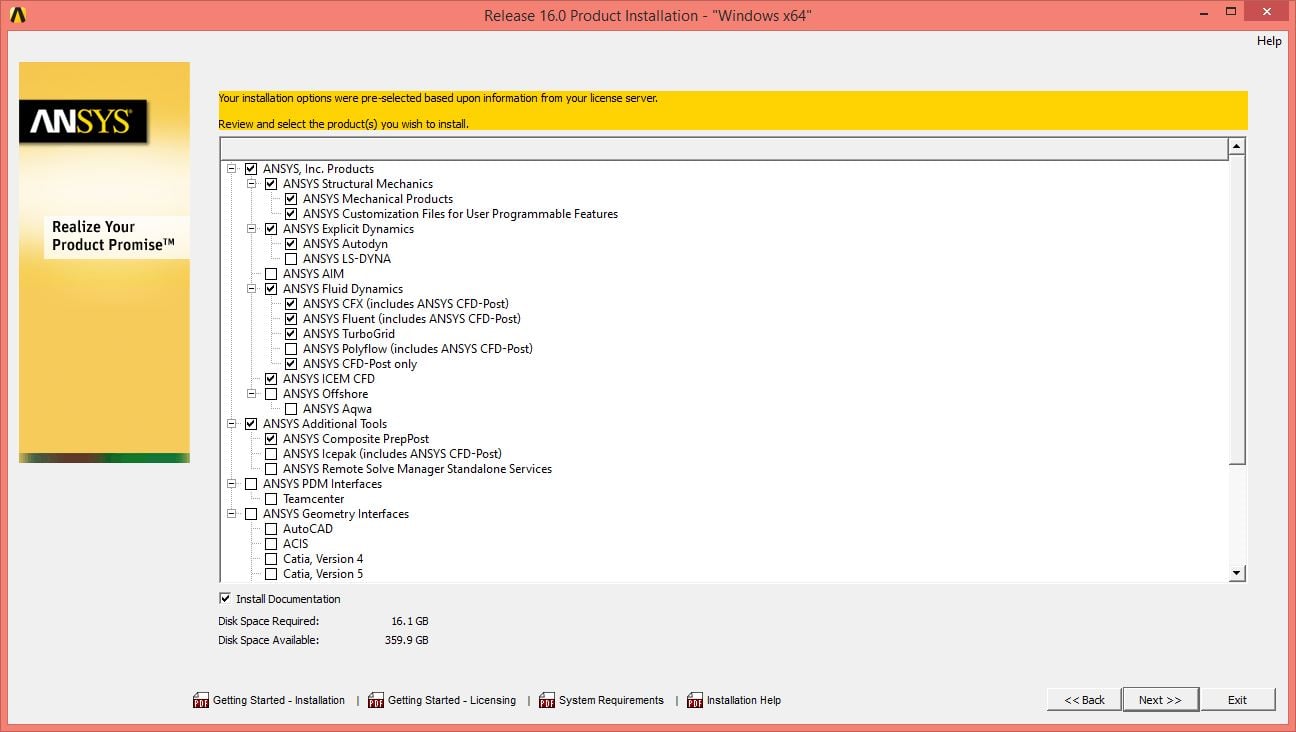
      Just to clarify: If I installed everything in the 'Ansys Fluent Dynamics' tab Ansys Meshing is also installed? So meaning it is installed as an underlaying program? Because I didn't see it as on option to install.


      Cheers


    • tsiriaks
      Ansys Employee

      Hi dart,


      Yes, ANSYS Meshing is installed with Workbench, which is included in any Fluids/Mechanical products installation. So, there is no separate option to select.


      Thanks,


      Win

    • JakeC
      Ansys Employee

      Hi Dart,


      You can try the following while on the VPN.  Please note that this is a temporary solution if it works.


      Close all ansys applications, connect to the VPN.


      Open a command prompt (Start -> run -> cmd)


      Type in:


      ipconfig /all


      Locate the VPN interface, and make note of the ip address that it has.


      Next open notepad as administrator:


      Start -> Type notepad -> Right click on Notepad and select Run As Administrator.


      In notepad File -> Open -> c:windowssystem32driversetchosts


      Add a new line at the bottom:


      So for instance (this is an example only!) if you ip address is "192.168.5.200" and your host name is "MYPC" the added hosts line would look like:


      192.168.5.200 MYPC


      Now save the hosts file, and make sure that notepad didn't save a hosts.txt.  That hosts file should not have an extension.


      Now try the application again.


      Thank you,


      Jake

    • ArunSJT
      Subscriber
      Hi,nI have the same problem.nI used all the above said options but still the problem persists.nCan anyone please help me out.nnThank younArunn
    • tsiriaks
      Ansys Employee
      Hi Arun,nAre you connecting to VPN ?nIs this Windows or Linux ? What version ?nAlso, what ANSYS version you are using ?nThanks,nWinn
    • osama_arshad
      Subscriber
      I am having the same issue....after creating geometry when I open the mesh editor they say unable to start meshing editorn
Viewing 7 reply threads
  • The topic ‘“Unable to start the Meshing editor”’ is closed to new replies.