Hi,
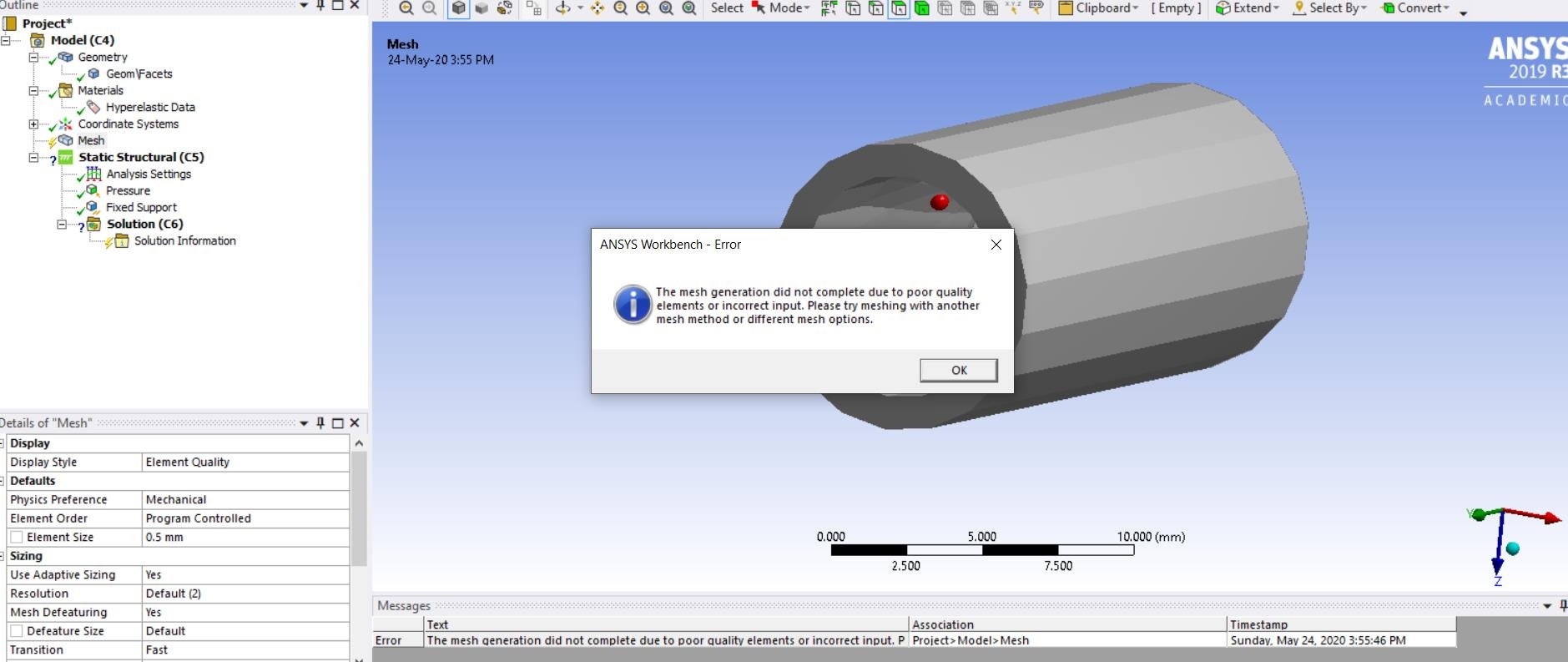
I am a new ANSYS user and i keep receiving this error message for my geometry when i try to mesh. This is an imported geometry i made in 3dsmax and i am trying to do some FEA on an atherosclerotic artery.
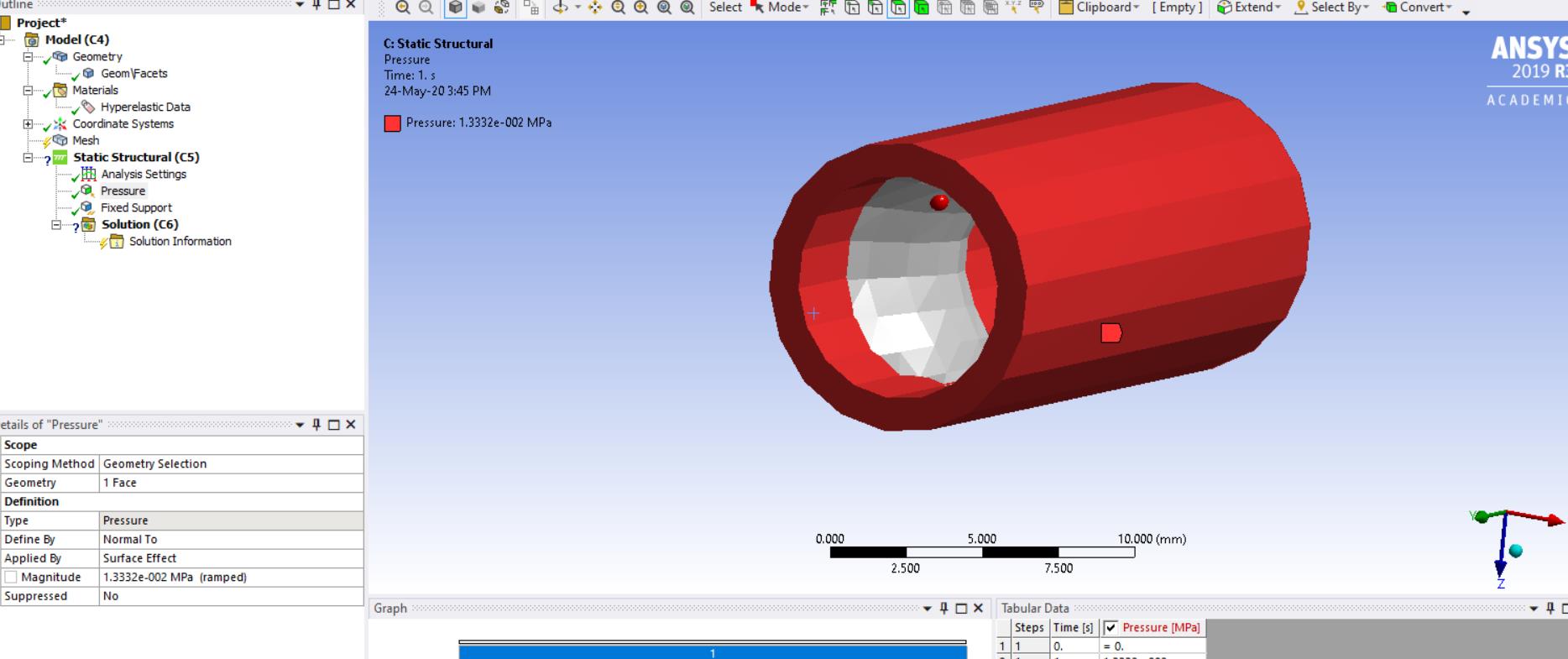
Another problem i have is that whenever i try to select the inner wall, it simply choose the entire vessel instead. Anyone know how i could fix this?
when i made the geometry i drew each part as seperate entities. i.e i drew the artery walls (the inner and outer wall) and then the plaque and then assembled them. However i do no understand why it assumes the entire vessel is one surface whenever i try to assign pressure to the inner wall or a fixed support to the rims of the artery. it selects the entire body "however not the plaque since it is an added part". Any ideas on how to fix this ?
Also is there a way where the different parts show up seperately rather than as an assembly, hopefully these photos will clarify my problem.
any help will be appreciated,
thank you in advance.


















 You are navigating away from the AIS Discovery experience

