Ansys Assistant will be unavailable on the Learning Forum starting January 30. An upgraded version is coming soon. We apologize for any inconvenience and appreciate your patience. Stay tuned for updates.
3D Design

3D Design

Topics related to Ansys Discovery and Ansys SpaceClaim.

Split multiple faces at SAME locations

    • zjuv9021
      Subscriber

      Hi all,


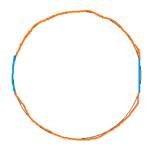
      I am trying to set up an FSI between a fluid region and inner luminal region of a catheter, and would like to draw it up such that there are multiple faces as shown below, allowing the top orange region to come into contact to the bottom orange region will allow me to set up contact detection within FLUENT for dynamic meshing purposes in setting up a blocked flow via porous region:


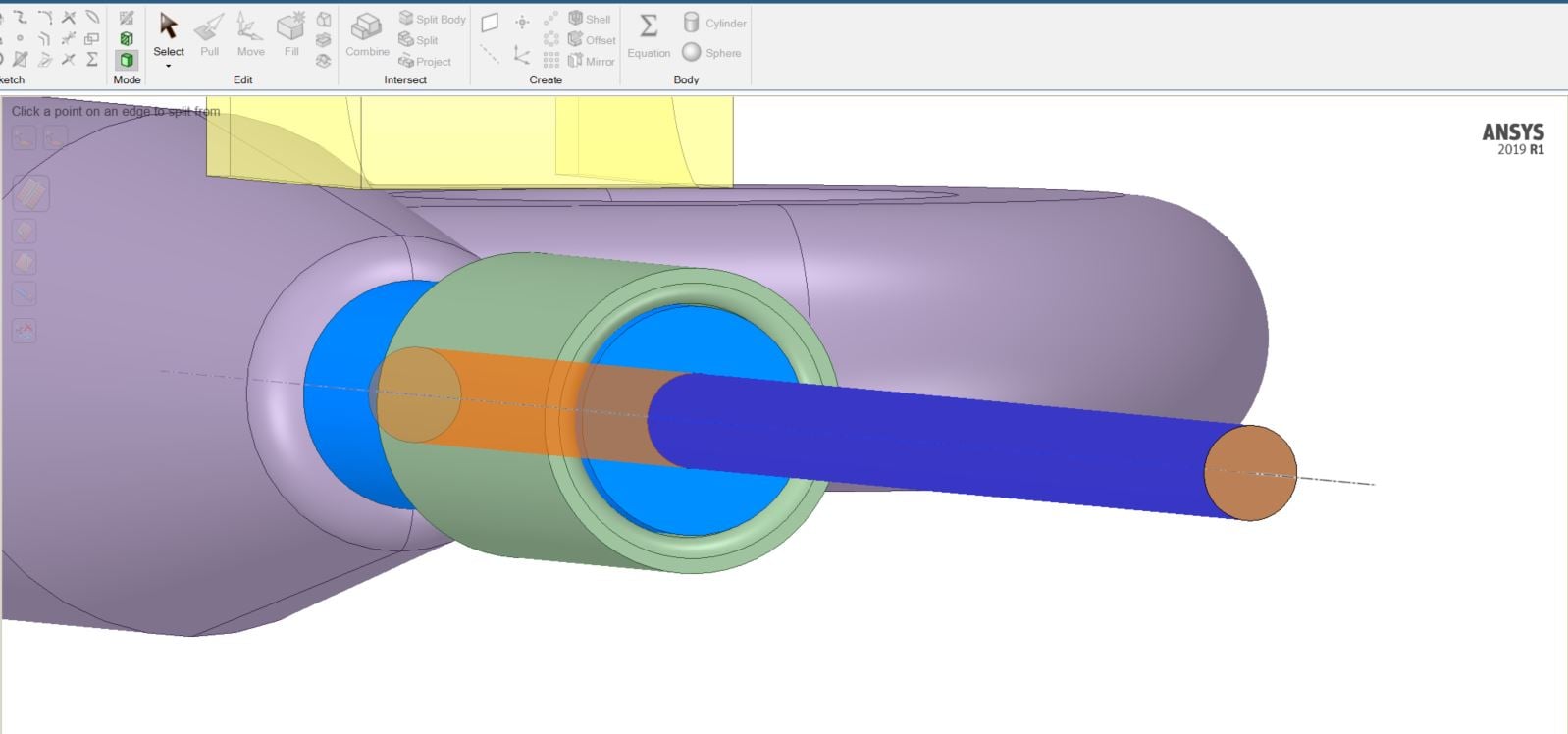
      My question is: How can I set up my split faces so that they are aligned between the fluid body (dark blue) and inner catheter lumen (light blue)? It doesn't seem to allow me to select multiple faces...


      Kind Regards,


      Zach


    • FrankD
      Ansys Employee

      There are a few different ways to do this. Assuming the bodies are separate and in separate components, you are right, you cannot select multiple faces that belong to different bodies. (Though you can do this if they are all on one body, with Ctrl-select)


      Make planes (or whatever splitting geometry, at the top assembly level) and repeatedly split, by Plane, to get the result you need, on the inner and outer bodies, Ctrl selecting as needed


      F

    • zjuv9021
      Subscriber

      Worked perfectly with planes. Thank you, Frank!

Viewing 2 reply threads
  • The topic ‘Split multiple faces at SAME locations’ is closed to new replies.
[bingo_chatbox]