Hello,
I am trying to run a directional deformation simulation using Ansys Mechanical 2025R2 on a linux workstation, however, I ran into the error as below:
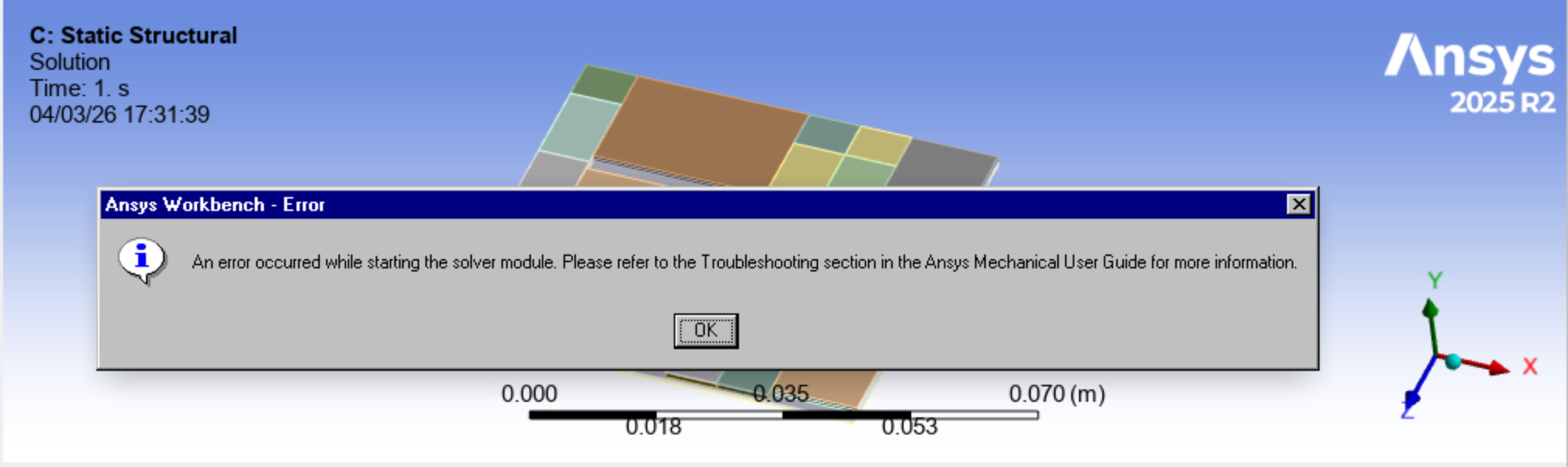
Following the discussion from this post: https://innovationspace.ansys.com/forum/forums/topic/ansys-mechanical-an-error-occurred-while-starting-the-solver-module/
I have confirmed that I have enough memory, gpu, cpu, and disk space. The folders I installed, run, or save the files are not on an external or a network drive.
I have also checked the network connection or firework restriction, and it shows that there did exist connection between my workstation and the license server.
I have also tried "unchecking the distribute box", but it still doesn't work.
I am wondering if it's because of the OS issue, may I know if there is any compatibility issue of running Ansys Mechanical on Linux OS?
It would be great if I could have any suggestions to possibly troubleshooting this issue.
Thank you for your help in advance.
Best Regards,
pinhanch


















 You are navigating away from the AIS Discovery experience