Hello,
My current project involves opening a cylinder into a flat sheet as can be seen in the images below.
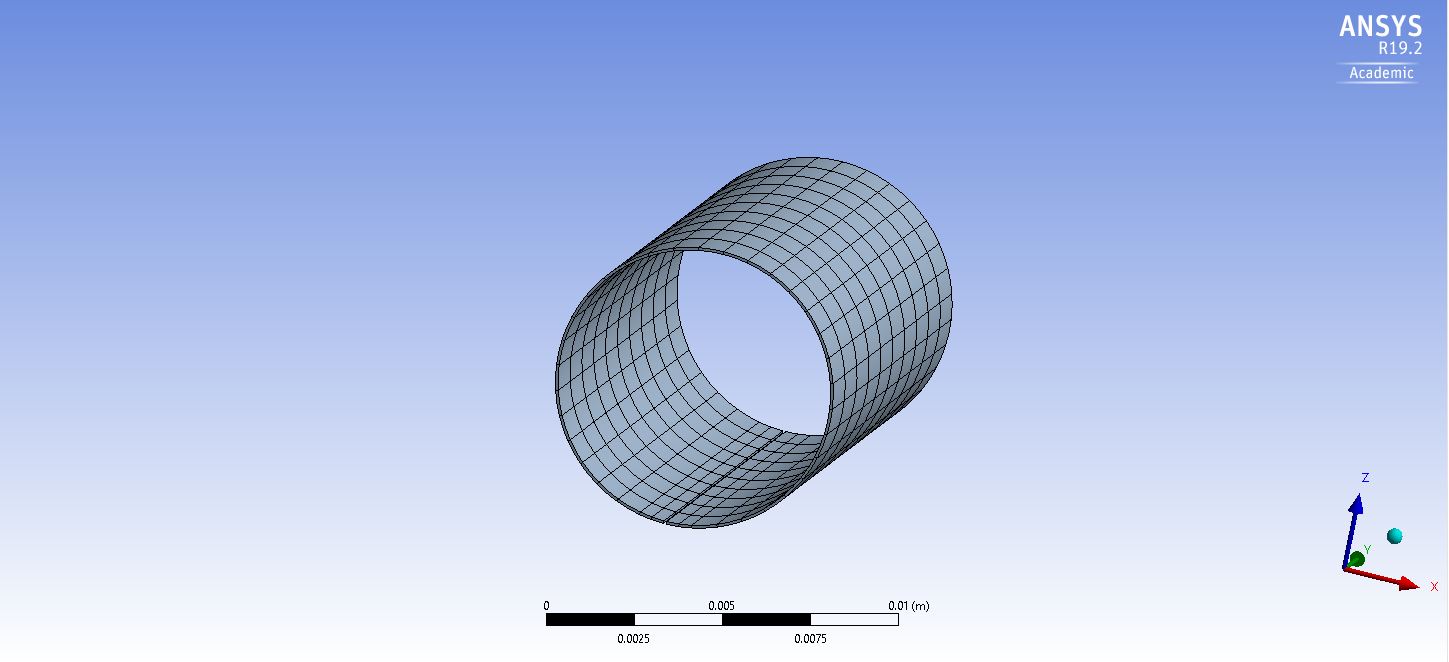
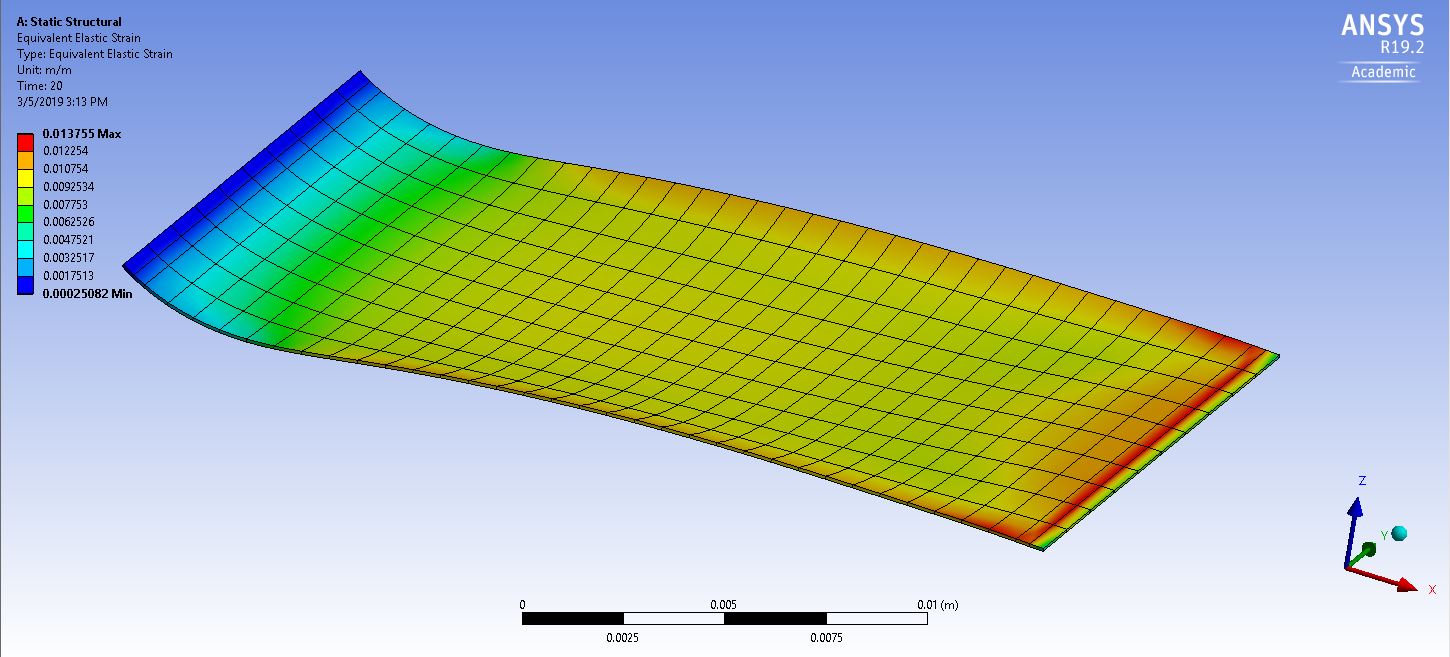
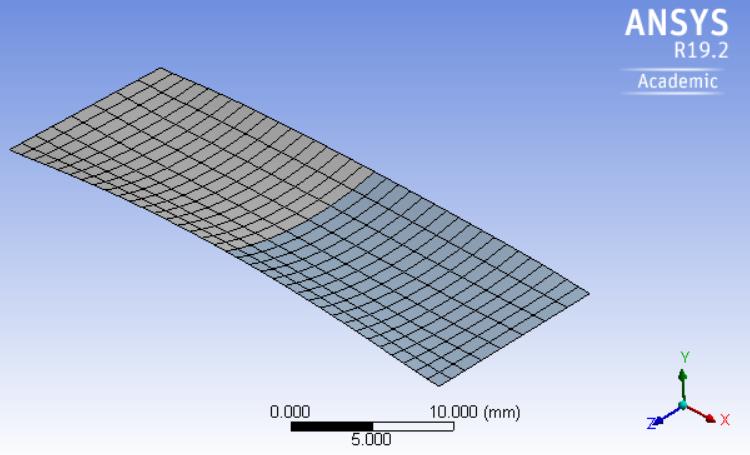
In the first image you can see a seam where the cylinder has a break along the bottom. I've fixed the left edge of this cylinder as a support and added a tabular displacement to the right edge to make it move over and across, flattening the sheet. As you can see from the second image, the long edges of the sheet are not flat, presumably due to poisson effects, which I (kind of) fixed by adding an axial support to the top and bottom faces of the sheet as can be seen below.

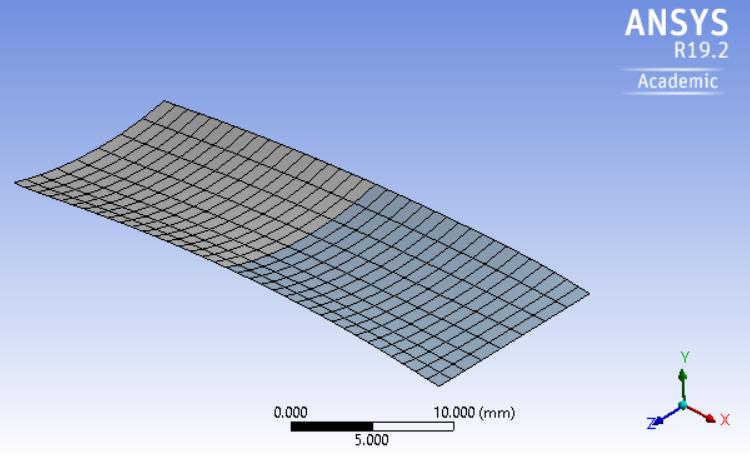
However, I still cannot get the short edges to flatten, despite manipulating the coordinates or the displacement matrix. Instead of reaching the z=0 plane, the right edge keeps bending beyond this flat plane and over bends. Meanwhile, the left edge does not flatten out completely and retains some of the curvature while still moving the edge of the sheet further down (without flattening).
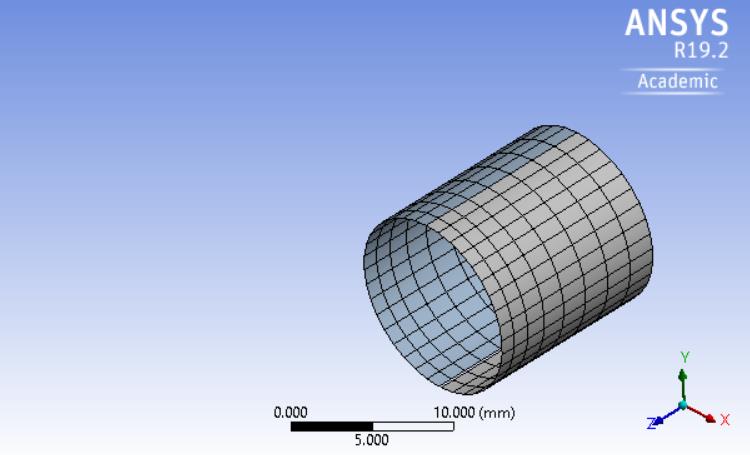
In the end, I want to be able to go from my first image (the sheet in a cylinder configuration) to a perfectly flat sheet. I've tried looking for similar projects but haven't found anything useful. Any tips or guidance is appreciated. This is one of my first projects I've done modeling for and haven't been able to get around this problem
Thanks for the help.


















 You are navigating away from the AIS Discovery experience