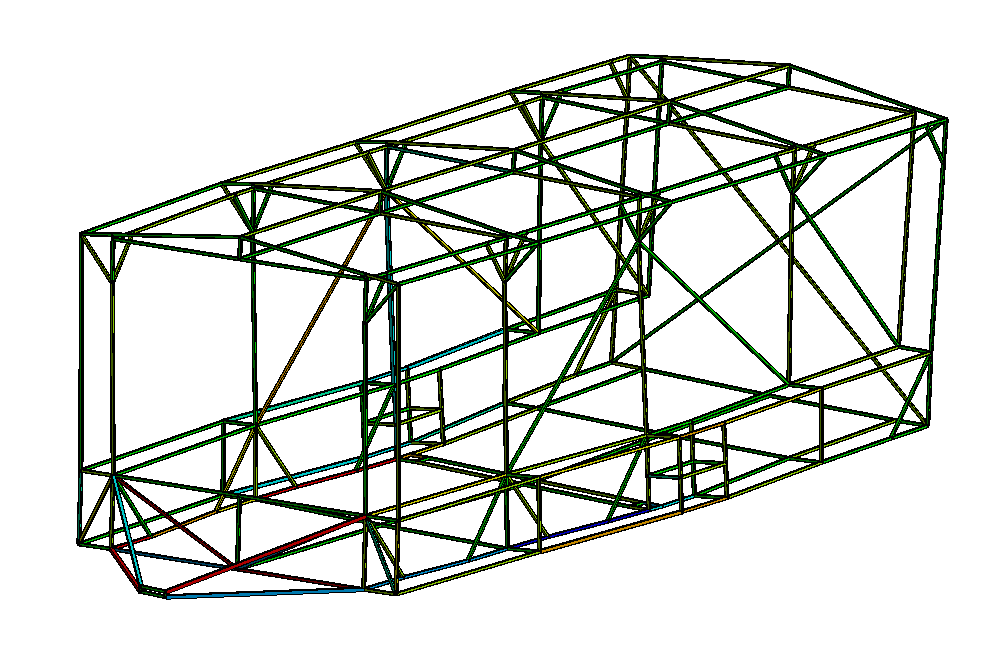
Hello, I am calculating axial forces in the link elements of a truss structure. I have used an APDL snippet to merge the nodes of all the links together (at the bottom of the post). When I solve the model, I do not get any error messages. Also, when the view is set to "Thick Shells and Beams", everything seems fine (see fig. 1).
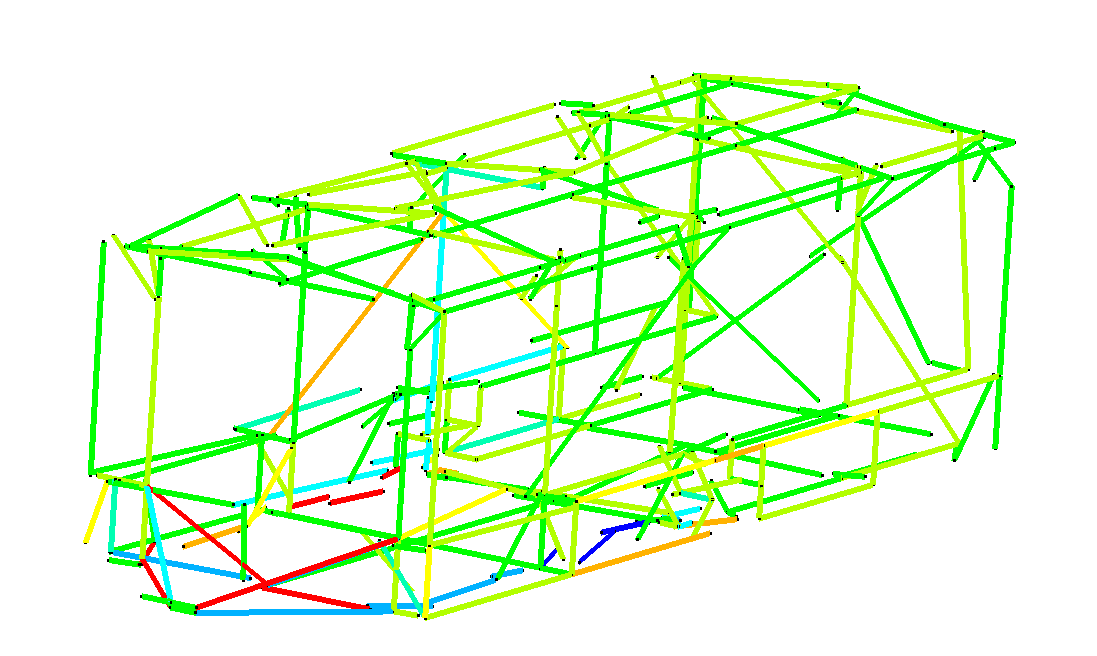
However, when I disable "Thick Shells and Beams", the elements seem to be all over the place (fig. 2).
Are my results somehow influenced by that or is this a mere display feature?
Thanks in advance
APDL Command:
/PREP7
! 1. Select everything to ensure the merge affects the whole model
ALLSEL, ALL
! 2. Merge Nodes
NUMMRG, NODE, 0.020, , , LOW
! 3. Compress Node Numbers (Cleanup)
NUMCMP, NODE
! 4. Merge Elements (Optional but recommended for trusses)
NUMMRG, ELEM
! 5. Return control to solver
ALLSEL, ALL
FINISH
/SOLU





















 You are navigating away from the AIS Discovery experience