Hello,
I would like to ask a question on the part of the analysis system for a model study where we define the mesh of the model.
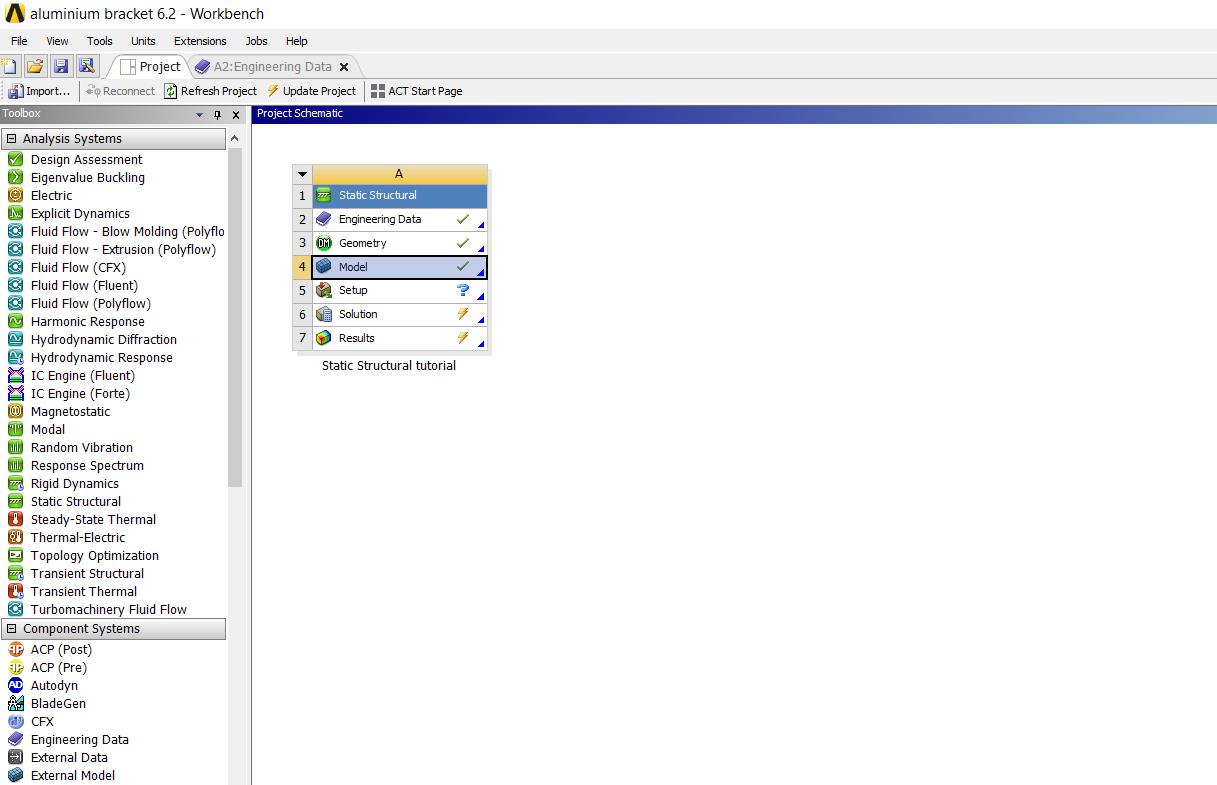
I have defined material properties and geometry of a bracket model for a static structural analysis. Clicking on the Model cell of its Structural analysis system, when I open the Ansys Mechanical, despite that the geometry seems to be defined in the workbench Project Schematic (Image 2) and at the Outline Tree on the left side of the Ansys Mechanical (Image 1), it does not appeared in the Graphics area of the Ansys Mechanical (Image 1 as well) so that to be able to apply the mesh options for the study.
Any ideas/ suggestions why this happens and how can I appear the model for which I have created the geometry in the Mechanical graphics area?
I tried to see I can import the geometry again from the folder I have saved it to, however there is not such an option. Thank you in advance.
Kind regards,
FX





















 You are navigating away from the AIS Discovery experience