Ansys Assistant will be unavailable on the Learning Forum starting January 30. An upgraded version is coming soon. We apologize for any inconvenience and appreciate your patience. Stay tuned for updates.
3D Design

3D Design

Topics related to Ansys Discovery and Ansys SpaceClaim.

messy font size display in SpaceClaim

    • Dato
      Subscriber

      Hi all,

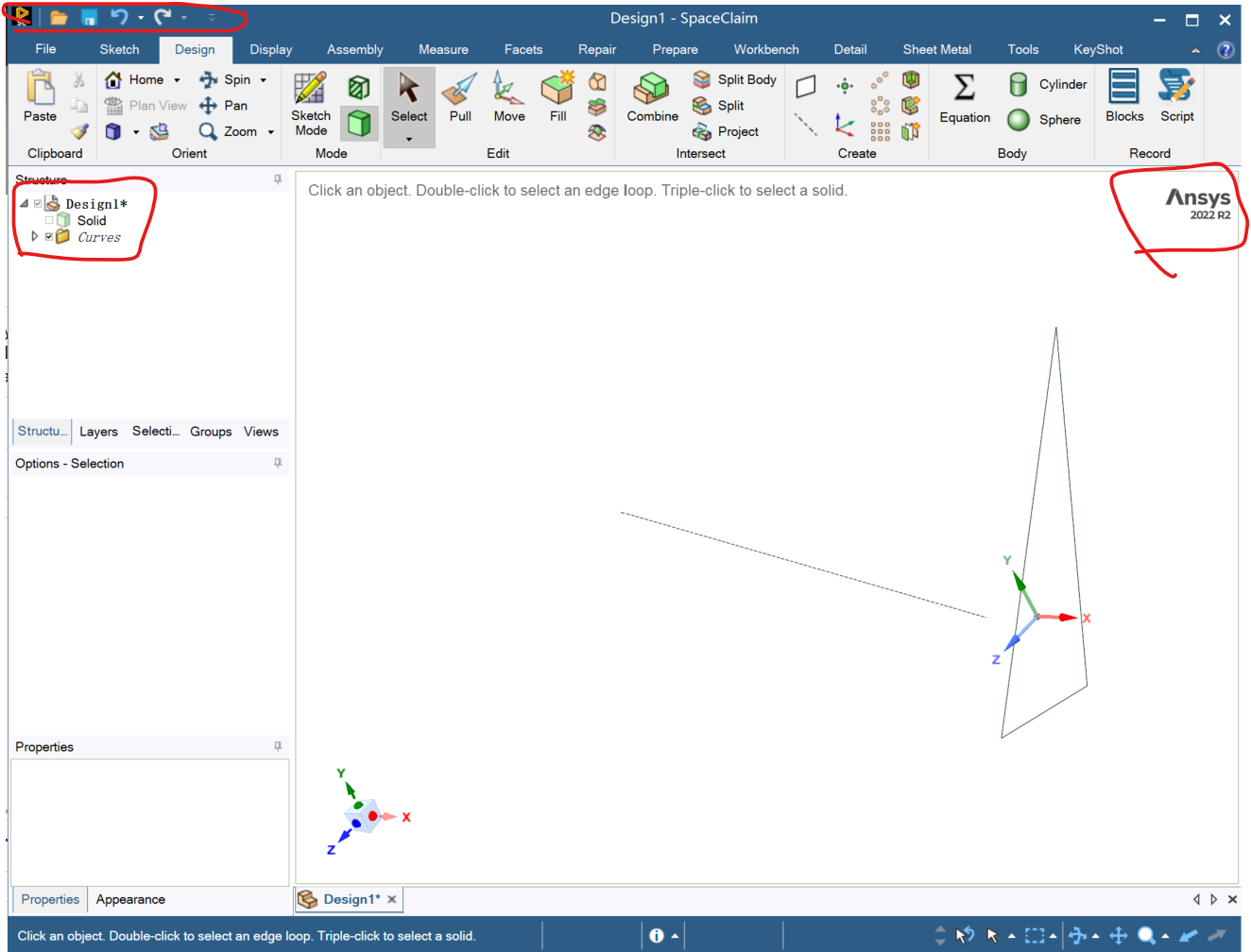
      I've currently downloaded Ansys 22R2 in a new laptop (win11). It is the first time to download Ansys in the laptop. However, it's found that the interface display size ratio is totally in a mess, which lead to a terrible modeling experience. The problem is marked in the following pictures. As you can see, in the structure tree, the box is smaller than the nearby content. Besides, the size of the launch interface is very small. 


      The SpaceClaim of Ansys 22R2 installed on other computer doesn't have this display problem. I have adjust the screen resolution but it couldn't help. I'm not sure if it is because the graphic card is not supported. The graphic card of my laptop is intel rather than amd or NVIDIA. 

      It is highly appreciated that any suggestions is given.


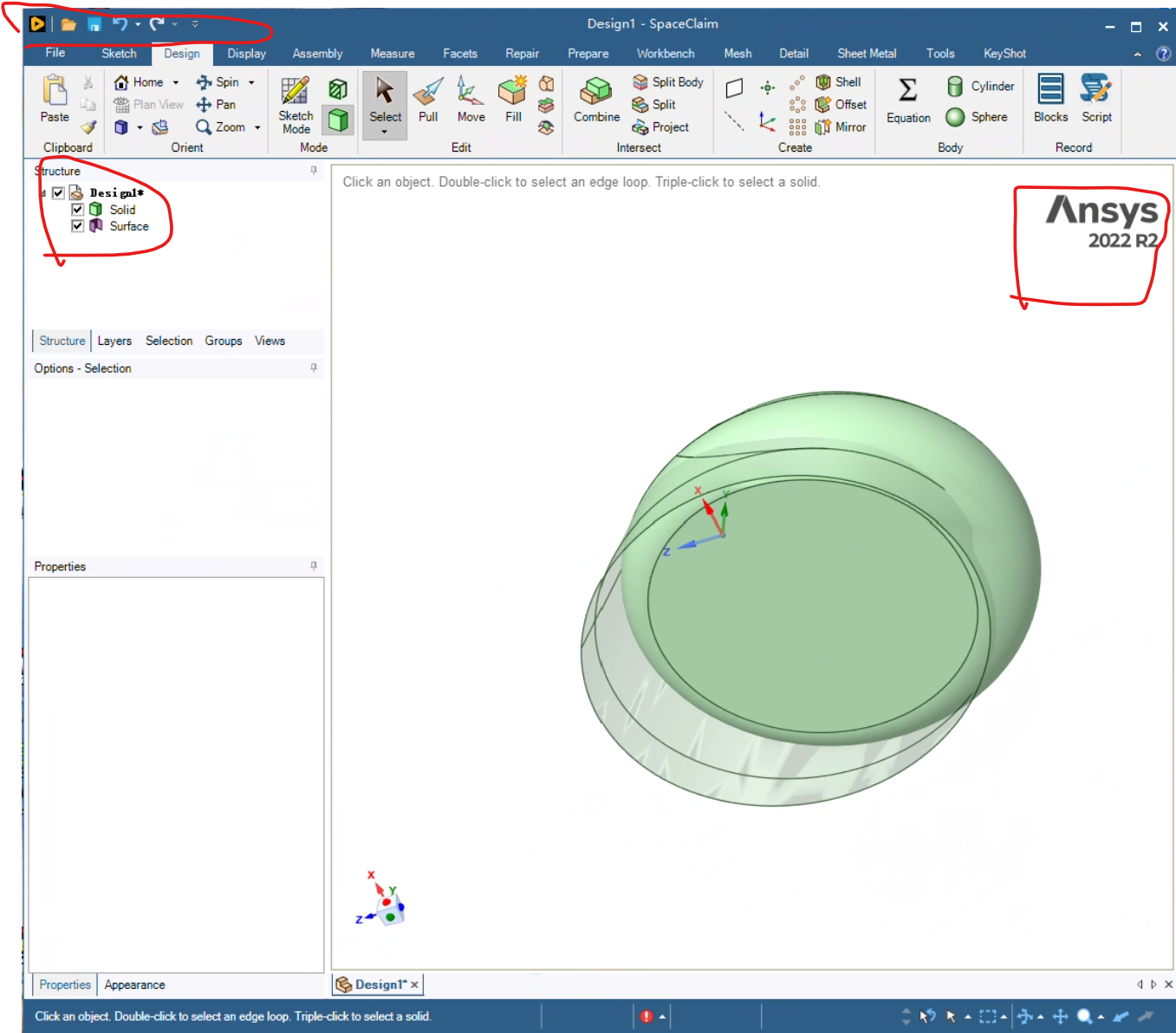
      While a normal state is shown like this. 


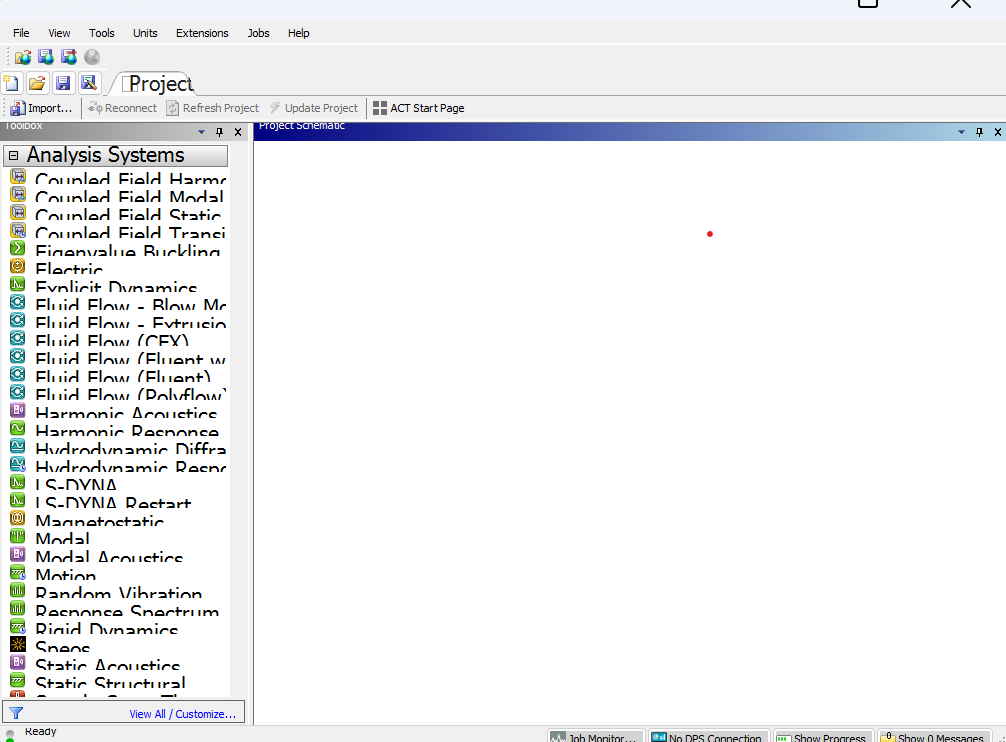
      Besides, I opened the Workbench and the user interface visualization is really a mess as shown below.
    • Charudatta Bandgar
      Subscriber

      Hello Dato,

      As shown in the screenshots, the version of SpaceClaim you are using is nearly four years old. Since then, the software has undergone several UI enhancements and overall improvements that could significantly benefit your workflow. If possible, please upgrade to the latest available release of SpaceClaim and review the changes and improvements it offers.
       
      Regards.
      • Dato
        Subscriber

        Hello,

        I think the problem should not be the version of Ansys. I have installed 22R2 on other win11 system and it works well.

        It is not that easy to uninstall a older version and reinstall a new version of Ansys. If possible, I will give it a try to install 26R2

    • Dato
      Subscriber
      The problem is solved. It's not the problem of the version of Ansys. It is because of the display settings of the system.
Viewing 2 reply threads
  • You must be logged in to reply to this topic.
[bingo_chatbox]