3D Design

3D Design

Topics related to Ansys Discovery and Ansys SpaceClaim.

Mathematically linking geometry parameters

    • lux88
      Subscriber

      Hello, everybody,


      I must say in advance that I am at most an advanced beginner in the topics CAD and FEM, which is why I would like to apologize in advance for wrong terms and gaps in understanding.


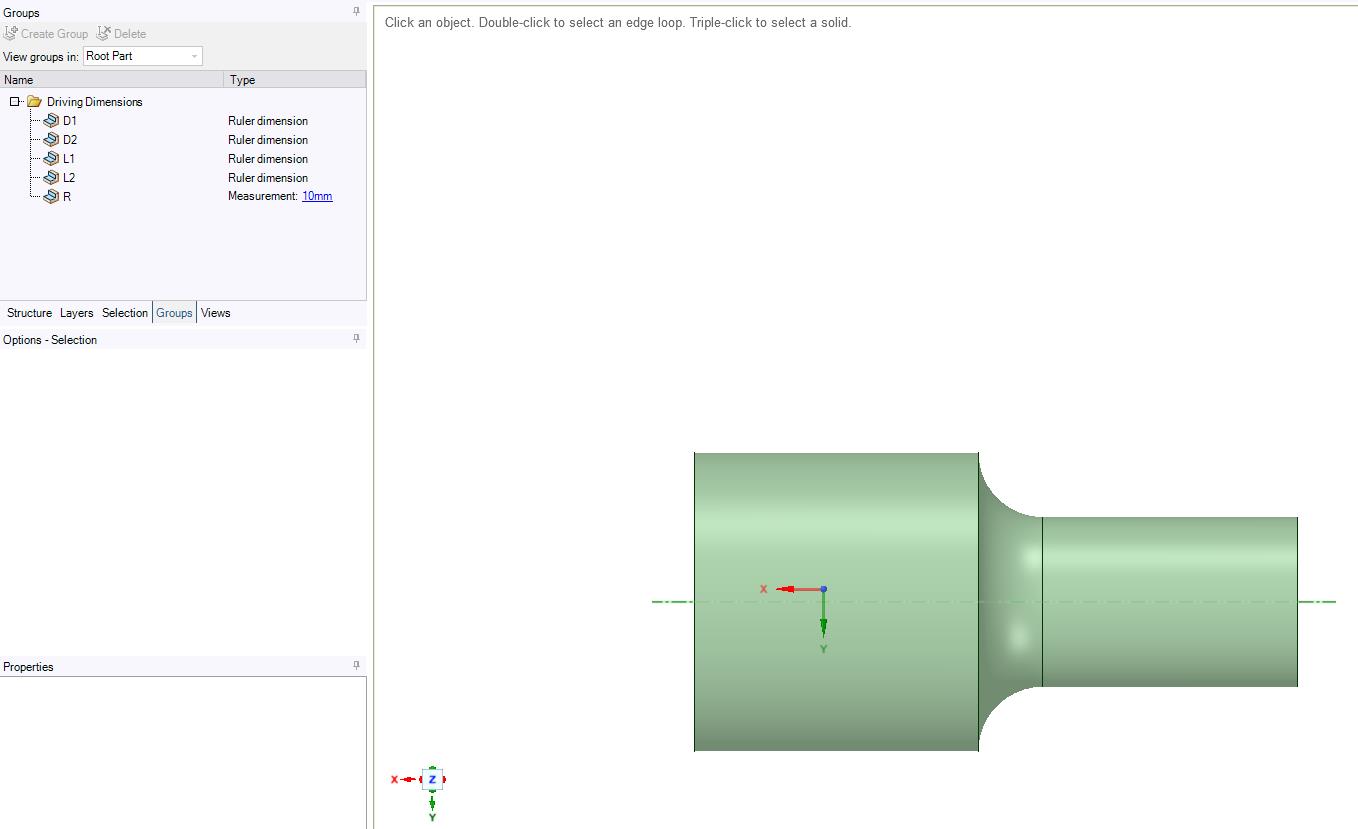
      My problem is very trivial: I want to have an FEM calculation carried out in Ansys for different geometries of a certain structure. Put simply, the geometry consists of two cylinders with different diameters placed on top of each other, with one cylinder merging into the other over a radius. I hope the geometry is understandable, otherwise I'll send you a drawing.


      It is now possible for me to parameterize the two diameters in Spaceclaim and to run a simulation over the parameter space. What I currently still fail with is the transition radius: In the previous simulation this was assumed to be fixed, but in reality it is the difference between the two diameters. Can this simple equation (R = D2 - D1) be defined as a function somewhere?


      Thank you very much


      lux88


    • Pablo Aguado
      Ansys Employee

      Hi lux88,


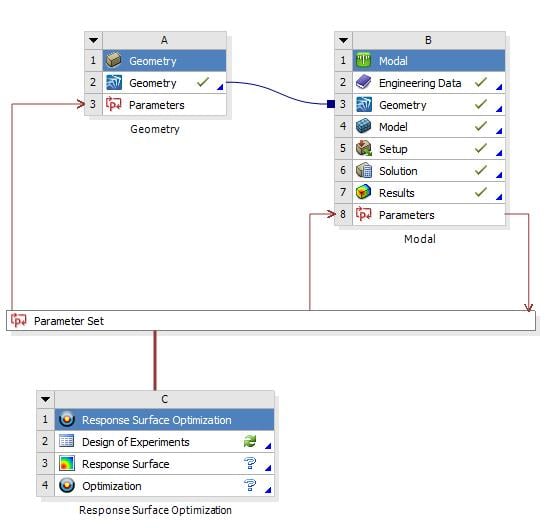
      In Workbench, within Parameters, you can use Expressions. That means that you can put P2 as a function of P1. In SpaceClaim you can also use the Ruler tool to set parameters as distances from given references.


      Regards,


    • lux88
      Subscriber

      Doing this, I receive this error:


       (DP 0) Update of the Solution component in Modal for Design Point 0 failed: Error updating cell Solution in system Modal.


      Although it works perfectly fine by typing in values manually in Spaceclaim. 

    • Keyur Kanade
      Ansys Employee

      Can you please insert images with some description with arrows. 


      As ANSYS Engineer, we are not able to download attachments. 

    • lux88
      Subscriber

      Here some images:


      1. My Geometry with 5 Parameters. R is defined in workbench as "D2 - D1"


      2.


      3.


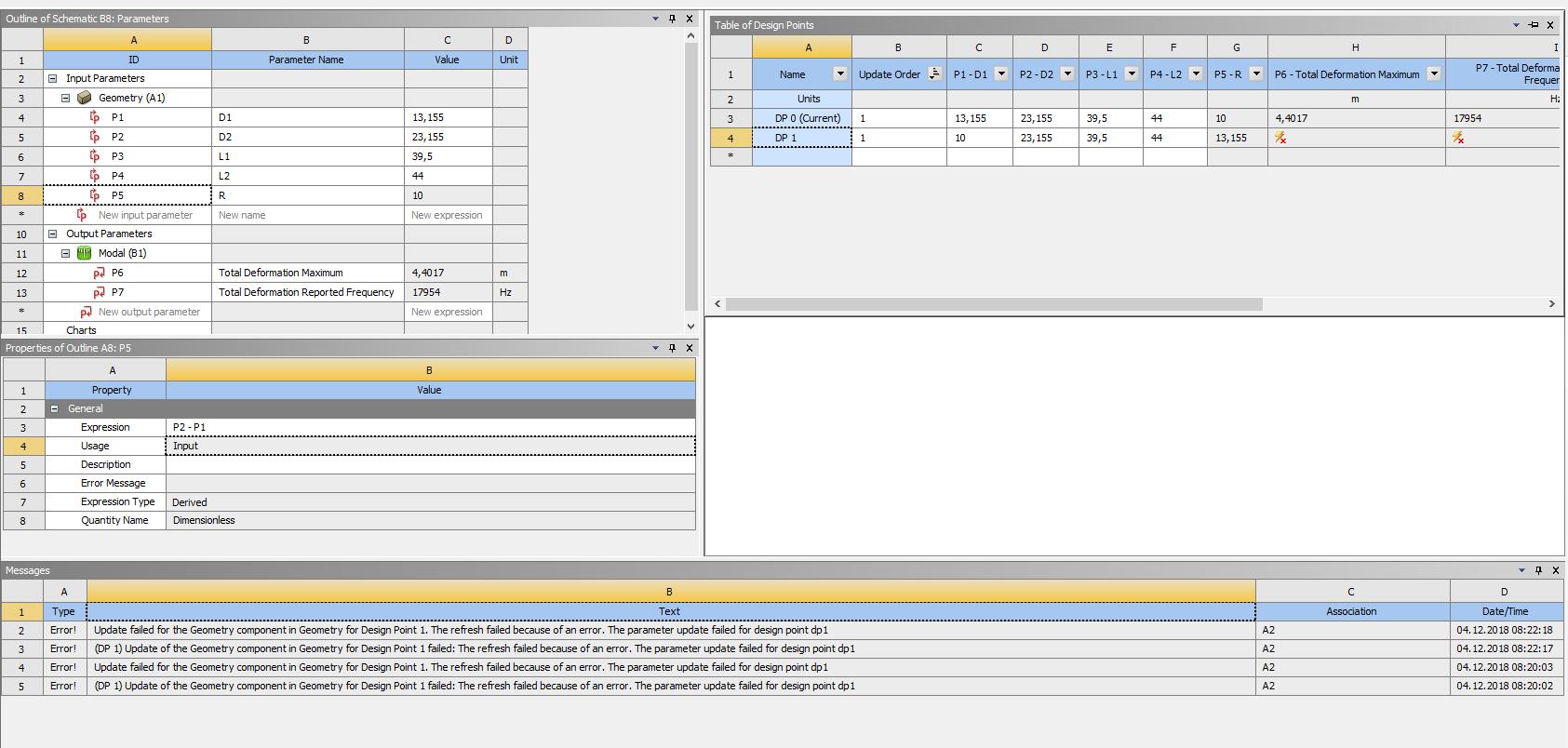
      The solution for only 2 design points. Point 0 works good with the initial geometry of the CAD-File. DP 1 results in this error.

    • Keyur Kanade
      Ansys Employee

       The images are very blur. I can not see error clearly. Can you please insert some zoomed in images.

    • lux88
      Subscriber

      Here a link to the third image in higher resolution and zoomable:


      https://picload.org/view/dclcaoor/3.png.html 

Viewing 6 reply threads
  • The topic ‘Mathematically linking geometry parameters’ is closed to new replies.