Ansys Assistant will be unavailable on the Learning Forum starting January 30. An upgraded version is coming soon. We apologize for any inconvenience and appreciate your patience. Stay tuned for updates.
3D Design

3D Design

Topics related to Ansys Discovery and Ansys SpaceClaim.

Make a Spherical Shell from Sphere Primitive

    • Jacob Ellis
      Subscriber

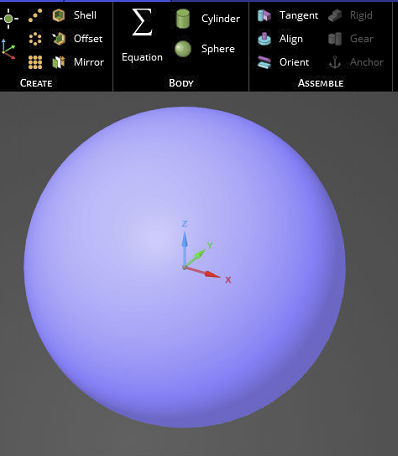
      Is there an easy way to make a spherical shell from a sphere primitive (3D volume)? The Detach option is greyed out so I can extract the surface like I could, say, a cube.


    • peteroznewman
      Subscriber

      In SpaceClaim, you would select the face and type Ctrl-C, Ctrl-V to copy the face and paste a surface. Then you could delete the solid.

      • Jacob Ellis
        Subscriber

        Hi Peter. Not for a closed surface like a sphere. It simply pastes another 3D body even if you only have 1 Face selected. I tried in both Spaceclaim and Discovery. 

    • peteroznewman
      Subscriber

      I see you are correct.  A workaround is to create a plane to split the sphere into two hemispheres, then Detach All will work and you will end up with 2 domes and two circular flats.  Delete the circular flats then use the Share button on the Workbench tab. Mechanical will mesh the spherical surface without an issue.

    • Jacob Ellis
      Subscriber

      True. Thanks for the workaround. Share Topology would work. I guess there is a deep reason in the Geometry algorithms (that I don't understand) why closed surfaces can't exist without automatically converting to a 3D Solid. Otherwise, it's a bit annoying that you need to bring in a multi-body part to the solver for this to work. But tolerable. Thanks and have a great weekend.

Viewing 3 reply threads
  • The topic ‘Make a Spherical Shell from Sphere Primitive’ is closed to new replies.

[bingo_chatbox]