-
-
January 7, 2026 at 7:41 am
-
January 8, 2026 at 12:08 pm
Rajeshwari Jadhav
Forum ModeratorHi Paul,
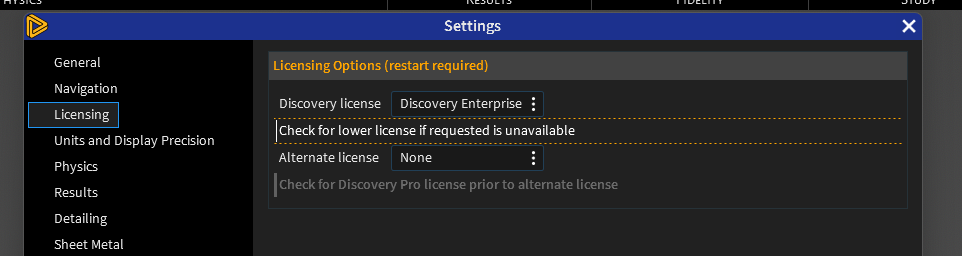
Can you launch Discovery> File> Settings> License and share screenshot of it.
-
January 8, 2026 at 1:19 pm
-
-
January 8, 2026 at 1:51 pm
Rajeshwari Jadhav
Forum ModeratorMay I know if you have a shared web license or floating licenses for Discovery?
-
January 8, 2026 at 1:56 pm
paul pladet
SubscriberI am running both, but have set the priority to floating in the licensing settings.
-
-
January 8, 2026 at 2:12 pm
Rajeshwari Jadhav
Forum ModeratorHi Paul,
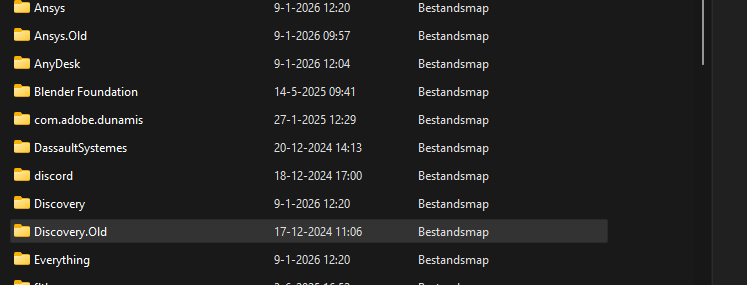
It's working for me with Discovery Enterprise license only, please rename the Discovery and Ansys folder under %appdata% to Discovery.old and Ansys.old.
-
January 9, 2026 at 11:23 am
-
January 12, 2026 at 1:47 pm
paul pladet
SubscriberCould someone please respond? I am still stuck with this issue.
-
January 16, 2026 at 9:27 am
Rajeshwari Jadhav
Forum Moderator
-
-
January 13, 2026 at 5:41 am
Rajeshwari Jadhav
Forum ModeratorHi Paul,
Please escalate this case through your Account Manager I will work with you internally.
-
January 14, 2026 at 12:20 pm
benjamin
SubscriberHi Rajeshwar,
We cannot escalate this threw the Account Manager cause we dont have access for it or if we have access for it, we dont know how.
Please a solution under this topic or contact us directly: Support@aesc.nl
-
January 15, 2026 at 9:56 am
Tim Dukes
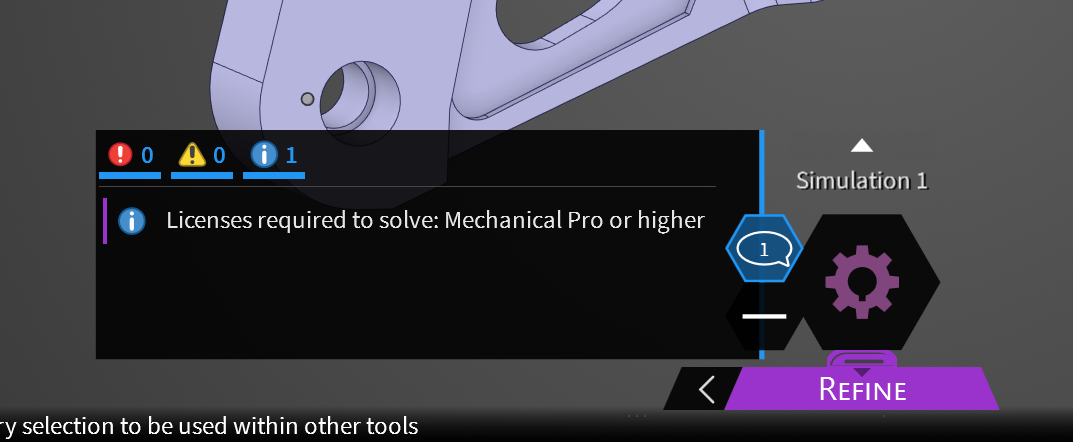
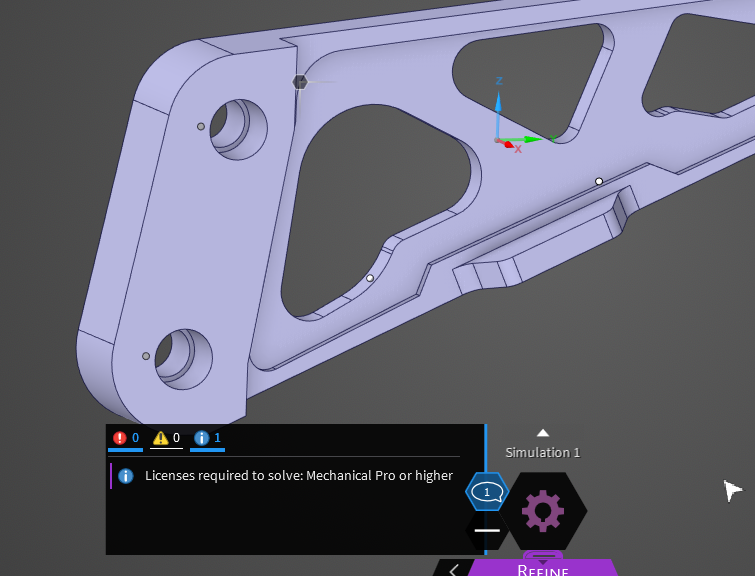
SubscriberHi Ben, Mech Pro or higher and CFD Pro or higher is now needed to use the 'refine' mode. Discovery enterprise only gives access to Explore Mode + Live GX solver in the refine mode for certain things.
-
- You must be logged in to reply to this topic.
-
4924
-
1613
-
1386
-
1242
-
1021
© 2026 Copyright ANSYS, Inc. All rights reserved.